













公式サプライヤー
公式および認定ディストリビューターとして200社以上の開発元から正規ライセンスを直接ご提供いたします。
当社のすべてのブランドをご覧ください。
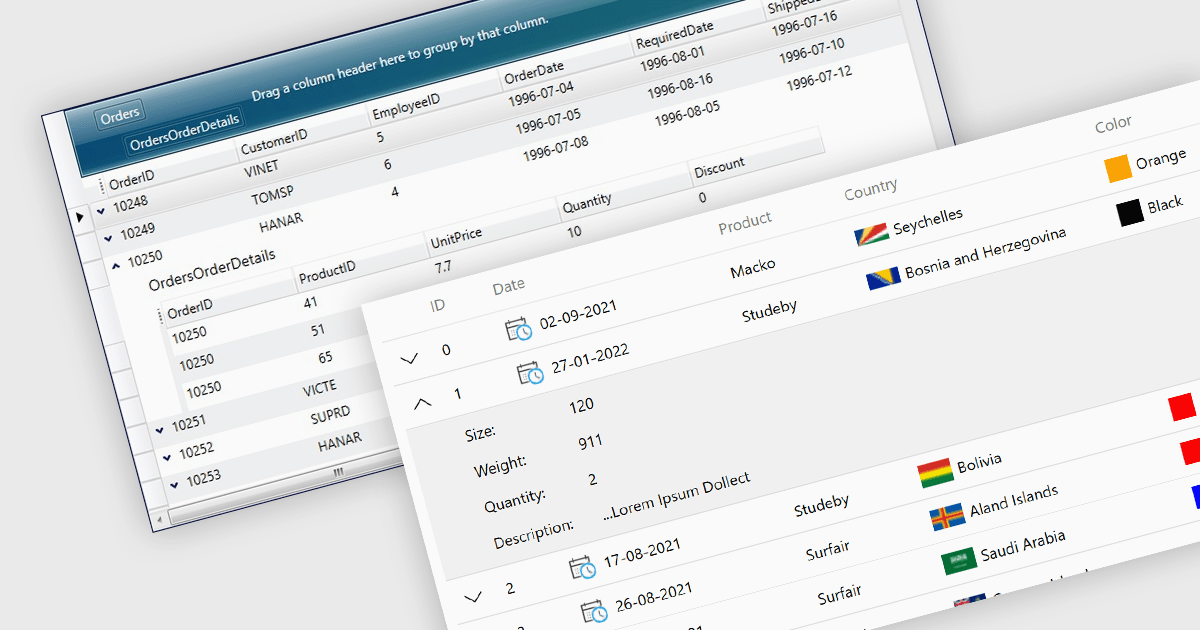
Master-detail is a user interface design technique where a primary data set (the master) is displayed in a grid format, and related information (the detail) is typically shown in an adjacent pane when a master item is selected. The resulting hierarchical structure allows users to efficiently navigate and explore complex data sets by viewing high-level information in the master grid while accessing more granular details on demand, without navigating away from the main page. The master-detail view enhances the user experience as it improves the organization of the grid and streamlines workflows as users can quickly switch between records and details.
Several .NET 8 WPF grid components offer support for master-detail, including:
For an in-depth analysis of features and price, visit our comparison of .NET 8 WPF grid components.
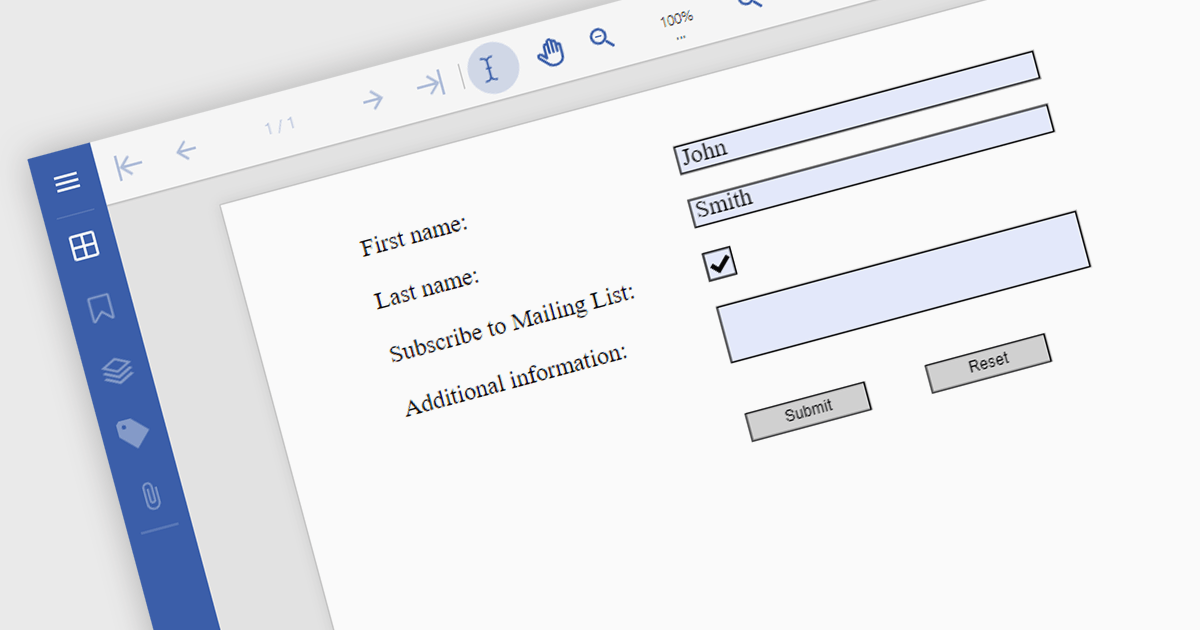
Submit actions in PDF components allows developers to define specific actions to be triggered when a user submits a form filled with data. These actions can range from sending an email with the collected data to integrating with external systems or databases. By implementing submit actions, developers can create interactive and dynamic PDF forms that automate processes, improve efficiency, and enhance user experience.
Several .NET PDF components offer submit action including:
For an in-depth analysis of features and price, visit our comparison of .NET PDF components.
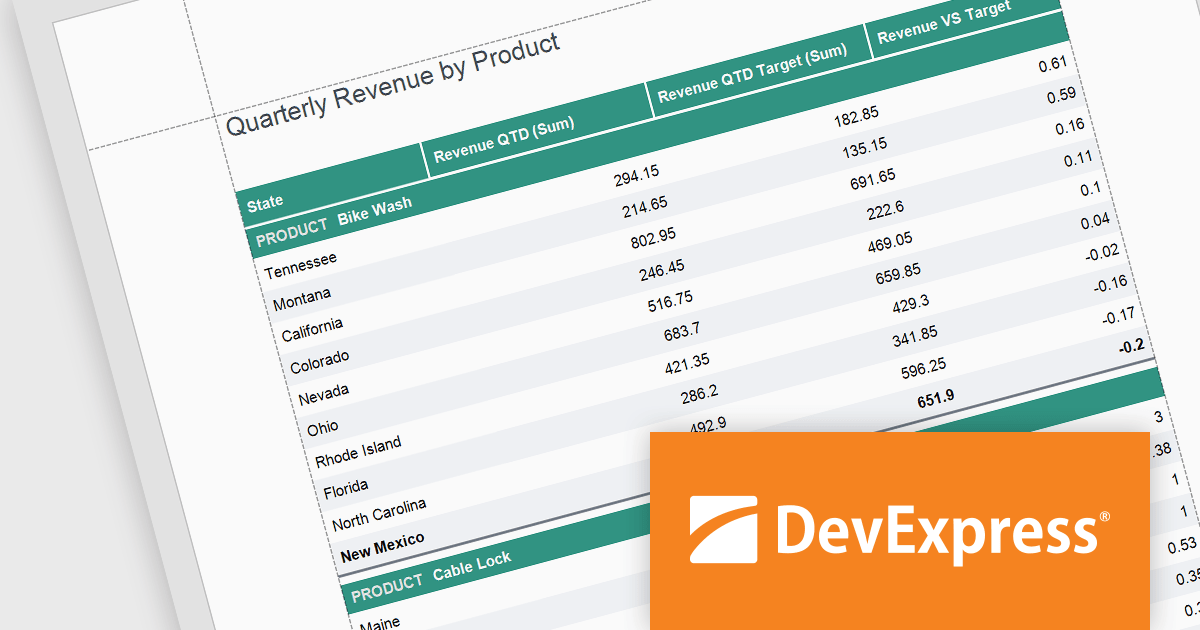
DevExpress Reporting is a comprehensive suite of reporting tools that empowers developers to create visually stunning and highly customizable reports for various applications. With its rich feature set, including data binding, layout design, printing, and exporting capabilities, DevExpress Reporting enables the efficient creation of reports that meet the most demanding business requirements.
The DevExpress Reporting v24.1 release introduced several functions that allow you to obtain indexes for group elements. In this blog post, the DevExpress Reporting Team demonstrates these new expression functions and takes you through several usage scenarios, including:
Read the complete blog and get started using these new functions in DevExpress Reporting.
DevExpress Reporting is licensed per developer and is available as a Perpetual License with a 12 month support and maintenance subscription. See our DevExpress Reporting licensing page for full details.
DevExpress Reporting is available to buy in the following products:
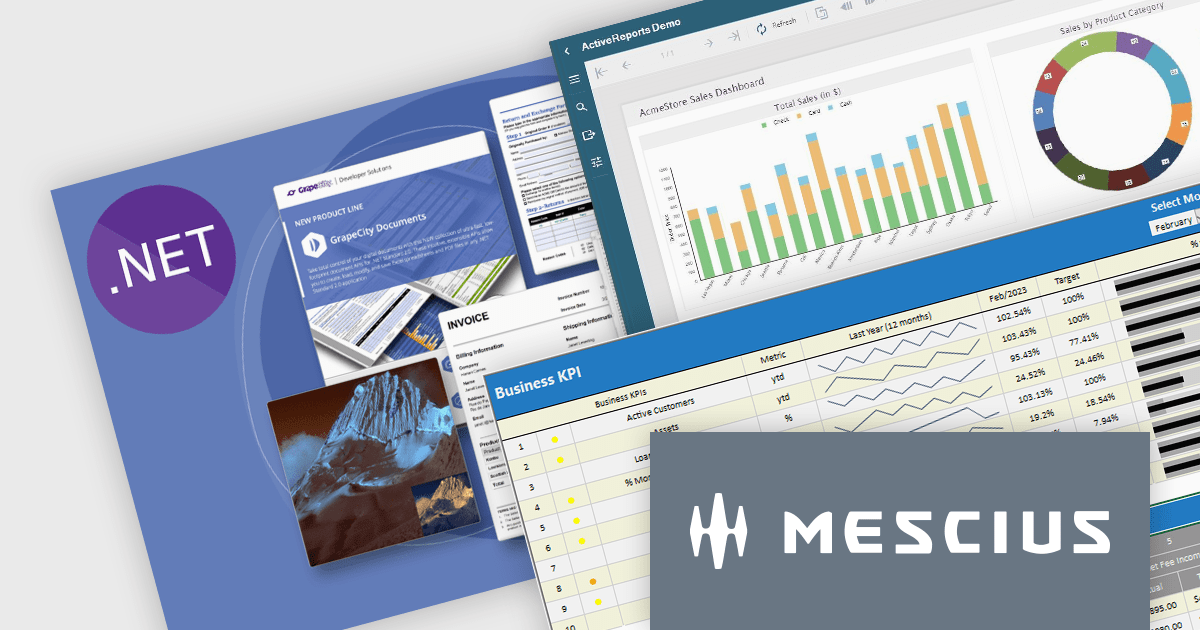
It's a great time to update your MESCIUS software subscriptions. Now through October 4th 2024, we are offering expired MESCIUS customers the ability to re-start their expired subscriptions at the discounted renewal rate* instead of paying for an upgrade or late renewal. This offer is valid for the following MESCIUS subscriptions:
Don't miss out on the opportunity to get back on an active subscription for your product and enjoy all of the benefits of an updated toolkit, including:
Click the link above for your product to view the special pricing or contact us for a quote.
* This offer requires verification of upgrade eligibility. Some restrictions apply.
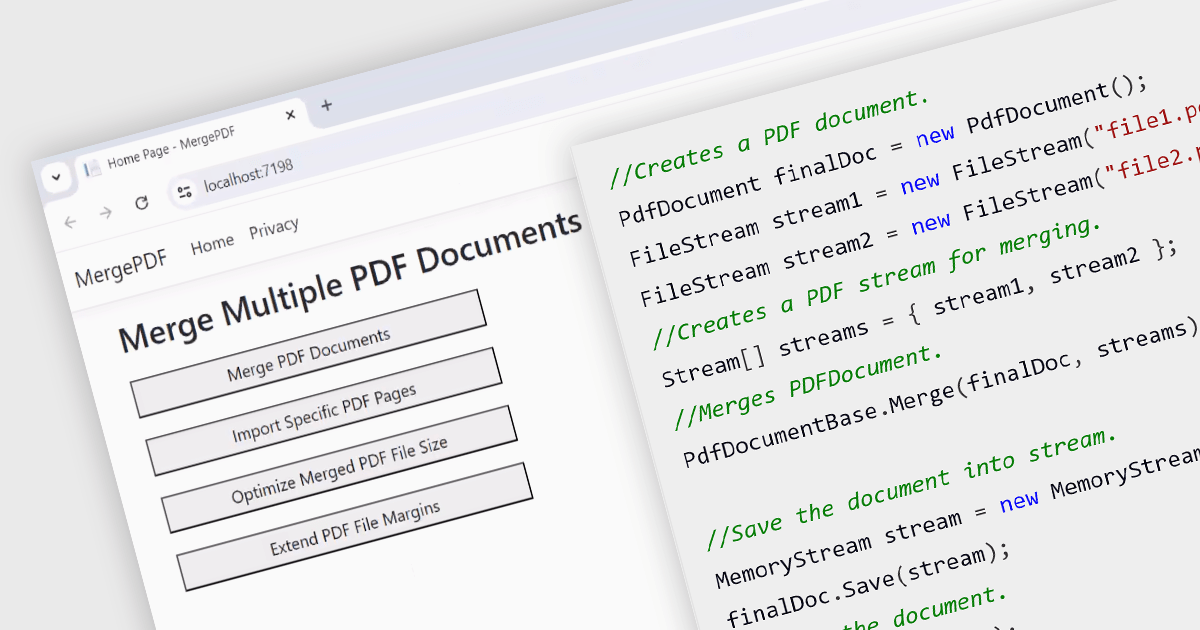
While ASP.NET PDF viewer components primarily focus on displaying PDFs, some advanced libraries offer functionality to merge multiple PDFs into a single document on the server-side. This allows developers to combine user-selected reports, contracts, or other documents into a single, organized file for download or further processing. This feature streamlines workflows, improves user experience by eliminating the need for manual merging, and ensures consistent formatting and organization of combined documents.
Several ASP.NET Core Assembly PDF viewer components offer PDF merging support including:
For an in-depth analysis of features and price, visit our ASP.NET Core PDF viewer comparison.
電話: (888) 850 9911
Fax: +1 770 250 6199


