













公式サプライヤー
公式および認定ディストリビューターとして200社以上の開発元から正規ライセンスを直接ご提供いたします。
当社のすべてのブランドをご覧ください。
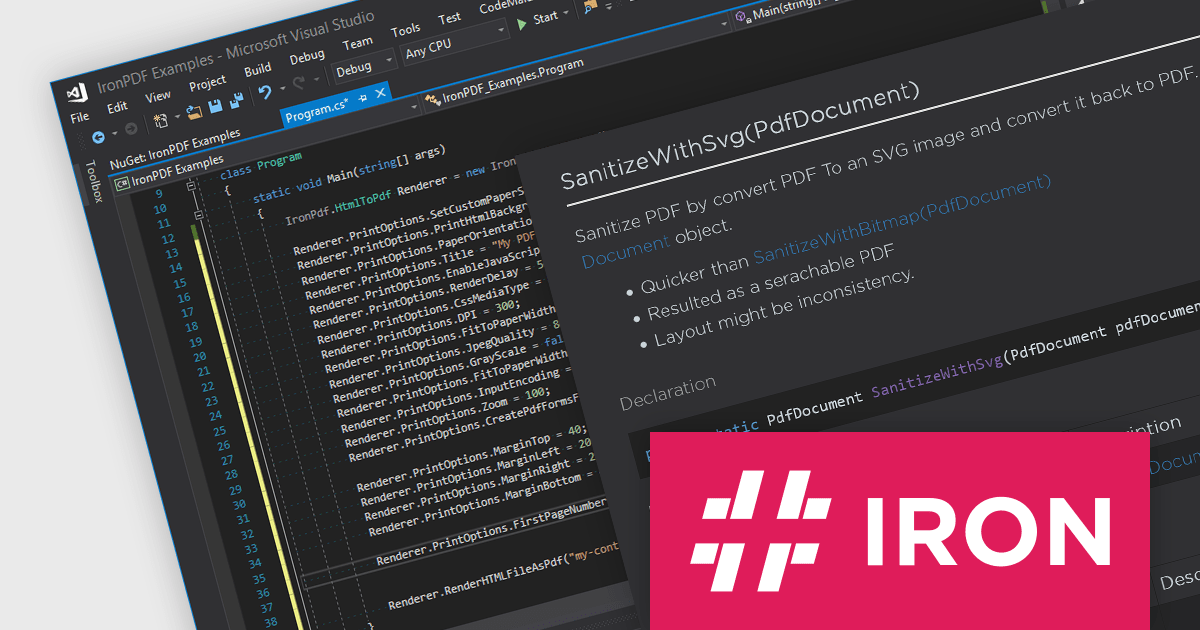
IronPDF for .NET empowers developers with a user-friendly C# library to generate, edit, and manage PDFs. It leverages a familiar HTML/CSS foundation for effortless PDF creation, while also offering robust features like text extraction, OCR, signing, and more. This comprehensive solution simplifies complex PDF development tasks, saving time and boosting productivity for .NET projects.
The IronPDF for .NET 2024.5.2 update introduces the IronPdf.Cleaner API, designed to improve the security and reliability of PDF handling in applications. This new API offers developers the capability to sanitize and scan PDF files, effectively mitigating the risks associated with processing content from an untrusted source. It removes potentially malicious code and sensitive information, such as metadata, comments, or embedded objects, that could compromise the application or user data. This enhances application security and safeguards against potential vulnerabilities introduced through untrusted PDF sources.
To see a full list of what's new in 2024.5.2, see our release notes.
IronPDF for .NET is licensed based on the number of developers, organization locations and projects, and is available as a Perpetual license with one free year of product updates and support services. See our IronPDF for .NET licensing page for full details.
IronPDF for .NET is available to buy in the following products:
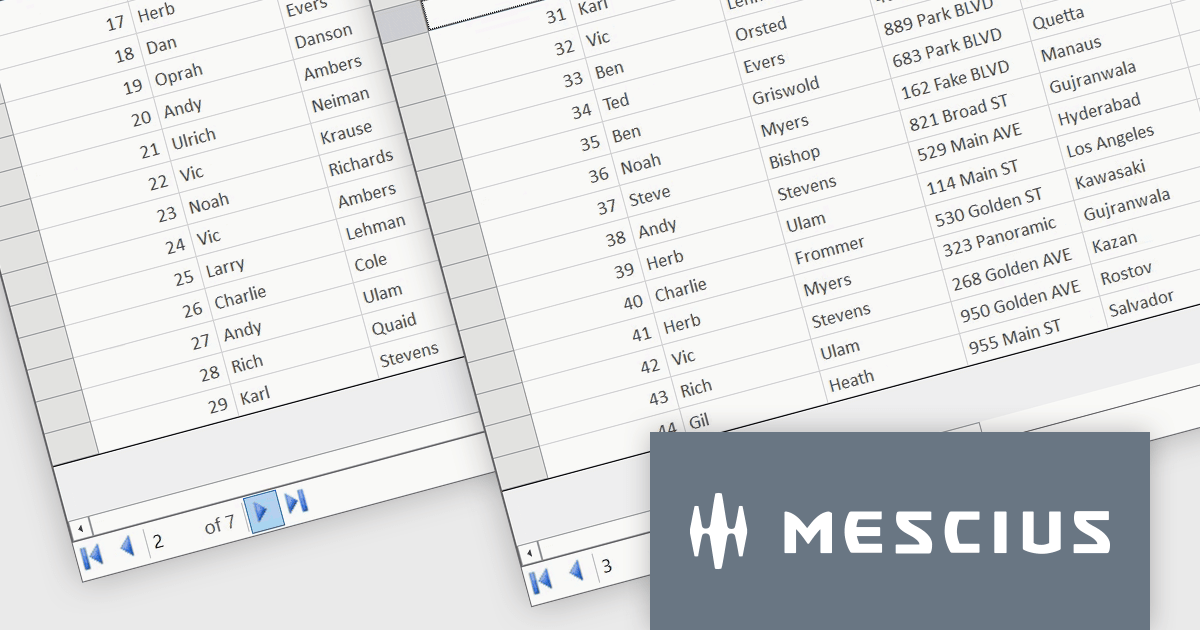
ComponentOne Studio WinForms is a comprehensive development toolkit that empowers you to build feature-rich Windows Forms applications with ease. It equips you with over 120 UI controls spanning data presentation, input elements, and application layout. ComponentOne boasts extensive customization options, seamless Visual Studio integration, and support for the latest .NET versions, making it a valuable asset for streamlining WinForms development.
In this blog post, MESCIUS Software Engineer Kartik Dua demonstrates how paging can be implemented in the FlexGrid Datagrid control to provide an intuitive way to interact with large sets of data. Steps include:
A demo project to implement the paging functionality is available for download, as well.
Read the full blog to get started working with large datasets quickly and efficiently.
ComponentOne Studio WinForms is licensed per Developer on a perpetual basis and includes a 12 month subscription. Priority Support is also available. See our ComponentOne Studio WinForms licensing page for full details.
ComponentOne FlexGrid for WinForms is available to buy in the following products:
Smart HTML Elements is an enterprise-grade UI library offering pre-built web components for developers in Angular, React, Vue, Blazor, and JavaScript. It boasts over 60 ready-to-use components like grids, charts, schedulers, and editors, all featuring two-way data binding, responsiveness, accessibility, and theming capabilities. This library helps developers rapidly build dynamic and modern web applications with consistent look-and-feel and rich functionalities, accelerating development time and ensuring professional quality.
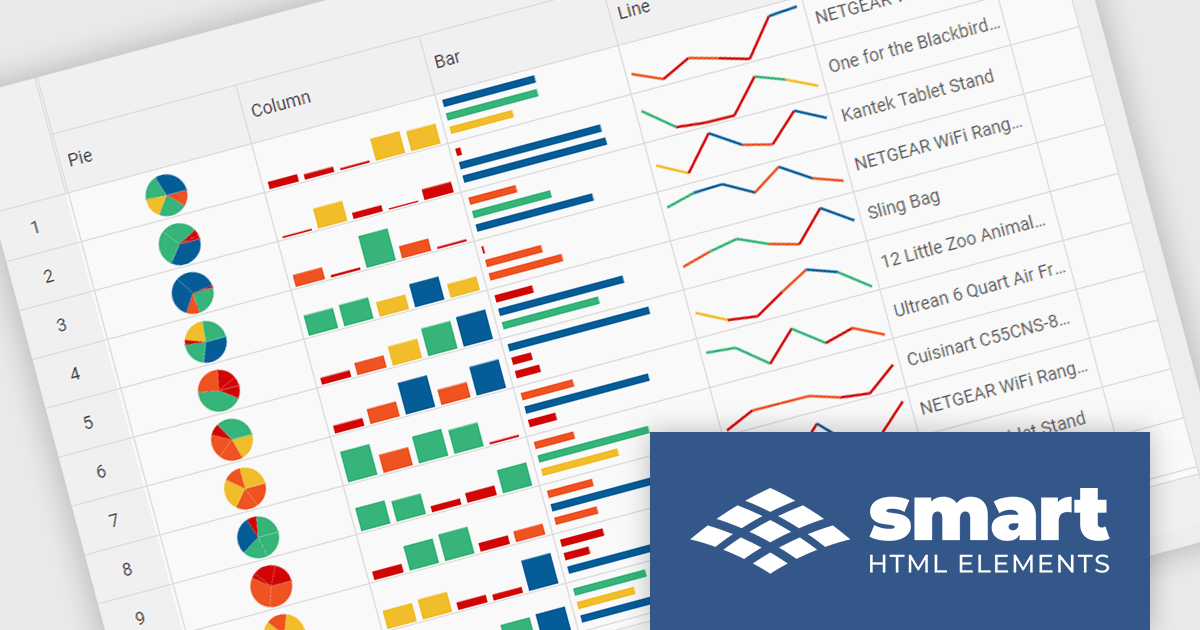
The Smart HTML Elements v19.0.0 release adds support for Grid Sparklines. These are small, data-intense, design simple charts that fit into a single cell of a grid and provide a visual representation of data trends. They are typically used to show trends in a series of values, such as seasonal increases or decreases, economic cycles, or to highlight maximum and minimum values. Grid Sparklines help users to quickly understand patterns and trends in their data without having to create separate charts or graphs.
To see a full list of what's new in v19.0.0, see our release notes.
Smart HTML Elements is licensed per developer and is available as a Perpetual license with 1 year support and maintenance. It includes distribution to Unlimited Web applications, SaaS projects, Intranets and Websites. See our Smart HTML Elements licensing page for full details.
Learn more on our Smart HTML Elements product page.
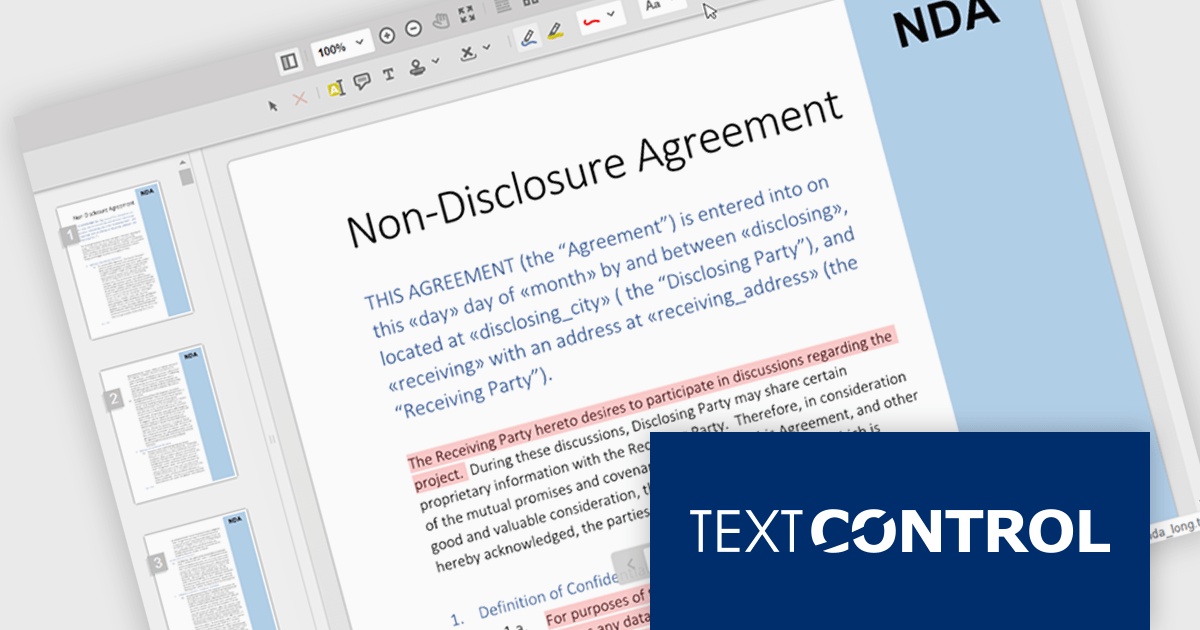
TX Text Control .NET Server for ASP.NET is a server-side component that equips your web applications with a powerful, MS Word-compatible document editor. This allows you to develop applications that generate and edit various document formats (RTF, DOCX, PDF, etc.) on the fly, using data from databases or files. It also boasts features like PDF generation and a browser-based editor with a familiar MS Word-inspired interface, ultimately enhancing the document processing capabilities of your ASP.NET web applications.
TX Text Control .NET Server's Document Viewer now utilizes long polling for asynchronous document loading. Instead of waiting for the entire document to be processed, the server starts sending generated pages as a stream. Using JavaScript, the client continuously consumes this stream, displaying each page as it arrives. Long polling eliminates the wait time typically associated with loading large documents, enhancing overall user satisfaction.
To see a full list of what's new in TX Text Control .NET Server for ASP.NET 32.0 SP3, see our release notes.
TX Text Control .NET Server for ASP.NET is licensed per developer and is available as a Perpetual License with a 12 month support and maintenance subscription. Run time licenses are required for the deployment to production servers. See our TX Text Control .NET Server for ASP.NET licensing page for full details.
For more information, visit our TX Text Control .NET Server for ASP.NET product page.

Aspose.Words is a software development library that empowers developers to build document processing functionalities into their applications. It supports a wide range of document formats, including Microsoft Word (DOC, DOCX), OpenOffice (ODT), PDF, and HTML, allowing applications to generate, edit, convert, render, and print documents without relying on external programs like Microsoft Word. This streamlines development and ensures applications can handle various document needs.
The Aspose.Words 24.4 update introduces support for the modern WEBP image format, allowing users to seamlessly integrate WEBP images into their documents. This enhancement provides developers with greater flexibility and file size optimization capabilities when working with documents that contain visual elements. This translates to faster loading times, improved user experience, and potentially lower bandwidth consumption for users on limited connections.
To see a full list of what's new in Aspose.Words version 24.4, see our .NET, Java, and Python via .NET release notes.
Aspose.Words is offered as Developer Small Business, Developer OEM, Site Small Business, and Site OEM licenses catering to a range of business needs. Licenses are perpetual, and include 1 year of support and maintenance. Subscription renewals are also available. See our Aspose.Words licensing pages for .NET, Java, and Python via .NET for full details.
Aspose.Words for .NET is available to buy in the following products: Aspose.Words for .NET, Aspose.Words Product Family, Aspose.Total for .NET, Aspose.Total Product Family, Conholdate.Total for .NET, and Conholdate.Total Product Family.
Aspose.Words for Java is available to buy in the following products: Aspose.Words for Java, Aspose.Words Product Family, Aspose.Total for Java, Aspose.Total Product Family, Conholdate.Total for Java, and Conholdate.Total Product Family.
Aspose.Words for Python via .NET is available to buy in the following products: Aspose.Words for Python via .NET, Aspose.Words Product Family, Aspose.Total for Python via .NET, and Aspose.Total Product Family.
電話: (888) 850 9911
Fax: +1 770 250 6199


