













公式サプライヤー
公式および認定ディストリビューターとして200社以上の開発元から正規ライセンスを直接ご提供いたします。
当社のすべてのブランドをご覧ください。
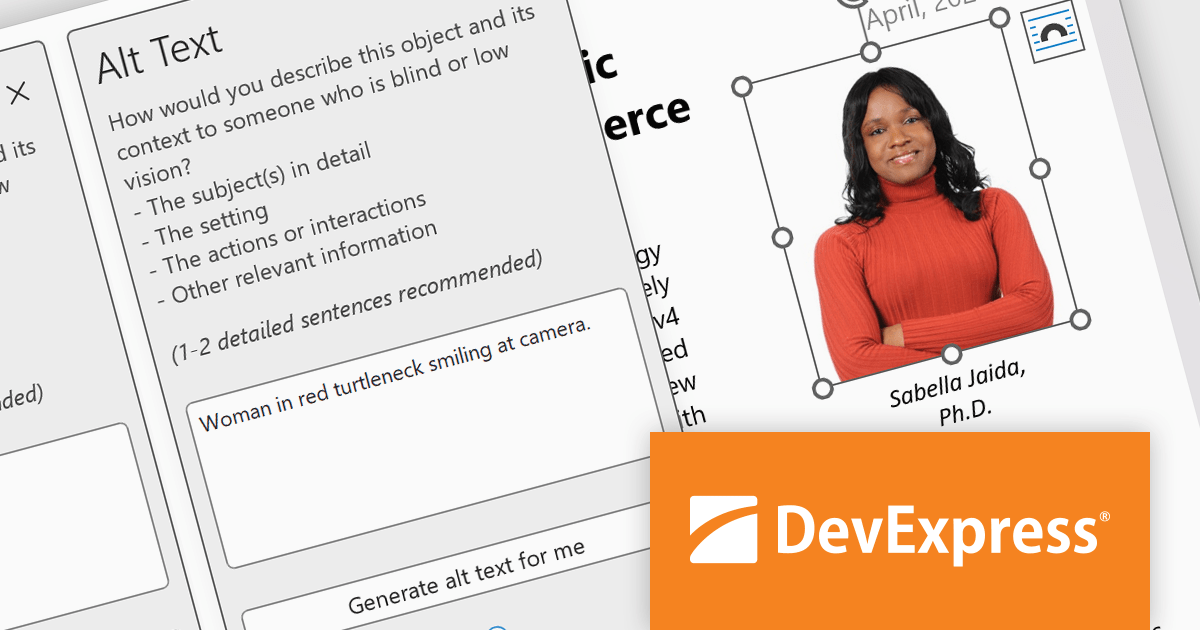
The DevExpress Office File API enables developers to read and write Excel and Word files, create PDF documents, and generate barcodes and compressed archives. It can be used to convert documents to a different format, password-protect documents, and digitally sign Office documents and PDFs.
In this blog post, DevExpress Technical Writer Poline Fedorova shows you how to integrate the OpenAI model into a DevExpress-powered Office API application and add missing media descriptions and alt text into Word and Excel files which can then be exported to PDF and read with a screen reader. Sample code is included for each step and you can even download the entire project from GitHub.
Read the full blog to get started using OpenAI along with DevExpress Office File API to enhance the accessibility features of your Word, Excel, and PDF documents.
DevExpress Office File API is licensed per developer and is available as a Perpetual License with a 12 month support and maintenance subscription. See our DevExpress Office File API licensing page for full details.
DevExpress Office File API is available to buy in the following products:
Aspose.Cells is a software development toolkit that empowers developers to work with spreadsheets directly within their applications. It provides functionalities like creating, editing, converting, and rendering spreadsheets in various formats (including Excel, CSV, and PDF) without requiring Microsoft Excel to be installed. This allows developers to seamlessly integrate spreadsheet manipulation into their programs, enhancing their capabilities.
The Aspose.Cells for C++ and Aspose.Cells for Python via .NET 24.4 releases add support for exporting charts from Apple Numbers files to XLSX. This allows developers to seamlessly integrate chart data created in Numbers into Excel spreadsheets, streamlining workflows and data exchange between macOS and Windows environments.
To see a full list of what's new in Aspose.Cells version 24.4, see our C++ and Python via .NET release notes.
Aspose.Cells is offered as Developer Small Business, Developer OEM, Site Small Business, and Site OEM licenses catering to a range of business needs. Licenses are perpetual, and include 1 year of support and maintenance. Subscription renewals are also available. See our Aspose.Cells licensing pages for C++ and Python via .NET for full details.
Aspose.Cells for C++ is available to buy in the following products: Aspose.Cells for C++, Aspose.Cells Product Family, Aspose.Total for C++, and Aspose.Total Product Family.
Aspose.Cells for Python via .NET is available to buy in the following products: Aspose.Cells for Python via .NET, Aspose.Cells Product Family, Aspose.Total for Python via .NET, and Aspose.Total Product Family.
Infragistics Ultimate UI for Windows Forms and Infragistics Ultimate UI for WPF are comprehensive suites of UI controls designed to streamline development and enhance the user experience of desktop applications. Boasting over 100 components, they offer a rich set of functionalities, including data visualization tools, high-performance grids, and modern UI elements that mimic the look and feel of Microsoft Office. These feature-packed libraries empower developers to craft powerful, visually appealing applications with a consistent user experience.
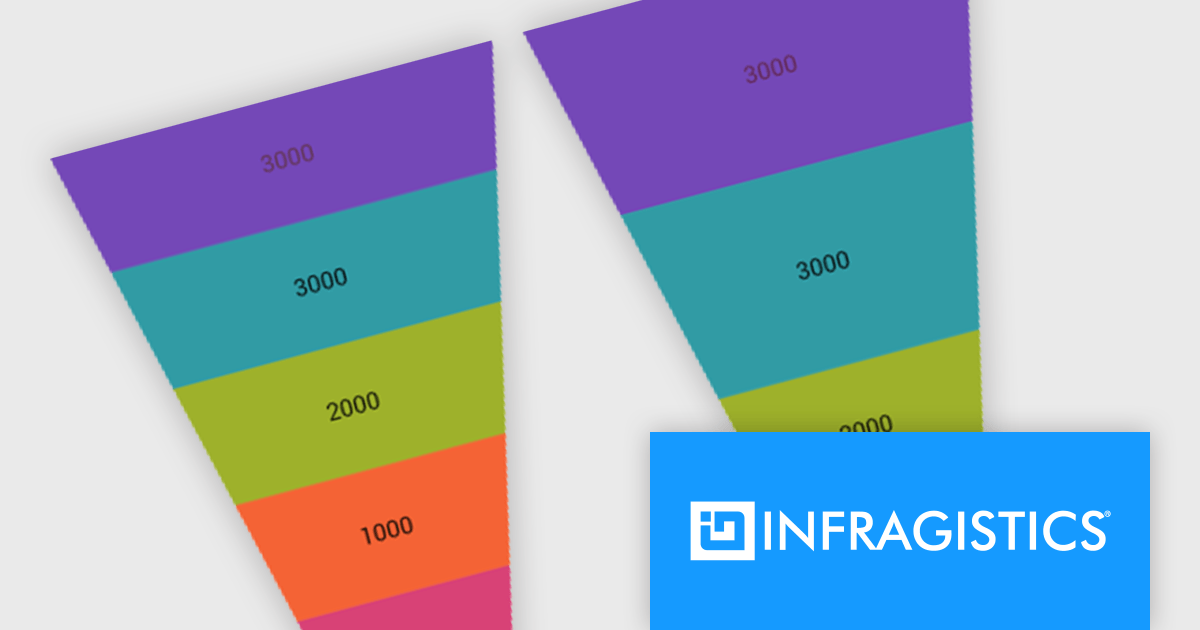
In the latest version, funnel charts can now display a special overlay to highlight specific sections. This highlighting feature allows you to compare the values of different stages in your funnel. You can also control the transparency of the overlay to emphasize the difference between the main data and the highlighted data.
To see a full list of what's new, see our release notes for Infragistics Ultimate UI for Windows Forms and Infragistics Ultimate UI for WPF.
Infragistics Ultimate UI for Windows Forms and Infragistics Ultimate UI for WPF are licensed per developer and are available as a Perpetual License with 1, 2 or 3 year support and maintenance subscription. See our Infragistics Ultimate UI for Windows Forms licensing page or Infragistics Ultimate UI for WPF licensing page for full details.
Infragistics Ultimate UI for Windows Forms is available to buy in the following products:
Infragistics Ultimate UI for WPF is available to buy in the following products:
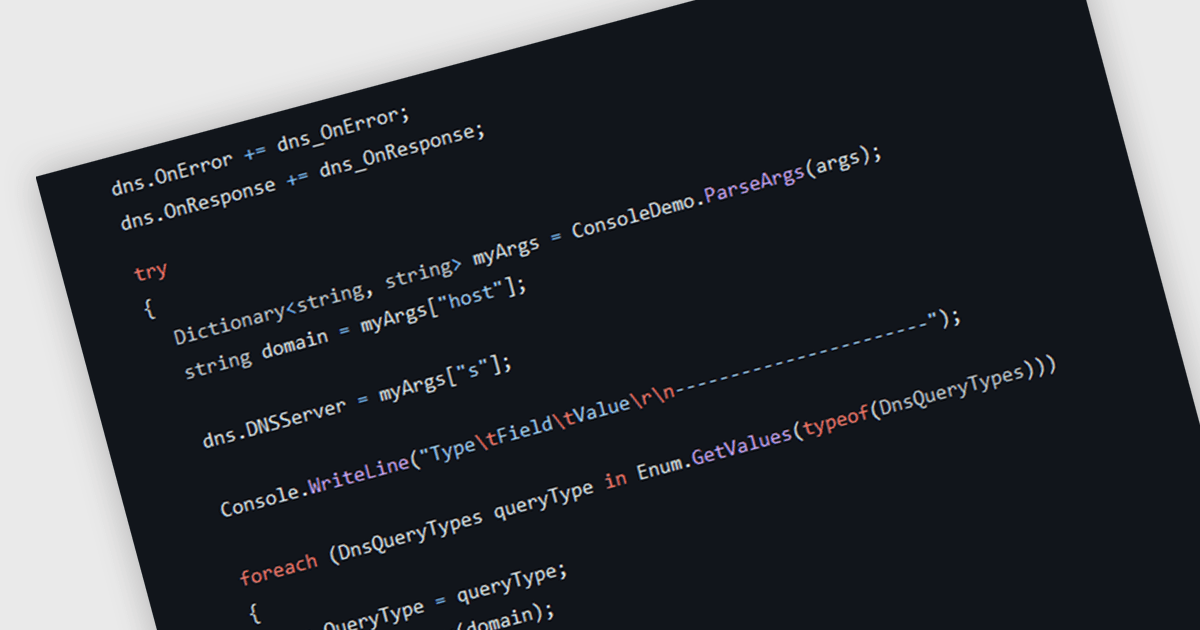
DNS support within a communications component translates human-readable domain names into machine-readable IP addresses. This functionality simplifies communication by enabling developers to use domain names in their code, which are easier to remember and manage compared to numeric IP addresses. DNS support also facilitates service discovery, especially in dynamic environments where IP addresses can change frequently. By relying on DNS, applications can connect to services using domain names, ensuring uninterrupted communication even when the underlying IP addresses are updated.
Several .NET communications and messaging components offer DNS support including:
For an in-depth analysis of features and price, visit our comparison of .NET Comms & Messaging components.
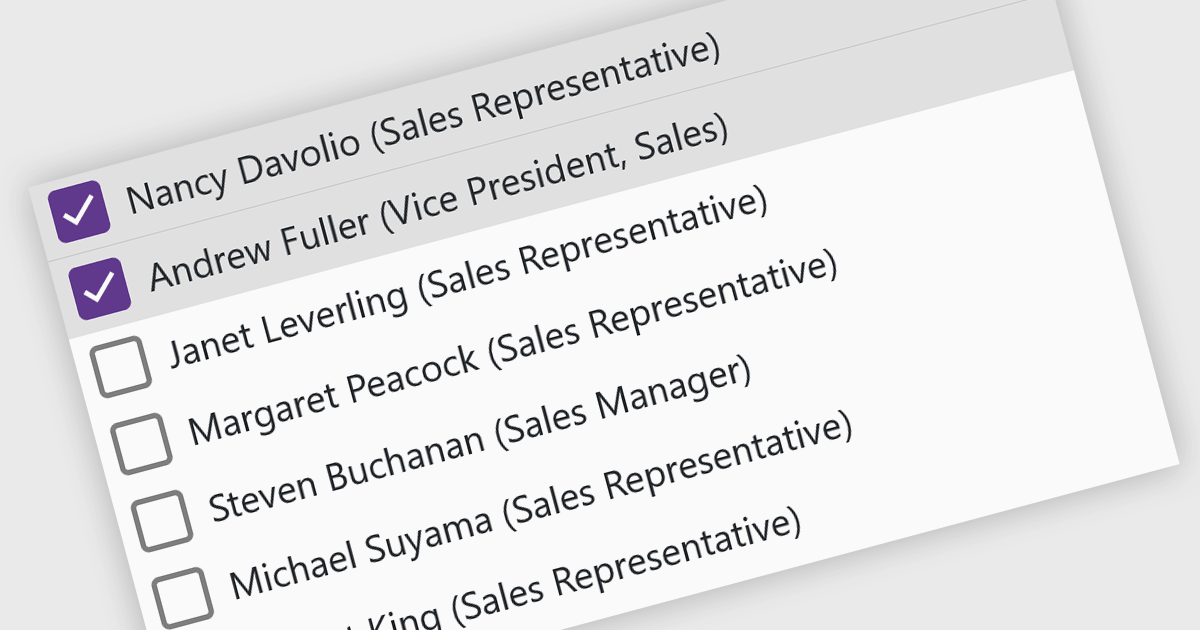
A checked listbox is a graphical user interface element that combines a listbox with checkboxes. It presents a list of options, similar to a standard listbox, but allows users to select multiple items by clicking on an adjacent checkbox for each option. This is useful for scenarios where users need to choose from various choices, but not be limited to a single selection.
Several Blazor data editor collections offer checked listboxes including:
For an in-depth analysis of features and price, visit our Blazor Data Editors comparison.
電話: (888) 850 9911
Fax: +1 770 250 6199


