













公式サプライヤー
公式および認定ディストリビューターとして200社以上の開発元から正規ライセンスを直接ご提供いたします。
当社のすべてのブランドをご覧ください。
Syncfusion Essential Studio ASP.NET MVC, available as part of Syncfusion Essential Studio Enterprise, is a comprehensive suite of web UI controls that empowers developers to craft rich, interactive ASP.NET MVC applications. Backed by the lightweight and modular Essential JS 2 library, it offers over 80 components ranging from data grids and charts to schedulers and pivot grids, while ensuring a seamless integration with the MVC framework for an efficient development experience.
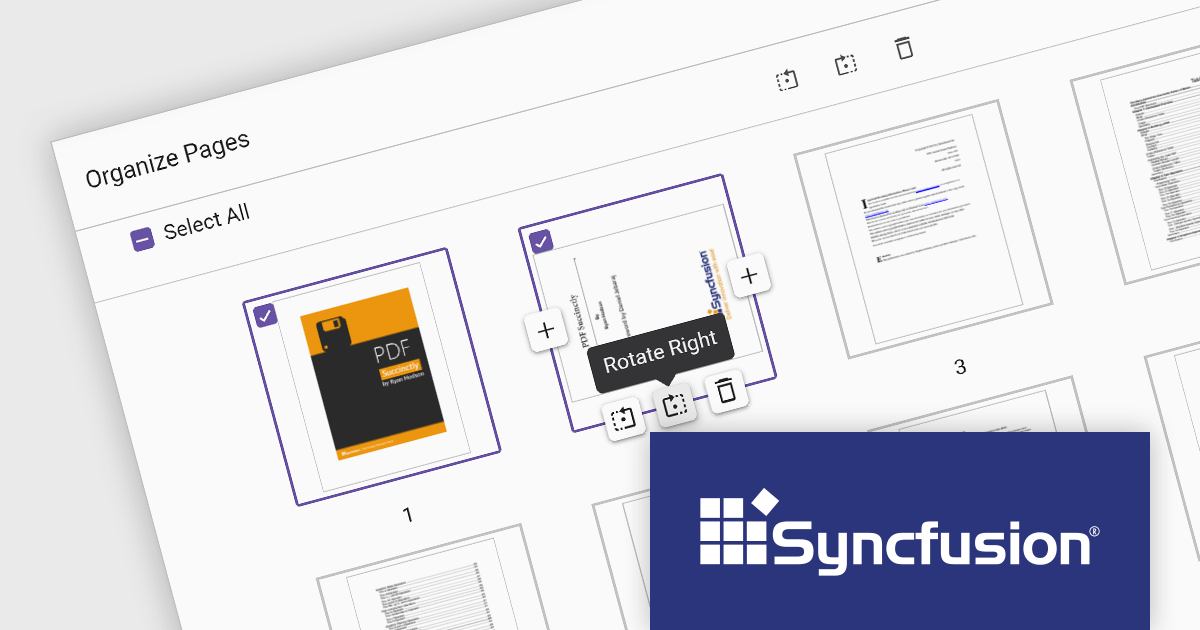
The Syncfusion Essential Studio ASP.NET MVC 2024 Volume 1 (25.1.35) release introduces the Organize Pages feature for the PDF Viewer component. Users can now rotate pages for proper orientation, seamlessly insert new pages for additional content, and effortlessly delete unwanted pages, all within a few clicks. This enhancement empowers developers to create a more intuitive and efficient PDF editing experience for their applications, with the ability to process multiple pages at a time for even faster editing.
To see a full list of what's new in version 2024 Volume 1 (25.1.35), see our release notes.
Syncfusion Essential Studio ASP.NET MVC is available as part of Syncfusion Essential Studio Enterprise which is licensed per developer starting with a Team License of up to five developers. It is available as a 12 Month Timed Subscription License which includes support and maintenance. See our Syncfusion Essential Studio Enterprise licensing page for full details.
For more information, visit our Syncfusion Essential Studio ASP.NET MVC product page.
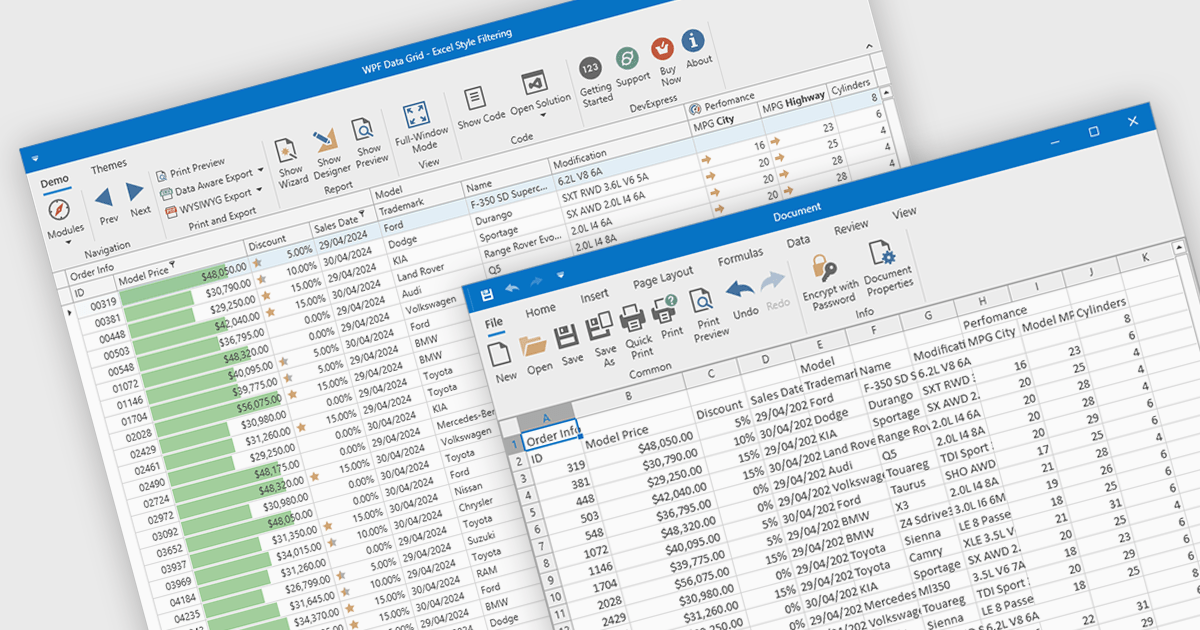
CSV export in grid components refers to the functionality that allows users to download data as a Comma-Separated Values (CSV) file. Exporting data to CSV format offers significant benefits, including compatibility with a wide range of applications, such as Microsoft Excel, Google Sheets, and other data analysis tools, facilitating easy sharing and processing. Use cases for CSV export are diverse, ranging from business analysts exporting reports for further analysis, to IT professionals extracting system data for audit and compliance purposes. Developers can leverage CSV export to provide users with a straightforward method to back up or transfer data between different systems or platforms, enhancing the utility and flexibility of applications that handle large datasets.
Several WPF grid controls offer export to CSV including:
For an in-depth analysis of features and price, visit our WPF Grid controls comparison.
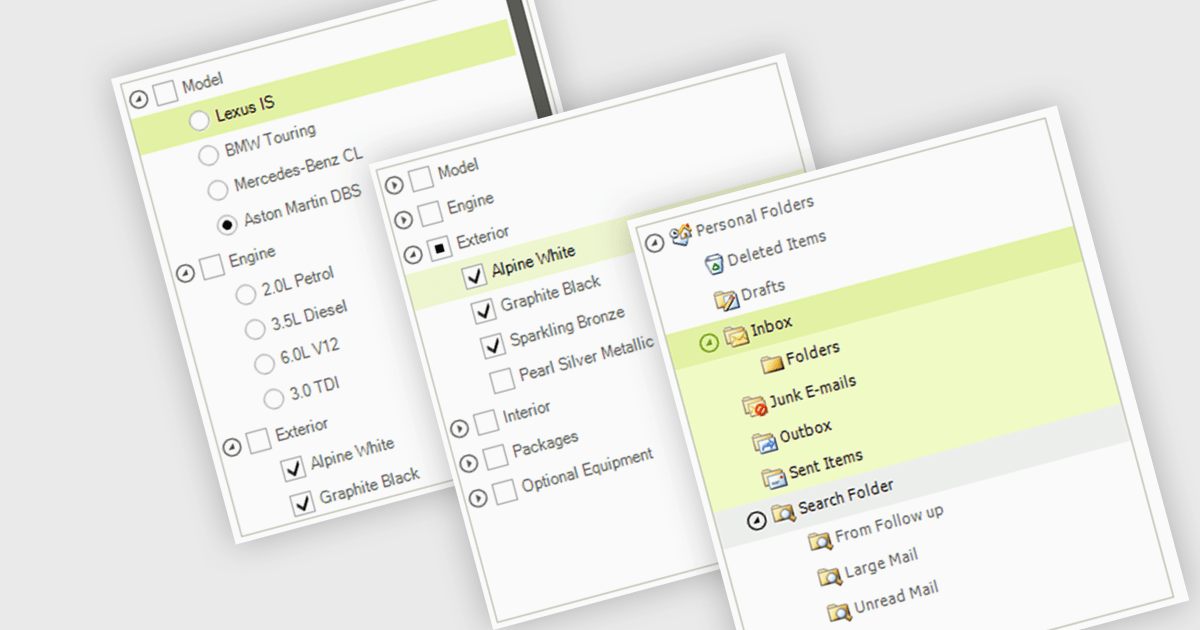
A treelist control is a specialized user interface element that visually organizes data in a hierarchical structure. It resembles a nested list, allowing users to efficiently navigate and explore parent-child relationships within their applications. Treelist components offer a significant advantage for developers by providing a pre-built solution for displaying complex, hierarchical data, saving development time and effort.
Several WinForms UI suites feature a treelist control including:
For an in-depth analysis of features and price, visit our WinForms UI Suites comparison.

A radio group control is a user interface element that presents a collection of mutually exclusive possibilities within a data field. This control typically appears as a group of circular buttons, each representing a distinct option. Selecting one option automatically deselects any previously selected option within the same group. The primary benefit of a radio group is its ability to simplify the user interface by clearly displaying all available choices without ambiguity, which enhances user experience by making the selection processes straightforward and error-free. This is especially useful in forms or settings where a clear, singular choice must be made from a predefined set of options, ensuring that the user's input is constrained to valid selections and thereby reducing the likelihood of errors and simplifying data validation on the backend.
Several .NET 8 Blazor components offer radio group data editors, including:
For an in-depth analysis of features and price, visit our comparison of .NET 8 Blazor data editors.
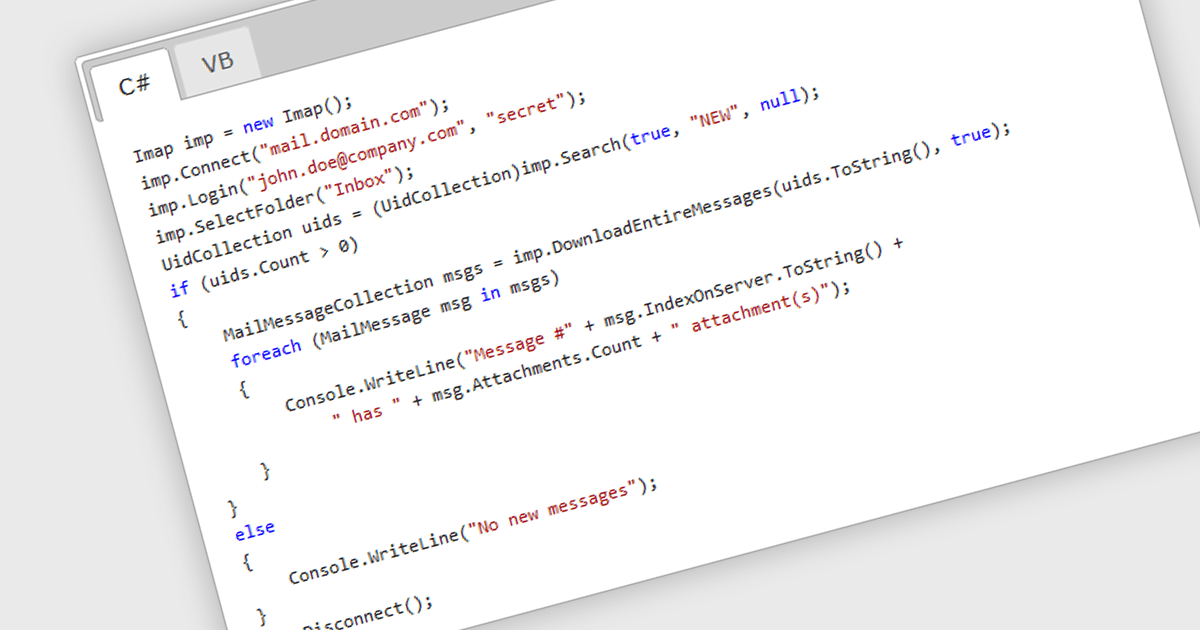
IMAP, or Internet Message Access Protocol, is a software communications protocol that allows email clients to retrieve, organize, and manipulate email messages stored on a remote server. Unlike POP3, another common protocol, IMAP enables multiple devices to access and manage the same mailbox simultaneously, keeping all copies in sync. This provides developers with greater flexibility when building applications that require real-time access and centralized email management.
Several .NET 8 Comms & Messaging components offer IMAP support including:
For an in-depth analysis of features and price, visit our comparison of .NET 8 Comms & Messaging.
電話: (888) 850 9911
Fax: +1 770 250 6199


