













公式サプライヤー
公式および認定ディストリビューターとして200社以上の開発元から正規ライセンスを直接ご提供いたします。
当社のすべてのブランドをご覧ください。
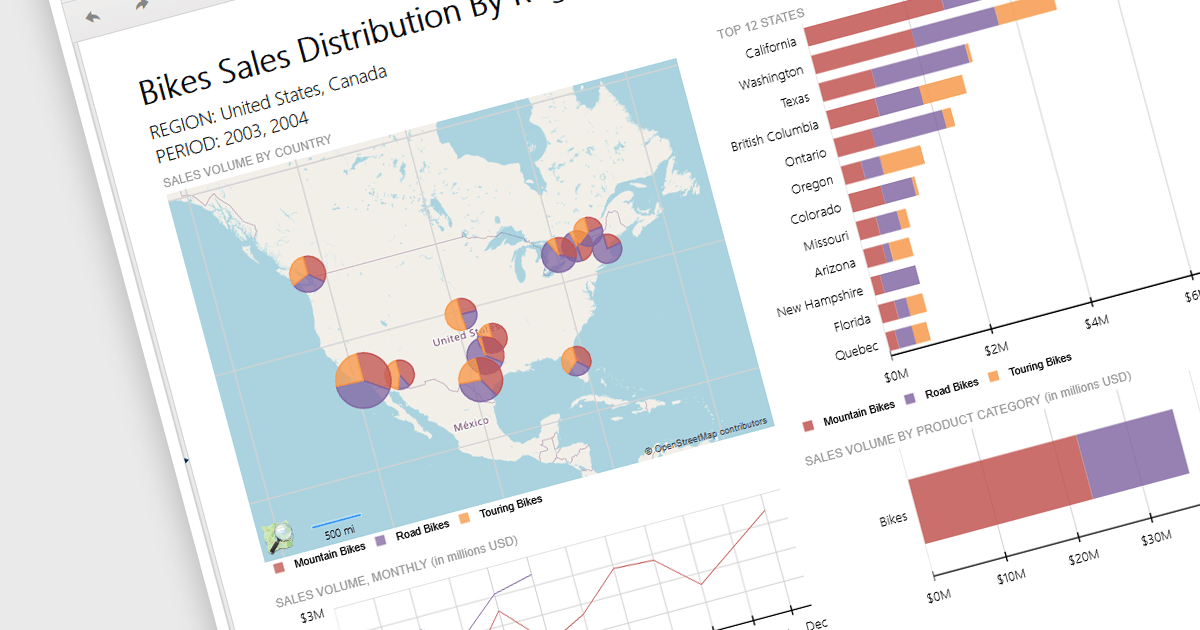
Reporting controls with map support empower developers to create insightful reports by visualizing location-based data. This functionality allows overlaying diverse datasets directly onto geographic layouts, facilitating spatial analysis and revealing patterns that might be hidden in traditional tables or charts. By integrating maps, reports become more interactive, engaging users and enabling location-specific data exploration. This ultimately enhances decision-making by providing clear and immediate visual insights into the geographical distribution of data. Maps offer a more intuitive way to communicate complex datasets, particularly valuable for demographics, regional sales, resource allocation, or any scenario where geographical context is crucial.
Several .NET 8 WinForms reporting controls offer maps, including:
For an in-depth analysis of features and price, visit our comparison of .NET 8 WinForms reporting controls.
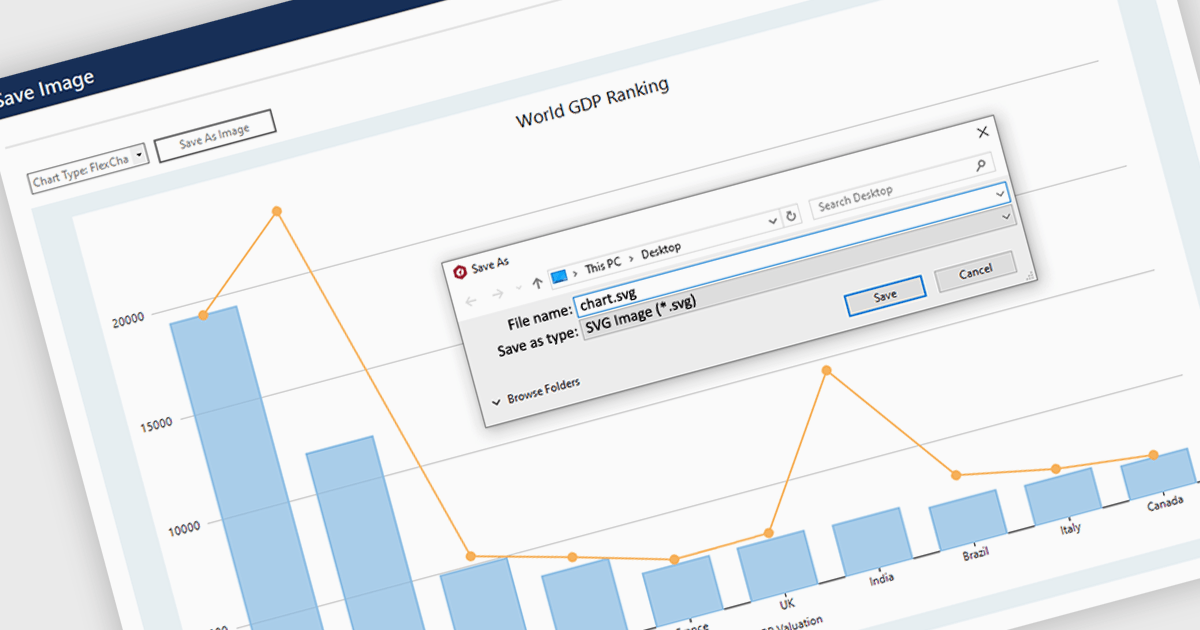
SVG export gives your users the ability to output charts in the Scalable Vector Graphics format. This offers superior quality for both print and web displays, ensuring that your charts remain crisp and detailed at any zoom level. This feature is particularly beneficial for professionals who require high-resolution graphics for presentations, reports, or publications. The SVG format also allows for easy editing and resizing without loss of quality, making it ideal for use across various media. Users can effortlessly integrate their analytical outputs into dynamically scalable projects and retain the aesthetic integrity of their visual data, streamlining the process from data exploration to communication.
Several WinForms chart controls offer SVG export including:
For an in-depth analysis of features and price, visit our WinForms chart controls comparison.
Syncfusion Essential Studio Windows Forms is a powerful UI component suite designed to enhance your WinForms development. It boasts over 100 high-performance controls, ranging from essential grids and charts to advanced schedulers and diagrams, enabling you to craft visually appealing and feature-rich applications with ease. Its extensive customization options and built-in themes allow for tailored user experiences, while touch-friendly design ensures seamless interaction across devices.
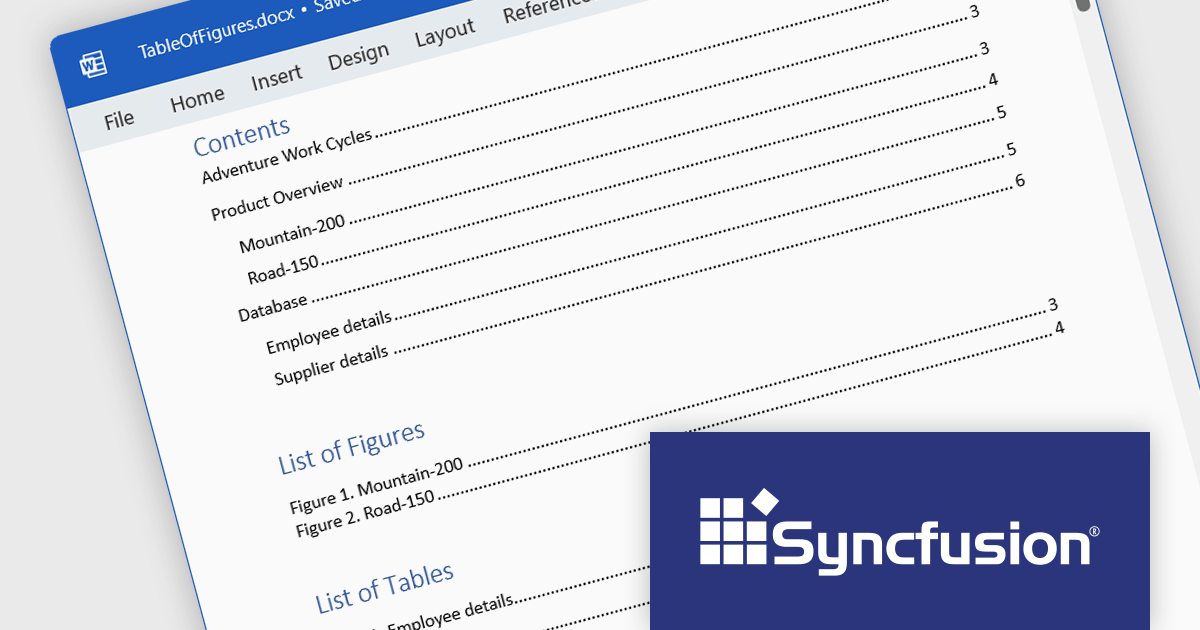
Syncfusion Essential Studio Windows Forms 2024 Volume 1 (25.1.35) enhances Word document table of contents (TOC) generation by introducing support for the \c and \a switches. The \c switch integrates captions of figures, tables, charts, and other SEQ field-numbered items into TOC entries, while the \a switch constructs a separate table of captions excluding labels and numbers. This empowers you to customize your TOC to effectively cater to the specific requirements of your document and target audience.
To see a full list of what's new in version 2024 Volume 1 (25.1.35), see our release notes.
Syncfusion Essential Studio Windows Forms is available as part of Syncfusion Essential Studio Enterprise which is licensed per developer starting with a Team License of up to five developers. It is available as a 12 Month Timed Subscription License which includes support and maintenance. See our Syncfusion Essential Studio Enterprise licensing page for full details.
For more information, visit our Syncfusion Essential Studio Windows Forms product page.

Bunifu UI WinForms is a user interface (UI) framework designed to streamline the development of modern and visually appealing desktop applications using Microsoft's WinForms platform. It provides a wide array of pre-built, customizable UI components, such as charts, a data grid, gradient panel, and slider, that emphasize a minimalist aesthetic while maintaining performance efficiency. With it developers can significantly streamline the UI development process, allowing them to drag-and-drop elements and leverage extensive design properties to create professional-looking applications in less time.
Bunifu UI WinForms v7.0 embraces the future of .NET development by adding support for Microsoft .NET 8. This unlocks a range of productivity and performance enhancements for developers, alongside an improved overall experience. By seamlessly integrating with modern software architectures and .NET components, Bunifu UI WinForms empowers you to craft responsive and visually stunning applications with greater ease.
To see a full list of what's new in v7.0.0, see our release notes.
Bunifu UI WinForms is licensed per developer and is available in four plans; three plans are an annual license while the other is a perpetual license. Annual licenses come with free updates and Premium support for the active license period. See our Bunifu UI WinForms licensing page for full details.
Bunifu UI WinForms is available in the following products:
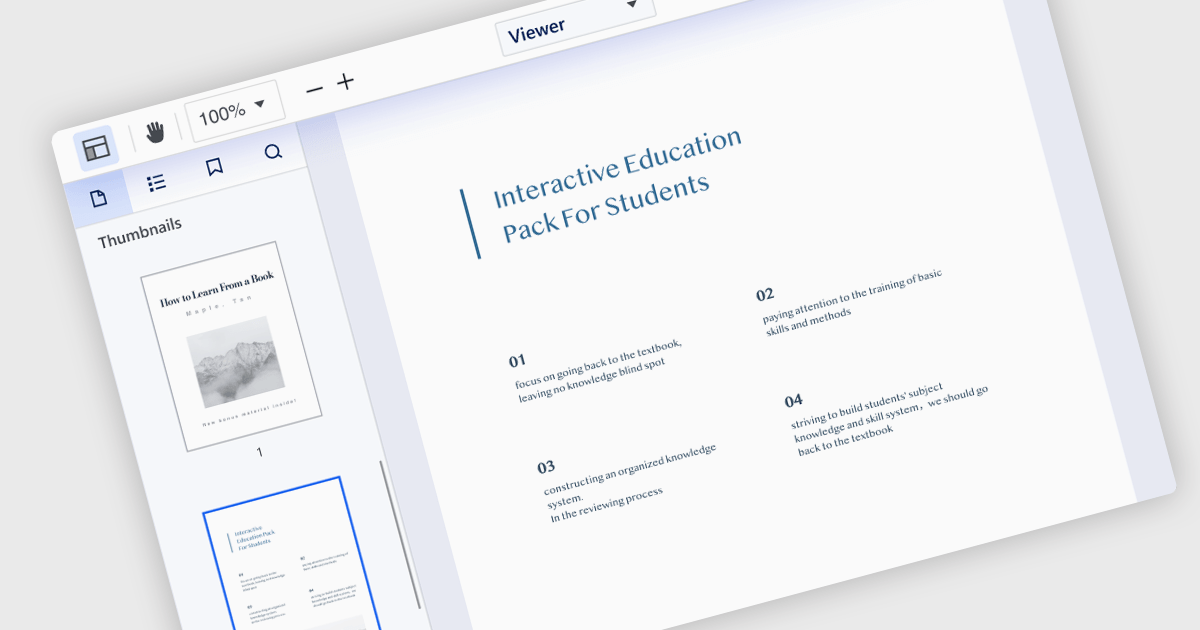
Extracting pages from a Portable Document Format (PDF) file allows users to select specific pages or ranges within the viewer and create a new PDF containing only those selections. This feature is valuable for creating targeted excerpts from a larger document for sharing or further editing. The resulting PDF maintains the original formatting, images, and text of the selected pages, ensuring that the integrity of the extracted content is preserved.
Several .NET WPF PDF viewer components allow you to extract a page from a PDF, including:
For an in-depth analysis of features and price, visit our comparison of .NET WPF PDF viewer components.
電話: (888) 850 9911
Fax: +1 770 250 6199


