













公式サプライヤー
公式および認定ディストリビューターとして200社以上の開発元から正規ライセンスを直接ご提供いたします。
当社のすべてのブランドをご覧ください。
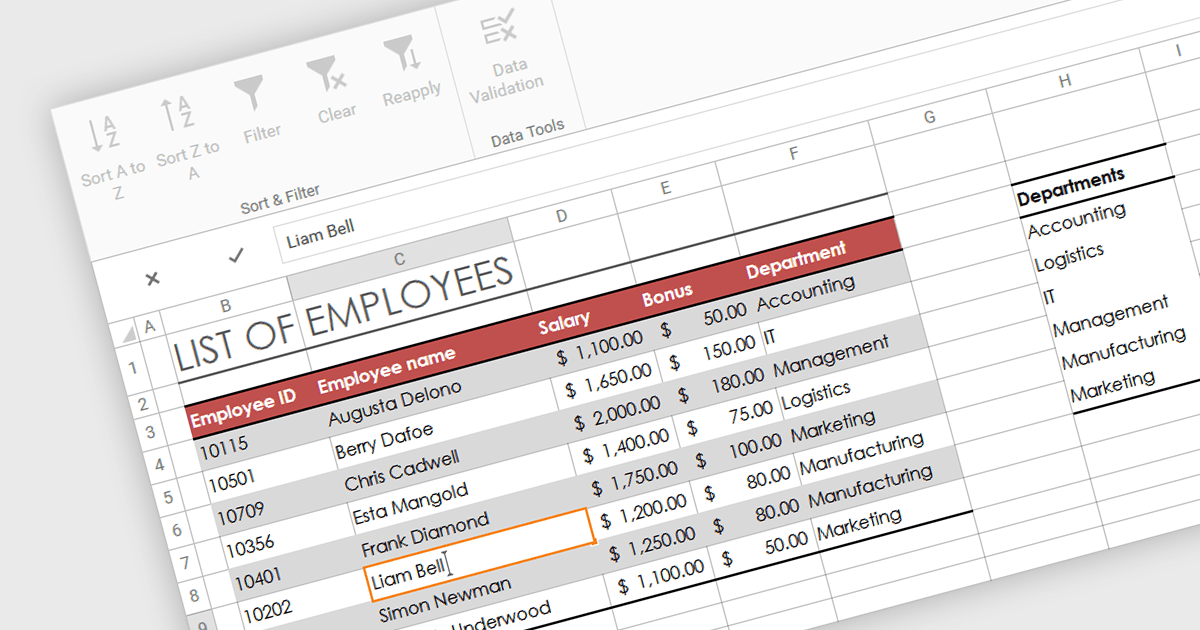
In-cell data editing refers to the functionality within spreadsheet software that allows users to directly click on and modify the contents of a cell without the need for separate data entry forms or pop-up dialogs. This feature allows for quicker and more direct changes to the data displayed on the screen, enhancing productivity by reducing the steps required for data manipulation.
Several .NET 8 WPF spreadsheet controls support in-cell data editing including:
For an in-depth analysis of features and price, visit our comparison of .NET 8 WPF Spreadsheet Controls.
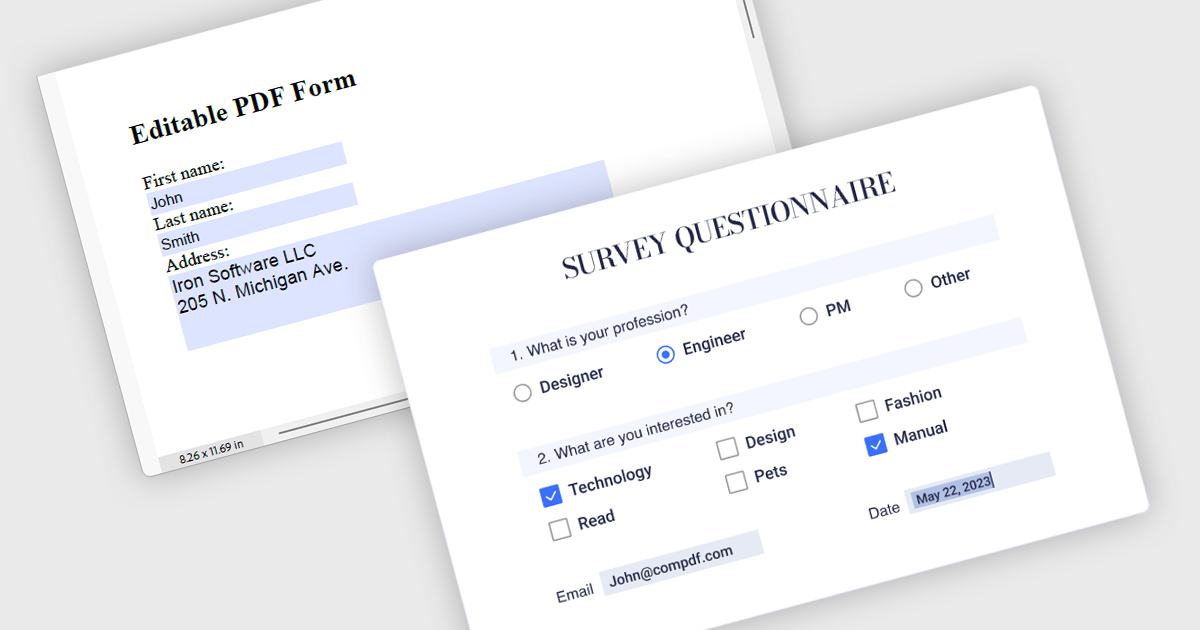
Leverage the power of PDF components to enhance your .NET application with user-friendly PDF form filling capabilities. These libraries offer programmatic access to manipulate existing PDF forms, allowing you to easily integrate data entry fields and streamline user interaction. This functionality improves data collection efficiency and simplifies the process of working with fillable PDFs directly from your application. Components with PDF Form Read/Write functionality allow your app to retrieve existing data from form fields and populate them with new data programmatically.
Several .NET PDF components offer PDF Form functionality including:
For an in-depth analysis of features and price, visit our comparison of .NET PDF Components.
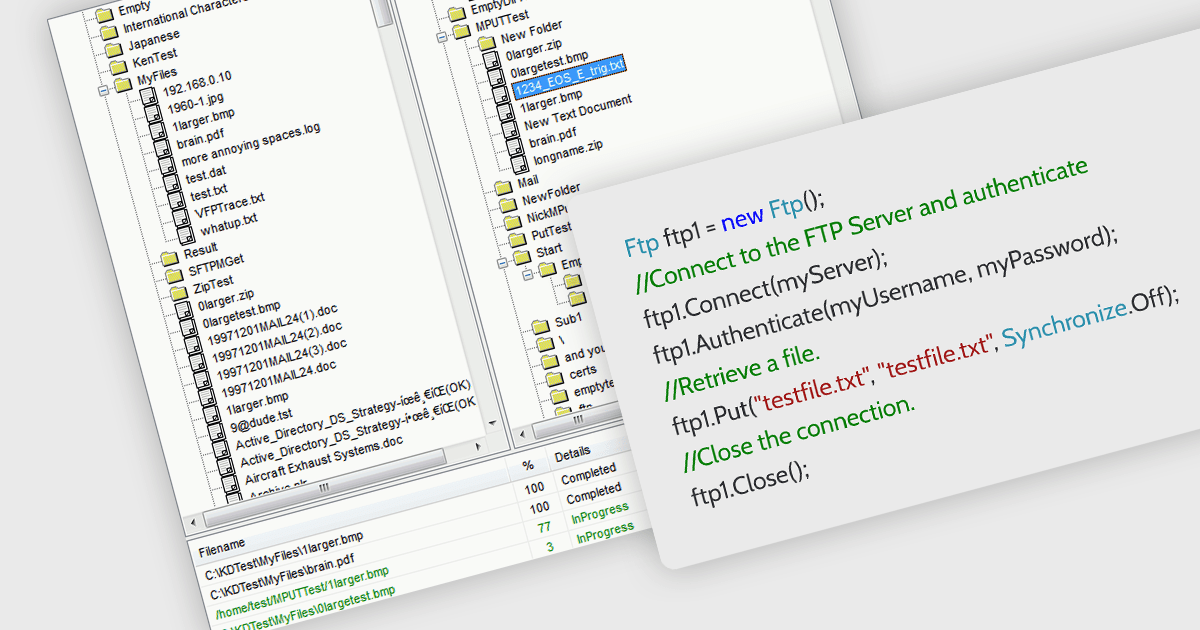
.NET communications components with FTP support allow your application to directly interact with FTP servers. , allowing seamless uploading, downloading, and remote file management. Many libraries provide features like secure connections (FTPS), progress monitoring, directory operations, and wildcards for bulk transfers. They often include high-level functions for ease of use alongside lower-level controls for customization, making them suitable for both rapid development and complex scenarios. With an FTP-enabled .NET component, you can streamline file transfer operations and keep your code focused on core functionalities.
Several .NET communications and messaging components support FTP, including:
For an in-depth analysis of features and price, visit our comparison of .NET communications and messaging components.
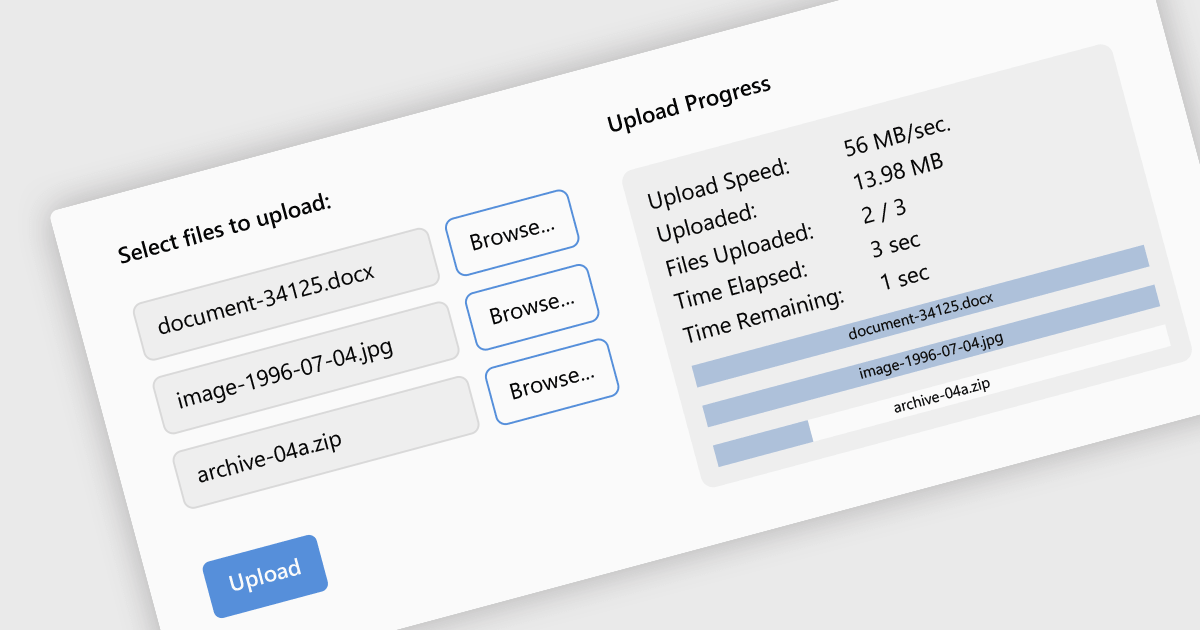
Leveraging a communications component for file uploads in your .NET application streamlines development and enhances maintainability. These pre-built components handle the complexities of file transfer protocols and boundary conditions, allowing you to focus on core application logic. Additionally, they often provide features like progress tracking and error handling, improving the user experience and simplifying debugging. By enabling file uploads, your application can collect user-generated content, facilitate document sharing, or streamline data ingestion, enriching the overall user experience and potential use cases for your app.
Several .NET communications and messaging components support the upload of files to web servers, including:
For an in-depth analysis of features and price, visit our comparison of .NET comms & messaging components.

The ability to combine multiple data sources when creating a report is a critical aspect of modern data analytics and business intelligence. It allows for the creation of a holistic view by bringing together information from various databases, spreadsheets, or applications. Developers who integrate this into their reporting application enable their users to design reports that can be used to derive more accurate insights, make informed decisions, and identify trends or patterns that might not be evident when examining isolated data sets.
Several ASP.NET MVC report components allow you to combine multiple data sources, including:
For an in-depth analysis of features and price, visit our comparison of ASP.NET MVC report components.
電話: (888) 850 9911
Fax: +1 770 250 6199


