













公式サプライヤー
公式および認定ディストリビューターとして200社以上の開発元から正規ライセンスを直接ご提供いたします。
当社のすべてのブランドをご覧ください。
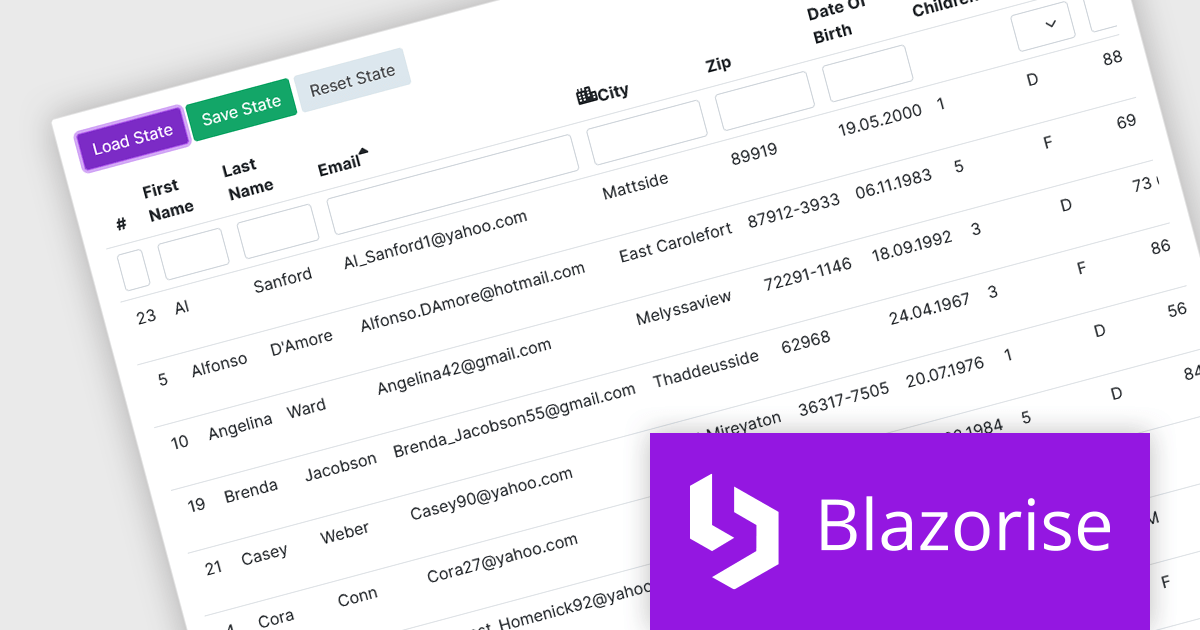
Blazorise is a versatile component library that empowers developers to build modern and feature-rich web applications using Blazor, a client-side web development framework from Microsoft. It offers a comprehensive collection of user interface components, including buttons, forms, tables, charts, and navigation elements, all built with accessibility and responsiveness in mind.
The Blazorise v1.5 update introduces DataGrid State Management. New LoadState and GetState methods enable you to load and save the state of the datagrid from/to LocalStorage. On the first render, the web page checks LocalStorage for saved states and loads them if they are available. This feature enables seamless preservation and restoration of user actions, such as sorting, filtering, and row selections, even when navigating away from or refreshing the page.
To see a full list of what’s new in version 1.5, see our release notes.
Blazorise is licensed per developer and is Runtime Royalty Free. Available in a variety of editions, Professional, Enterprise and Enterprise Plus, each providing different levels of support and services. See our Blazorise licensing page for full details.
For more information, visit our Blazorise product page.

Infragistics Ignite UI for Blazor is a comprehensive UI component library designed specifically for .NET developers building modern web applications with Blazor. It offers a rich set of over 60 components, including performant data grids, interactive charts, and essential UI elements. This allows developers to craft visually appealing, feature-packed Blazor applications with a focus on data visualization, user interaction, and a variety of design themes.
Version 23.2.189 introduces the new hierarchical data grid. This intuitive component empowers you to present multi-level information in a clear, structured format. Bind your data with minimal coding, and leverage fine-grained control through various events. The grid boasts a rich feature set, including selection tools, advanced filtering and sorting options, all designed to enhance user experience by providing a more organized and interactive way to explore information.
To see a full list of what's new in version 23.2.189, see our release notes.
Infragistics Ignite UI for Blazor is part of Infragistics Ignite UI which is licensed per developer and is available as a Perpetual License with a 1, 2 or 3 year support and maintenance subscription. See our Infragistics Ignite UI licensing page for full details.
Infragistics Ignite UI for Blazor is available in the following products:
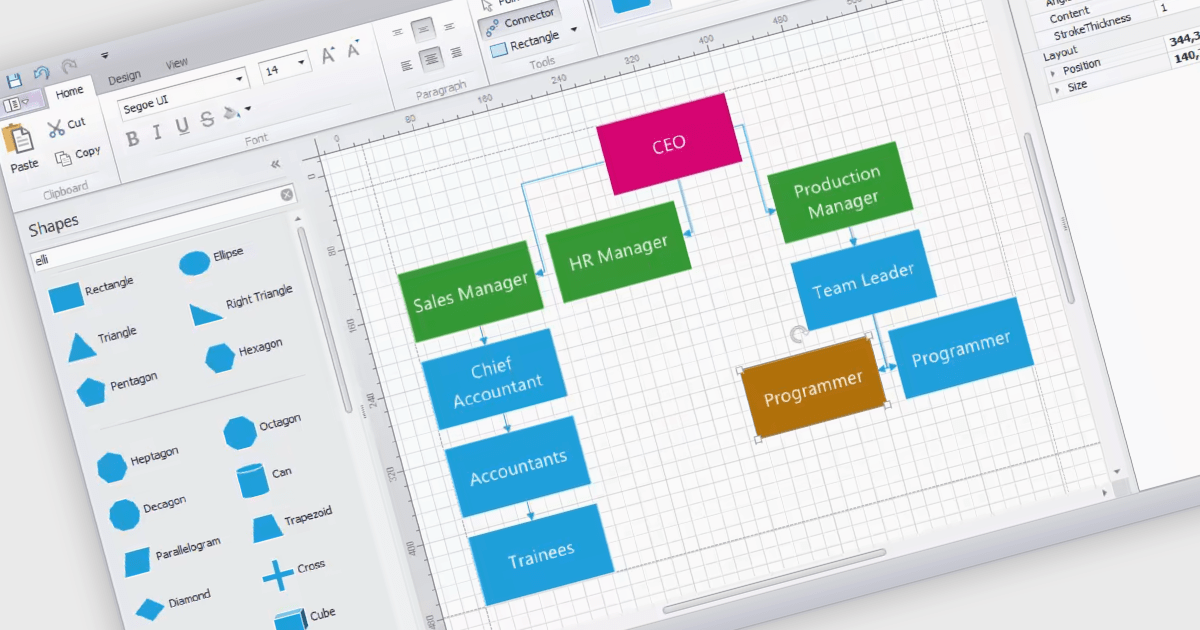
WinForms diagram controls provide a dedicated canvas for users to create and manipulate visual representations. These controls offer functionalities like displaying and editing various shapes, connectors, and text elements. They often come equipped with features for automatic layout, allowing for efficient organization of complex diagrams. Diagrams are commonly used to simplify and communicate complex ideas, processes, or data. They can show relationships between elements, illustrate steps in a sequence, or represent structures and hierarchies.
Several WinForms UI suites feature diagramming components including:
For an in-depth analysis of features and price, visit our WinForms UI Suites comparison.
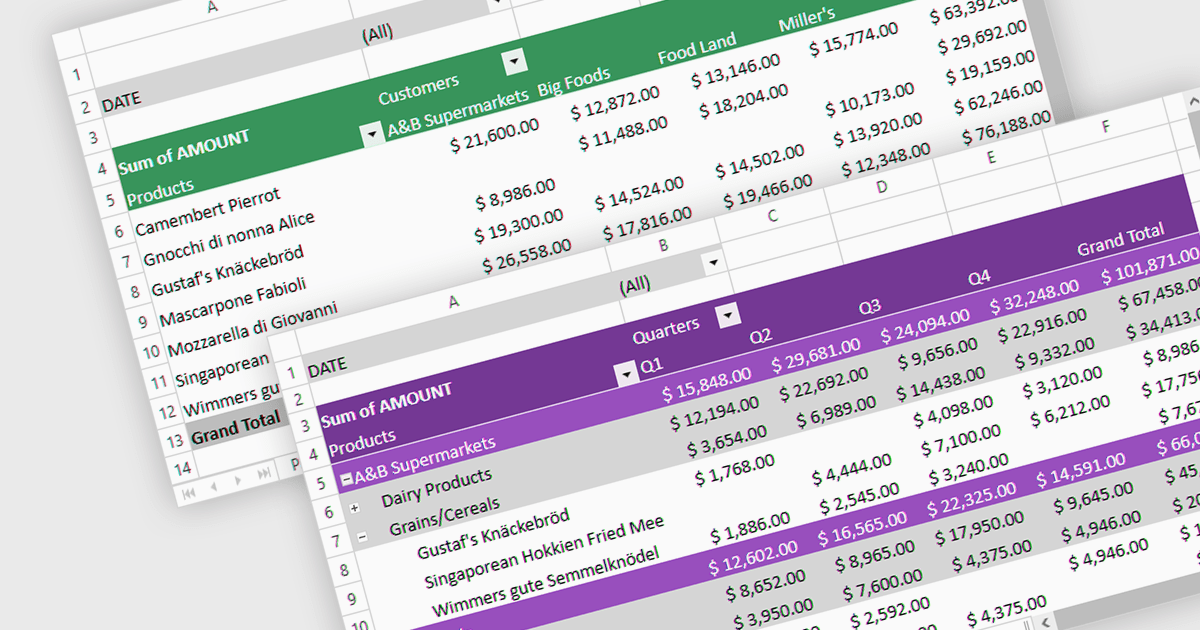
.NET spreadsheet controls with built-in pivot table functionality empower developers to seamlessly integrate robust data analysis into their applications. This feature allows users to effortlessly rearrange and aggregate large datasets, gaining insights through customizable views without modifying the original data. Pivot tables streamline decision-making by simplifying complex tasks like sorting, filtering, and visualizing information, ultimately enhancing the usability and effectiveness of these spreadsheet applications.
Several .NET Spreadsheet controls support pivot tables including:
For an in-depth analysis of features and price, visit our comparison of .NET Spreadsheet Controls.
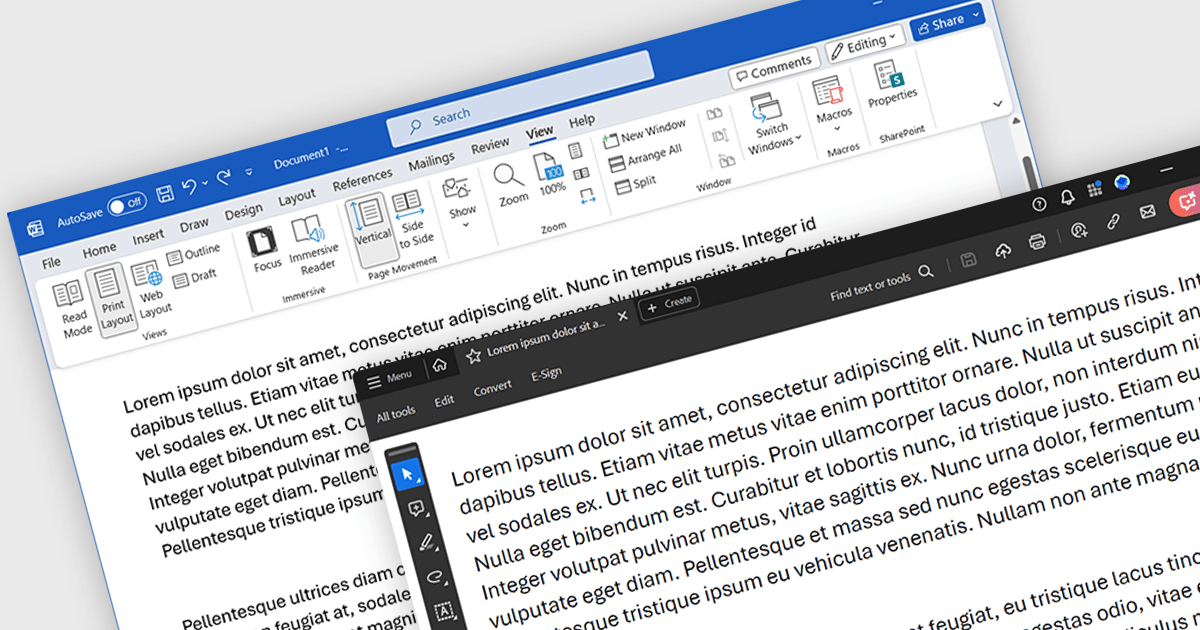
Word to PDF functionality within a PDF component refers to the ability to convert Microsoft Word documents (.docx) into Portable Document Format (PDF) files directly within your software application. This embedded conversion capability offers developers several advantages. It streamlines the document handling process by eliminating the need for external tools or libraries. It also ensures compatibility, as the conversion occurs entirely within your program. This can be particularly useful for applications where users interact with both Word documents and PDFs.
Several .NET PDF components allow you to convert Word files to PDF including:
For an in-depth analysis of features and price, visit our comparison of .NET PDF components.
電話: (888) 850 9911
Fax: +1 770 250 6199


