













公式サプライヤー
公式および認定ディストリビューターとして200社以上の開発元から正規ライセンスを直接ご提供いたします。
当社のすべてのブランドをご覧ください。
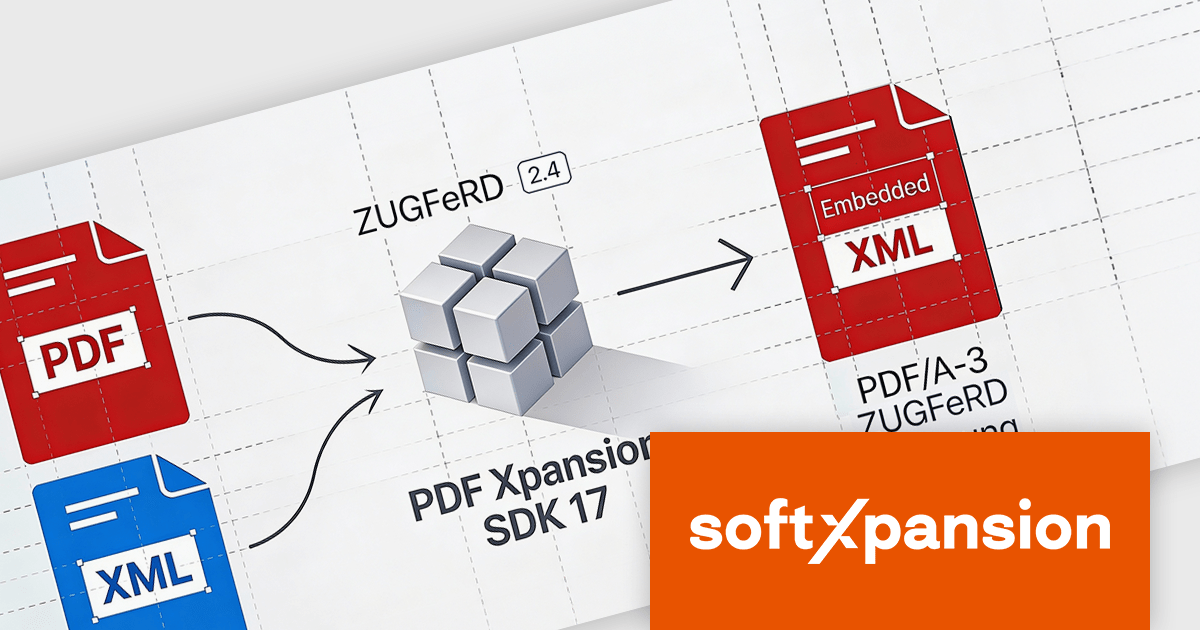
PDF Xpansion SDK E-Invoicing by soft Xpansion is a comprehensive software development kit for creating, processing, and managing electronic invoices in compliance with international standards. It simplifies integration into existing applications and supports structured invoice data in XML as well as hybrid PDF/A formats, including common standards such as ZUGFeRD, Factur-X, and XRechnung. The SDK enables developers to create, edit, display, and extract data from compliant invoices, supporting automated digital invoicing workflows, legal conformity, and straightforward connection with accounting or enterprise resource planning (ERP) systems.
The PDF Xpansion SDK v17.2.7 update adds support for ZUGFeRD 2.4, allowing applications to generate and process e-invoicing documents that align with the latest version of the German and European e-invoicing standard based on EN 16931 (European Norm 16931). For software developers, this support ensures continued compatibility with evolving regulatory requirements, improves interoperability with trading partners and public sector systems, and reduces the risk of invoice rejection caused by outdated schemas or validation rules. By targeting ZUGFeRD 2.4, applications built on the SDK can handle current e-invoicing profiles with greater reliability while remaining suitable for long-term maintenance in compliance-focused environments.
To see a full list of what's new in v17.2.7, see our release notes for PDF Xpansion SDK E-Invoicing Creation, Receipt or Receipt Plus.
PDF Xpansion SDK E-Invoicing is available in 3 variations, licensed per company location where developers use the SDKs. Optional Add-Ons are available which require ownership of SDK site licenses. Maintenance Subscription is available providing product updates (error corrections) and 12 man hours of support service for 1 year. See the product license pages for full details:
Learn more about PDF Xpansion SDK E-Invoicing on our product pages:
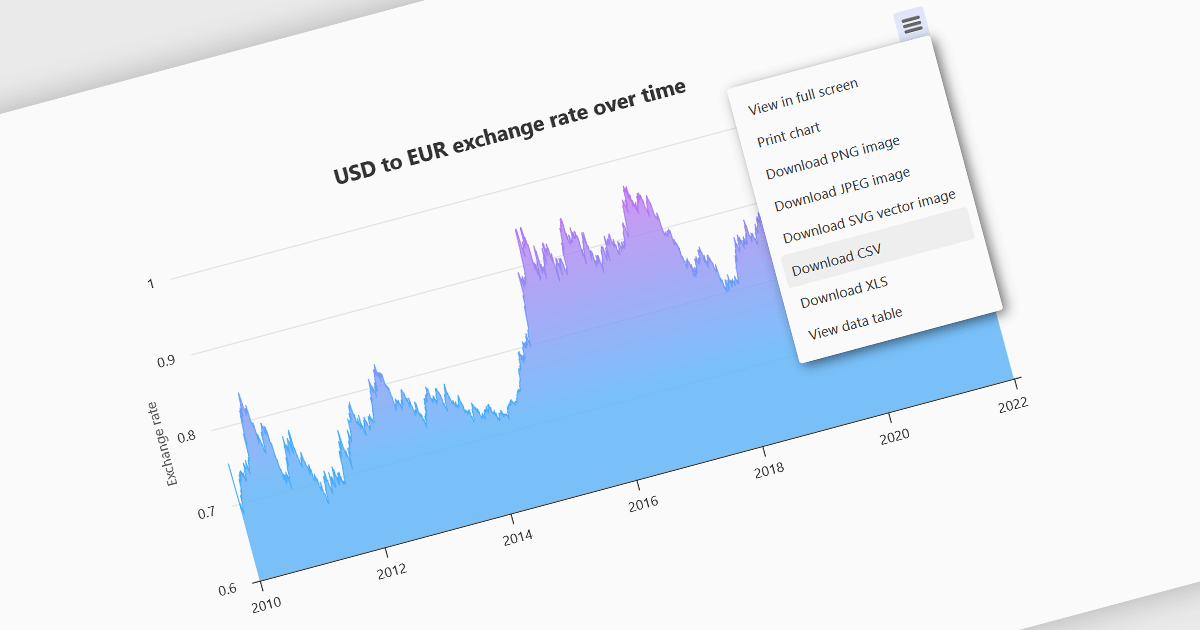
Exporting charts to CSV (Comma-Separated Values) allows users to extract underlying chart data into a simple, portable text format that can be easily opened in spreadsheet applications or processed by other tools. This feature is particularly useful for reporting, data analysis, auditing, and integration apps, as it decouples the visual presentation of data from the raw numerical or categorical information it represents. By enabling quick access to chart data in a structured format, exporting to CSV enhances interoperability across systems and supports a wider range of use cases.
Several WinForms charting components allow you to export to CSV, including:
For an in-depth analysis of features and price, visit our comparison of WinForms chart components.
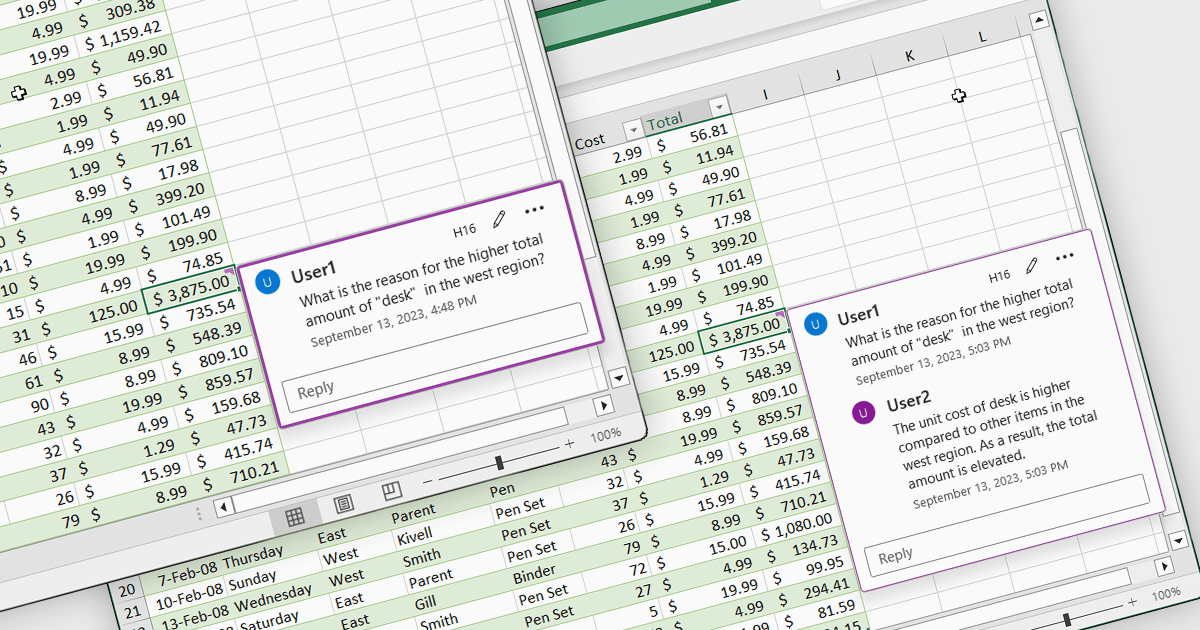
Cell comments and tooltips in spreadsheets allow users to attach contextual information to individual cells, displayed on hover or focus without altering the sheet’s layout. They help clarify data, explain formulas and assumptions, and provide guidance for correct data entry, reducing errors and misinterpretation. By keeping explanations close to the data, comments and tooltips improve collaboration, preserve knowledge, and make complex spreadsheets easier to understand and maintain. Common use cases include documenting calculation logic, adding validation instructions, leaving reviewer feedback, explaining exceptions in reports, and supporting onboarding for new users working with shared spreadsheets.
Several .NET Spreadsheet controls offer cell comments/tooltips including:
For an in-depth analysis of features and price, visit our .NET Spreadsheet controls comparison.
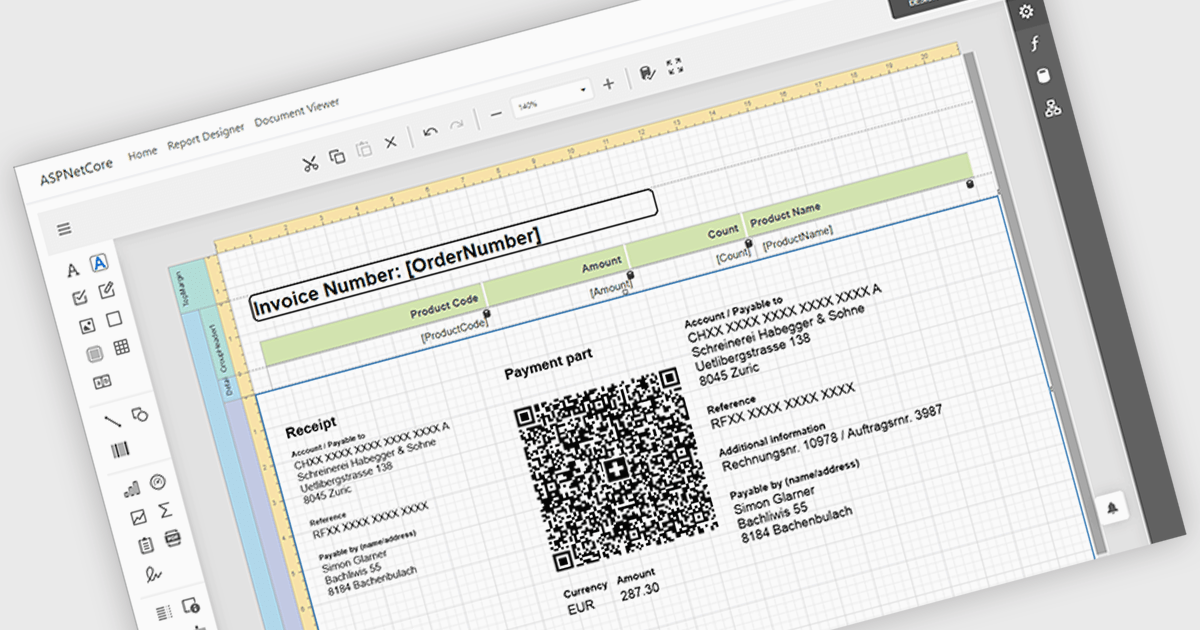
Adding barcodes to reports means embedding machine-readable codes that represent key data such as IDs, records, or transaction details, allowing information to be scanned and processed instantly. This enhances efficiency by reducing manual data entry, improving accuracy, and enabling integration with backend systems like inventory management, ERP, or tracking platforms. Barcodes in reports also support automation and traceability, making it easier to identify, validate, and track documents or items throughout a process. Common use cases include inventory and asset tracking, order fulfillment and shipping documentation, patient and sample identification in healthcare, financial and compliance reporting, and any scenario where fast, reliable data capture from printed or digital reports is essential.
Several ASP.NET Core reporting controls offer barcode support including:
For an in-depth analysis of features and price, visit our React reporting controls comparison.
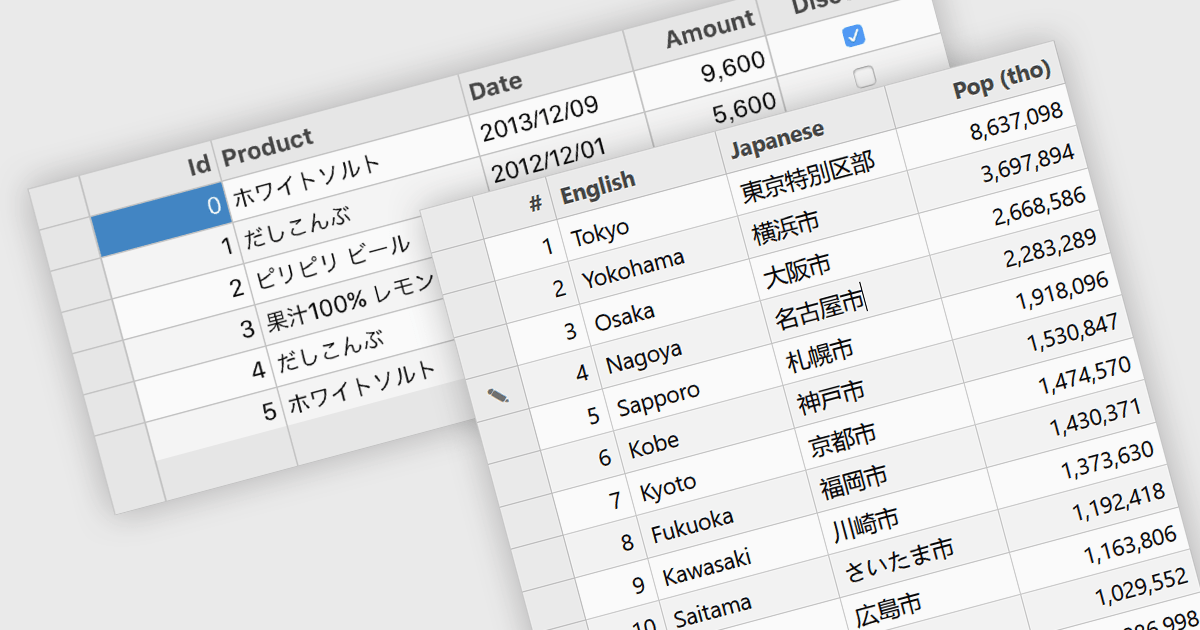
Input Method Editor (IME) support refers to the capability of an application or control to correctly handle complex text input, particularly for languages that require composition, such as Chinese, Japanese, and Korean. IME enables users to enter characters that are not directly available on a physical keyboard by converting sequences of keystrokes into the correct script, improving accessibility and usability for multilingual input. When applied to a data grid within an application, this capability ensures that users can reliably enter and edit multilingual text directly within grid cells without input loss or formatting issues. IME support in a data grid is especially valuable for applications that manage structured data across regions, as it allows accurate entry of names, descriptions, and other localized content while preserving normal grid behaviors such as editing, validation, and navigation.
Several WPF grid components include Input Method Editor support, including:
For an in-depth analysis of features and price, visit our comparison of WPF grid components.
電話: (888) 850 9911
Fax: +1 770 250 6199


