













公式サプライヤー
公式および認定ディストリビューターとして200社以上の開発元から正規ライセンスを直接ご提供いたします。
当社のすべてのブランドをご覧ください。
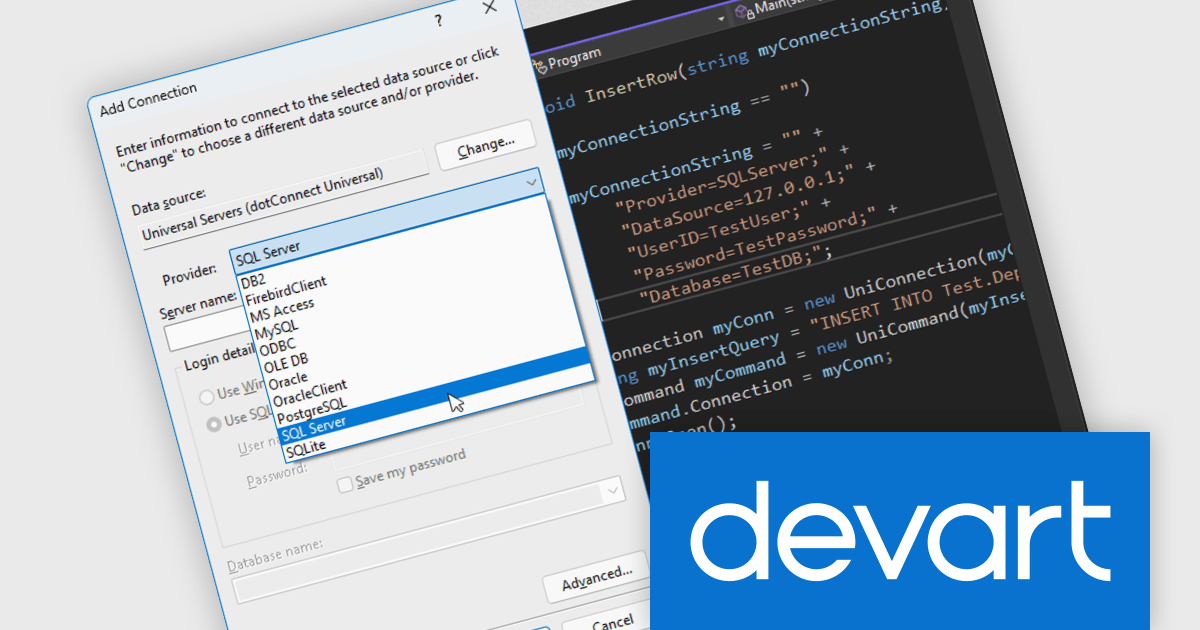
Devart dotConnect is a range of high-performance ADO.NET data providers for various databases and cloud applications, enabling efficient data connectivity for building web and mobile applications. It provides high-performance connectors for databases such as SQL Server and Oracle, as well as Cloud services such as Salesforce and QuickBooks Online.
The Devart dotConnect ADO.NET data providers now support .NET 10. By embracing the latest version of Microsoft's popular framework, developers gain access to the most up-to-date language features, performance enhancements, and improved tooling provided by .NET 10.
The dotConnect ADO.NET Data Providers are licensed per developer and are available as a Perpetual License with a 12 month support and maintenance subscription. See our dotConnect licensing pages for Adobe Commerce, BigCommerce, DB2, Dynamics 365, FreshBooks, Mailchimp, MySQL, Oracle, PostgreSQL, QuickBooks Online, Salesforce, Salesforce Marketing Cloud, SQL Server, SQLite, SugarCRM, Zoho Books, Zoho CRM, Zoho Desk, and Universal.
Devart dotConnect ADO.NET data providers are available for the following databases and Cloud services:
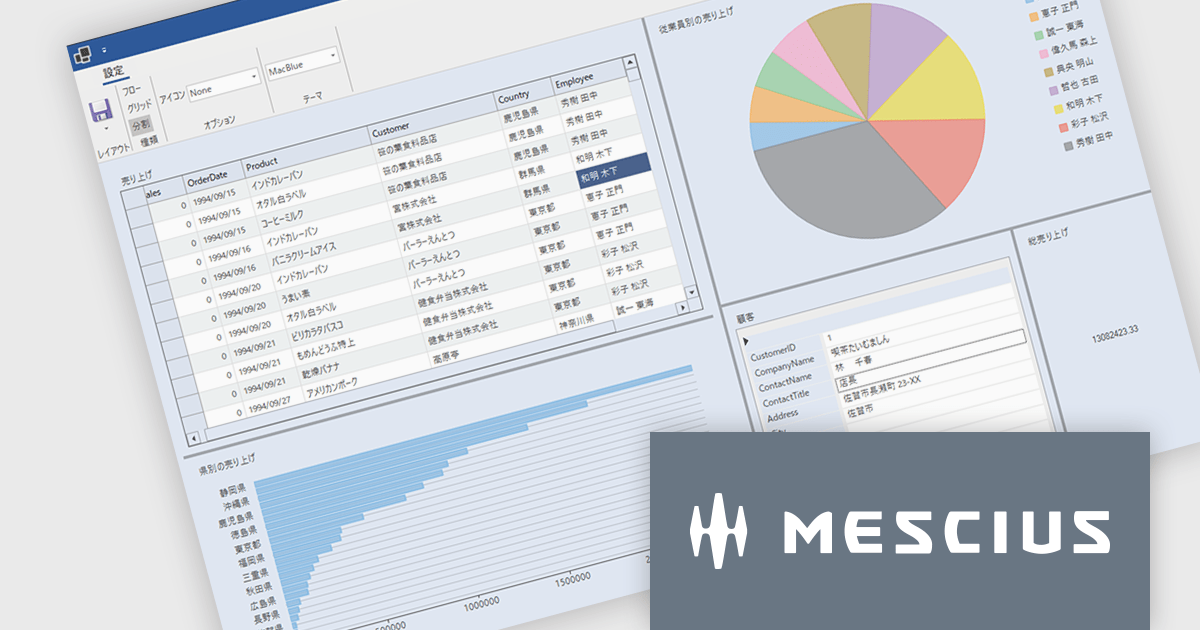
ComponentOneはデスクトップ、Web、モバイルに対応した.NETアプリケーションの開発を可能にします。小規模な社内システムから大規模エンタープライズシステムまで、業務システムのあらゆるニーズに柔軟に対応し開発生産性を大幅に向上させます。
最新バージョンComponentOne 2025J v2では、6つの主要エディション(WinForms/WPF/WinUI/ASP.NET Core/Blazor/.NET MAUI)全てで.NET 10対応コンポーネントを提供しています。これにより.NET 10のパフォーマンス向上メリットを活かしたアプリケーション開発が可能となります。また、統合開発環境の最新バージョンであるVisual Studio 2026にも正式に対応し、プロジェクトテンプレートやツールボックスの利用をスムーズに行えるようになりました。この対応により、.NETアプリケーション開発者は最新の技術基盤を活用しながら、堅牢で高速な業務アプリケーションを構築できます。ComponentOneはデスクトップ、Web、モバイル向けの豊富なUIコンポーネントを揃えており、それぞれのプラットフォームで統一された開発体験を提供します。
2025J v2での新機能一覧は、リリースノートを参考ください。
ComponentOneのライセンスは、開発者ごとに付与されるユーザーライセンスで、対象開発者は最大3台のマシンにインストール可能でで、ランタイムライセンスフリーです。なお、サブスクリプション契約期間中の無償バージョンアップや日本語によるE-mail技術サポートを無制限に受けることができます。詳細は、ComponentOneのライセンスページ をご参考ください。
ComponentOneの各エディション製品詳細及び販売情報は、以下のページをご参考ください。
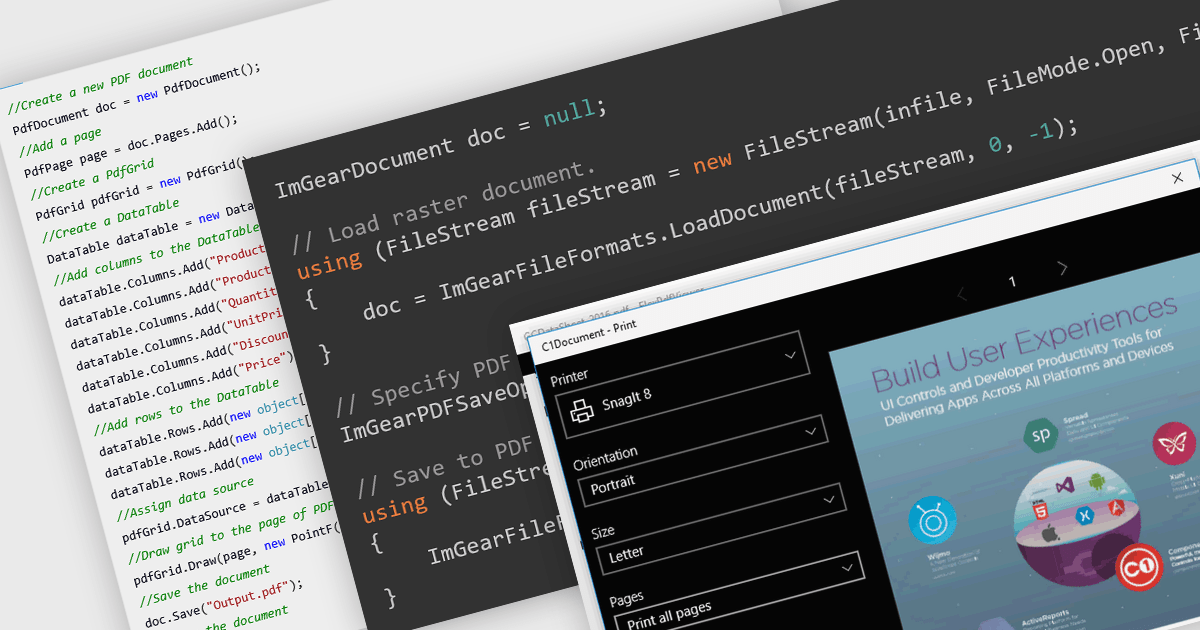
PDF reading and writing features form a core part of modern PDF components, allowing applications to view, generate, edit, and share PDF documents consistently across platforms. These capabilities cover common tasks such as displaying and searching documents, as well as creating and exporting PDFs programmatically with reliable rendering and standards compliance.
Common features include:
For an in-depth analysis of features and price, visit our WinForms PDF components comparison.
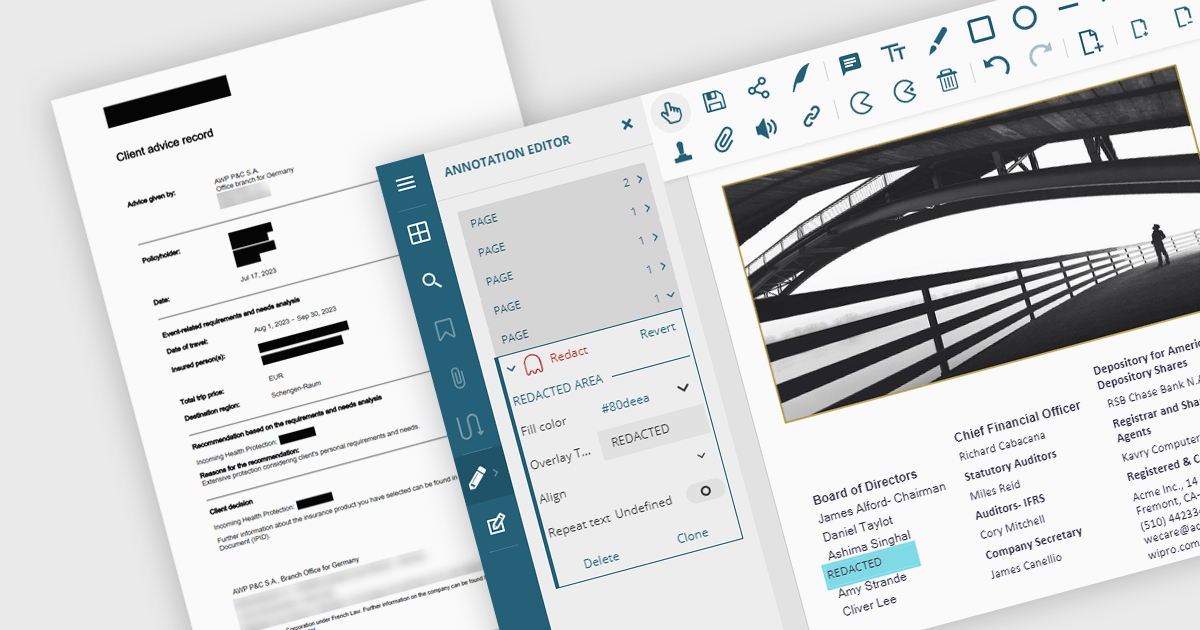
PDF redaction is the process of permanently removing sensitive or confidential content from PDF documents, ensuring that the information cannot be recovered or exposed after the file is shared. This feature is essential in legal, financial, medical, and corporate environments where data privacy and compliance with regulations such as GDPR or HIPAA are critical. Redaction can include the deletion of text, images, annotations, or metadata, and often involves replacing the removed content with black bars or blank spaces to indicate intentional removal.
Several .NET PDF viewer components allow you to redact PDF content, including:
For an in-depth analysis of features and price, visit our comparison of .NET PDF viewer components.
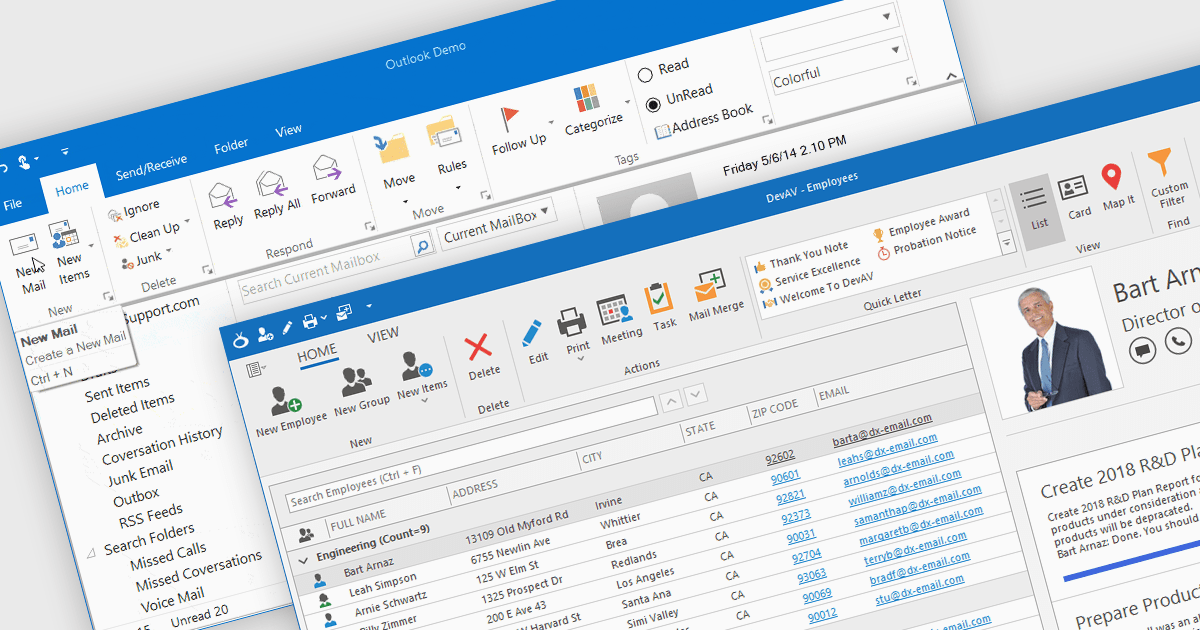
Ribbons provide a structured, visual command interface that organizes application features into clearly labeled tabs and groups, improving discoverability, efficiency, and usability. By surfacing frequently used and context-aware commands, ribbons reduce navigation time and deliver a familiar, professional user experience. Commonly used in productivity software, data-driven applications, design tools, and enterprise systems, ribbon interfaces are ideal for applications with rich functionality where users need quick, intuitive access to a wide range of tools.
Several .NET WinForms UI suites offer ribbon control including:
For an in-depth analysis of features and price, visit our comparison of .NET WinForms UI suites.
電話: (888) 850 9911
Fax: +1 770 250 6199


