













公式サプライヤー
公式および認定ディストリビューターとして200社以上の開発元から正規ライセンスを直接ご提供いたします。
当社のすべてのブランドをご覧ください。

RadiantQ is a globally recognized developer of high-quality .NET-based UI components, with a clear focus on delivering robust scheduling and planning solutions. Their suite of products empowers developers to create sophisticated project management and resource scheduling interfaces within modern applications. Their offerings span a range of platforms, making them a go-to partner for organizations building cross-platform enterprise solutions.
At the core of RadiantQ’s product line is RadiantQ WPF Gantt, a powerful control set built natively in WPF for performance and elegance. With features like effort-driven scheduling, progress tracking, localization, flexible printing, and intuitive data binding, developers gain a complete toolkit for building dynamic, enterprise-grade scheduling applications.
Through its partnership with RadiantQ, ComponentSource is able to extend a compelling catalog of UI components to its global customer base. By offering RadiantQ’s specialized Gantt solutions, ComponentSource addresses a niche for customers seeking advanced project visualization tools, while ensuring worldwide access, licensing support, and regional purchasing convenience. This collaboration reinforces ComponentSource’s role as a trusted distributor of software components from leading vendors around the world.
RadiantQ WPF Gantt is licensed per named developer. It allows royalty-free distribution within your organization. It includes a one-year subscription with support and updates, while the Source Edition adds full source code and priority support. See our RadiantQ WPF Gantt licensing page for more details.
Learn more on our RadiantQ brand page.
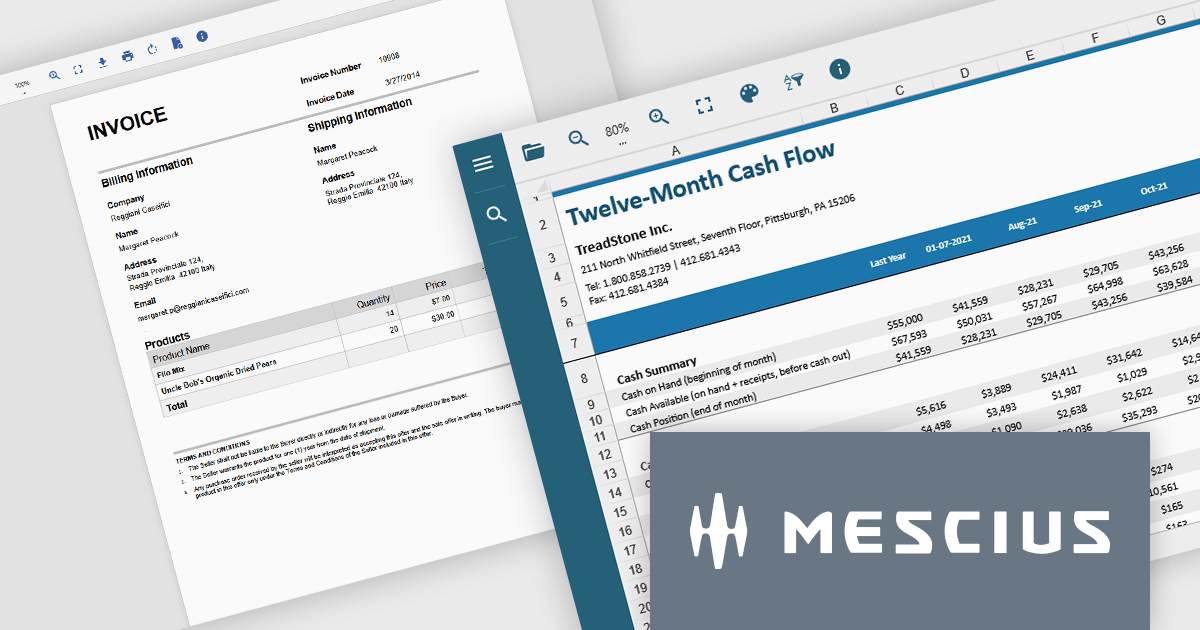
Document Solutions .NET Bundle by MESCIUS is a complete suite of APIs and viewing tools that enhance document processing and improve efficiency. It includes Documents for Excel, Word, PDF, and Imaging, plus standard licenses for the PDF Viewer, Data Viewer, and Image Viewer. Combining powerful .NET APIs with responsive JavaScript-based viewers, it enables creating, editing, converting, and displaying multiple document formats within applications. This unified solution delivers fast, reliable, and secure document handling, making it ideal for enterprise document management, automated reporting, digital archiving, and collaborative review across devices and platforms.
The Document Solutions .NET Bundle offers a versatile range of tools to handle every stage of the document lifecycle, from creation and editing to viewing and distribution. With dedicated APIs for Excel, Word, PDF, and imaging, developers can implement advanced capabilities such as data manipulation, text extraction, format conversion, image processing, and PDF generation directly within their applications. The included PDF Viewer, Data Viewer, and Image Viewer provide rich, interactive experiences for end users, enabling smooth navigation, zooming, searching, and annotation.
MESCIUS has created a detailed feature breakdown to highlight Document Solutions performance and total cost of ownership compared with other solutions. You can view the Document Solutions Product Comparison now.
By integrating both powerful back-end processing and intuitive front-end viewing, the bundle reduces the need for multiple third-party components, simplifies development, and delivers consistent, high-quality document interactions across platforms.
Document Solutions .NET Bundle is licensed per developer and is available in several license options for differing distribution needs. Team licenses are also available for multiple developers within the same organization. See our Document Solutions .NET Bundle licensing page for full details.
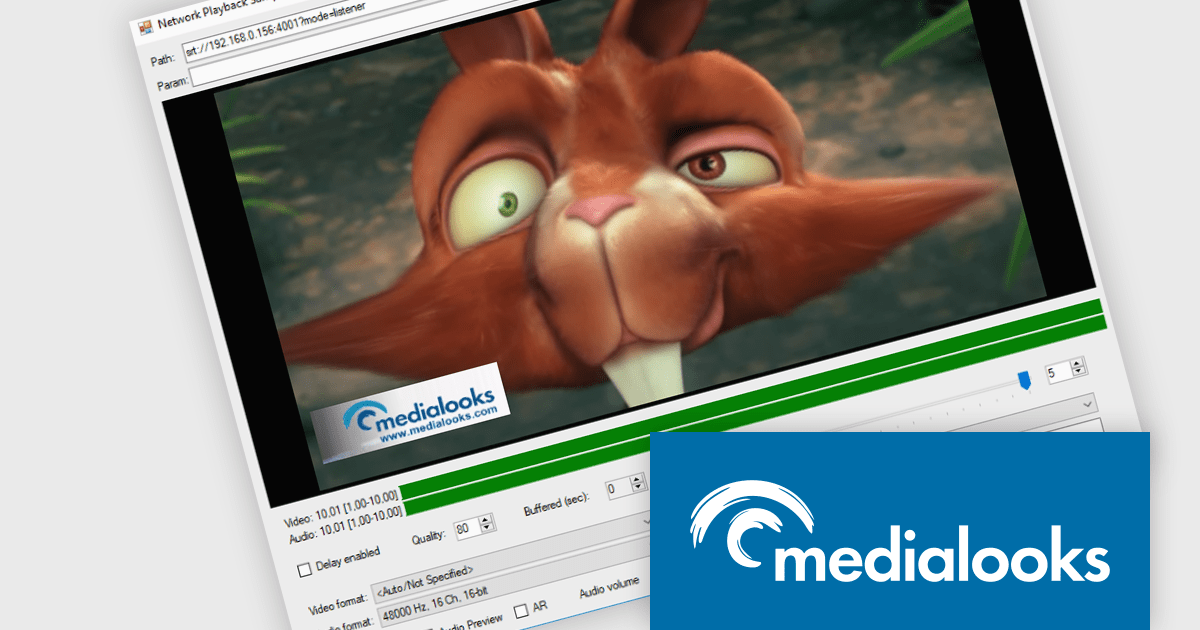
MPlatform SDK by Medialooks is a Windows-based software development kit designed for building real-time video applications with professional-grade capabilities. It provides a modular architecture that supports live video ingest, playout, processing, mixing, and streaming, all within a single framework. The SDK handles a wide range of formats and devices, including SDI, NDI, RTMP, and SRT, making it suitable for broadcast automation, live production, and surveillance solutions. With native support for GPU acceleration, timecode handling, and seamless integration into C++, C#, and .NET environments, MPlatform SDK enables developers to create complex video workflows with reduced development overhead.
The MPlatform SDK v2.10 update adds support for WebRTC 2.0, enabling developers to leverage a modern, more efficient real-time communication layer with backward compatibility to existing API code. It integrates a new signaling infrastructure—including a Docker-based server and web client optimized for platforms like iOS and macOS—and updates the WebRTC core to the latest version, improving connection stability, reducing reliance on TURN servers, and unlocking features such as multi‑peer mixing, mix‑minus configurations, and duplex video/audio streams. This results in more robust browser-native and native app integrations with minimal integration effort and enhanced flexibility.
MPlatform SDK is licensed per developer and is available as a perpetual license with 1 year support and maintenance. See our MPlatform SDK licensing page for full details.
Learn more on our MPlatform SDK product page.
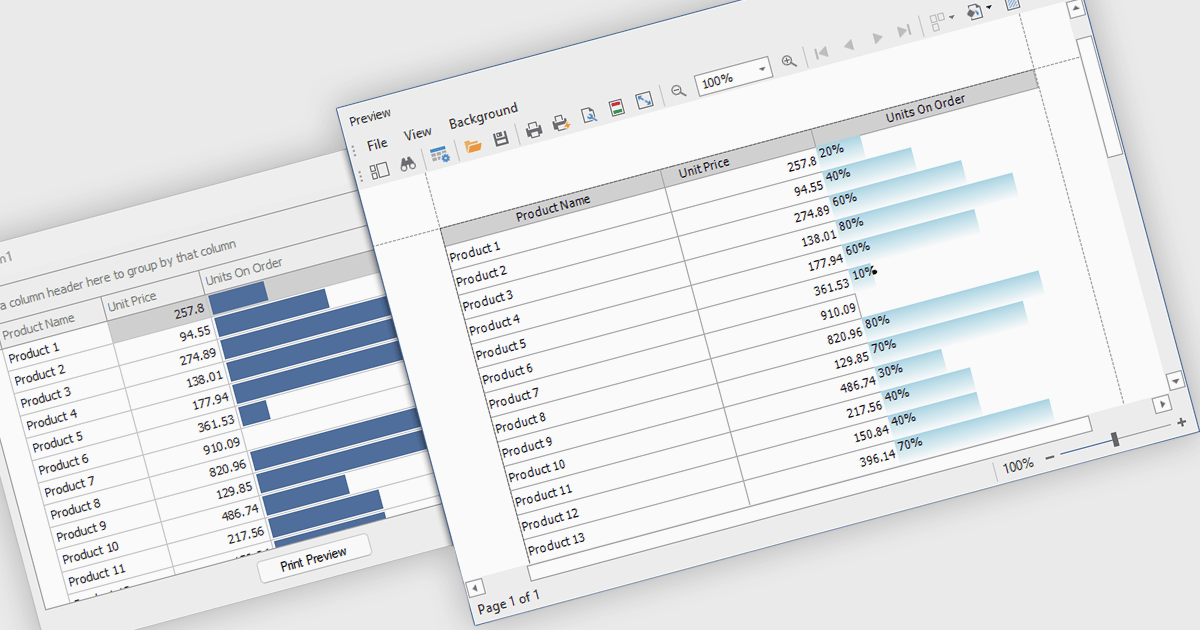
ProgressBar cell types in a .NET WinForms grid control are specialized cells that visually represent progress or completion levels within a grid layout, using horizontal progress bars. These cells are particularly useful for tracking status indicators, such as task completion or data processing percentages, directly within tabular views. They provide a clear, immediate representation of numeric progress values, enhancing readability without requiring users to interpret raw numbers. For developers, integrating ProgressBar cells simplifies the task of conveying progress-related information in data-driven interfaces, offering a familiar and consistent user experience aligned with standard Windows Forms controls.
Several .NET WinForms grid controls offer ProgressBar cell type controls, including:
For an in-depth analysis of features and price, visit our .NET WinForms grid controls comparison.
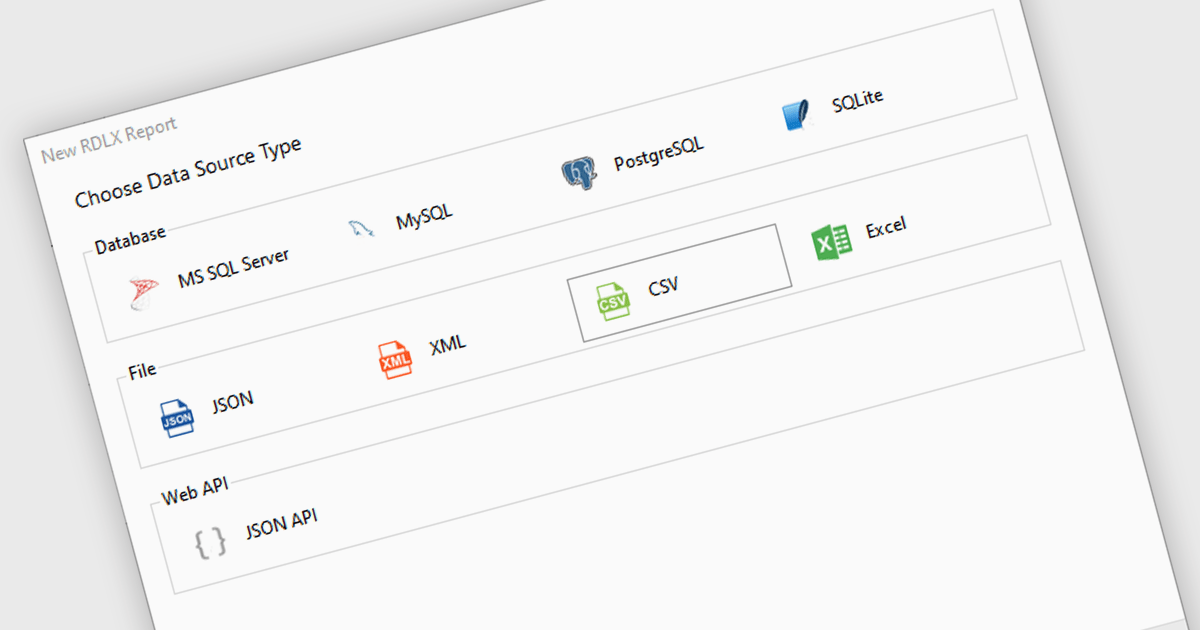
Excel / CSV data connectivity in a .NET 9 WPF reporting controls refers to the built-in capability to directly import and use data from Microsoft Excel spreadsheets or comma-separated value files as data sources for generating reports. This allows developers to integrate reporting functionality into their desktop applications without needing intermediate data transformations or external database connections. It simplifies the development workflow by supporting widely used formats, ensures compatibility with existing business data, and reduces the need for additional parsing or data handling logic. The result is faster report generation and easier access to commonly used data formats.
Several .NET 9 WPF reporting controls offer Excel / CSV data connectivity including:
For an in-depth analysis of features and price, visit our comparison of .NET 9 WPF reporting controls.
電話: (888) 850 9911
Fax: +1 770 250 6199


