













公式サプライヤー
公式および認定ディストリビューターとして200社以上の開発元から正規ライセンスを直接ご提供いたします。
当社のすべてのブランドをご覧ください。
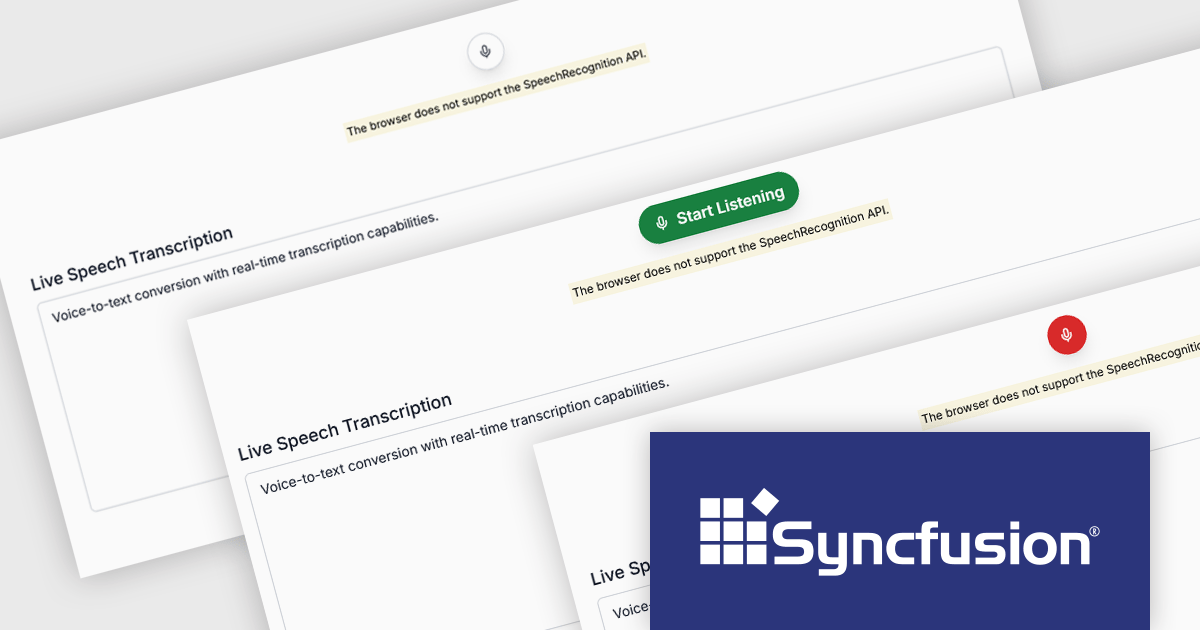
Syncfusion Essential Studio ASP.NET MVC (available as part of Syncfusion Essential Studio Enterprise) is a comprehensive suite of web UI controls that empowers developers to craft rich, interactive ASP.NET MVC applications. Backed by the lightweight and modular Essential JS 2 library, it offers over 80 components ranging from data grids and charts to schedulers and pivot grids, while ensuring a seamless integration with the MVC framework for an efficient development experience.
The Syncfusion Essential Studio ASP.NET MVC 2025 Volume 2 update introduces the new SpeechToText control, enabling developers to integrate real-time voice-to-text transcription into their web applications using the JavaScript SpeechRecognition API. This feature allows users to dictate text directly via their device's microphone, with options for live or finalized transcription output. Developers can tailor the control's behavior and appearance through customizable properties such as language selection, interim results, and tooltip visibility. Enhanced styling support also lets you personalize the microphone button using predefined CSS classes and configure it to display both icons and text, ensuring a flexible and accessible user experience.
To see a full list of what's new in 2025 Volume 2, see our release notes.
Syncfusion Essential Studio ASP.NET MVC is available as part of Syncfusion Essential Studio Enterprise which is licensed per developer starting with a Team License of up to five developers. It is available as a 12 Month Timed Subscription License which includes support and maintenance. See our Syncfusion Essential Studio Enterprise licensing page for full details.
Learn more on our Syncfusion Essential Studio ASP.NET MVC product page.
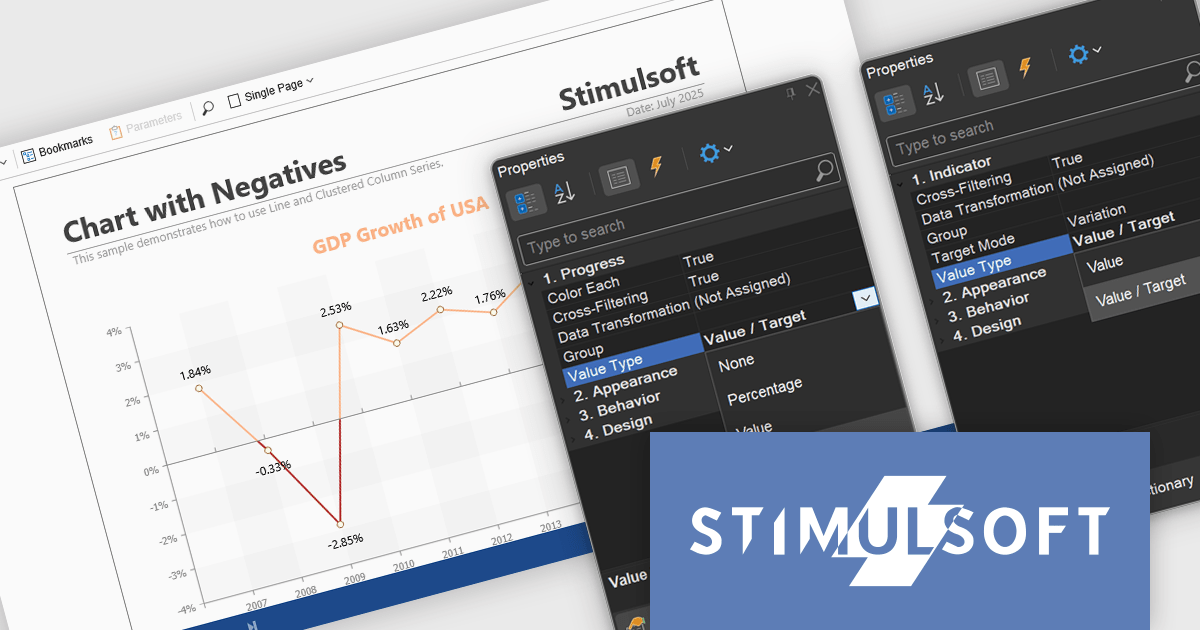
Stimulsoft Reports.NET is a reporting tool that empowers developers to design, edit, view, export, and print reports of varying complexity. It features a user-friendly report designer and an interactive viewer, allowing connection to various data sources. The generated reports can be seamlessly integrated into both Windows Forms and ASP.NET applications, with export capabilities to numerous formats for maximum flexibility.
The Stimulsoft Reports.NET 2025.3.1 update enhances the Value Type property by allowing developers to customize how values are displayed in Progress and Indicator dashboard elements. Progress elements can now show raw values, percentages, or value and target pairs, while Indicator elements support raw values or value and target formats. This added flexibility helps developers present data in the most relevant format for their users, improving clarity and making dashboards more informative and purpose-driven.
To see a full list of what's new in 2025.3.1, see our release notes.
Stimulsoft Reports.NET is licensed per developer and is available as a perpetual license with 1 year support and maintenance. See our Stimulsoft Reports.NET licensing page for full details.
Stimulsoft Reports.NET is available in the following products:
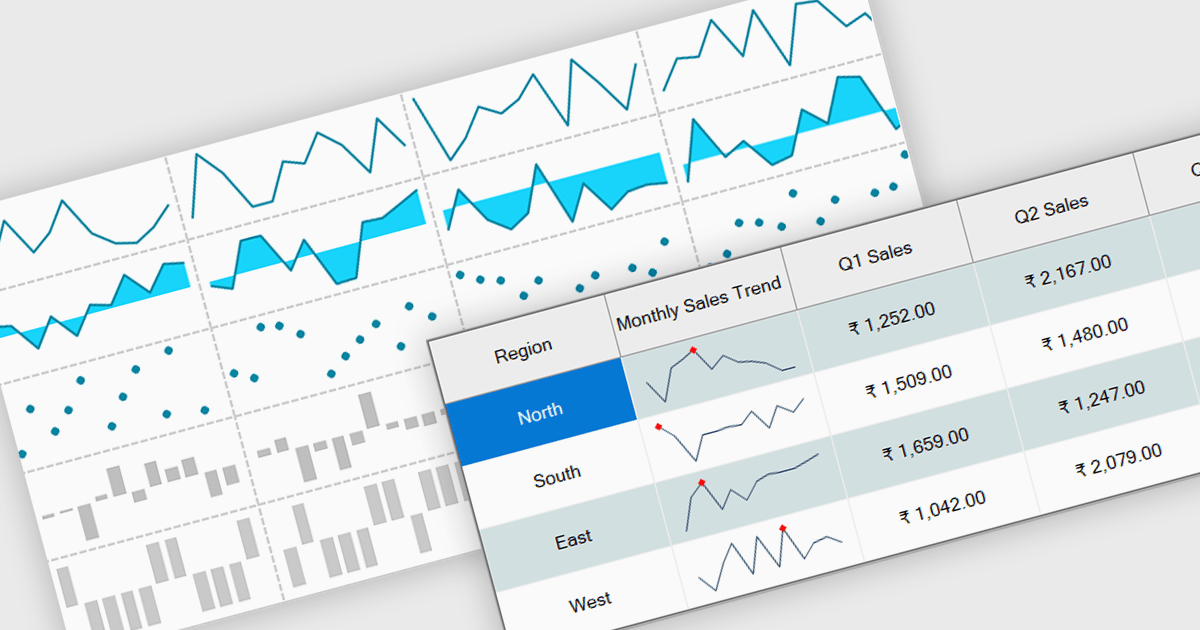
Sparklines are small embedded charts displayed within individual cells of a data grid or table, offering a compact and intuitive way to visualize trends, patterns and variations in data. Unlike traditional charts, sparklines are designed to fit alongside text or numerical values, providing immediate visual context without taking up additional space. This makes them ideal for high density dashboards and reports where space efficiency and quick interpretation are important. By enabling users to scan and compare trends across multiple rows at a glance, sparklines support faster decision making and improved data comprehension. Common use cases include tracking stock performance over time, visualizing monthly sales trends, monitoring temperature fluctuations or comparing website traffic across multiple pages directly within the grid.
Several .NET Winforms grid controls offer support for sparklines including:
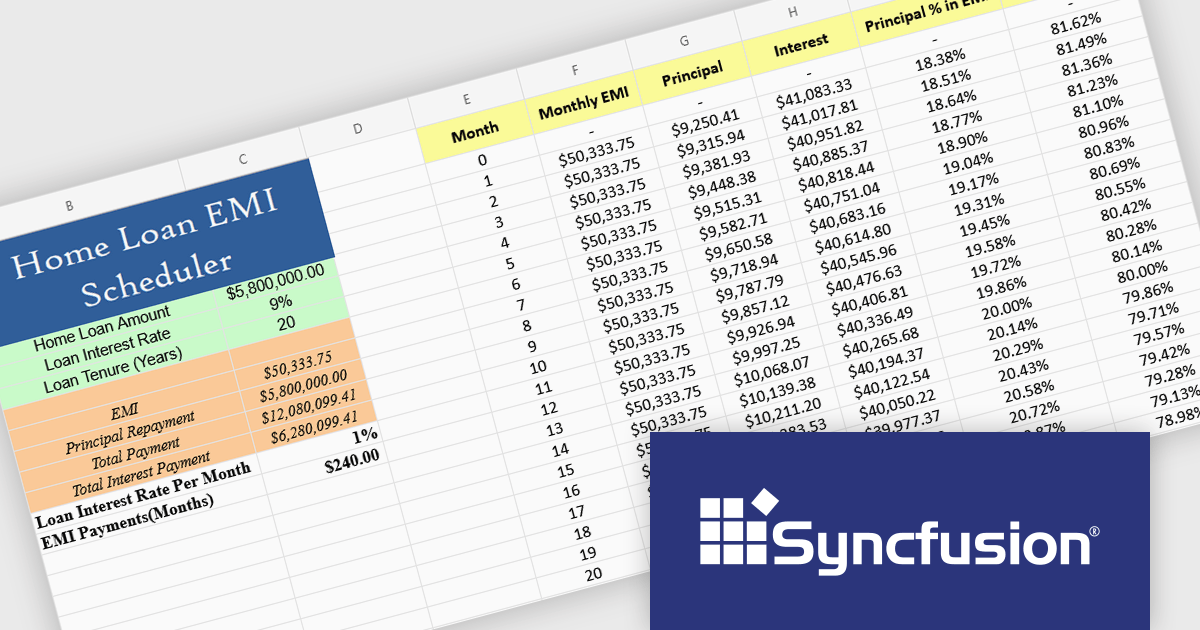
Syncfusion Essential Studio Blazor (available as part of Syncfusion Essential Studio Enterprise) is a comprehensive UI component library designed to accelerate the development of high-performance, modern web applications using the Blazor framework. It boasts over 85+ responsive, lightweight, and modular components spanning various categories such as data visualization, data editing, document processing, and interactive UI elements. This rich repertoire empowers developers to rapidly build user-friendly, feature-rich web interfaces, with seamless integration of both server-side and client-side Blazor applications.
The Syncfusion Essential Studio Blazor 2025 Volume 2 update introduces a new Spreadsheet control (in preview) that provides developers with an Excel-like environment for web applications, enabling efficient data manipulation, formula-based calculations, and file operations. This control supports core spreadsheet functionality such as cell editing, formatting, sorting, and selection, while also allowing for interactive features like dynamic resizing, autofill, image insertion, and hyperlink support. Designed with performance and scalability in mind, the Spreadsheet control helps developers manage complex data scenarios and deliver responsive, user-friendly interfaces within their Blazor applications.
To see a full list of what's new in 2025 Volume 2, see our release notes.
Syncfusion Essential Studio Blazor is available as part of Syncfusion Essential Studio Enterprise which is licensed per developer starting with a Team License of up to five developers. It is available as a 12 Month Timed Subscription License which includes support and maintenance. See our Syncfusion Essential Studio Enterprise licensing page for full details.
Learn more on our Syncfusion Essential Studio Blazor product page.
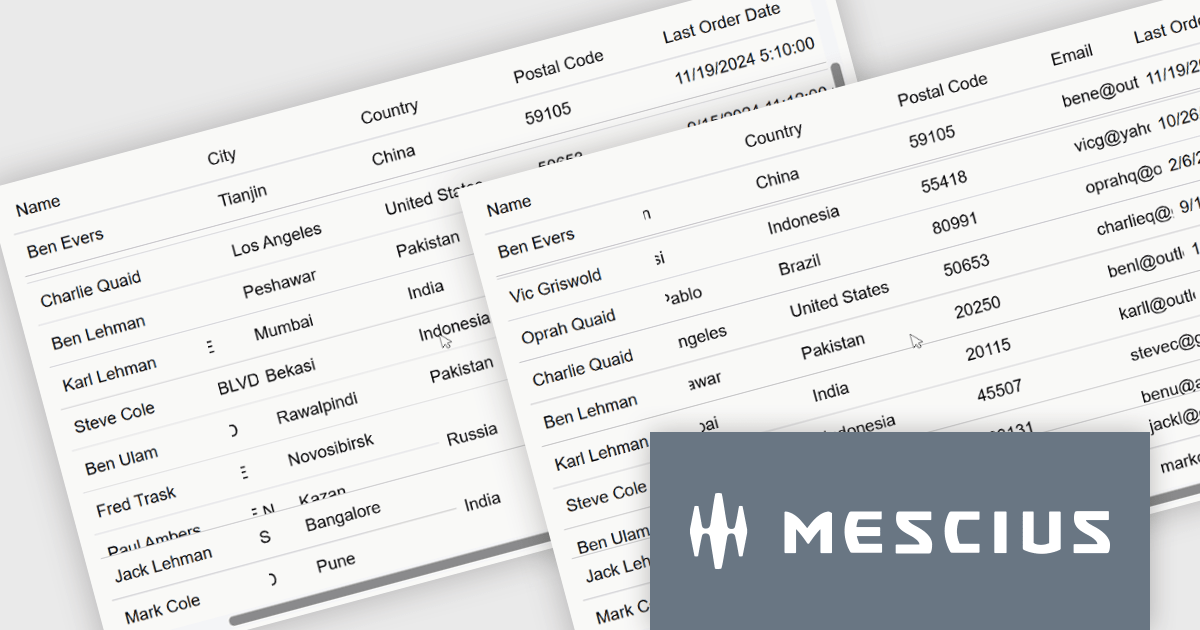
ComponentOne Studio Blazor Edition by MESCIUS allows developers to leverage their existing C# skills to build rich web applications. This comprehensive suite includes high-performance, native Blazor UI controls like FlexGrid, a powerful datagrid with data virtualization, and 50+ chart types for data visualization. It also offers essential input controls like Autocomplete and Combobox, improving development efficiency and creating a seamless experience for both developers and users.
The ComponentOne Studio Blazor Edition 2025 v1 update introduces support for freezing columns to the right and rows to the bottom in FlexGrid, giving developers greater control over data presentation in complex UI scenarios. This enhancement allows critical data such as totals or summary rows and columns to remain visible as users scroll through the grid, improving usability and reducing the need for redundant navigation. It aligns with common spreadsheet behavior and enables developers to deliver a more intuitive and efficient user experience within their Blazor applications.
To see a full list of what's new in 2025 v1, see our release notes.
ComponentOne Studio Blazor Edition is licensed per developer on a perpetual basis and includes a 12 month subscription. See our ComponentOne Studio Blazor Edition licensing page for full details.
ComponentOne Studio Blazor Edition is available individually or as part of ComponentOne Studio Enterprise.
電話: (888) 850 9911
Fax: +1 770 250 6199


