













公式サプライヤー
公式および認定ディストリビューターとして200社以上の開発元から正規ライセンスを直接ご提供いたします。
当社のすべてのブランドをご覧ください。
Syncfusion Essential Studio Windows Forms (available as part of Syncfusion Essential Studio Enterprise) is a powerful UI component suite designed to enhance your WinForms development. It boasts over 100 high-performance controls, ranging from essential grids and charts to advanced schedulers and diagrams, enabling you to craft visually appealing and feature-rich applications with ease. Its extensive customization options and built-in themes allow for tailored user experiences, while touch-friendly design ensures seamless interaction across devices.
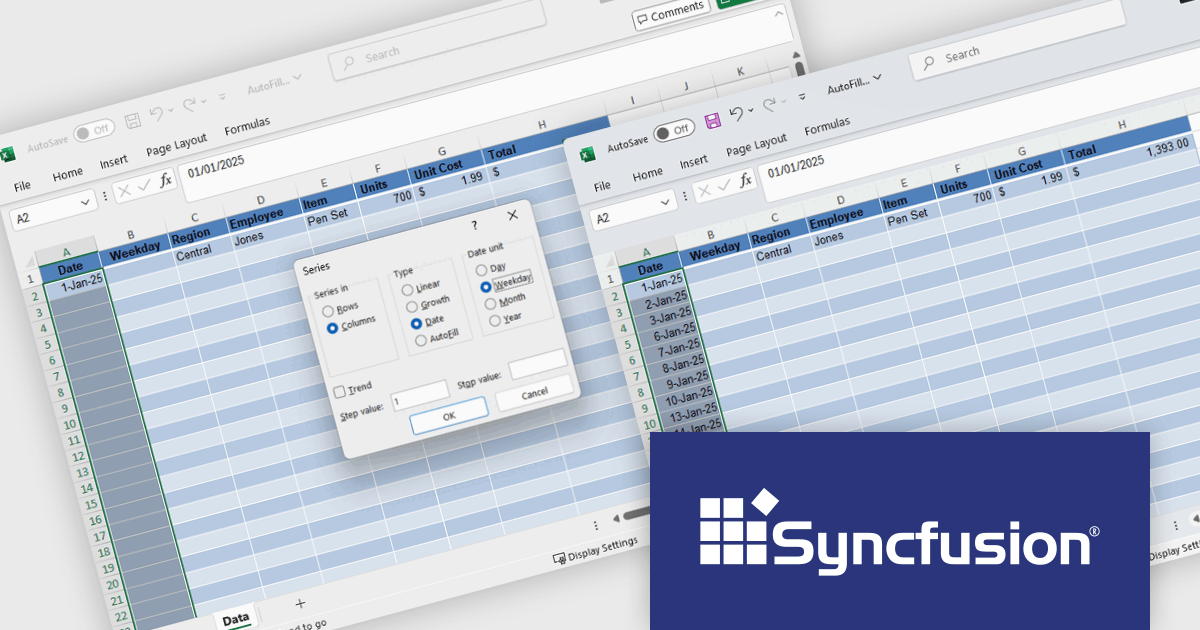
The Syncfusion Essential Studio Windows Forms 2025 Volume 2 update introduces Auto Fill and Fill Series support in the Excel Library, enabling developers to programmatically populate cell ranges based on detected patterns, sequences, or trends. This enhancement improves spreadsheet generation by reducing manual data entry and allows for efficient creation of structured data such as incremental numbers, dates, or custom-defined sequences. It improves automation in Excel-based workflows, supports consistent data output, and integrates smoothly into existing .NET applications for more dynamic and intelligent document processing.
To see a full list of what's new in 2025 Volume 2 (30.1.37), see our release notes.
Syncfusion Essential Studio Windows Forms is available as part of Syncfusion Essential Studio Enterprise which is licensed per developer starting with a Team License of up to five developers. It is available as a 12 Month Timed Subscription License which includes support and maintenance. See our Syncfusion Essential Studio Enterprise licensing page for full details.
Learn more on our Syncfusion Essential Studio Windows Forms product page.
PrimalScript by SAPIEN Technologies is a comprehensive integrated development environment (IDE) designed for scripting and automation tasks. Offering a powerful platform for various scripting languages, PrimalScript improves the development process by providing robust editing, debugging, and deployment tools. Its user-friendly interface caters to both novice and experienced developers, fostering efficient script creation. With features like script packagers and advanced debugging capabilities, PrimalScript empowers users to enhance productivity in tasks ranging from small automation scripts to complex software development projects.
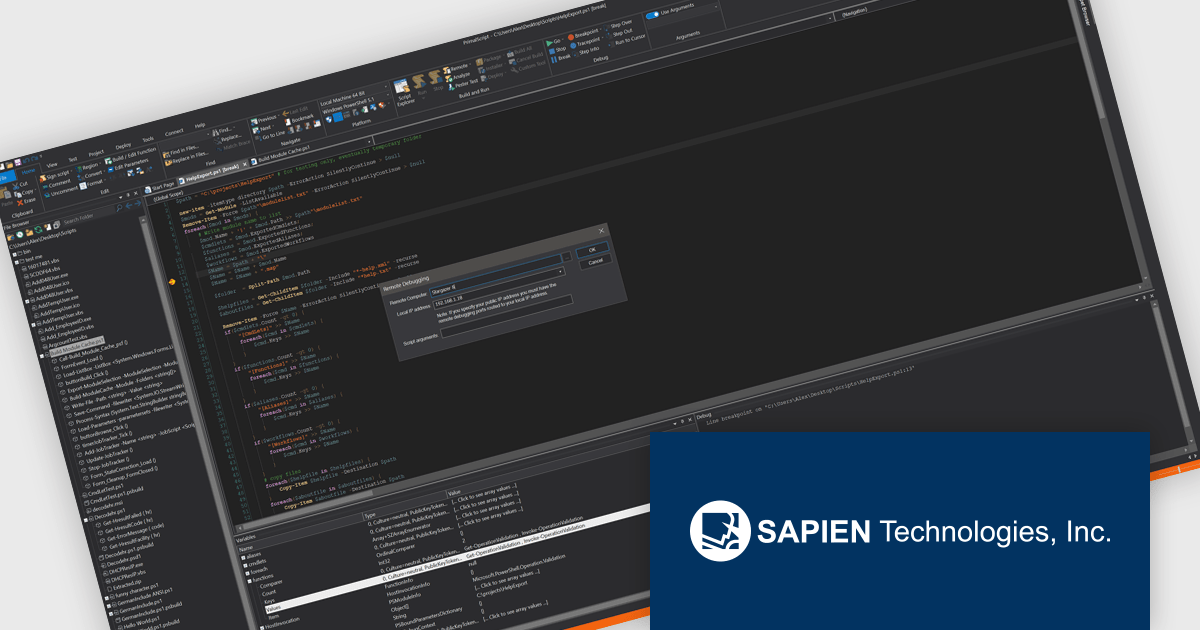
PrimalScript provides a robust remote debugger that allows developers to debug scripts across networks with the same level of control as local debugging. It supports breakpoints, variable inspection, and call stack visibility in real time, enabling accurate issue diagnosis in complex or distributed environments. By allowing direct debugging on remote machines, servers, or virtual environments, it eliminates the need to replicate conditions locally or transfer scripts between systems. This functionality enhances the debugging process, reduces downtime, and improves the reliability of script deployment in multi-system infrastructures.
PrimalScript is licensed per user and includes 1 year of product updates and support. Annual Premium Support is available and provides 1 Year of access to SAPIEN Technologies direct technical support ticketing system and a guaranteed response within 24 hours. The premium support package must be purchased at the same time as the initial software purchase, subscription renewal, or upgrade, and can be renewed on an annual basis. See our PrimalScript licensing page for full details.
For more information, visit our PrimalScript product page.
Stimulsoft Dashboards.PYTHON is a data visualization tool specifically designed for building interactive dashboards within Python applications. It combines a client-side JavaScript engine for data processing with a designer component to craft dashboards and a viewer for displaying them. This empowers developers to create clear and informative visual representations of data directly within their Python projects.
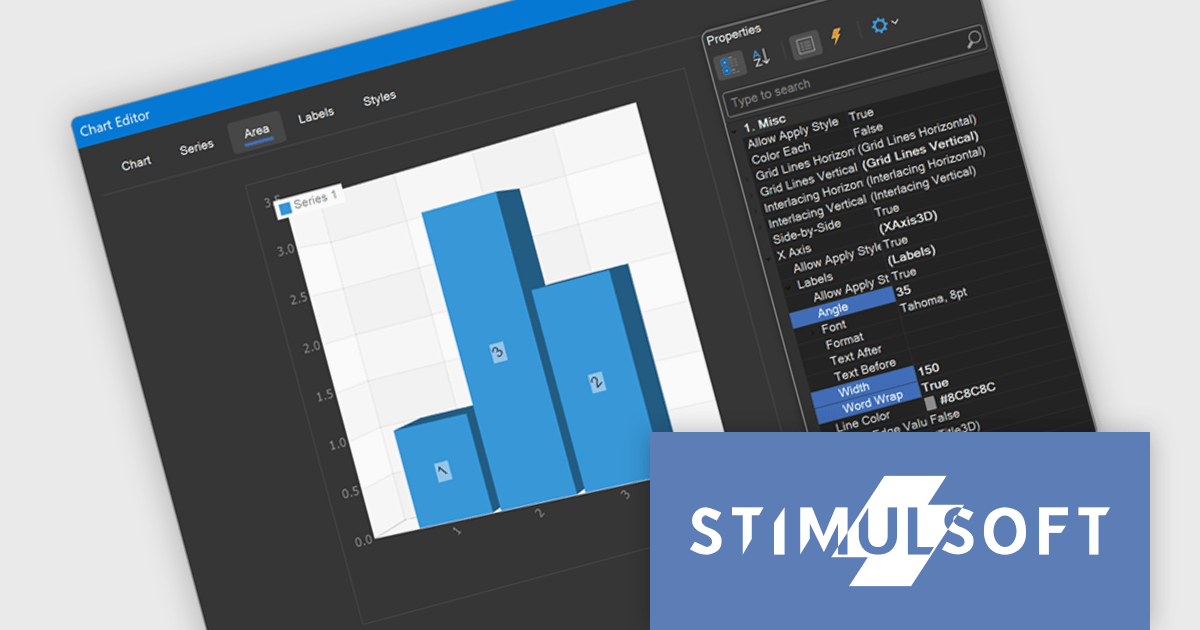
The Stimulsoft Dashboards.PYTHON 2025.3.1 update enhances 3D chart usability by introducing new axis label settings that improve how labels are displayed in complex data visualizations. Developers can now rotate labels to align with chart angles, define a maximum width to prevent overlap, and enable word wrap to maintain readability in constrained spaces. These additions provide greater control over chart formatting, allowing for clearer presentation of axis data, especially in dashboards with dense or multilingual content.
To see a full list of what's new in 2025.3.1, see our release notes.
Stimulsoft Dashboards.PYTHON is licensed per developer and is available as a perpetual license with 1 year support and maintenance. See our Stimulsoft Dashboards.PYTHON licensing page for full details.
Stimulsoft Dashboards.PYTHON is available individually or as part of Stimulsoft Ultimate.
DevExpress WinForms is a comprehensive suite of 190+ UI controls and development tools designed for building high-performance desktop applications. It offers a broad array of customizable controls, from data grids and ribbon interfaces to advanced charts, maps, and diagramming components. This empowers developers to rapidly create functionally rich applications, while adhering to accessibility guidelines and touch-enabled technology for modern Windows environments.
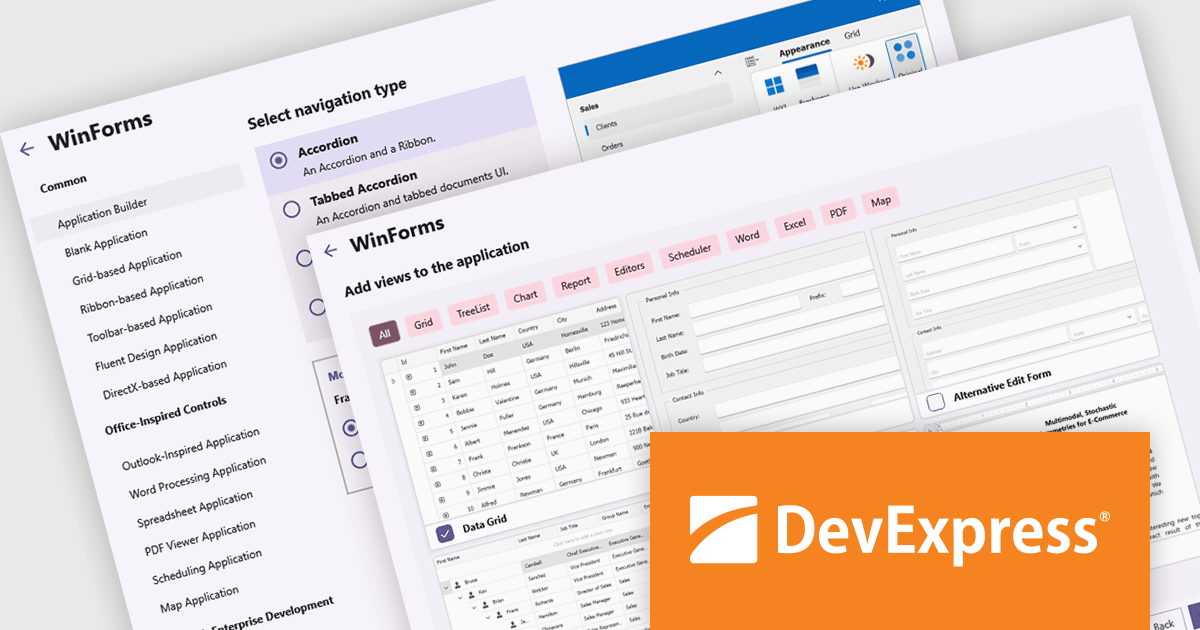
The DevExpress WinForms v25.1 update adds a new Application Builder template that is designed to reduce the overhead of starting a modular or multi-view desktop application. By automating key setup tasks - such as defining navigation structures and integrating essential UI components - it eliminates much of the repetitive groundwork that typically slows down early development. This allows developers to bypass boilerplate code and focus directly on business requirements and user interaction. The result is faster prototyping, cleaner architecture, and a more efficient development process for complex WinForms applications.
To see a full list of what's new in version 25.1, see our release notes.
DevExpress WinForms is licensed per developer and is available as a Perpetual License with a 12 month support and maintenance subscription. See our DevExpress WinForms licensing page for full details.
DevExpress WinForms is available individually or in the following products:
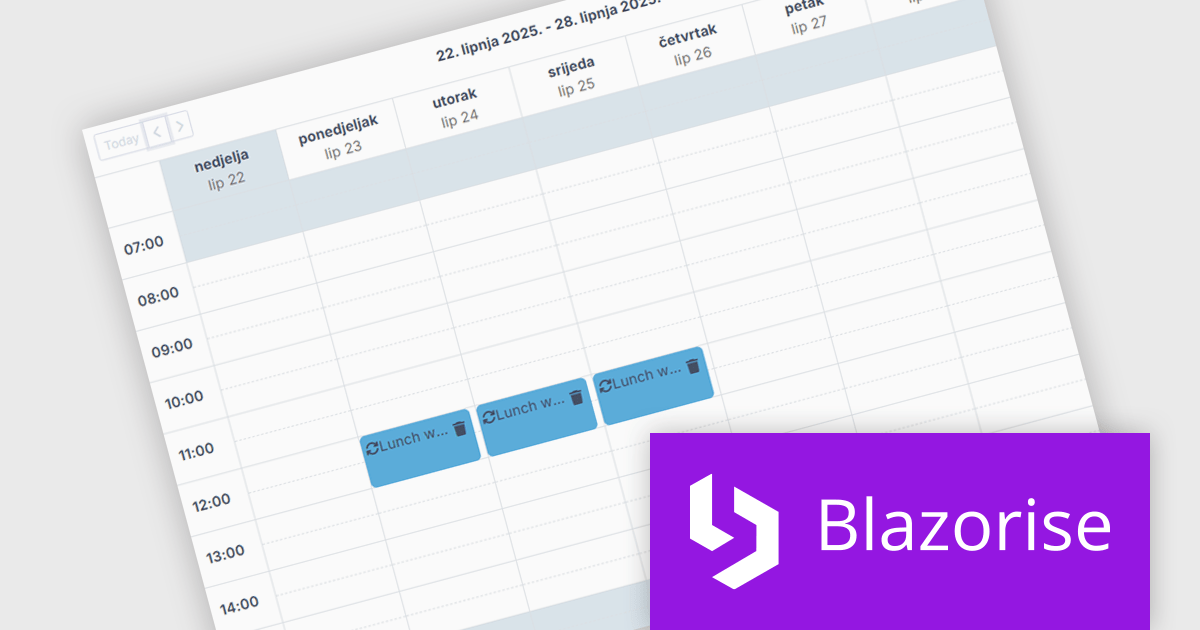
Blazorise is a versatile component library that empowers developers to build modern and feature-rich web applications using Blazor, a client-side web development framework from Microsoft. It offers a comprehensive collection of user interface components, including buttons, forms, charts, and navigation elements, all built with accessibility and responsiveness in mind.
The Blazorise 1.8 update introduces a new Scheduler component that enables developers to implement robust calendar and event management functionality directly within their applications. Built entirely with Blazorise core components and free from third-party dependencies, the Scheduler offers a clean and consistent development experience while ensuring full customization and extensibility. It supports multiple calendar views such as Day, Week, and Month, along with essential features like in-place editing, drag-and-drop event management, and recurring event handling. This addition improves the development of scheduling interfaces, making it easier to deliver user-friendly and interactive planning tools.
To see a full list of what’s new in version 1.8, see our release notes.
Blazorise is licensed per developer and is runtime royalty free. Licenses include a 1 year subscription for updates and premium support. Professional, Enterprise, and Enterprise Plus editions are available, each offering tailored levels of support and service to meet varying business needs. See our Blazorise licensing page for full details.
For more information, visit our Blazorise product page.
電話: (888) 850 9911
Fax: +1 770 250 6199


