













公式サプライヤー
公式および認定ディストリビューターとして200社以上の開発元から正規ライセンスを直接ご提供いたします。
当社のすべてのブランドをご覧ください。
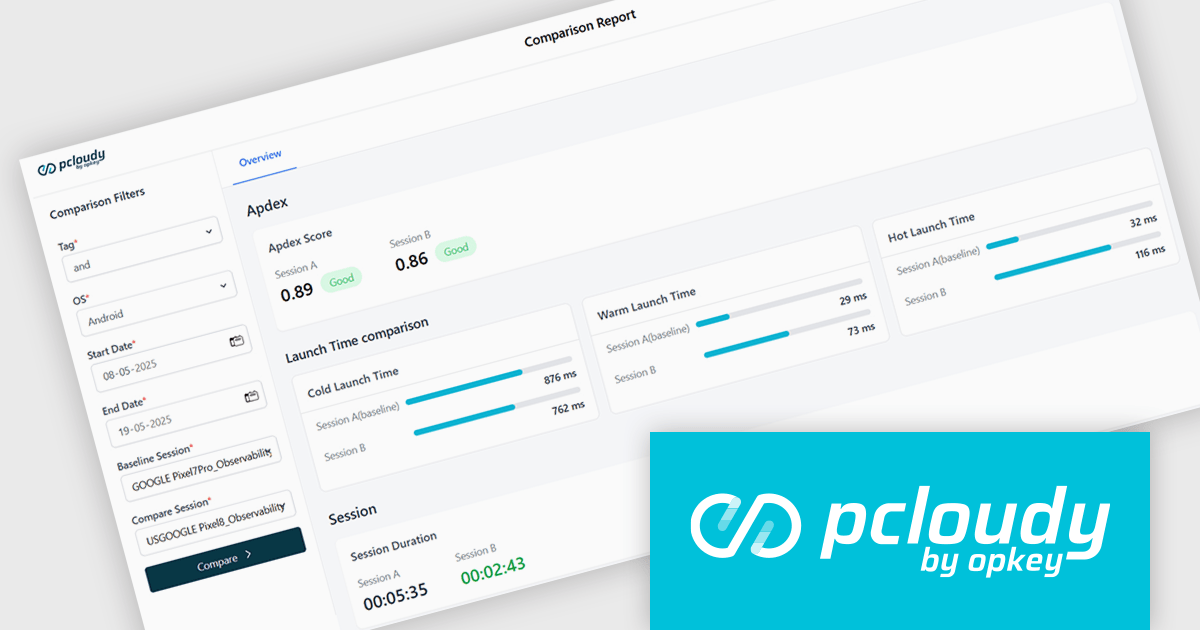
Pcloudy is a mobile app testing platform that provides access to a wide range of real devices hosted in the cloud. Designed to support both manual and automated testing, it enables developers and quality assurance teams to validate their apps across different devices, operating systems, and network conditions without needing a physical lab. Pcloudy integrates with popular tools like Appium, Jenkins, and various CI/CD pipelines, making it suitable for agile development environments. Its features include live device access, automated test execution, performance monitoring, and in-depth debugging tools such as logs, screen recordings, and screenshots.
The Pcloudy 7.4 update introduces report comparison in the App Performance section. This feature enables users to view two performance reports side by side, making it easier to detect regressions, validate performance gains, and analyze behavioral differences across app versions, operating systems, or devices. It supports in-depth insights into critical metrics like memory consumption, startup latency, and user interface responsiveness, helping development and QA teams pinpoint areas that need optimization.
To see a full list of what's new in 7.4, see our release notes.
Pcloudy is offered as a 1 Year Subscription, licensed per user, per parallel session. Licenses are available for Manual or Automated Testing, for Web or Mobile. See our Pcloudy licensing page for full details.
For more information, visit our Pcloudy product page.
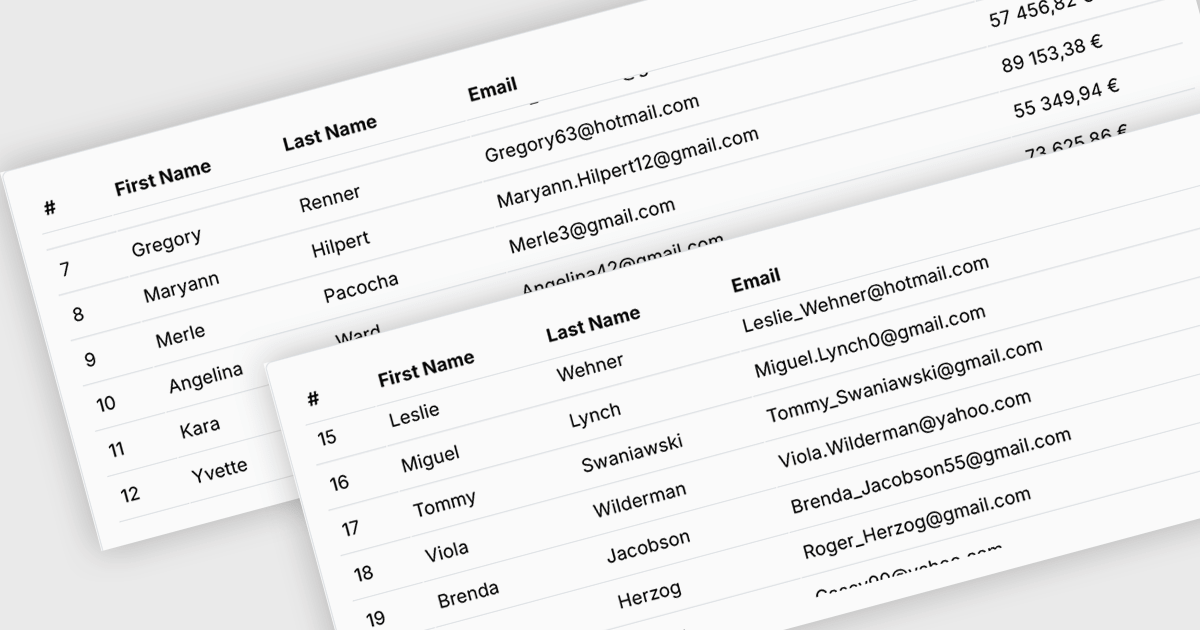
Fixed headers in a grid component refer to the user interface feature where the header row (or rows) of the grid remains visible at the top of the viewport while the user scrolls through the content vertically. This functionality is particularly useful in data-intensive applications, as it ensures that column labels stay in view, maintaining context and readability even with large datasets. For software developers, implementing fixed headers improves usability, enhances data navigation, and supports better comprehension by eliminating the need to repeatedly scroll back to the top to interpret column values.
Several Blazor Grids offer support for fixed headers including:
For an in-depth analysis of features and price, visit our Blazor Grids comparison.
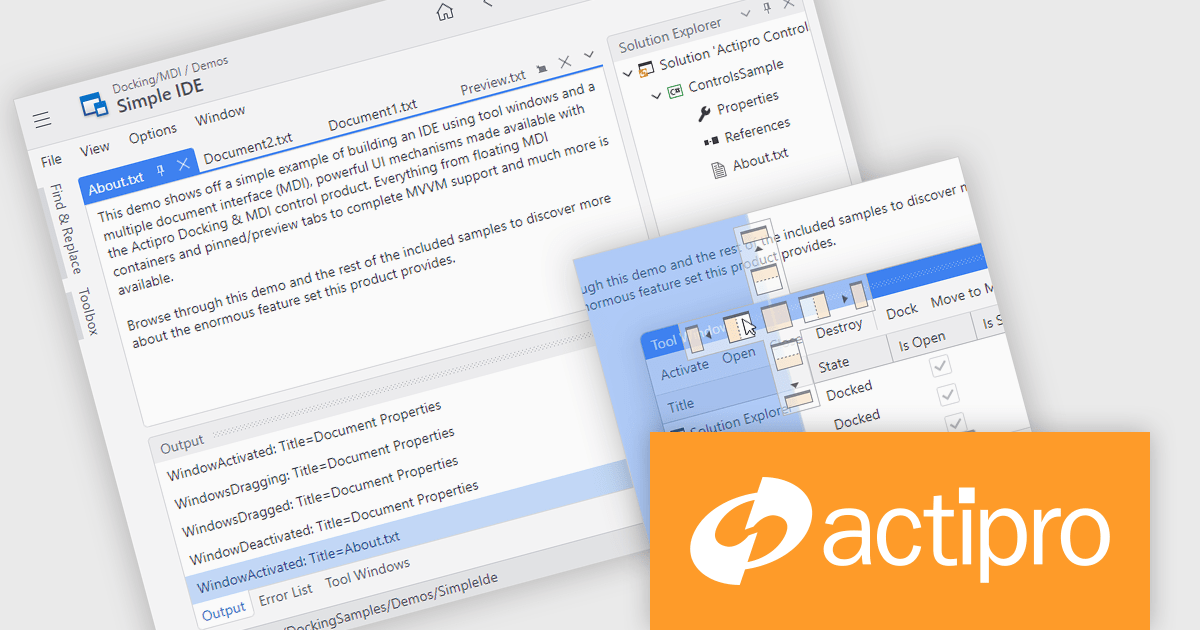
Actipro Avalonia UI Pro is a suite of professionally designed UI controls, themes, and components specifically built for the Avalonia UI framework. It empowers developers to craft beautiful, modern cross-platform applications while leveraging their existing C# and WPF skills. Actipro offers a range of controls from essential navigation and data visualization components to advanced charting and scheduling features, all adhering to its signature high-quality design and seamless integration with Avalonia.
The Actipro Avalonia UI Pro 25.2.0 release adds a Docking/MDI (Multiple Document Interface) control library, bringing Visual Studio-style window management to cross-platform Avalonia applications. This new feature allows end users to freely drag, dock and rearrange windows, with full support for persisting their layout preferences. Mirroring capabilities found in modern integrated development environments (IDEs), the library is ideal for building applications that require complex customization. It also includes comprehensive support for data-binding, ensuring compatibility with Model-View-ViewModel (MVVM) design patterns to ease integration into existing application architectures.
To see a full list of what's new in 25.2.0, see our release notes.
Actipro Avalonia UI Pro is licensed per developer and is available as a Perpetual license with 1 year support and maintenance. See our Actipro Avalonia UI Pro licensing page for full details.
Learn more on our Actipro Avalonia UI Pro product page.
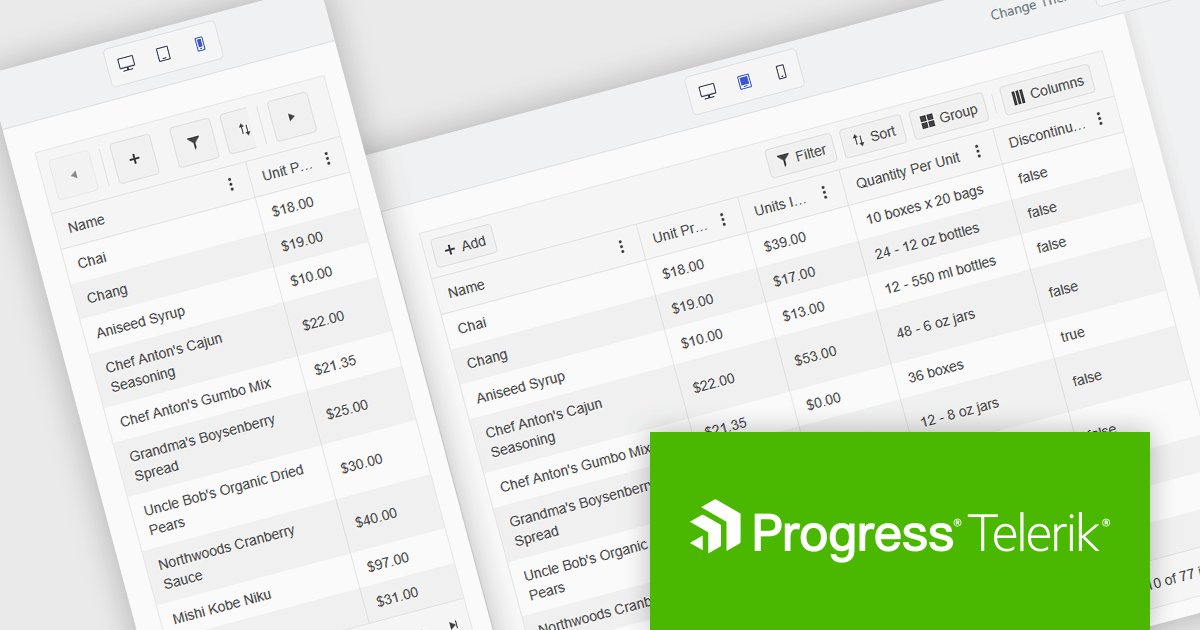
Kendo UI is a comprehensive suite of four JavaScript UI libraries for jQuery, Angular, React, and Vue that enables developers to build responsive web applications for desktop, tablet, and mobile platforms with minimal effort. It provides a wide range of customizable components such as data grids, charts, schedulers, and form controls that streamline development and can reduce time to market by up to 50 percent. With built-in support for theming, accessibility, localization, and state management, Kendo UI is ideal for creating data-driven dashboards, CRM systems, e-commerce portals, and administrative interfaces while maintaining high performance and a consistent user experience.
The Kendo UI 2025 Q2 update brings a major update to the Grid component, focusing on mobile usability. The Grid is now fully adaptive, meaning its layout and controls automatically adjust to different screen sizes. This includes new support for adaptive editing, where input forms rearrange themselves to fit smaller screens more effectively. The update also introduces improved form components and a responsive pager, helping users navigate data more easily on mobile devices. These changes aim to make working with the Grid more practical and efficient when using touch interfaces or limited screen space.
To see a full list of what's new in 2025 Q2 (v19.0.0), see our release notes.
Kendo UI is licensed per developer and has two licensing models: an annual Subscription License and a Perpetual License. The Subscription license provides access to the latest product updates, technical support, and exclusive benefits for a flat annual fee, and must be renewed to continue using the software. The Perpetual license is a one-time purchase granting access to the current released version and includes a one-year subscription for product updates and technical support. After this initial period, users can choose to renew the subscription element to continue receiving updates and support; otherwise, they may continue using the installed version available during their active subscription term but will forgo future updates and support. See our Kendo UI licensing page for full details.
Kendo UI is available individually or as part of the following products:
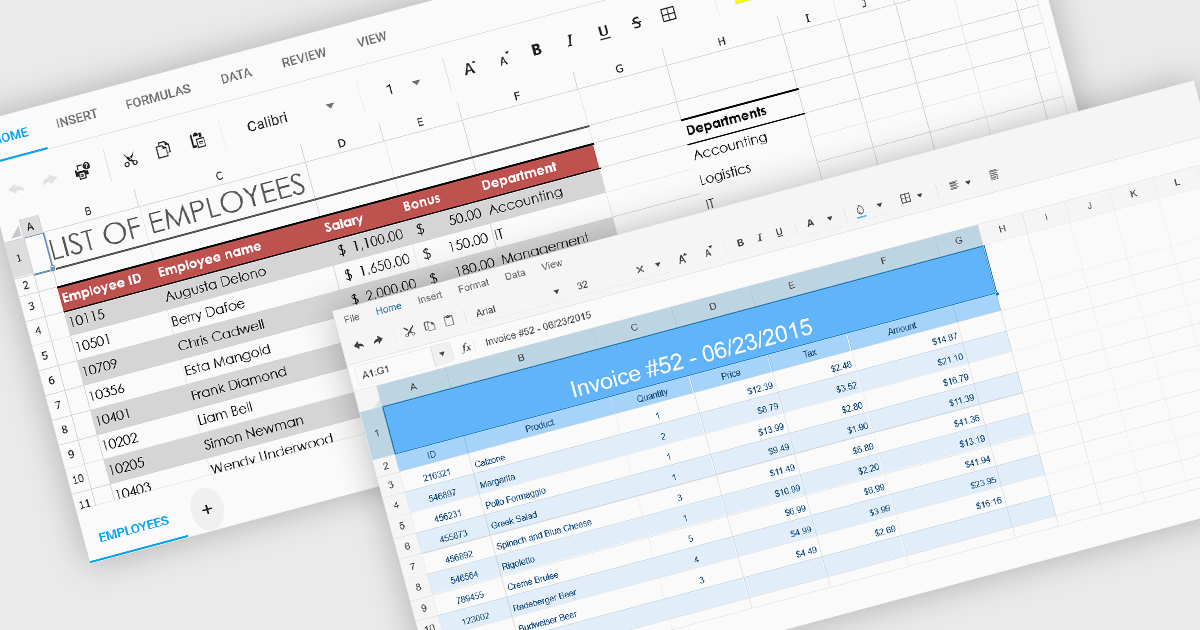
Cell formatting in spreadsheet components allows developers to manipulate the visual presentation of spreadsheet data, enhancing clarity and usability. This includes adjusting font styles, colors, borders, number formats, and alignment, which is especially valuable for building business or financial applications where precise data representation is critical. Such formatting capabilities ensure that end-users can interact with spreadsheets that are both functional and aesthetically tailored to the specific context of the application.
Several ASP.NET Core spreadsheet components support cell formatting, including:
For an in-depth analysis of features and price, visit our ASP.NET Core spreadsheet controls comparison.
電話: (888) 850 9911
Fax: +1 770 250 6199


