













公式サプライヤー
公式および認定ディストリビューターとして200社以上の開発元から正規ライセンスを直接ご提供いたします。
当社のすべてのブランドをご覧ください。
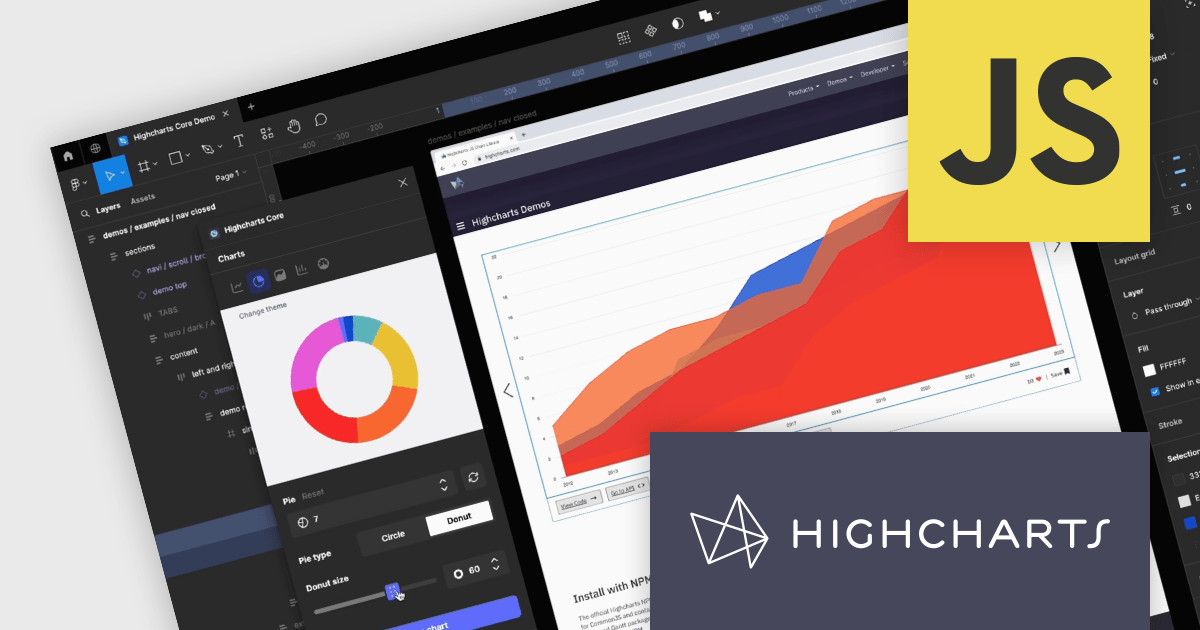
Highcharts Core by Highsoft is a powerful JavaScript charting library that simplifies the creation of interactive and accessible data visualizations for web applications. Featuring a wide variety of chart types, from basic line graphs to complex combinations, and extensive customization options, Highcharts Core (formerly Highcharts JS) allows developers to bring their data to life in a way that is both informative and engaging. This makes it ideal for use cases across various industries, from financial dashboards and scientific reports to marketing campaigns and social media content.
Highsoft has made the Highcharts Core Figma Plug-In available for free on Figma Community. Figma is a web-based design tool that allows you to create user interfaces for websites and apps. Known for its collaborative features, Figma makes it easy for design teams to work together on projects. The new plugin includes:
Read the Highcharts blog for more information about this powerful free plug-in available to licensed users of Highcharts Core.
Highcharts Core is licensed on an annual or perpetual basis, OEM licenses, and Advantage Renewals. It is licensed per Developer and has several license options including Internal, SaaS, SaaS+, and Self Hosted. See our Highsoft Core licensing page for full details.
For more information, visit our Highcharts Core product page.
ComponentOne Studio Enterprise by MESCIUS is a comprehensive toolkit for .NET developers, offering a vast collection of pre-built UI controls for desktop (WinForms, WPF, WinUI, UWP), web (ASP.NET MVC, ASP.NET Core, MVC, Blazor), and mobile (.NET MAUI, Xamarin) applications. It extends functionality beyond UI with data visualization tools, data grids, reporting components, and JavaScript controls through Wijmo Enterprise. This all-in-one solution streamlines development by providing pre-designed elements and functionalities, allowing developers to focus on core application logic and deliver feature-rich applications faster.
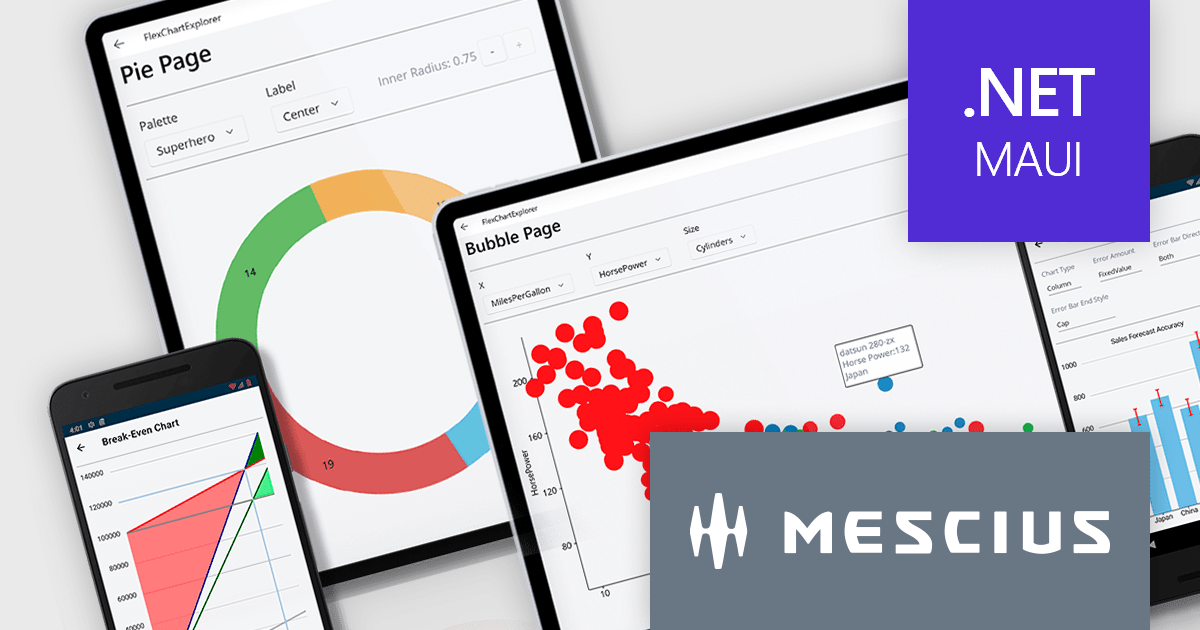
The ComponentOne Studio Enterprise 2024 v1 release adds ComponentOne MAUI FlexChart, a cross-platform .NET MAUI chart control, empowers you to craft dynamic dashboards and data visualizations. With over 50 chart types including bar charts, line graphs, pie charts, and combination plots, developers can tailor the perfect visual representation for your data. FlexChart offers granular control, allowing you to customize labels, gridlines, tick marks, and more. It enhances user engagement with interactive features like pop-up labels, selection, zoom, pan, and line markers. This powerful tool enhances the ability to present data insights in a clear and engaging way for .NET MAUI projects.
To see a full list of what's new in 2024 v1, see our release notes.
ComponentOne Studio Enterprise is licensed per developer on a perpetual basis and includes a 12 month subscription. Priority Support is also available. See our ComponentOne Studio Enterprise licensing page for full details.
Learn more on our ComponentOne Studio Enterprise product page.
LightningChart JS Trader is a JavaScript/TypeScript library developed by LightningChart that specifically targets the creation of financial and trading applications. It provides high-performance, 2D, 3D, and real-time charting controls and a comprehensive suite of visualizations including candlestick, bar, line, and various technical indicators and drawing tools. This library enables software developers to craft interactive technical analysis tools without the need for server-side setup as it runs completely on the client device.
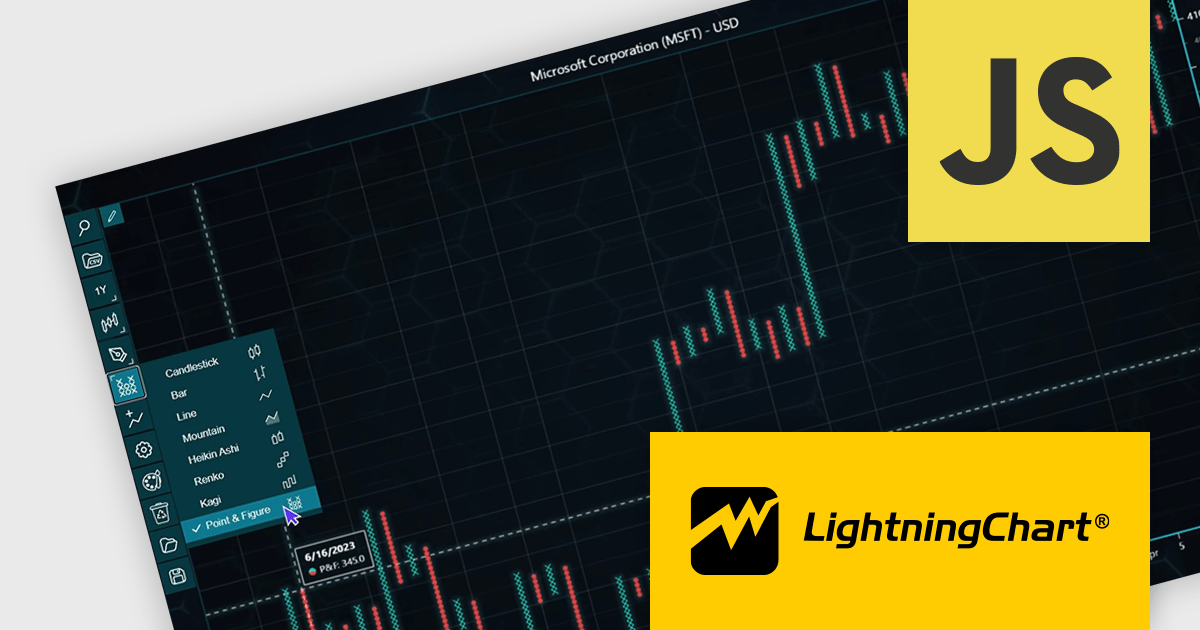
The LightningChart JS Trader v2.0 update expands its technical analysis toolkit by introducing more chart types, such as Heikin Ashi, Renko, Kagi, and Point-and-Figure charts. These additional chart types equip developers with a wider range of visualization options, significantly enhancing market trend analysis capabilities and allowing them to adapt to different analytical needs and trading strategies.
To see a full list of what's new in v2.0, see our release notes.
LightningChart JS Trader is licensed per developer and is available as an annual license with 1 year support. See our LightningChart JS Trader licensing page for full details.
For more information, see our LightningChart JS Trader product page.
jQWidgets is a comprehensive JavaScript UI framework offering a robust collection of over 60 widgets, themes, and utilities for building professional-grade, cross-platform web applications. Built on jQuery, HTML5, and CSS, it provides extensive functionality including data grids, charts, navigation, input validation, and more. jQWidgets simplifies web development, ensuring your applications work seamlessly across desktop browsers, tablets, and smartphones.
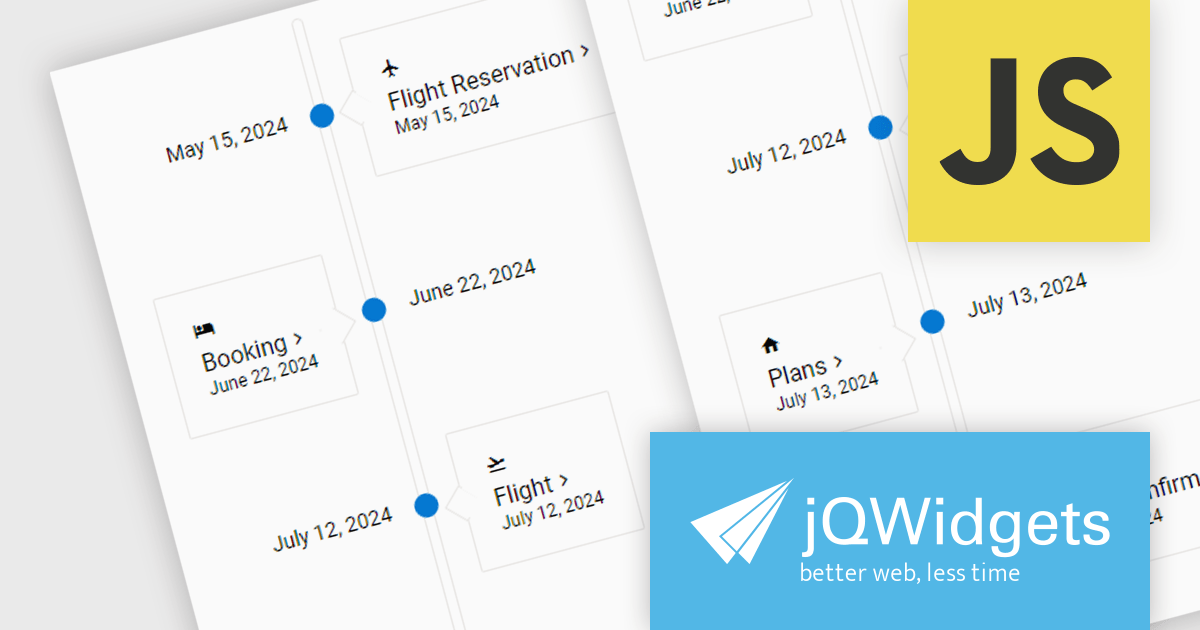
The jQWidgets 19.2 release adds the new jqxTimeline component. This allows for the visualization of events and activities in chronological order, aiding users in comprehending the flow and relationships between them. The timeline offers features such as chronological display, interactive elements for navigation and exploration, customizable styling for seamless application integration, support for rich content including text, images, and videos, and responsiveness for optimal viewing across various devices. These functionalities make the timeline component a valuable tool for applications in project management, historical references, education, and personal storytelling, by providing an engaging and clear way to present time-based information.
To see a full list of what's new in 19.2.0, see our release notes.
jQWidgets is licensed per developer and is available as a Perpetual license 1 year support and maintenance. See our jQWidgets licensing page for full details.
Learn more on our jQWidgets product page.
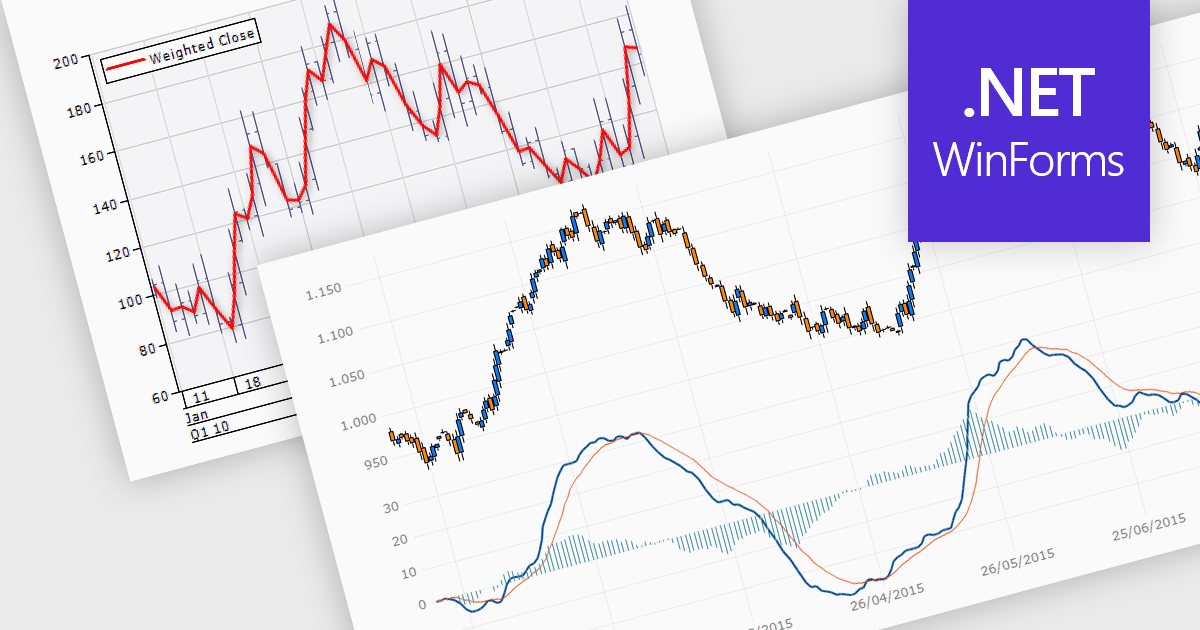
Trend lines are essential tools in data visualization and financial analysis, used to identify and interpret the direction and strength of trends in data sets. A trend line is a line that best represents the data on a chart, highlighting the general direction over a specified period. This is beneficial for making informed decisions, predicting future price movements, and validating the strength of ongoing trends. In stock market analysis, a trend line can help investors determine optimal entry and exit points, while moving averages can signal buy or sell opportunities, enhancing the effectiveness of trading strategies.
Several .NET WinForms chart controls offer trend lines and indicators including:
For an in-depth analysis of features and price, visit our comparison of .NET WinForms chart controls.
電話: (888) 850 9911
Fax: +1 770 250 6199


