













公式サプライヤー
公式および認定ディストリビューターとして200社以上の開発元から正規ライセンスを直接ご提供いたします。
当社のすべてのブランドをご覧ください。
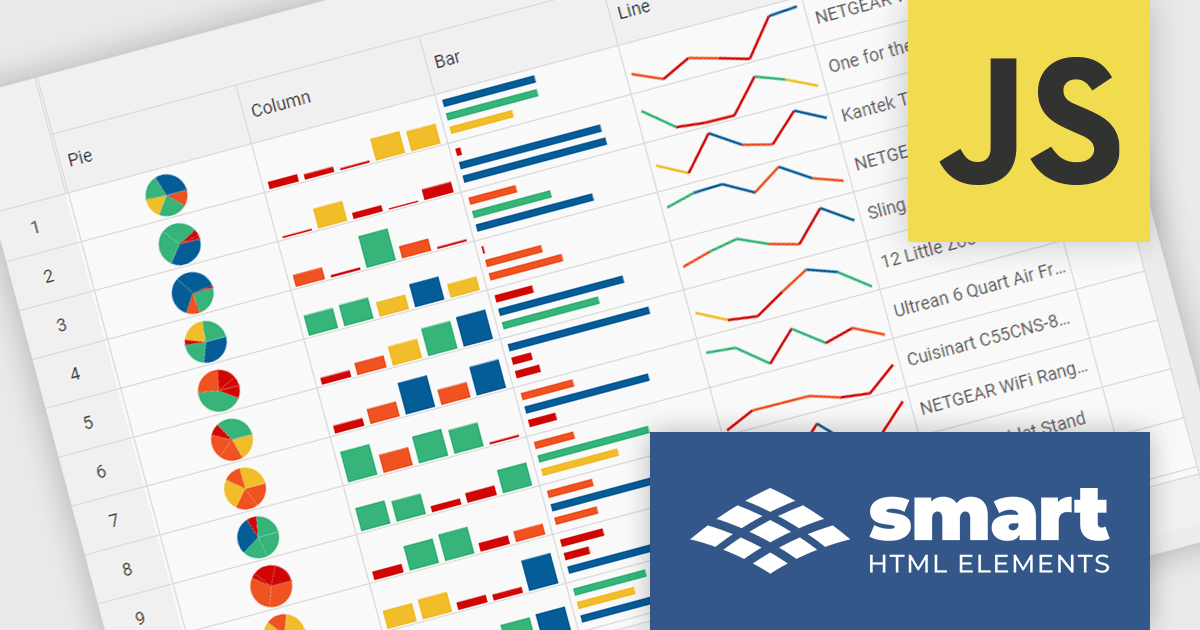
Smart HTML Elements is an enterprise-grade UI library offering pre-built web components for developers in Angular, React, Vue, Blazor, and JavaScript. It boasts over 60 ready-to-use components like grids, charts, schedulers, and editors, all featuring two-way data binding, responsiveness, accessibility, and theming capabilities. This library helps developers rapidly build dynamic and modern web applications with consistent look-and-feel and rich functionalities, accelerating development time and ensuring professional quality.
The Smart HTML Elements v19.0.0 release adds support for Grid Sparklines. These are small, data-intense, design simple charts that fit into a single cell of a grid and provide a visual representation of data trends. They are typically used to show trends in a series of values, such as seasonal increases or decreases, economic cycles, or to highlight maximum and minimum values. Grid Sparklines help users to quickly understand patterns and trends in their data without having to create separate charts or graphs.
To see a full list of what's new in v19.0.0, see our release notes.
Smart HTML Elements is licensed per developer and is available as a Perpetual license with 1 year support and maintenance. It includes distribution to Unlimited Web applications, SaaS projects, Intranets and Websites. See our Smart HTML Elements licensing page for full details.
Learn more on our Smart HTML Elements product page.
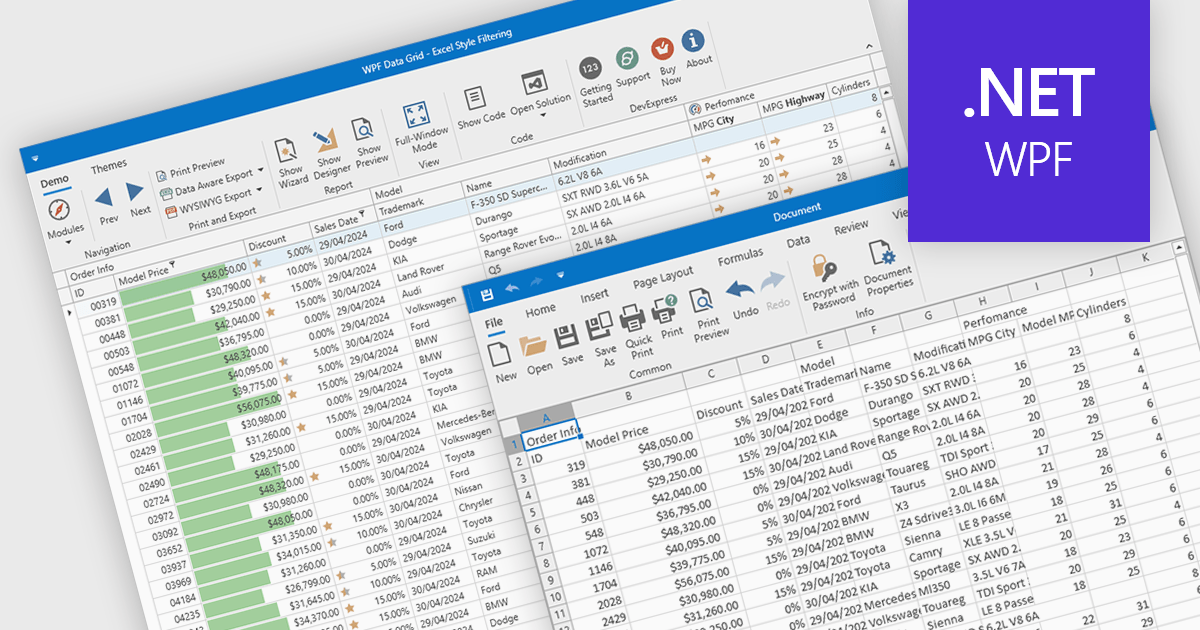
CSV export in grid components refers to the functionality that allows users to download data as a Comma-Separated Values (CSV) file. Exporting data to CSV format offers significant benefits, including compatibility with a wide range of applications, such as Microsoft Excel, Google Sheets, and other data analysis tools, facilitating easy sharing and processing. Use cases for CSV export are diverse, ranging from business analysts exporting reports for further analysis, to IT professionals extracting system data for audit and compliance purposes. Developers can leverage CSV export to provide users with a straightforward method to back up or transfer data between different systems or platforms, enhancing the utility and flexibility of applications that handle large datasets.
Several WPF grid controls offer export to CSV including:
For an in-depth analysis of features and price, visit our WPF Grid controls comparison.
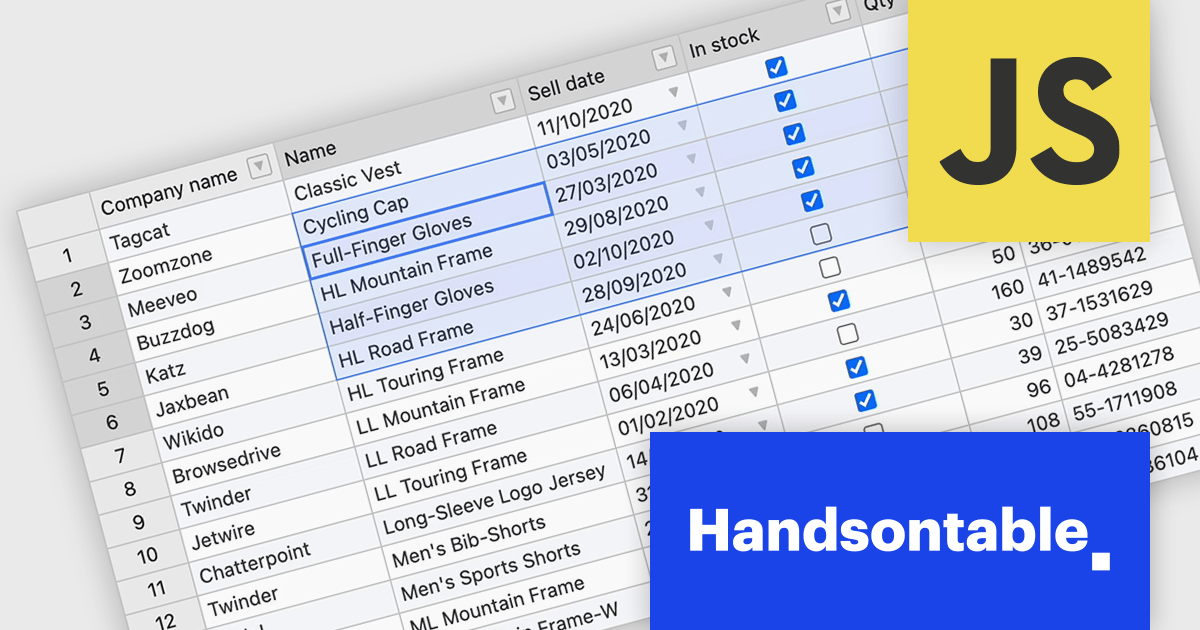
Handsontable is a JavaScript library designed to help developers build interactive data grids into their web applications. Offering a familiar spreadsheet-like interface, it allows users to edit, sort, and filter data with ease. Highly customizable and compatible with popular frameworks like React and Angular, Handsontable empowers developers to build robust data manipulation features into their web applications.
Handsontable 14.3 adds a new feature to streamline navigation within pre-selected cells. Power users and those accustomed to Tab navigation can now leverage arrow keys or the mouse for selection, then efficiently move between the chosen cells using Tab/Shift+Tab for horizontal movement and Enter/Shift+Enter for vertical movement. Editing remains intuitive, as typing any character initiates editing even within dropdown or date cells.
To see a full list of what's new in version 14.3.0, see our release notes.
Handsontable is licensed per developer and is available as an Annual or Perpetual license with 1 year support and maintenance. See our Handsontable licensing page for full details.
For more information, visit our Handsontable product page.
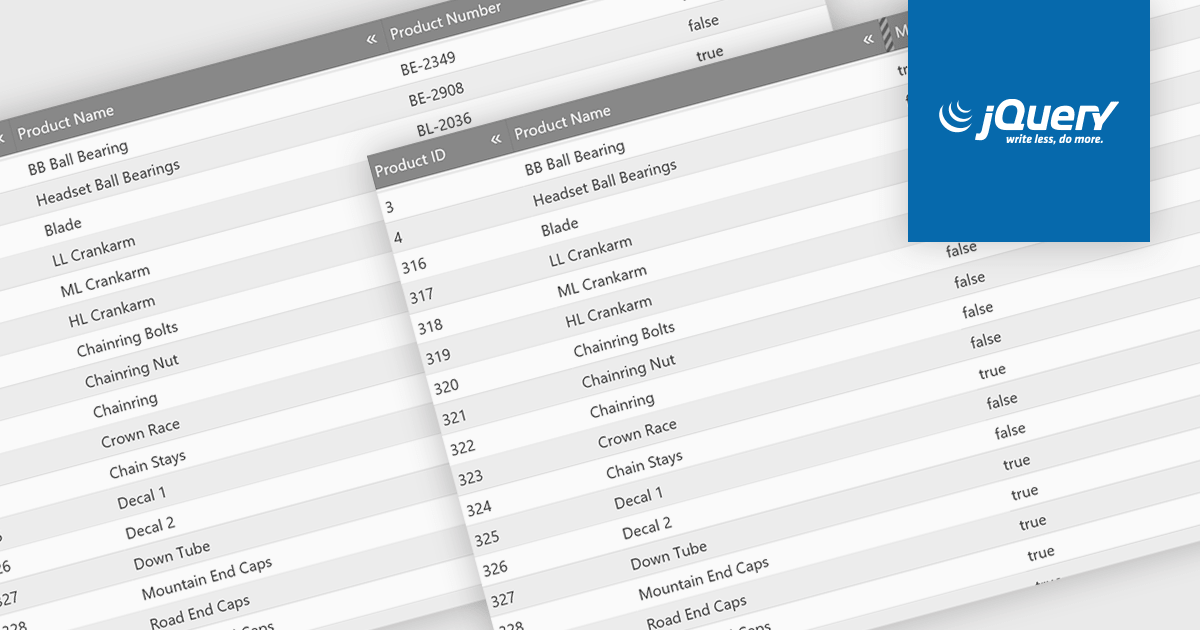
Hiding columns in a grid allows for a more focused data display by selectively removing irrelevant or less important information from the user's view. This functionality improves data clarity, particularly for grids with a large number of columns. By hiding specific columns, users can concentrate on the most important data points, reducing clutter and improving overall user experience.
Several jQuery Grid controls offer the ability to hide columns including:
For an in-depth analysis of features and price, visit our jQuery Grid controls comparison.
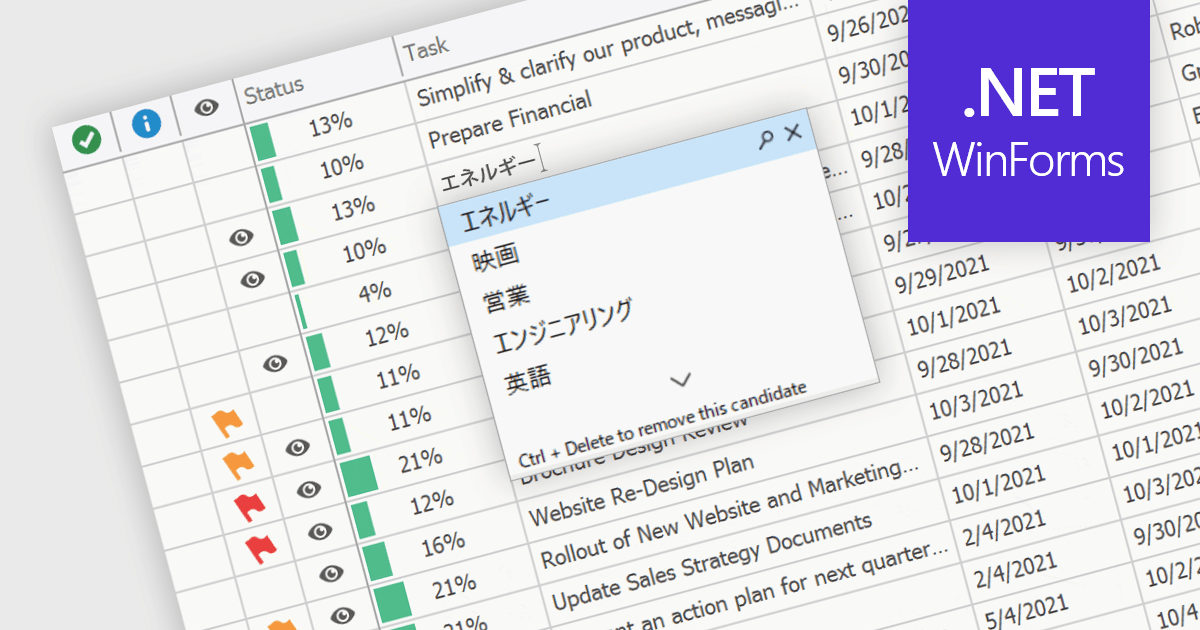
An Input Method Editor (IME) facilitates the entry of complex characters and scripts not directly supported by standard keyboards, which is especially vital for languages with extensive character sets like Chinese, Japanese, and Korean. When integrated into a grid component, an IME enables users to input text directly into data cells using phonetic or syllabic methods that are converted into the desired characters. This integration streamlines the data entry process in applications requiring multi-language support, significantly enhancing usability and efficiency. It simplifies the development of applications targeting global markets by providing native language input support, thereby improving the user experience and reducing the need for external language input tools.
Several WinForms grid components offer Input Method Editor (IME) support, including:
For an in-depth analysis of features and price, visit our comparison of WinForms grid components.
電話: (888) 850 9911
Fax: +1 770 250 6199


