













公式サプライヤー
公式および認定ディストリビューターとして200社以上の開発元から正規ライセンスを直接ご提供いたします。
当社のすべてのブランドをご覧ください。
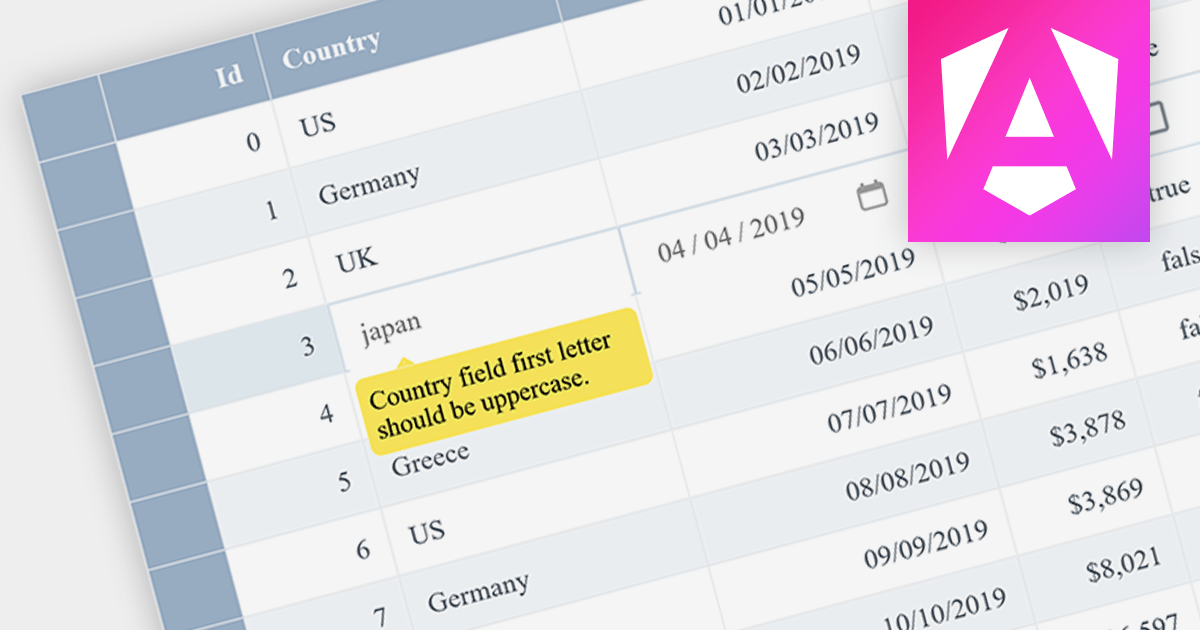
Data Validation ensures that input data meets certain criteria before it is accepted. This feature is crucial for maintaining data integrity and preventing user errors. For example, a grid might only allow date formats in a specific cell or prevent duplicate entries in a column, thereby enforcing data consistency.
Several Angular grid controls offer data validation support including:
Alternatively, many Angular grid controls are available as part of multi-function suites:
For an in-depth analysis of features and price, visit our comparison of Angular grids.

Infragistics Ignite UI for React is a comprehensive suite of React components for building data-rich and responsive web applications. It provides a wide range of controls, including data grids, charts, graphs, gauges, and other UI components.
Version 23.1 (18.3.0) adds a new React Data Grid which shares its design and capabilities with the Infragistics Angular, Blazor and Web Components grids. It lets you efficiently bind and display your data with minimal coding and configuration required. Features include data editing, selection, filtering, sorting, grouping, pinning, paging, templating, column moving, exporting, and more. It offers Excel-like keyboard navigation, so users can quickly and easily navigate the grid using familiar shortcuts. The Ignite UI for React data grid allows you to export data to a variety of formats, including CSV, Excel, and PDF.
To see a full list of what's new in version 23.1 (18.3.0), see our release notes.
Infragistics Ignite UI for React is available to buy in the following products:
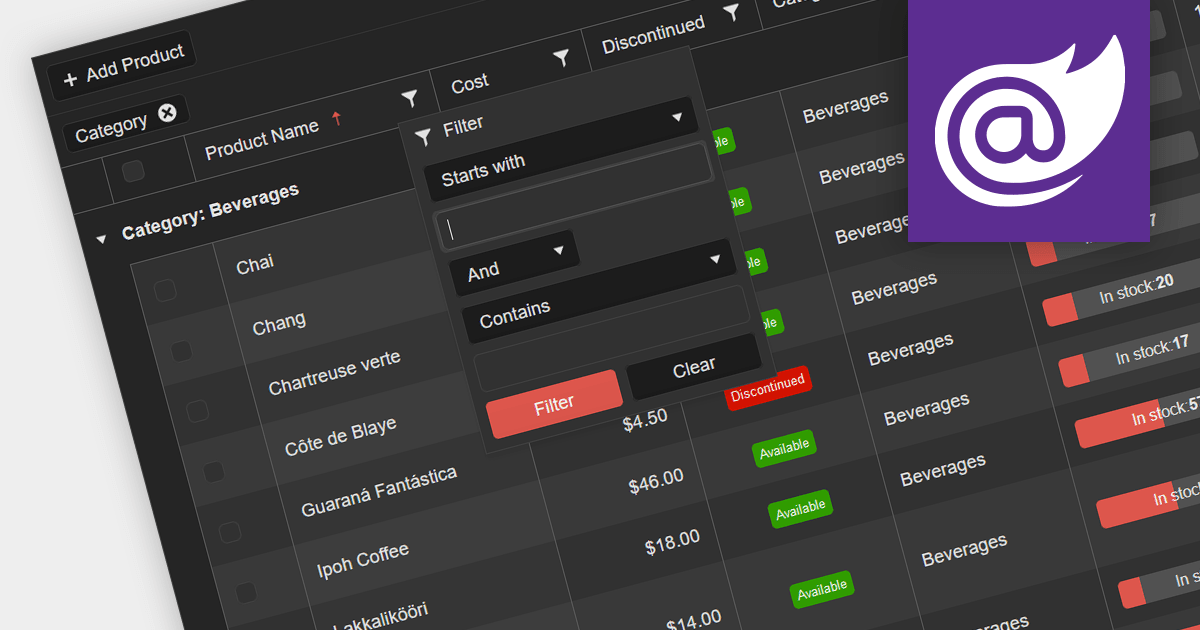
Grid filters allow users to narrow down data displayed in a tabular format based on specific criteria. They enhance data exploration, simplify data analysis, and improve user experience by presenting only relevant information. Users can apply filters to columns, enabling them to find information more efficiently, making it a valuable feature for building interactive, data-driven Web applications.
Several .NET 7 Blazor grid controls offer filtering support including:
Alternatively, many grid controls are available as part of multi-function suites:
For an in-depth analysis of features and price, visit our comparison of .NET 7 Blazor grids.
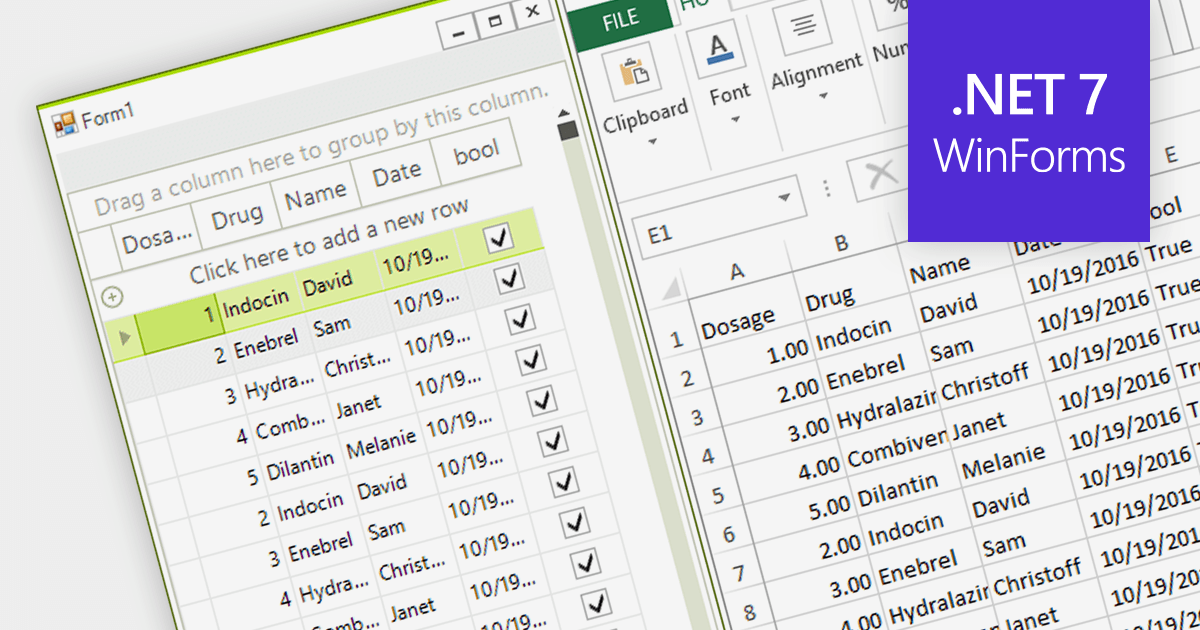
Exporting to Excel allows users to output grid-based data including formats, cell styles and formulas to a widely-compatible Excel file. This industry standard file type makes it easier to analyze, share, and distribute the data to a wider audience in a familiar format.
Several grid components for .NET 7 WinForms offer Excel export, including:
For an in-depth analysis of features and price, visit our comparison of .NET 7 WinForms grids.

As the premier marketplace for software components and development tools, we are pleased to announce the addition of BestReactGrid to our React Grids Comparison. This further enhances the comparison tool, providing developers with a broader selection of high-performance datagrid components for their React projects.
BestReactGrid is a modern Enterprise-grade grid solution for React UI that includes a wide range of features to help you build powerful and flexible data grids. Its high-performance architecture ensures that your data grids will be fast and responsive, even with large datasets.
Our updated React Grids Comparison allows users to evaluate BestReactGrid with over 15 other popular grid components. It provides an in-depth analysis of each control's features, including cell types, export formats, data sources, and JavaScript framework support, as well as pricing and community reviews. With extensive sorting and filtering options, our comparison makes it easy to shortlist products and find the best grid solution for your specific needs.
Adding BestReactGrid to this comparison ensures that developers have a complete overview of the leading grid components on the market. This empowers them to make an informed choice based on their specific needs, saving time and effort in the selection process.
For an in-depth analysis of features and price, visit our comparison of React grids.
電話: (888) 850 9911
Fax: +1 770 250 6199


