













公式サプライヤー
公式および認定ディストリビューターとして200社以上の開発元から正規ライセンスを直接ご提供いたします。
当社のすべてのブランドをご覧ください。
Aspose.PDF for Python via C++ is a powerful library that enables developers to create, manipulate, and convert PDF documents within Python applications. This new solution leverages the capabilities of the Aspose.PDF for C++ engine, providing a seamless interface for Python developers to interact with PDF files.
Aspose.PDF for Python via C++ offers a wide range of features including the ability to extract text, images, and metadata from PDF documents, merge and split PDFs, add annotations and watermarks, and convert PDFs to Word, Excel, and various images formats. These capabilities make it a valuable tool for various applications, such as document automation, data extraction, and PDF generation within Python-based systems.
Aspose.PDF for Python via C++ is offered as Developer Small Business, Developer OEM, Developer SDK, Site Small Business, Site OEM, and Site SDK licenses catering to a range of business needs. Licenses are perpetual, and include 1 year of support and maintenance. Subscription renewals are also available. See our Aspose.PDF for Python via C++ licensing page for full details.
Aspose.PDF for Python via C++ is available in the following products:
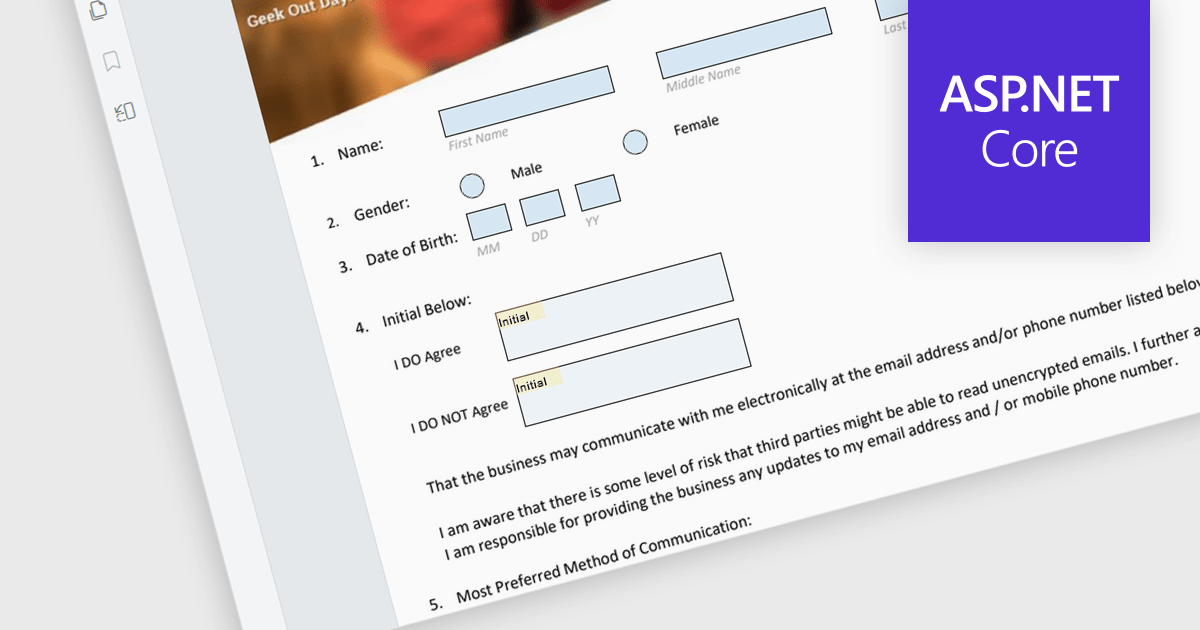
The ability to read and write form fields in a PDF viewer component enables users to interact with form elements directly within a PDF document. This functionality enables developers to create interactive forms that can be filled out, saved, and submitted online without needing additional software. It simplifies the process of collecting and managing form data by offering direct integration with ASP.NET Core applications. Developers can enhance the user experience by enabling direct interaction with PDF forms, supporting various input types like text boxes, checkboxes, radio buttons, and dropdowns, which can then be programmatically read and written. This approach improves data accuracy and accelerates workflows by allowing digital form completion, reducing the need for manual data entry and paper-based processes.
Many ASP.NET Core Assembly PDF viewer components offer support for filling form fields including:
For an in-depth analysis of features and price, visit our comparison of ASP.NET Core Assembly PDF viewer components.
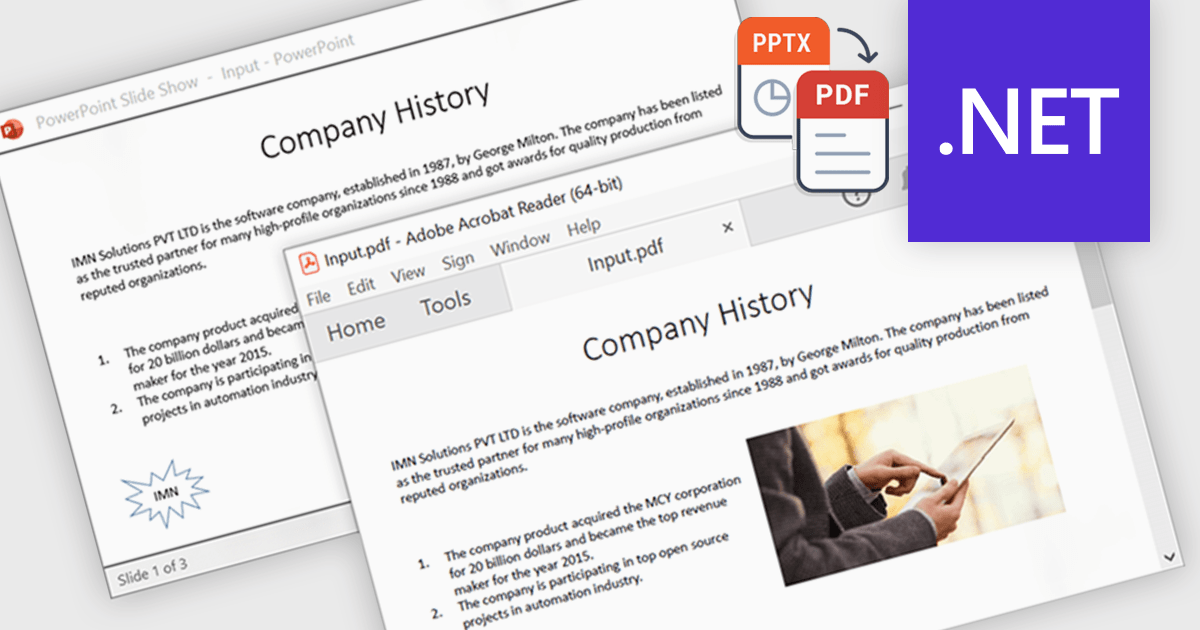
Using a .NET component to convert PowerPoint presentations (PPTX) to PDF enables developers to automate the transformation process directly within their applications. This enhances portability by ensuring consistent formatting across devices and platforms, while also offering security features like password protection and encryption to protect sensitive content. Common applications include archiving slides for long-term storage, and securely sharing presentations without requiring the recipient to have PowerPoint installed. This functionality simplifies presentation handling, ensuring both reliability and security during distribution.
Several .NET PDF controls that support PowerPoint to PDF conversion including:
For an in-depth analysis of features and price, visit our comparison of .NET PDF components.
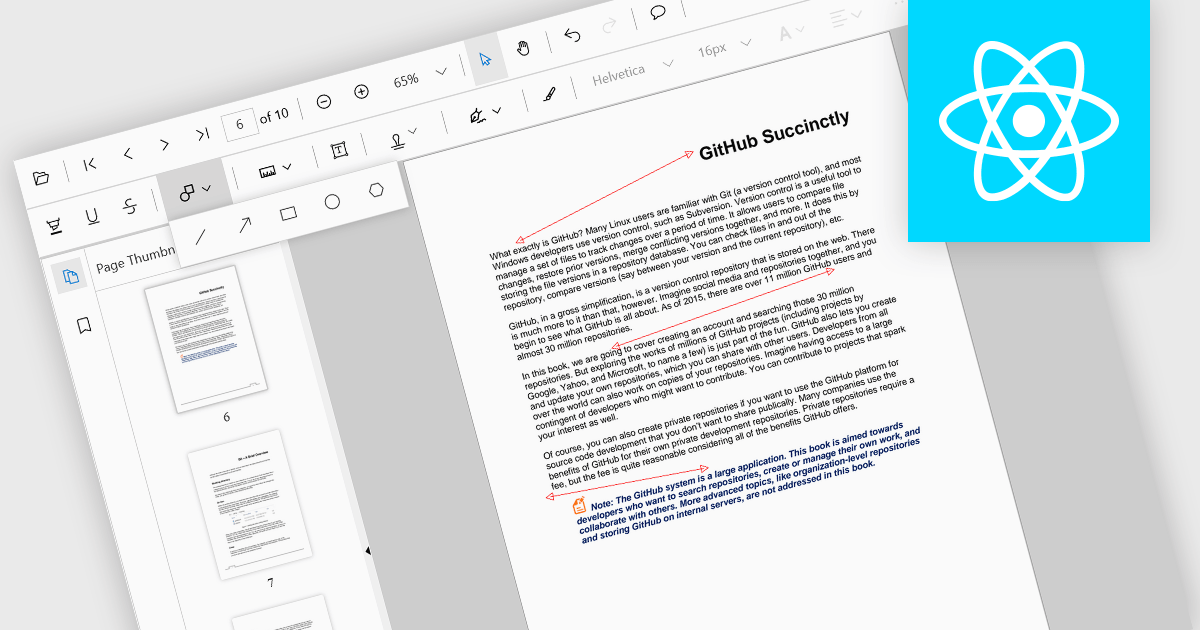
Arrow annotations are digital markings that allow users to visually indicate connections, relationships, or directions within a PDF document. They can be used to highlight specific sections, point out important details, or illustrate sequences of events. This feature is particularly valuable for collaborative work, as it enables multiple individuals to annotate the same document and share their insights effectively.
Several React PDF viewer controls offer support for arrow annotations including:
For an in-depth analysis of features and price, visit our React PDF viewer controls comparison.
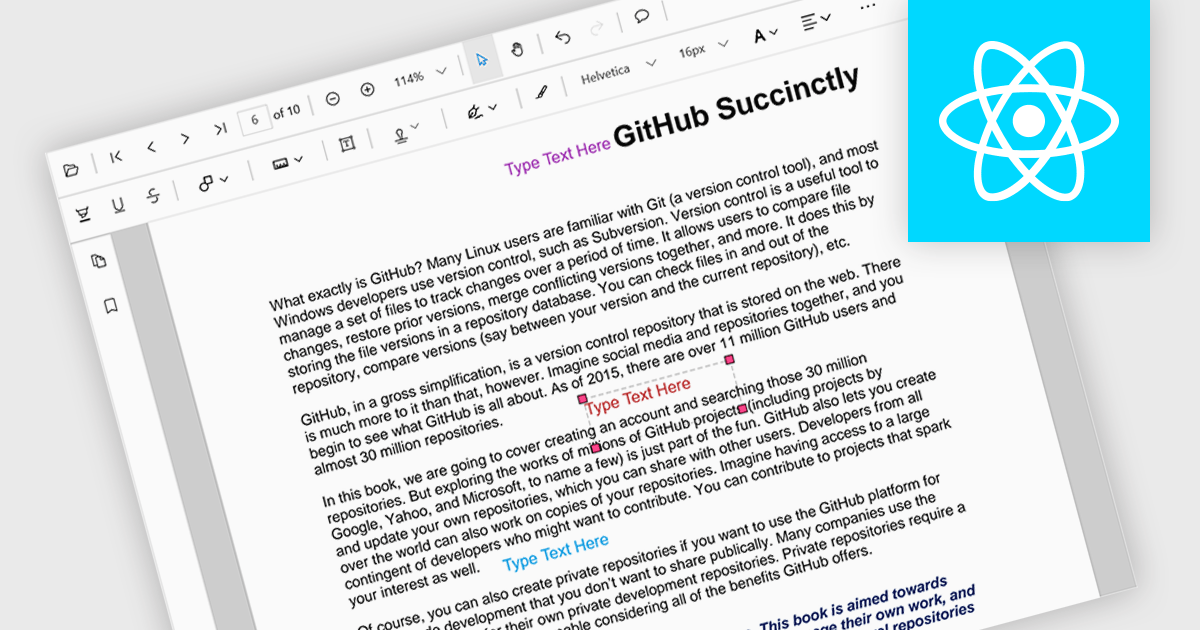
Free text annotations are textual comments or notes added to a document or image, independent of specific fields or structures. Unlike structured annotations that conform to predefined formats (e.g. highlighting, strikethrough), free text annotations provide flexibility for users to express their thoughts, questions, or observations in a more open-ended manner. This allows for richer and more personalized interactions with the content, making it valuable for tasks such as note-taking, research, and collaboration.
Several React PDF viewer controls offer support for free text annotations including:
For an in-depth analysis of features and price, visit our React PDF viewer controls comparison.
電話: (888) 850 9911
Fax: +1 770 250 6199


