













公式サプライヤー
公式および認定ディストリビューターとして200社以上の開発元から正規ライセンスを直接ご提供いたします。
当社のすべてのブランドをご覧ください。
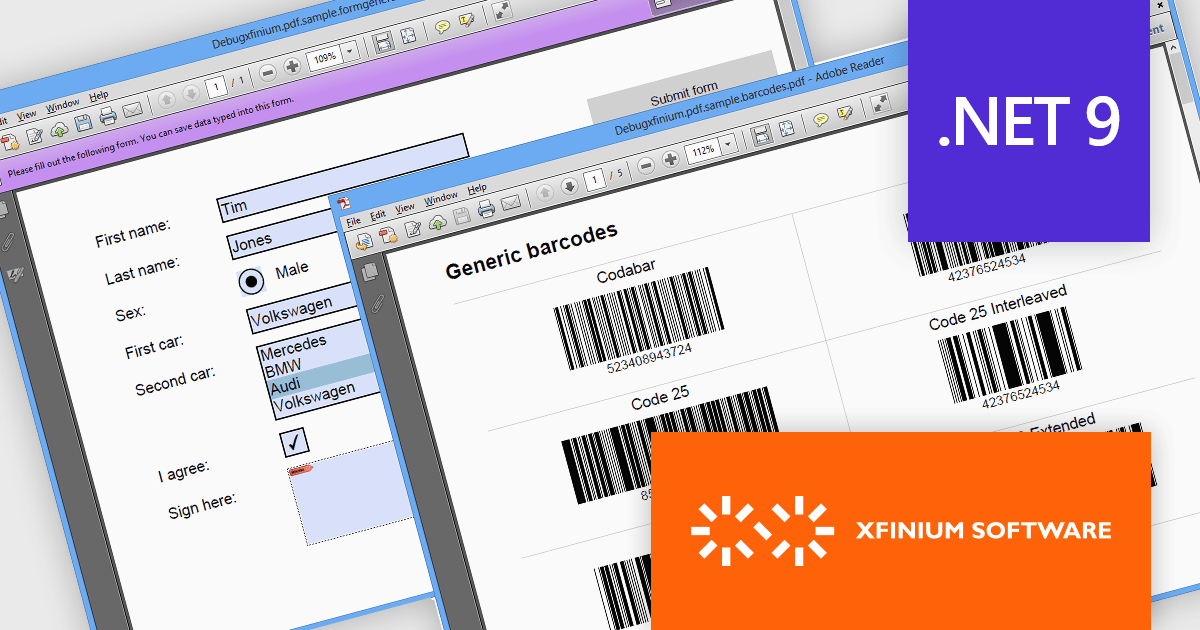
XFINIUM.PDF CROSS-PLATFORM BUNDLE is a comprehensive software library designed to empower developers with robust tools for integrating PDF functionalities into their applications across a wide range of platforms. Supporting Windows, macOS, mobile devices (iOS and Android), and web environments, this library enables the creation, editing, and manipulation of PDF documents with a single codebase. This cross-platform approach eliminates the need for platform-specific development, significantly reducing development time and effort while ensuring consistency in functionality and user experience across devices. Ideal for applications that require advanced document workflows, digital signatures, form handling, or PDF generation, XFINIUM.PDF offers a streamlined solution for businesses and developers seeking to deliver seamless PDF capabilities across diverse environments.
The XFINIUM.PDF CROSS-PLATFORM BUNDLE V13.2.2 release introduces support for Microsoft .NET 9, unlocking new opportunities for developers to integrate powerful PDF creation and manipulation tools into their modern .NET applications. By supporting .NET 9, this release ensures compatibility with the latest advancements in the .NET ecosystem, allowing developers to build high-performance, cross-platform applications with enhanced scalability and efficiency. This integration simplifies the development process, enabling seamless incorporation of advanced PDF functionalities such as document creation, editing, and digital signing into .NET 9 projects. As a result, developers can deliver richer feature sets, improve application workflows, and take full advantage of .NET 9’s performance enhancements and cutting-edge features.
To see a full list of what's new in V13.2.2, see our release notes.
XFINIUM.PDF CROSS-PLATFORM BUNDLE is licensed per developer and is run-time royalty free. All licenses include a 12 month subscription which provides all major and minor product updates and technical support. See our XFINIUM.PDF CROSS-PLATFORM BUNDLE licensing page for full details.
Learn more on our XFINIUM.PDF CROSS-PLATFORM BUNDLE product page.
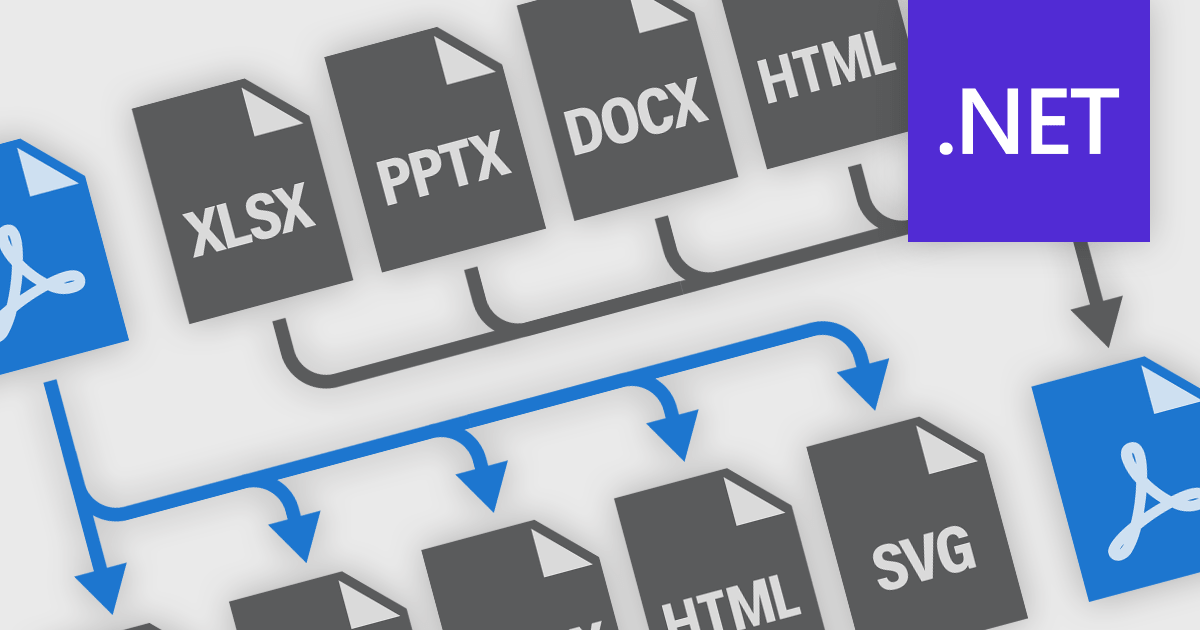
PDF conversion functionality is a versatile and essential tool for managing digital documents, enabling seamless transformation between PDF and formats like Microsoft Word, Excel, PowerPoint, and image files. Many PDF components offer robust conversion support, allowing easy integration into various workflows. Converting to PDF ensures consistent formatting and layout across devices, enhancing professionalism in presentations, reports, and legal documents. Converting PDFs back to editable formats facilitates modifications and content reuse, boosting collaboration and efficiency. Benefits include improved document security with encryption and password protection, reduced file sizes for easier sharing and storage, and the ability to create interactive forms and multimedia-rich publications. Whether for business communications, academic research, or personal organization, PDF conversion is crucial for maintaining the integrity, accessibility, and functionality of digital information.
Common features include:
For an in-depth analysis of features and price, visit our .NET PDF components comparison.
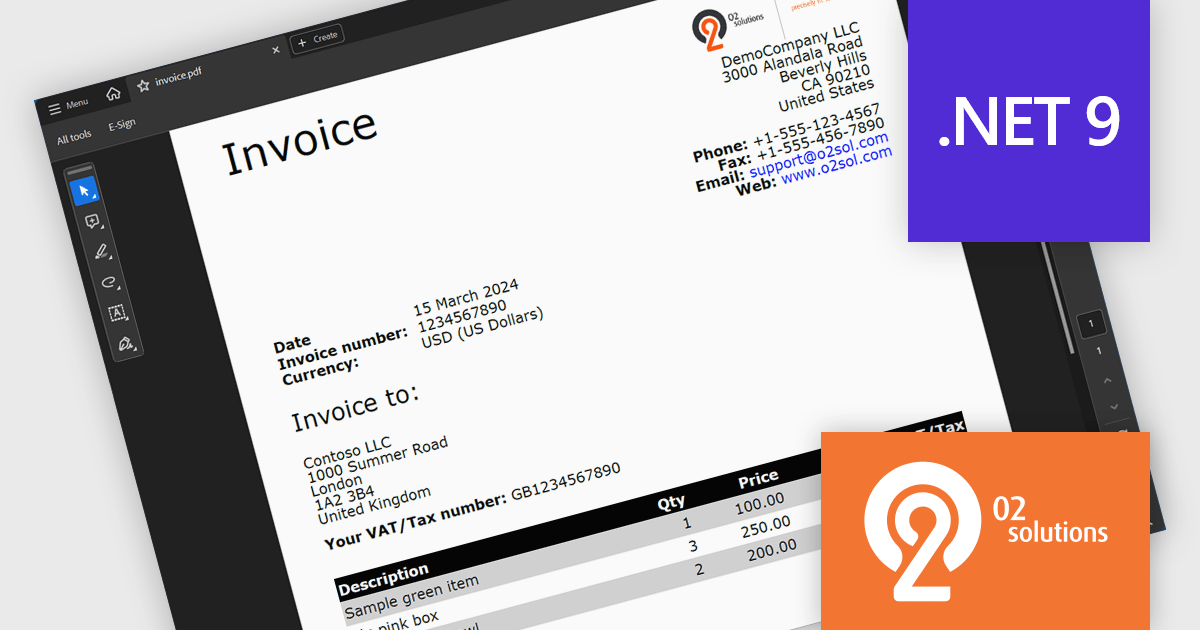
O2 Solutions offers advanced .NET components for PDF manipulation and rendering, designed to integrate seamlessly into .NET environments. Its flagship products, PDF4NET and PDFView4NET, make building robust PDF solutions simple. PDF4NET streamlines PDF creation and editing with an intuitive object model, eliminating the need for Adobe tools. PDFView4NET enables viewing, annotating, and printing PDFs, supporting Windows Forms and WPF with features like bookmark navigation and file attachments. Trusted by developers globally, O2 Solutions empowers efficient workflows and enterprise-grade application development.
O2 Solutions has introduced full support for .NET 9 in its PDF4NET and PDFView4NET products, ensuring seamless integration with the latest .NET advancements. This update allows users to leverage the enhanced performance, security, and features of .NET 9 while utilizing PDF4NET's powerful PDF creation capabilities and PDFView4NET's robust PDF rendering and viewing features. By maintaining day-zero compatibility, O2 Solutions continues to empower developers with cutting-edge tools for building modern, PDF-centric applications.
Support for .NET 9 is available across the O2 Solutions .NET product range:
O2 Solutions products are licensed per developer and include a 12 month subscription which provides all major and minor product updates and technical support. See our PDFBundle4NET licensing page for full details.
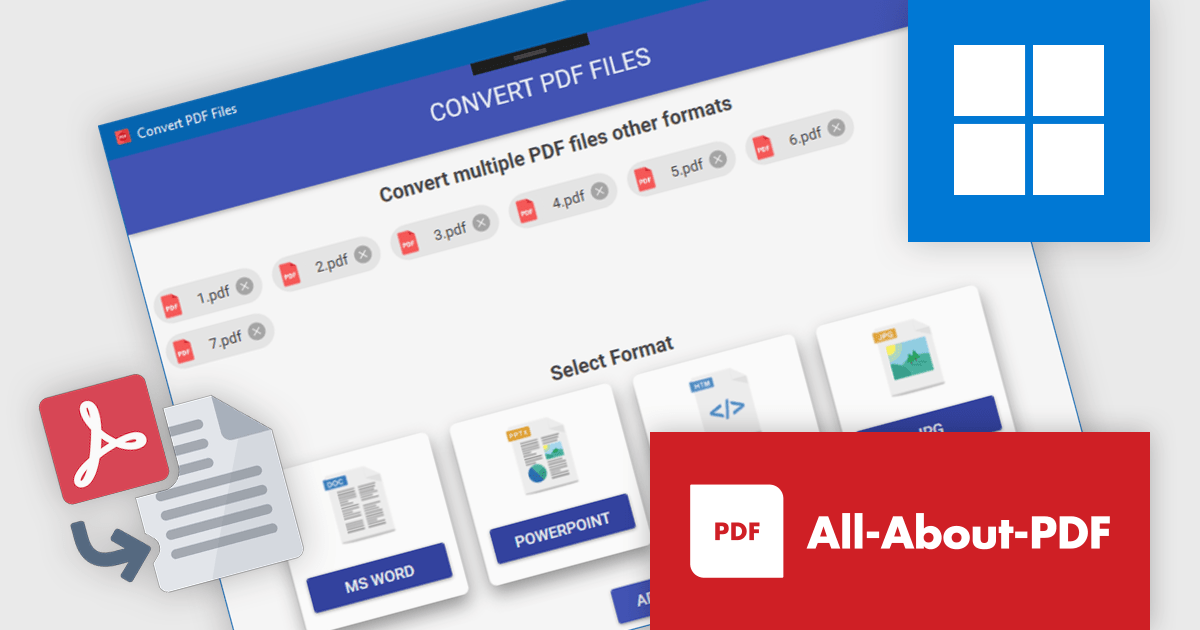
All-About-PDF is a versatile PDF management solution designed to simplify and enhance how users handle PDF files, offering a powerful array of features tailored for businesses, educators, and professionals. With tools to merge, split, and convert PDFs, as well as options to apply password protection and advanced encryption, it ensures both flexibility and security in document management. All-About-PDF supports batch processing, integrates digital signatures, and enables the removal of editing, copying, and printing restrictions, making it a comprehensive choice for managing sensitive files. Its intuitive interface promotes ease of use, while its efficiency saves time and boosts productivity. Whether creating secure contracts, streamlining document workflows, or preparing academic materials, All-About-PDF delivers dependable tools to simplify and protect your document processes.
All-About-PDF offers robust PDF conversion capabilities, equipping software developers with tools to transform PDFs into editable formats such as Word, PowerPoint, and HTML. By eliminating the need for manual content recreation, this functionality streamlines workflows, enabling developers to efficiently adapt existing documents for integration into applications or presentations. It ensures high-quality output by preserving the original formatting and structure, a crucial factor for maintaining professional standards. This support for batch processing allows developers to process multiple files simultaneously, significantly saving time and enhancing productivity in document management tasks.
All-About-PDF is licensed per machine, and is available as a perpetual license. We can supply Internal, External and OEM licenses. See our All-About-PDF licensing page for full details.
For more information, visit our All-About-PDF product page.
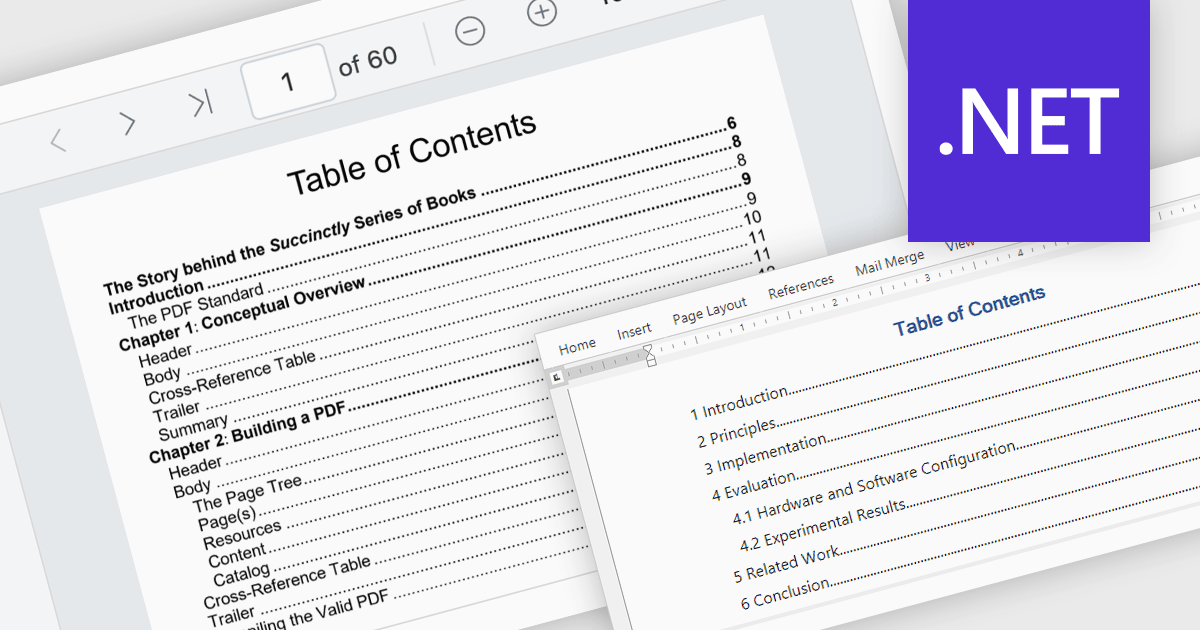
A table of contents is a powerful navigation tool that provides users with a structured overview of a document's hierarchy, allowing them to jump directly to specific sections with a single click. This feature significantly enhances the user experience, saving time when dealing with lengthy or complex documents. For developers, integrating a table of contents into applications ensures better usability and accessibility, making it a key feature in professional document management solutions. Common use cases include navigating through extensive eBooks, technical manuals, legal documents, financial reports, or any file with a well-defined structure. By streamlining document exploration, a table of contents boosts productivity and ensures seamless interaction with large-scale content.
Several .NET PDF viewer components offer Table of Contents Navigation support including:
For an in-depth analysis of features and price, visit our .NET PDF viewer comparison.
電話: (888) 850 9911
Fax: +1 770 250 6199


