













公式サプライヤー
公式および認定ディストリビューターとして200社以上の開発元から正規ライセンスを直接ご提供いたします。
当社のすべてのブランドをご覧ください。
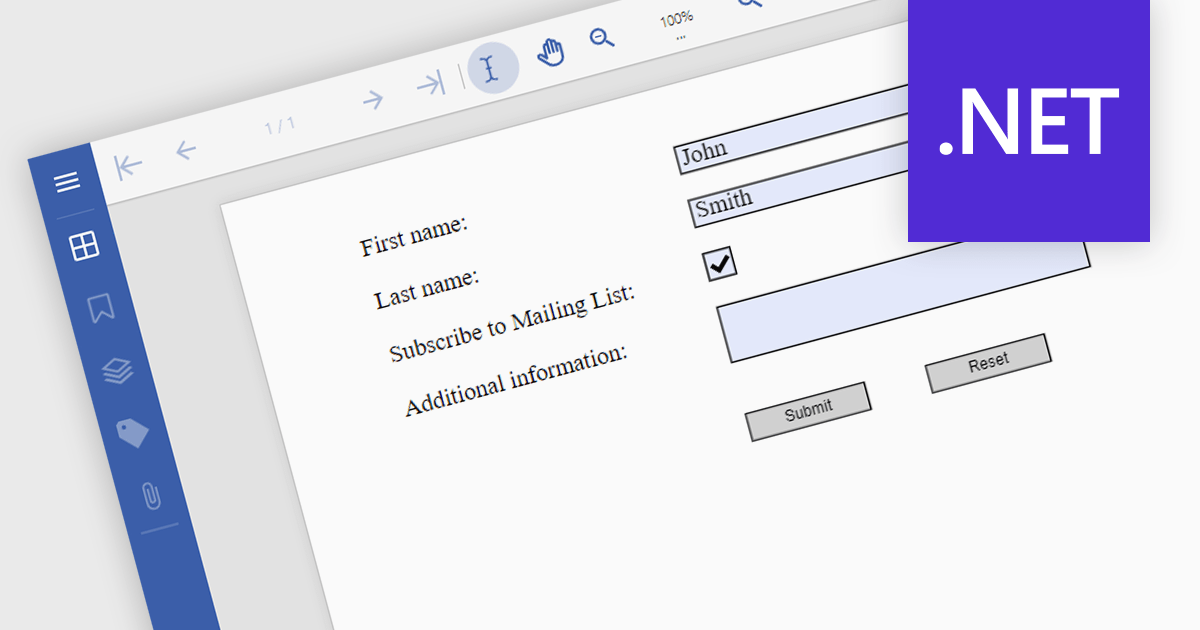
Submit actions in PDF components allows developers to define specific actions to be triggered when a user submits a form filled with data. These actions can range from sending an email with the collected data to integrating with external systems or databases. By implementing submit actions, developers can create interactive and dynamic PDF forms that automate processes, improve efficiency, and enhance user experience.
Several .NET PDF components offer submit action including:
For an in-depth analysis of features and price, visit our comparison of .NET PDF components.
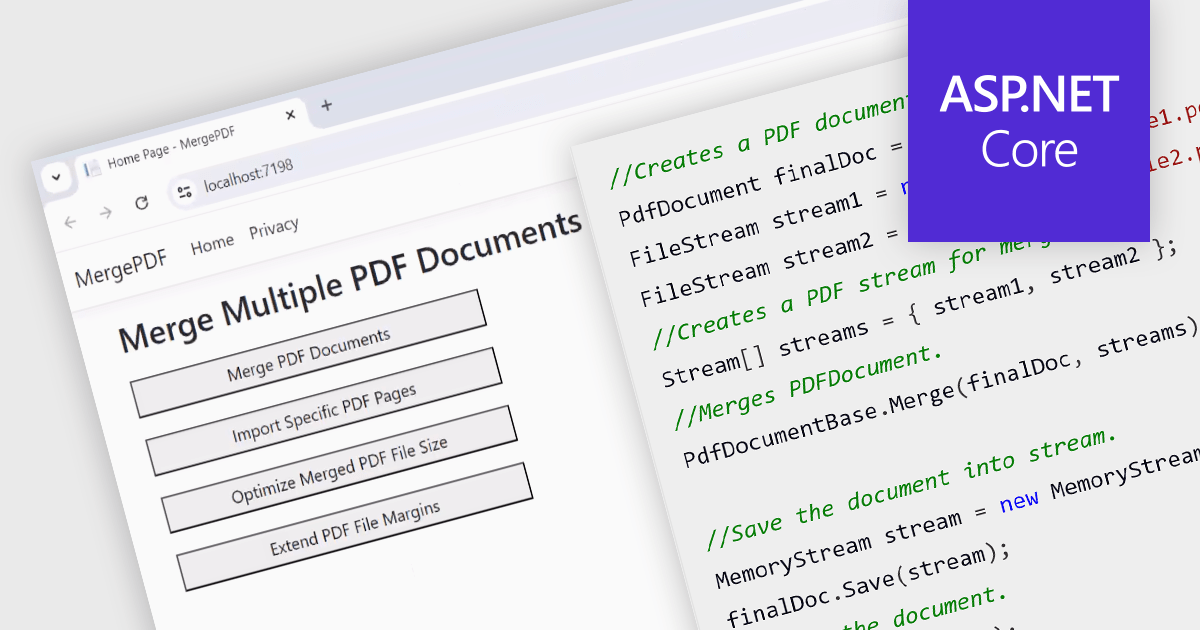
While ASP.NET PDF viewer components primarily focus on displaying PDFs, some advanced libraries offer functionality to merge multiple PDFs into a single document on the server-side. This allows developers to combine user-selected reports, contracts, or other documents into a single, organized file for download or further processing. This feature streamlines workflows, improves user experience by eliminating the need for manual merging, and ensures consistent formatting and organization of combined documents.
Several ASP.NET Core Assembly PDF viewer components offer PDF merging support including:
For an in-depth analysis of features and price, visit our ASP.NET Core PDF viewer comparison.
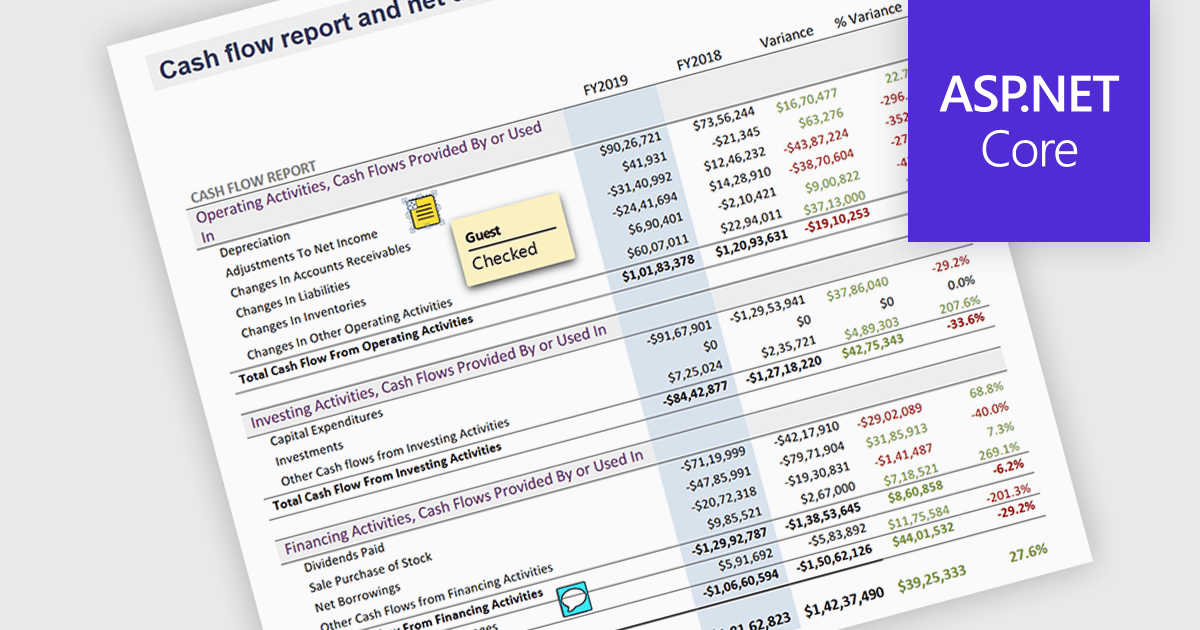
Sticky note annotations are digital notes that can be attached to specific parts of a document or webpage. They allow users to highlight text, add comments, or ask questions directly on the content they are viewing. This feature is particularly useful for collaboration, as it enables multiple people to contribute to the same document and easily see each other's thoughts and insights. Sticky note annotations can also be used for personal reference, helping users to remember important points or track their progress through a document.
Several ASP.NET Core PDF viewer controls offer support for sticky note annotations including:
For an in-depth analysis of features and price, visit our ASP.NET Core PDF viewer controls comparison.
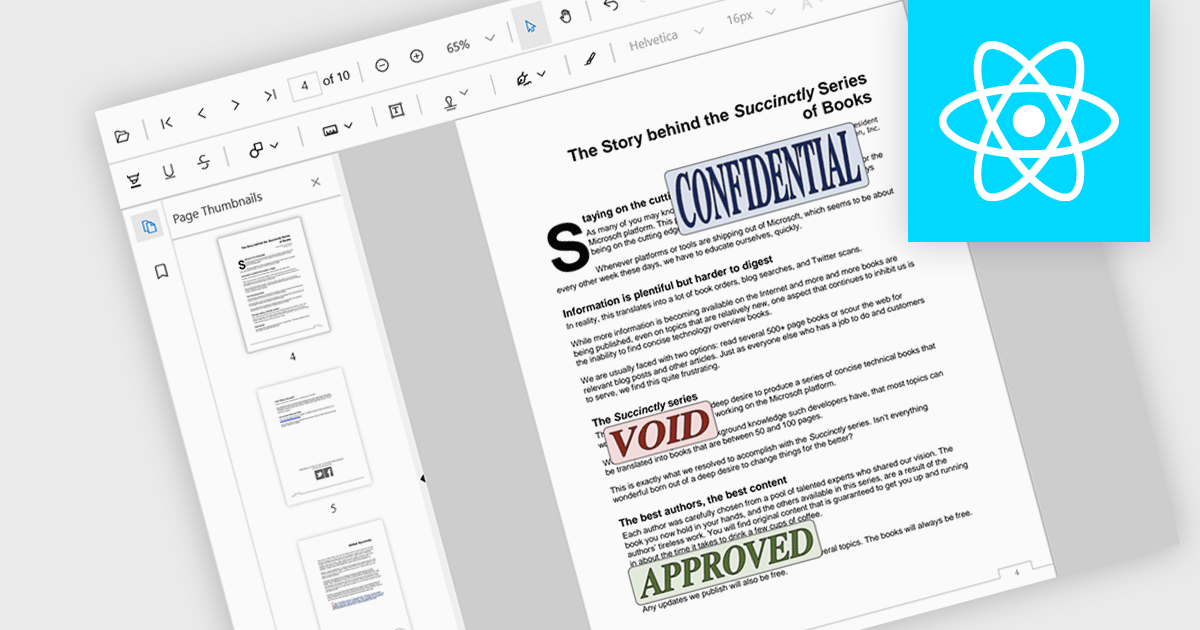
Stamp annotations are digital markers or labels that can be added to PDF documents to indicate various actions or statuses. They are commonly used in business processes, legal documents, and other contexts where tracking and verification are important.
Several React PDF viewer controls offer support for stamp annotations including:
For an in-depth analysis of features and price, visit our React PDF viewer controls comparison.
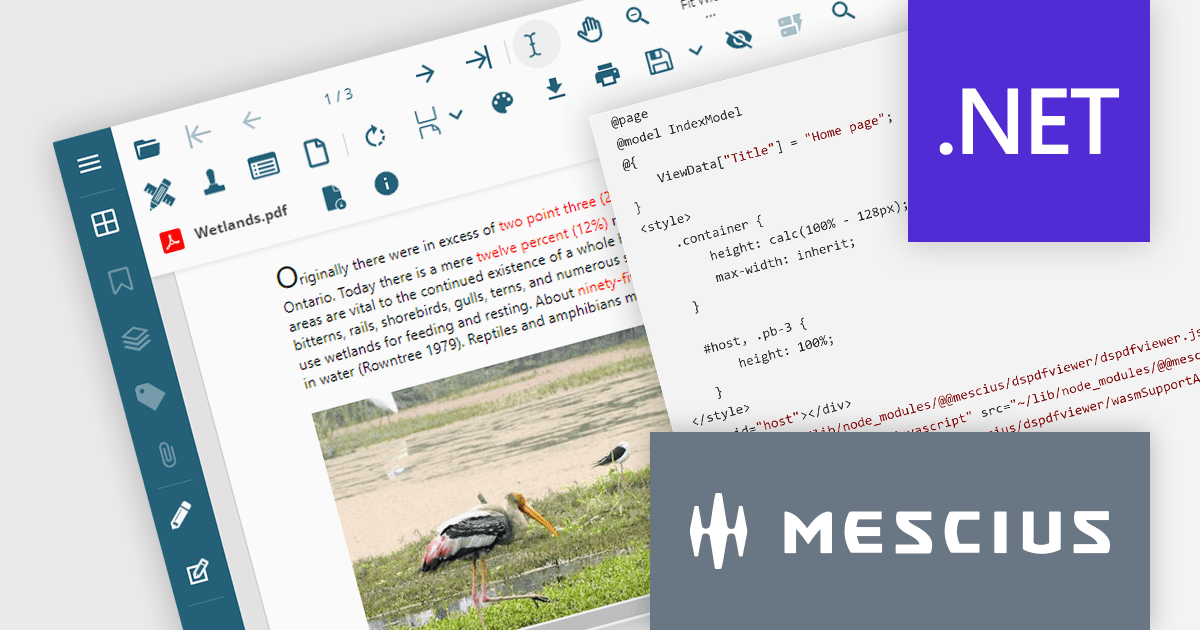
Document Solutions for PDF (DsPdf) by MESCIUS is a software development toolkit that provides .NET Core libraries and a JavaScript PDF viewer for manipulating and displaying PDFs. DsPdf enables developers to create, edit, annotate, and redact PDF documents directly within web applications. The included DsPdfViewer component offers a feature-rich, cross-platform solution for viewing and interacting with PDFs in modern browsers on various operating systems, including mobile devices.
The Document Solutions for PDF 7.2 release adds a cutting-edge WebAssembly (Wasm)-based PDF Viewer. This innovative solution leverages the power of WebAssembly to deliver a locally optimized, high-performance PDF editing experience directly within your web browser. This translates to a smoother, more intuitive user experience, regardless of network conditions or server load. The Wasm-based PDF Viewer is designed to cater to the demands of modern users, offering seamless cross-platform compatibility, advanced editing features, and a secure, privacy-focused environment.
To see a full list of what's new in version 7.2, see our release notes.
Document Solutions for PDF is licensed per developer and is available in several license options for differing distribution needs. Team licenses are also available for multiple developers within the same organization. See our Document Solutions for PDF licensing page for full details.
Document Solutions for PDF is available to buy in the following products:
電話: (888) 850 9911
Fax: +1 770 250 6199


