













公式サプライヤー
公式および認定ディストリビューターとして200社以上の開発元から正規ライセンスを直接ご提供いたします。
当社のすべてのブランドをご覧ください。
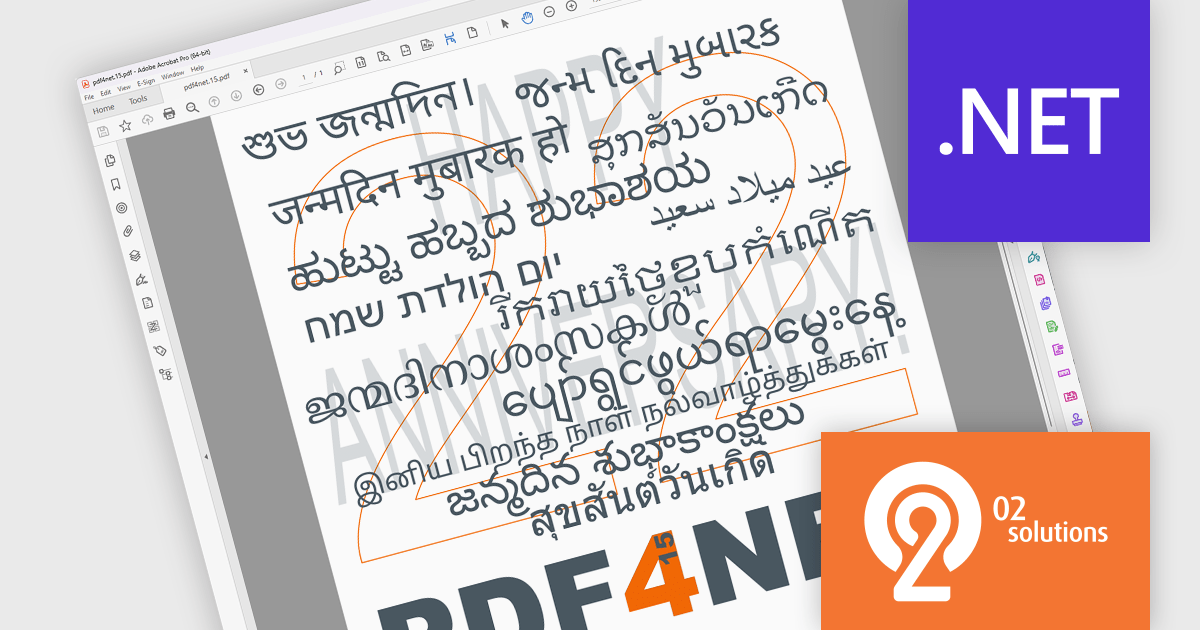
PDF4NET is a .NET library for generating, importing, and manipulating PDF documents on the fly from any .NET application. It does not rely on any Adobe products for creating or importing PDF files. PDF4NET hides the complex structure of PDF files behind a simple object model that allows creation of complex PDF files with a few lines of code.
The PDF4NET 15.0.0 update enhances document processing by introducing support for complex scripts, including Arabic, Bengali, Devanagari, Hebrew, Khmer, Tamil, and Thai. This improvement ensures accurate text rendering, proper character shaping, and right-to-left script support, allowing developers to generate and manipulate PDFs with multilingual content more effectively. By enabling seamless integration of these scripts, the update enhances localization capabilities, improves accessibility, and ensures compliance with diverse linguistic requirements, making it easier to create globally compatible PDF documents without additional customization or external dependencies.
To see a full list of what's new in version 15, see our release notes.
PDF4NET is licensed per developer. All licenses include a 12 month subscription which provides all major and minor product updates and technical support. See our PDF4NET licensing page for full details.
PDF4NET is available individually or as part of PDFBundle4NET.
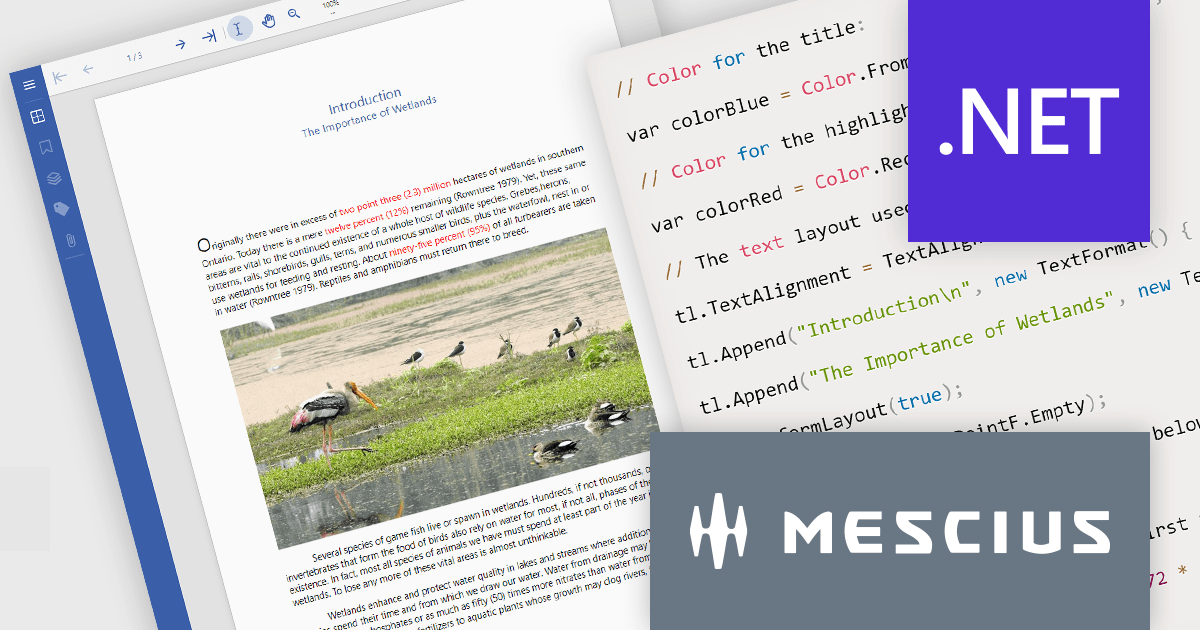
Document Solutions for PDF by MESCIUS is a high-speed, feature-rich, server-side PDF API Library for .NET with no dependencies on Adobe Acrobat. DsPdf allows developers to programmatically create, manipulate, import/export, and deploy PDF documents, including AcroForms, across desktop and web applications at scale. With full .NET support, you can generate, load, modify, and convert PDFs in your app for .NET, Mono, Xamarin.iOS, and Xamarin.Android. Apps using this .NET PDF API can be deployed to the cloud, Windows, Mac, or Linux. It also includes a fast JavaScript-based client-side viewer/editor that allows users to view/optionally edit PDF documents in desktop/web applications.
In this blog post, MESCIUS Senior Software Engineer Manpreet Kaur shows you how to use Document Solutions for PDF to add PDF creation capability to any application that targets .NET Standard 2.0 or higher - including .NET Core, .NET Framework, Mono, and Xamarin. Steps include:
Detailed code is included and there is a downloadable project - with an accompanying YouTube video - so that you can follow along in real time.
Read the complete blog and get started creating rich PDF documents from your .NET apps now!
Document Solutions for PDF is licensed per developer and is available in several license options for differing distribution needs. Team licenses are also available for multiple developers within the same organization. See our Document Solutions for PDF licensing page for full details.
Document Solutions for PDF is available to buy individually or as part of Document Solutions .NET Bundle.
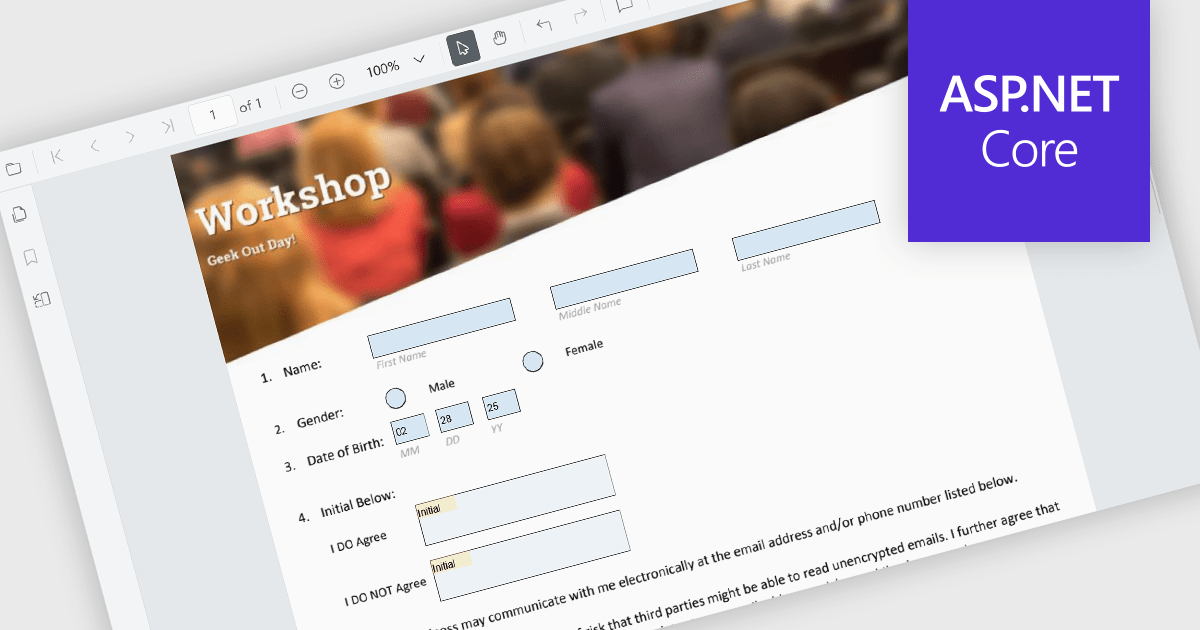
Creating, loading, and saving PDF forms in PDF Viewer components allow users to interact with dynamic documents directly within web applications. This feature enables developers to present fillable forms, capture user inputs, and store the data securely, all while maintaining the visual integrity of the original PDF. It is particularly useful for applications requiring digital form submissions, such as surveys, contracts, or registration forms.
Several ASP.NET Core PDF viewer controls support PDF forms including:
For an in-depth analysis of features and price, visit our ASP.NET Core PDF viewer comparison.
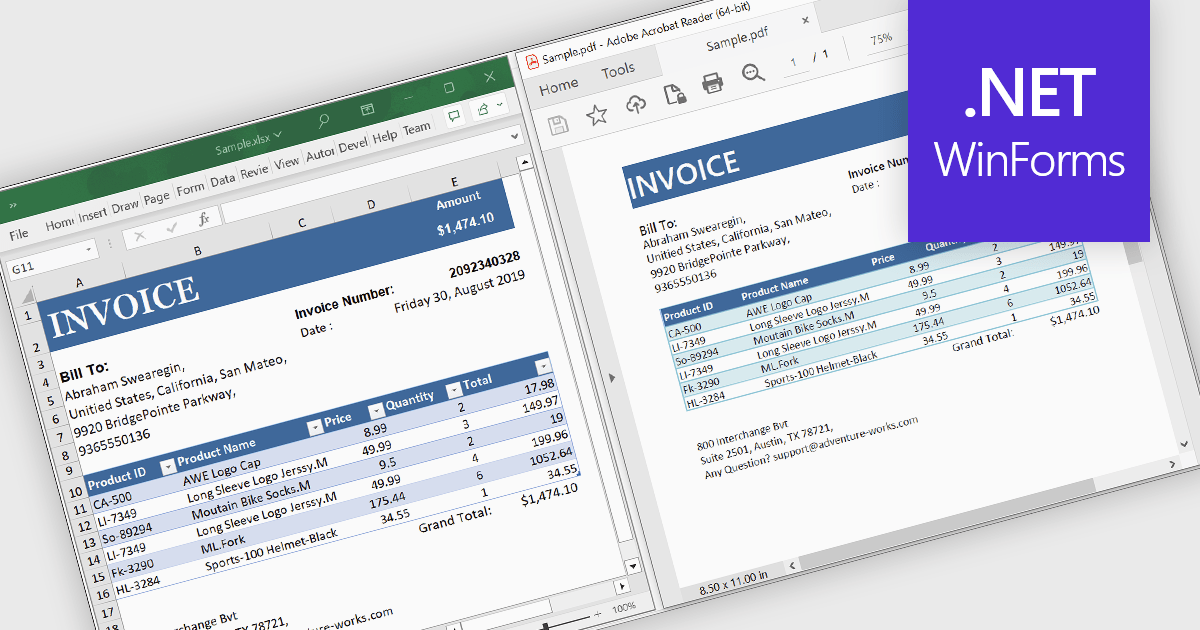
Converting Excel files to PDF ensures that spreadsheets maintain their formatting, structure, and data integrity while becoming universally accessible across devices without requiring specialized software. This process enhances security by preventing unintended edits, supports password protection, and enables controlled access to sensitive data. It also optimizes file size for easier sharing and ensures consistent printing without layout distortions. Ideal for financial reports, invoices, data summaries, and official documents, Excel to PDF conversion provides a professional, fixed-format output suitable for archiving, collaboration, and compliance with industry standards.
Several .NET WinForms PDF controls offer support for Excel to PDF conversion, including:
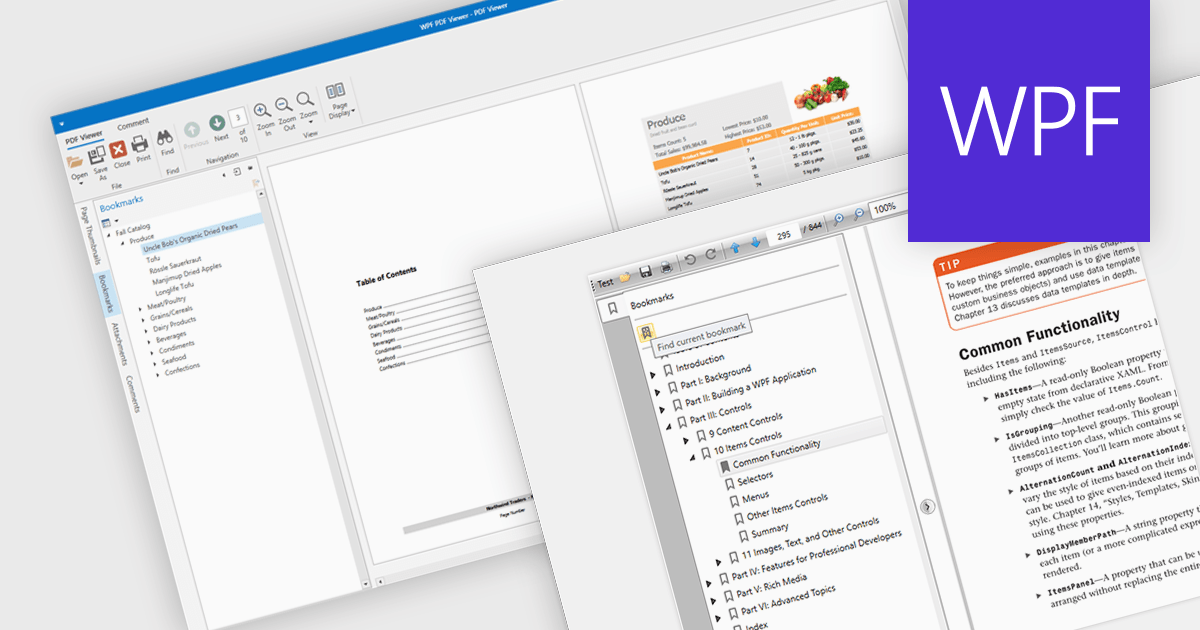
Bookmark navigation in a PDF viewer enhances the user experience by allowing quick access to specific sections within a document. This feature enables users to navigate through large PDFs efficiently by leveraging a predefined structure of bookmarks, which often correspond to headings or key sections. It improves the usability of the viewer by eliminating the need for manual scrolling or searching, making it easier to locate specific content within the document. Navigating via bookmarks is particularly beneficial for documents with complex structures, such as technical manuals, reports, and e-books, where streamlined access to key information enhances productivity and readability. By integrating bookmark support, developers can ensure that their applications provide a seamless way to jump between sections without manually scrolling or searching.
Several WPF (Windows Presentation Foundation) PDF viewer components allow you to navigate via bookmarks, including:
For an in-depth analysis of features and price, visit our WPF PDF viewer comparison.
電話: (888) 850 9911
Fax: +1 770 250 6199


