













公式サプライヤー
公式および認定ディストリビューターとして200社以上の開発元から正規ライセンスを直接ご提供いたします。
当社のすべてのブランドをご覧ください。
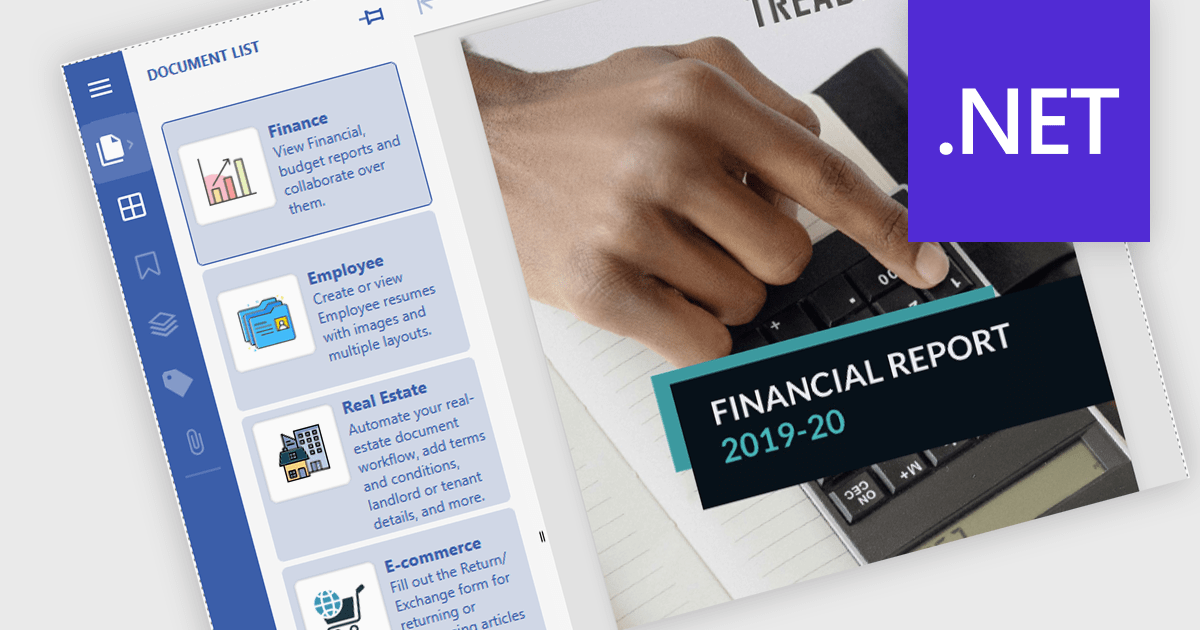
Launch Actions in a .NET PDF Viewer component allow external applications or files to be executed directly from within a PDF document when users interact with elements like links or annotations. This capability increases the interactivity of PDF solutions by enabling users to open related documents, access relevant tools, or initiate custom processes seamlessly, without leaving the viewer. By incorporating Launch Actions, .NET PDF Viewer components enhance the user experience, minimize context switching, and support document-driven automation across enterprise and application environments.
Several .NET PDF Viewer Components offer launch actions including:
For an in-depth analysis of features and price, visit our comparison of .NET PDF Viewer Components.
Syncfusion Essential Studio Windows Forms (available as part of Syncfusion Essential Studio Enterprise) is a powerful UI component suite designed to enhance your WinForms development. It boasts over 100 high-performance controls, ranging from essential grids and charts to advanced schedulers and diagrams, enabling you to craft visually appealing and feature-rich applications with ease. Its extensive customization options and built-in themes allow for tailored user experiences, while touch-friendly design ensures seamless interaction across devices.
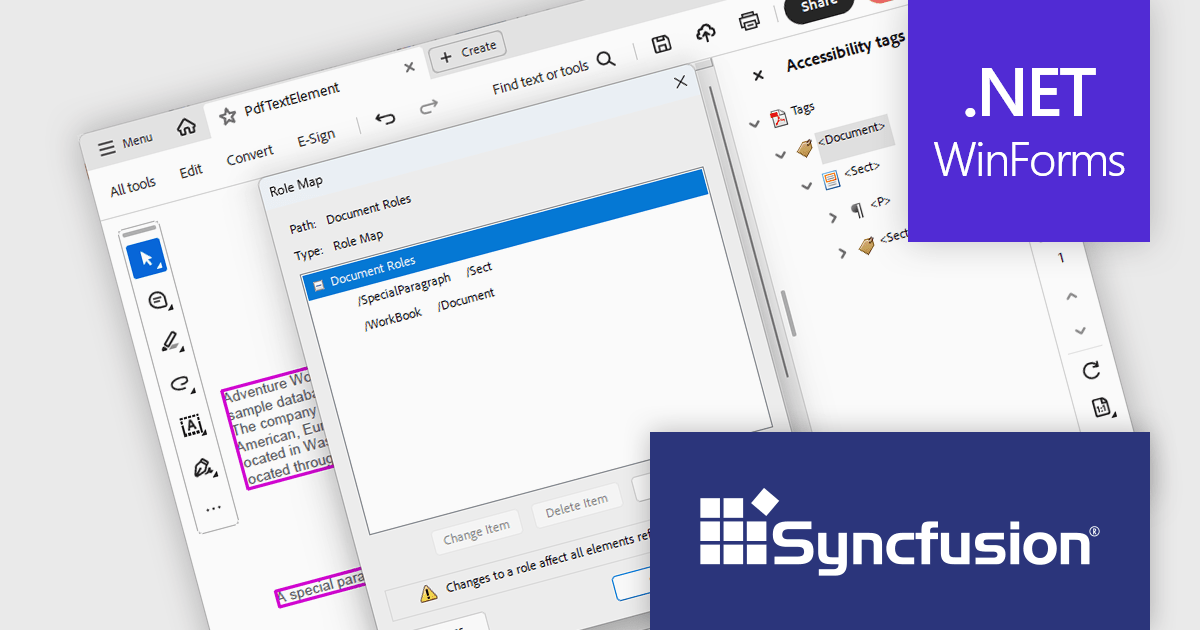
The Syncfusion Essential Studio Windows Forms 2025 Volume 1 release improves the PDF library by introducing support for custom role mapping in tagged PDF documents. This advancement allows developers to define specific roles for structural elements, ensuring that the document's semantic structure aligns with accessibility standards such as PDF/UA (ISO 14289-1). By enabling precise role assignments, screen readers and other assistive technologies can more accurately interpret and navigate the content, thereby improving the reading experience for users with disabilities.
To see a full list of what's new in 2025 Volume 1, see our release notes.
Syncfusion Essential Studio Windows Forms is available as part of Syncfusion Essential Studio Enterprise which is licensed per developer starting with a Team License of up to five developers. It is available as a 12 Month Timed Subscription License which includes support and maintenance. See our Syncfusion Essential Studio Enterprise licensing page for full details.
Learn more on our Syncfusion Essential Studio Windows Forms product page.
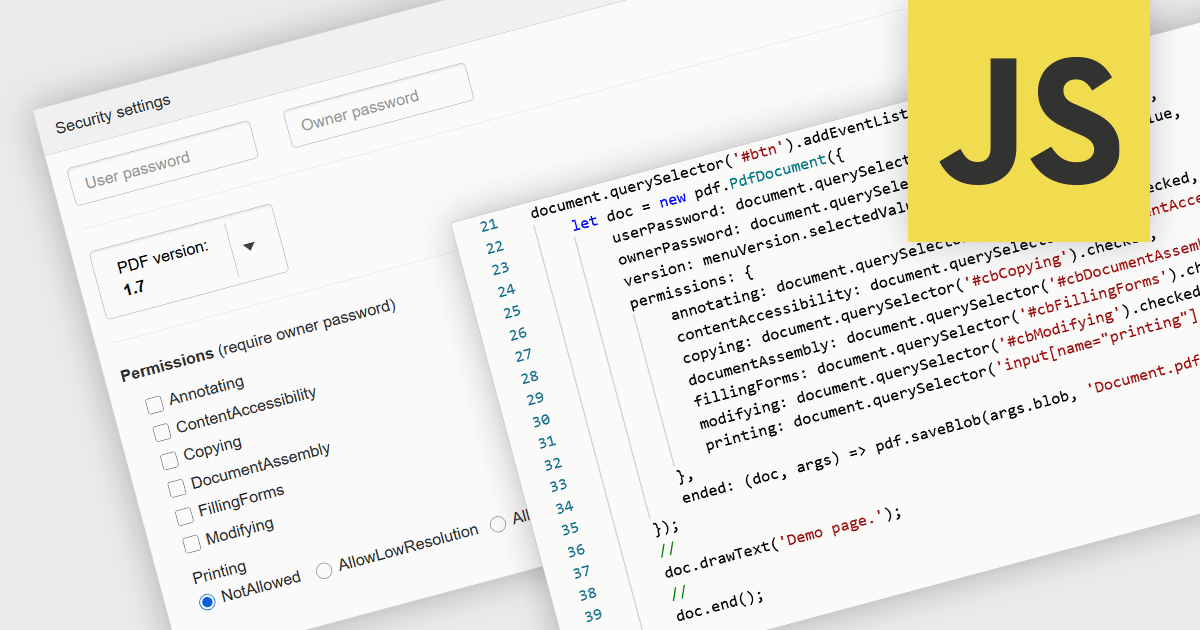
PDF password protection is a security feature that restricts access to the PDF file by requiring a password to open, modify, print or copy its contents. By setting either an open password (to prevent unauthorized viewing) or a permissions password (to control actions such as editing or printing), this mechanism ensures that document owners can safeguard sensitive information against unauthorized access or tampering. This is particularly useful in professional and legal contexts where data confidentiality and document integrity are critical, helping to maintain compliance with privacy standards and internal data protection policies.
Several JavaScript PDF components allow you to protect PDFs with passwords, including:
For an in-depth analysis of features and price, visit our comparison of JavaScript PDF components.
Document Solutions for PDF (DsPdf) by MESCIUS is a software development toolkit that provides .NET Core libraries and a JavaScript PDF viewer for manipulating and displaying PDFs. DsPdf enables developers to create, edit, annotate, and redact PDF documents directly within web applications. The included DsPdfViewer component offers a feature-rich, cross-platform solution for viewing and interacting with PDFs in modern browsers on various operating systems, including mobile devices.
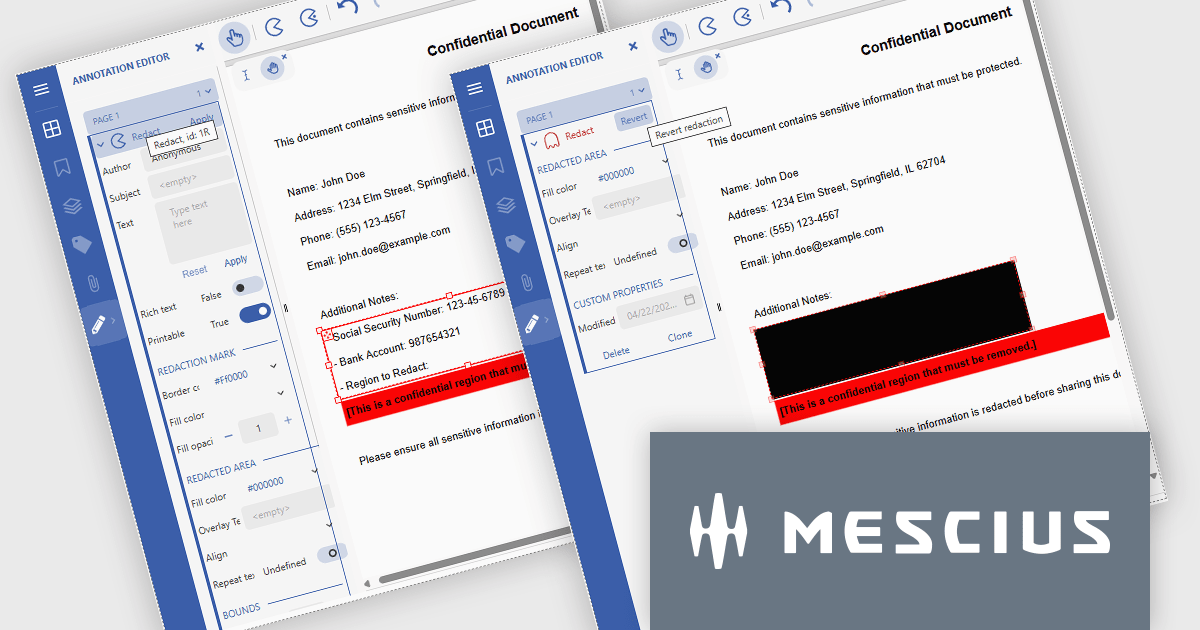
The Document Solutions for PDF v8.1 update introduces robust redaction capabilities to the DsPdfViewer/Wasm, allowing users to add, edit, and apply redact annotations directly within the browser - without the need for a .NET server. This feature, available through the Professional DsPdfViewer license with WebAssembly (Wasm) SupportApi, ensures sensitive information can be securely removed or hidden with ease, enhancing compliance and document control in client-side PDF workflows.
To see a full list of what's new in version 8.1.0, see our release notes.
Document Solutions for PDF is licensed per developer and is available in several license options for differing distribution needs. Team licenses are also available for multiple developers within the same organization. See our Document Solutions for PDF licensing page for full details.
Document Solutions for PDF is available to buy individually or as part of Document Solutions .NET Bundle.
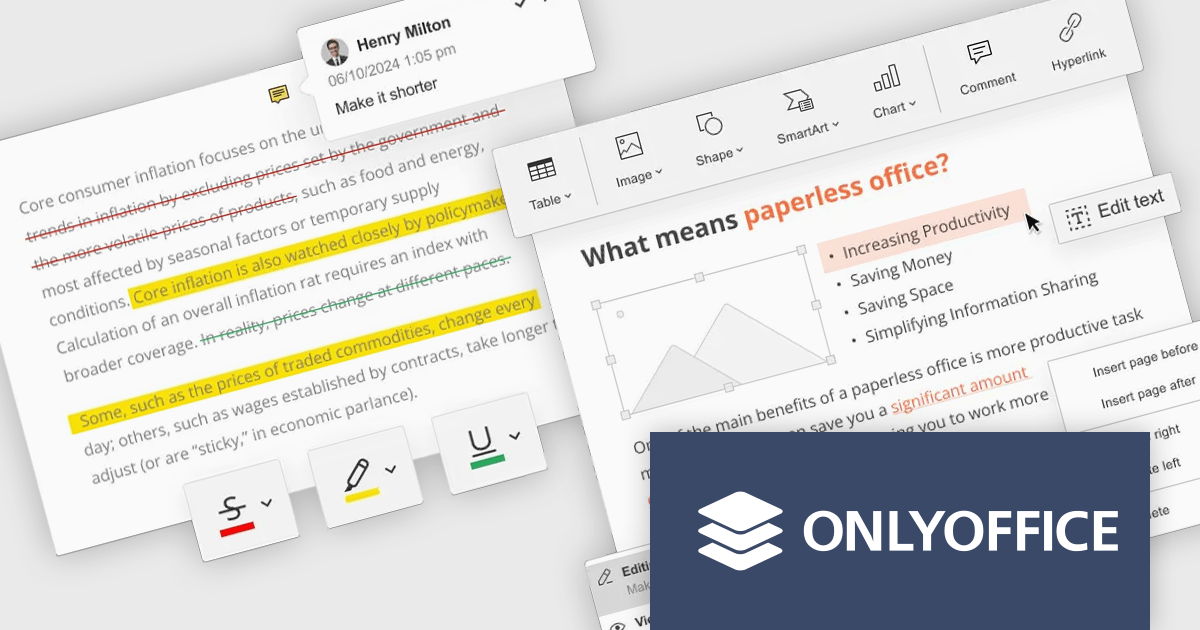
ONLYOFFICE Docs Enterprise Edition with Nuxeo Connector integrates online editing for Word, Excel, and PowerPoint directly within Nuxeo. Users can collaboratively create, edit, and co-author documents in real-time, utilizing ONLYOFFICE's formatting tools and broad format support, including OOXML. This in-browser editing and collaboration enhances productivity, streamlines workflows, and allows for potential re-branding and customization.
The ONLYOFFICE Docs Enterprise Edition with Nuxeo Connector v3.0 update introduces a fully functional PDF editor within the Nuxeo platform. This integration allows users to directly create, modify, and collaboratively author PDF documents, eliminating the need for external applications. Developers can leverage this expanded document handling capability within their Nuxeo-based solutions, offering end-users a more cohesive content management experience with features such as text editing, page manipulation, object insertion, annotation, and co-authoring functionalities.. This provides opportunities for custom workflow implementations and better development of applications focused on documents within Nuxeo.
To see a full list of what's new in v8.3.2 (3.0.0), see our release notes.
ONLYOFFICE Docs Enterprise Edition with Nuxeo Connector is licensed by the number of simultaneous document connections and is available as an annual license with 1 year support and upgrades. See our ONLYOFFICE Docs Enterprise Edition with Nuxeo Connector licensing page for full details.
For more information, see our ONLYOFFICE Docs Enterprise Edition with Nuxeo Connector product page.
電話: (888) 850 9911
Fax: +1 770 250 6199


