













公式サプライヤー
公式および認定ディストリビューターとして200社以上の開発元から正規ライセンスを直接ご提供いたします。
当社のすべてのブランドをご覧ください。
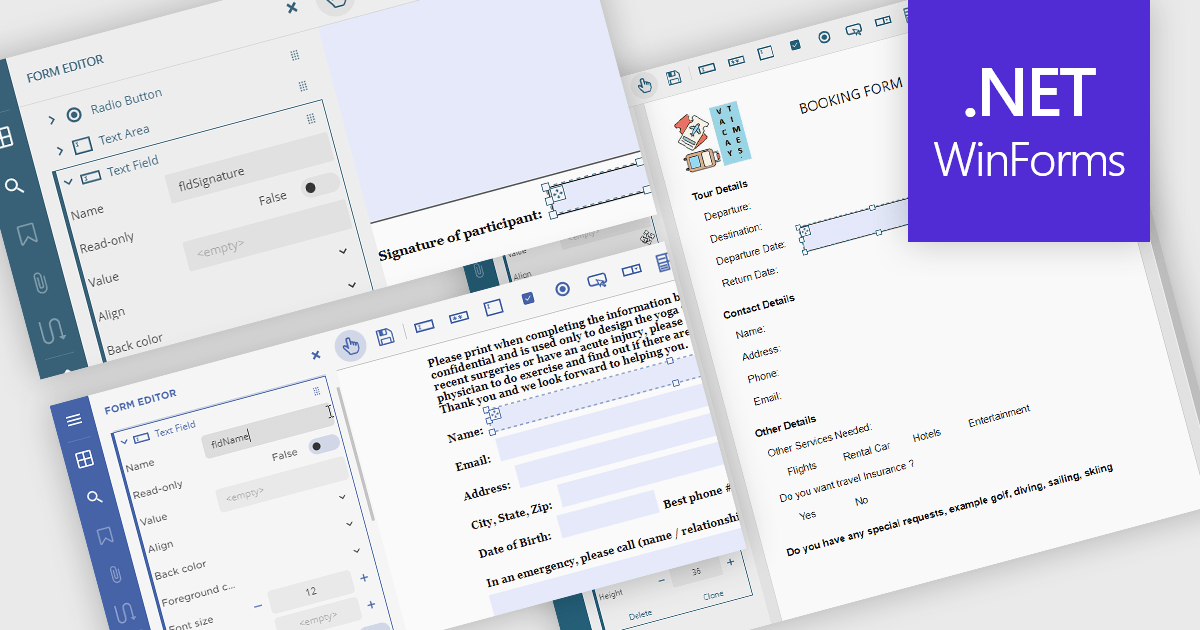
Creating PDF forms involves designing interactive documents that allow users to input data directly within the file, improving data collection and processing. This process typically entails embedding text fields, checkboxes, radio buttons, and dropdown menus into a digital document, making it easy for individuals to complete applications, surveys, or feedback forms electronically. Common use cases include online job applications, tax forms, registration documents for events or courses, and customer feedback surveys, all of which benefit from the secure and widely compatible nature of the PDF format.
Several .NET Winforms PDF components offer support for PDF form creation:
For an in-depth analysis of features and price, visit our .NET Winforms PDF components comparison.
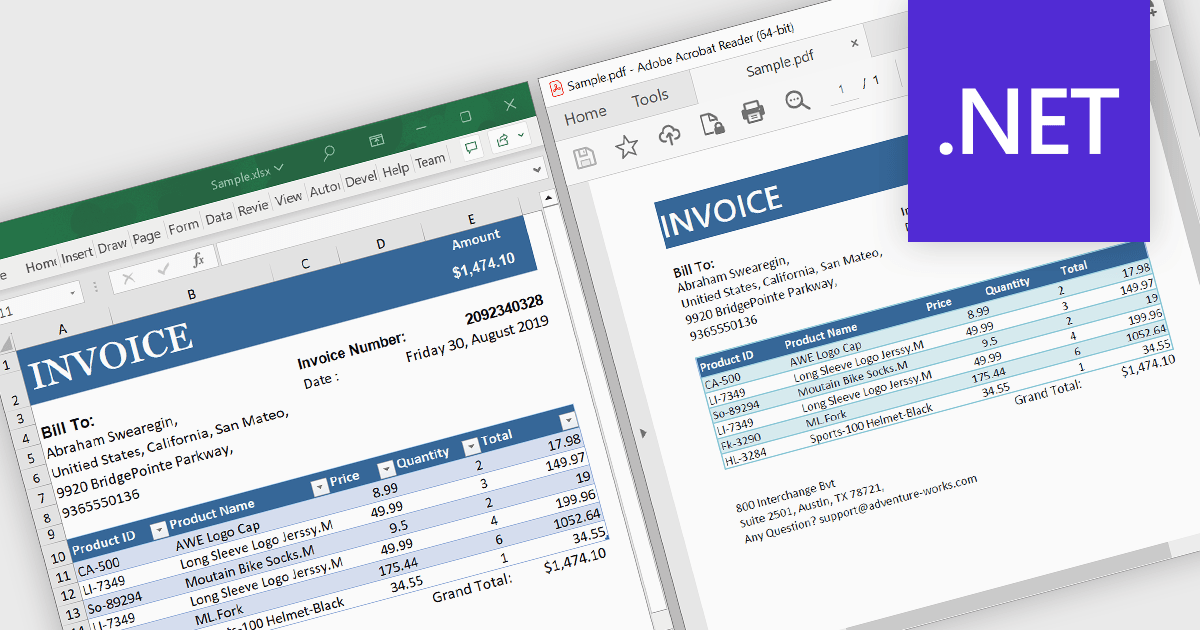
A .NET PDF viewer with Excel to PDF conversion capabilities enables developers to augment their .NET-based applications so that users can transform Microsoft Excel spreadsheets (in XLSX or XLS format) into PDF documents for viewing, sharing, or archiving. All handled within the viewer, this functionality preserves the structure, formatting, and content of the original Excel files while converting them into the widely-used PDF format. The ability to convert Excel to PDF in this manner allows for easy viewing, sharing, printing, and archiving of data without requiring end users to have Microsoft Excel installed. It also allows Excel content to be distributed with greater security and portability, while ensuring consistent rendering across different platforms, systems and devices.
Several .NET PDF viewer components allow you to convert Excel to PDF, including:
For an in-depth analysis of features and price, visit our comparison of .NET PDF viewer components.
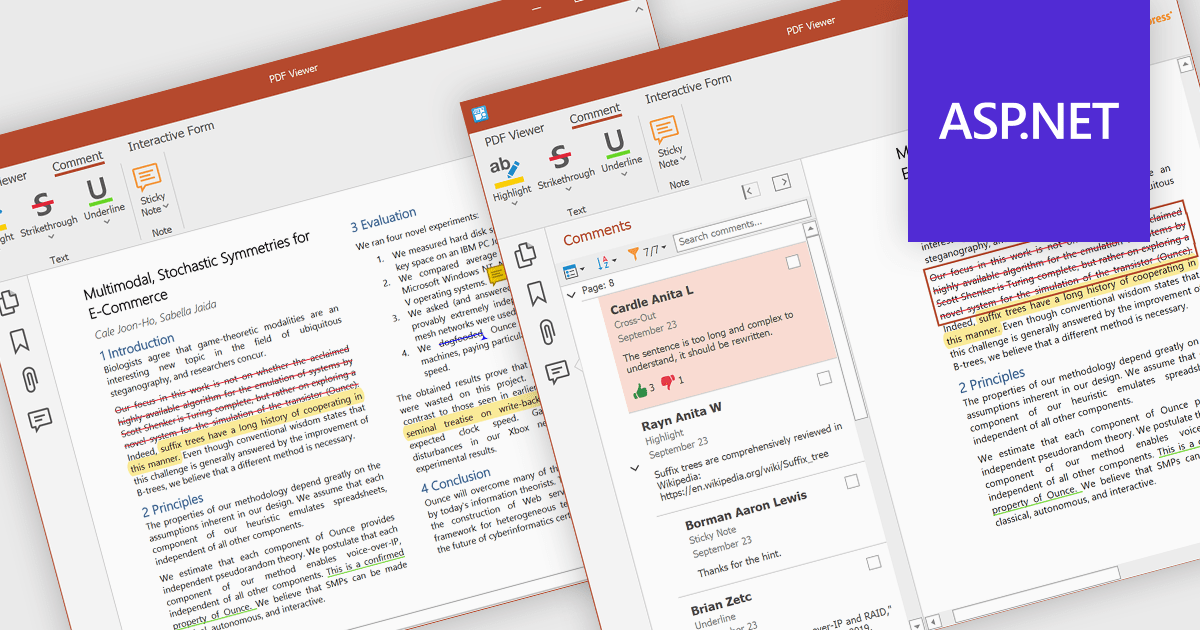
PDF sticky note annotations allow developers to enable users to attach virtual notes to specific locations within a PDF document. These annotations appear as icons that can be clicked to reveal additional text-based comments or instructions. This feature is particularly useful for collaborative workflows, review processes, and documentation tasks, as it enables users to provide contextual feedback without altering the original content. For developers, it offers a straightforward way to integrate lightweight commenting functionality into document-centric applications, enhancing usability and facilitating more efficient communication among users.
Several ASP.NET Core PDF components offer sticky note annotations including:
For an in-depth analysis of features and price, visit our ASP.NET Core PDF components comparison.
TX Text Control .NET is a royalty-free, fully programmable document editor that empowers developers to add rich WYSIWYG word processing to desktop and web applications across various platforms. It provides everything from comprehensive text formatting and mail merge to PDF creation and processing, all through a robust API and intuitive user interface.
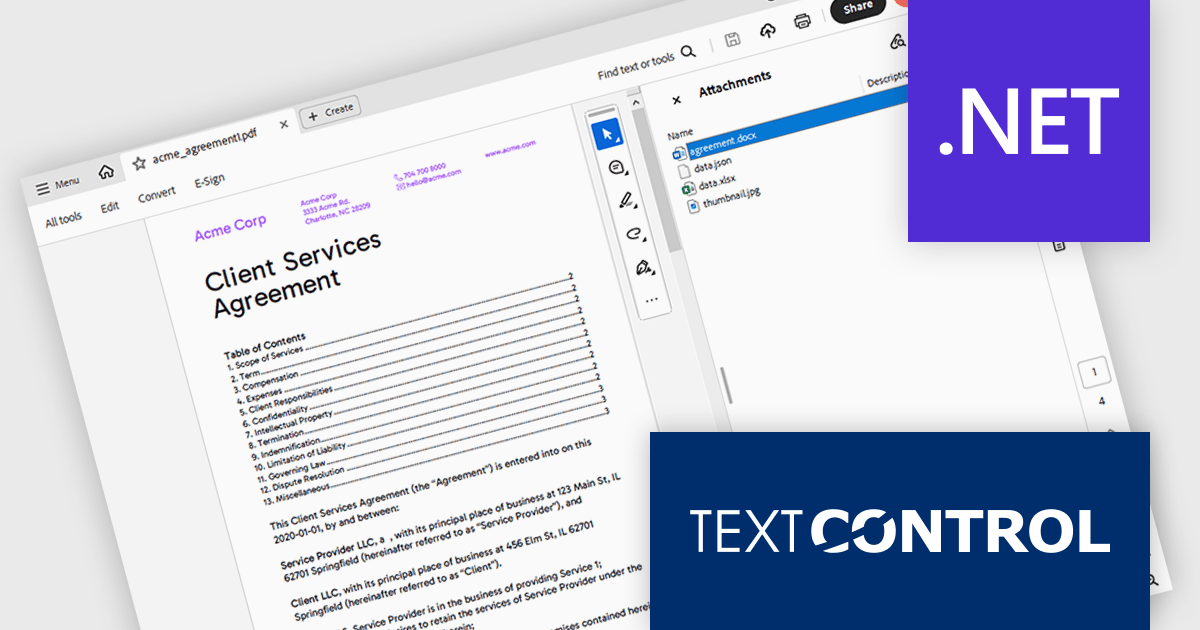
The TX Text Control .NET 33.0 release enhances the DocumentServer PDF namespace, making it easier to extract attachments and embedded documents from PDFs. This feature is especially useful for bundling related materials - such as images, spreadsheets, or additional documents - without requiring separate file handling. A key application is electronic invoicing with standards like ZUGFeRD and XRechnung, where machine-readable data is embedded alongside human-readable invoices.
To see a full list of what's new in version 33.0, see our release notes.
TX Text Control .NET for Windows Forms and TX Text Control .NET for WPF are licensed per developer and are available as a Perpetual License with a 12 month support and maintenance subscription. See our TX Text Control .NET for Windows Forms licensing page or TX Text Control .NET for WPF licensing page for full details.
TX Text Control .NET is available to buy in the following products:
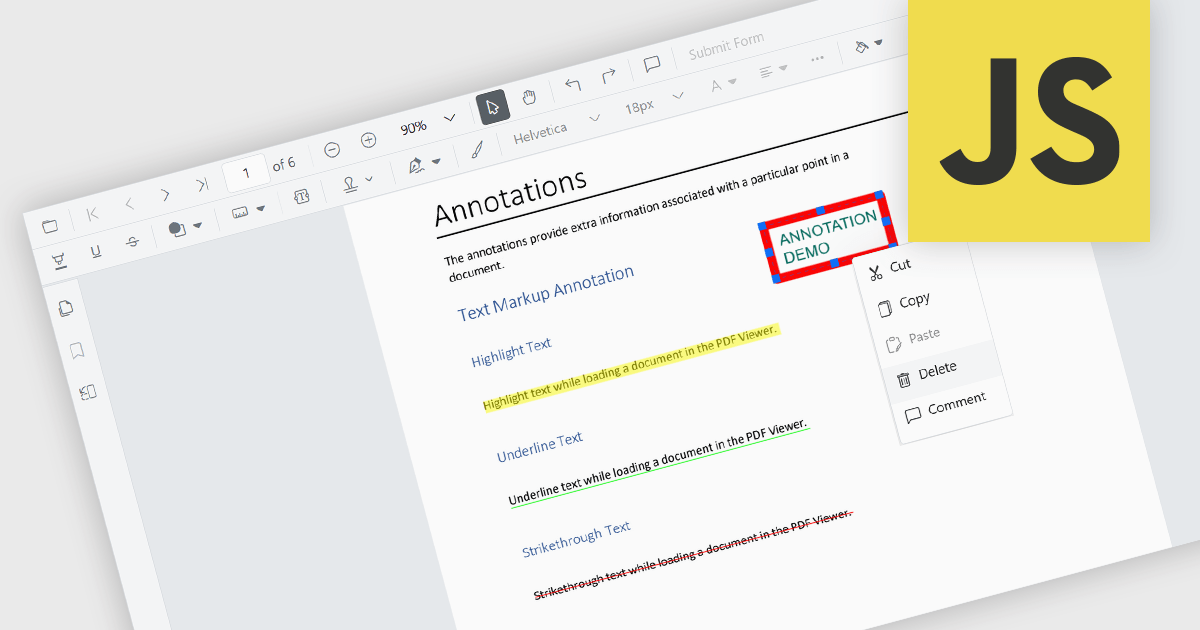
Annotation removal is a useful feature to have in a PDF viewer component, giving users the ability to delete comments, highlights, notes, or other markup that has been added to a PDF document. This functionality allows users to clean up documents by eliminating unnecessary or outdated annotations, ensuring that only relevant and current information remains visible. It is particularly useful in collaborative environments where multiple reviewers contribute feedback, and improves the presentation of the final document, ensuring it is clear and professional. This process yields a clean version of the file in preparation for final distribution or archiving.
Several JavaScript PDF viewer components allow you to remove annotations, including:
For an in-depth analysis of features and price, visit our comparison of JavaScript PDF viewer components.
電話: (888) 850 9911
Fax: +1 770 250 6199


