













公式サプライヤー
公式および認定ディストリビューターとして200社以上の開発元から正規ライセンスを直接ご提供いたします。
当社のすべてのブランドをご覧ください。
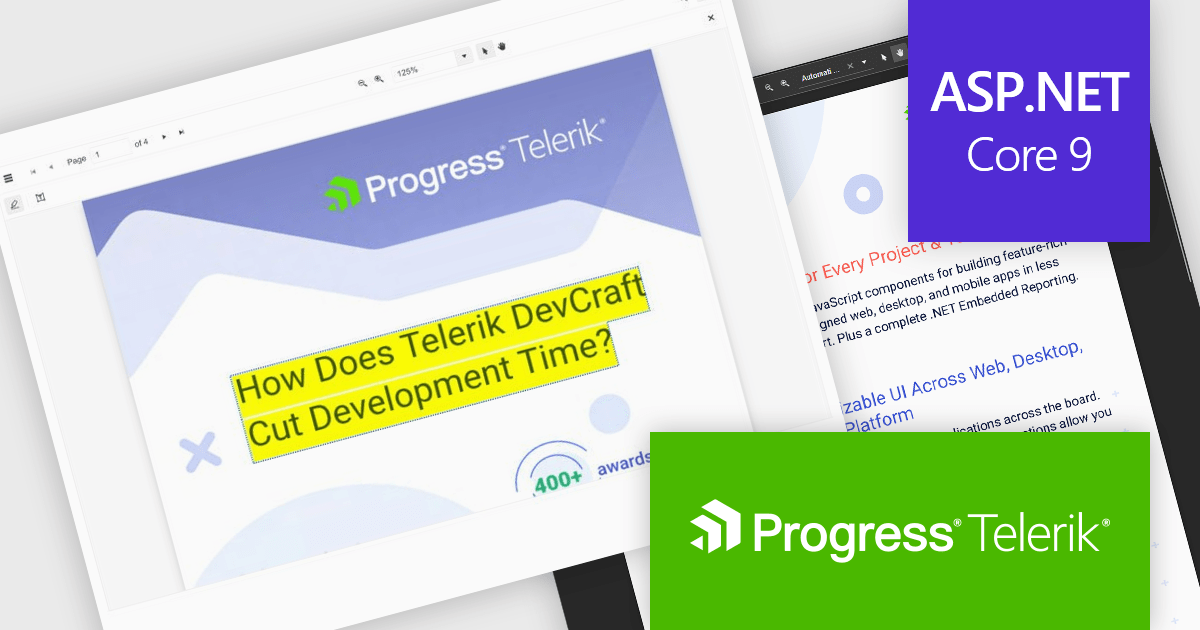
Telerik UI for ASP.NET Core is a robust library of over 110 UI components designed for modern web applications. It offers high performance, scalability, and extensive customization to meet diverse requirements in data handling, UX, design, and accessibility. Key components like the Grid, Scheduler, Chart, and Editor enable intuitive data visualization and manipulation, making it ideal for applications ranging from interactive dashboards to complex enterprise solutions. With Telerik UI for ASP.NET Core, developers can create feature-rich, professional-grade applications with ease.
The Telerik UI for ASP.NET Core 2025 Q1 update enhances the PDFViewer with built-in text highlighting and free text annotation capabilities, enabling users to integrate seamless document review and collaboration features into their applications. These enhancements provide users with a more efficient way to mark up PDFs without requiring third-party tools, ensuring a smoother workflow within web-based applications. The new annotation tools are fully customizable, allowing developers to tailor the experience to specific user needs while maintaining a consistent UI. With improved interaction and flexibility, this update simplifies document handling and enhances the overall usability of PDFViewer in modern applications.
To see a full list of what's new in 2025 Q1 (2025.1.211), see our release notes.
Telerik UI for ASP.NET Core is licensed per developer and has two licensing models: an annual Subscription License and a Perpetual License. The Subscription license provides access to the latest product updates, technical support, and exclusive benefits for a flat annual fee, and must be renewed to continue using the software. The Perpetual license is a one-time purchase granting access to the current released version and includes a one-year subscription for product updates and technical support. After this initial period, users can choose to renew the subscription element to continue receiving updates and support; otherwise, they may continue using the installed version available during their active subscription term but will forgo future updates and support. See our Telerik UI for ASP.NET Core licensing page for full details.
Telerik UI for ASP.NET Core is available individually or as part of the following products:
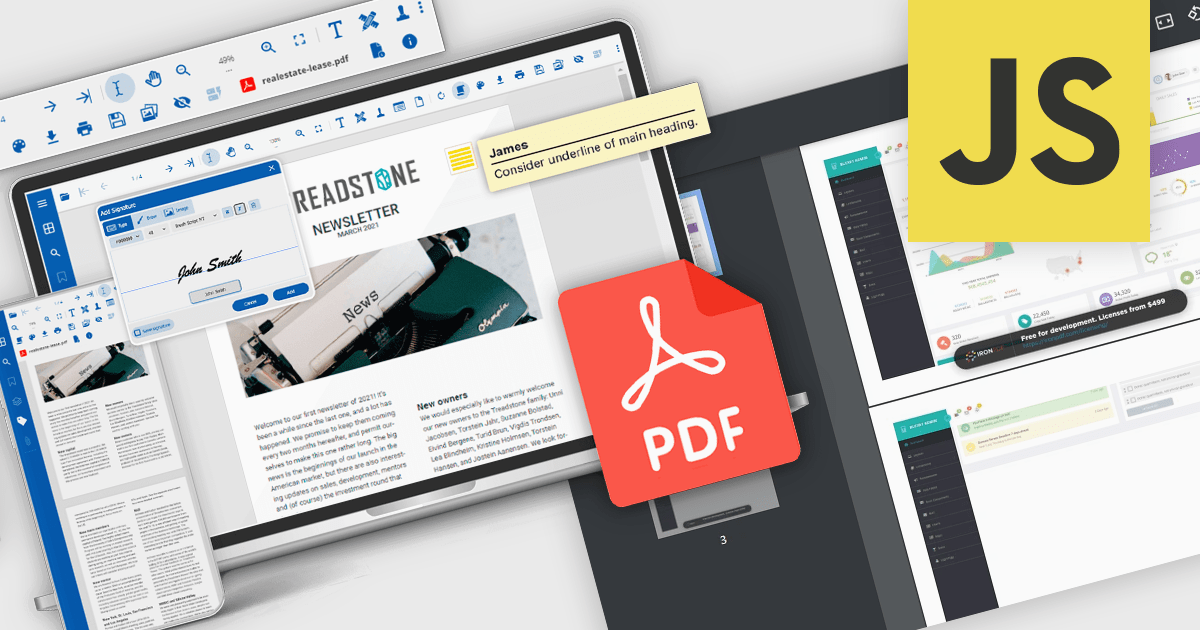
Converting a PDF into an image format like PNG, JPEG, or TIFF improves performance by allowing documents to load instantly without requiring a dedicated PDF viewer. This is particularly useful for web applications, where rendering a full PDF can be slow and resource-intensive. Additionally, converting PDFs to images enhances security by preventing direct text extraction or modification, ensuring sensitive content remains intact. It also simplifies embedding and sharing, making documents more accessible across different devices and platforms. These benefits make PDF-to-image conversion a practical choice for optimizing document handling in modern applications.
Several PDF controls offer PDF to image conversion support including:
For an in-depth analysis of features and price, visit our JavaScript PDF controls comparison.
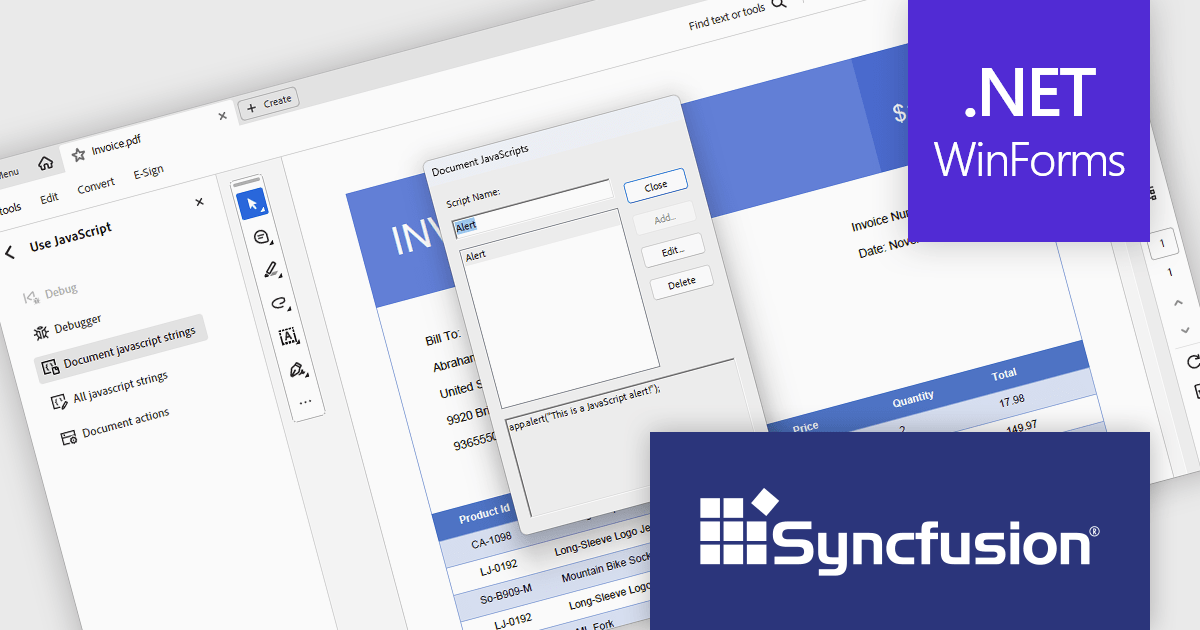
Syncfusion Essential Studio Windows Forms (available as part of Syncfusion Essential Studio Enterprise) is a powerful UI component suite designed to enhance your WinForms development. It boasts over 100 high-performance controls, ranging from essential grids and charts to advanced schedulers and diagrams, enabling you to craft visually appealing and feature-rich applications with ease. Its extensive customization options and built-in themes allow for tailored user experiences, while touch-friendly design ensures seamless interaction across devices.
The Syncfusion Essential Studio Windows Forms 2024 Volume 4 update introduces advanced JavaScript integration capabilities within its PDF Library, empowering developers to add, retrieve, modify, and remove JavaScript actions at the document level. This enhancement enables the creation of dynamic and interactive PDF experiences, such as automated form handling, custom behaviors, and real-time content updates, directly within the application. By supporting ECMAScript, this feature ensures compatibility with industry-standard scripting practices, streamlining workflows and offering greater flexibility for tailoring PDFs to meet specific user and business requirements.
To see a full list of what's new in 2024 Volume 4, see our release notes.
Syncfusion Essential Studio Windows Forms is available as part of Syncfusion Essential Studio Enterprise which is licensed per developer starting with a Team License of up to five developers. It is available as a 12 Month Timed Subscription License which includes support and maintenance. See our Syncfusion Essential Studio Enterprise licensing page for full details.
Learn more on our Syncfusion Essential Studio Windows Forms product page.

PDF security and standards play a critical role in ensuring the integrity, confidentiality, and accessibility of digital documents. With PDFs widely used for business, legal, and government purposes, maintaining compliance with security protocols and industry standards is essential. Modern PDF components provide robust protection mechanisms, allowing organizations to safeguard sensitive information while ensuring documents meet regulatory requirements such as ISO 32000, PDF/A for archiving, and PDF/UA for accessibility. These features help prevent unauthorized access, support legal validity, and enable secure document exchange across different platforms.
Common features include:
For an in-depth analysis of features and price, visit our .NET Core PDF components comparison.
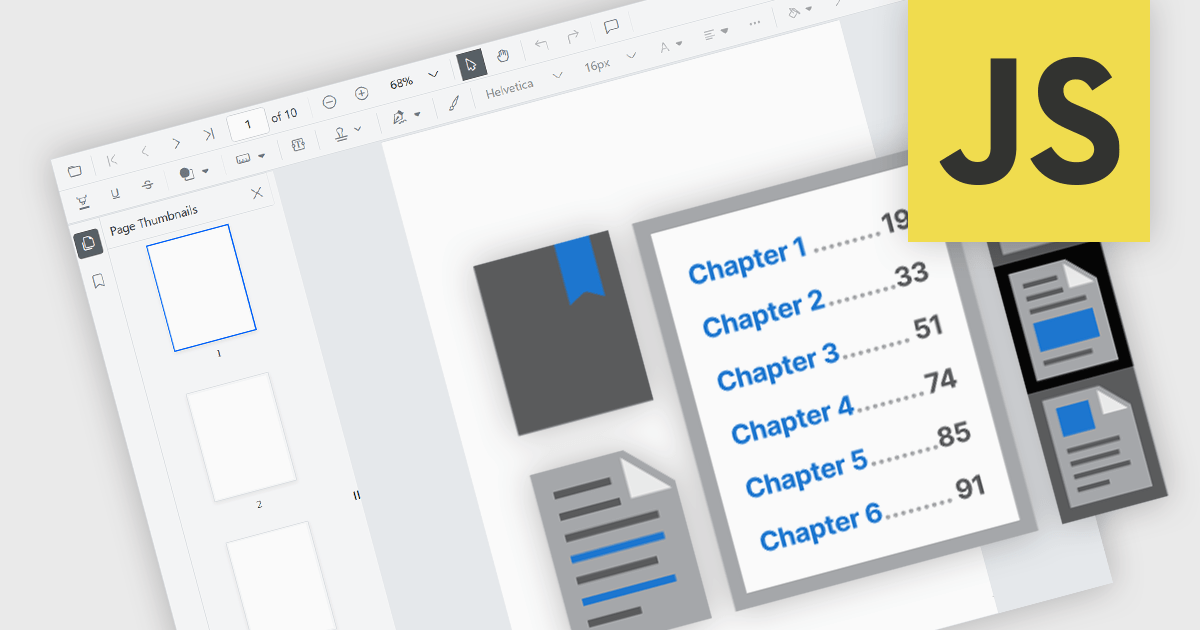
JavaScript PDF viewer components provide several features for the seamless and efficient navigation of complex documents, enhancing the user experience in web applications. These viewers allow users to move through PDFs using intuitive controls that support structured document exploration. By leveraging advanced navigation features, developers can integrate smooth, user-friendly access to content, whether through previews in the form of thumbnail images, internal links, or predefined document structures i.e. a table of contents.
Common features include:
For an in-depth analysis of features and price, visit our JavaScript PDF viewer components comparison.
電話: (888) 850 9911
Fax: +1 770 250 6199


