













公式サプライヤー
公式および認定ディストリビューターとして200社以上の開発元から正規ライセンスを直接ご提供いたします。
当社のすべてのブランドをご覧ください。
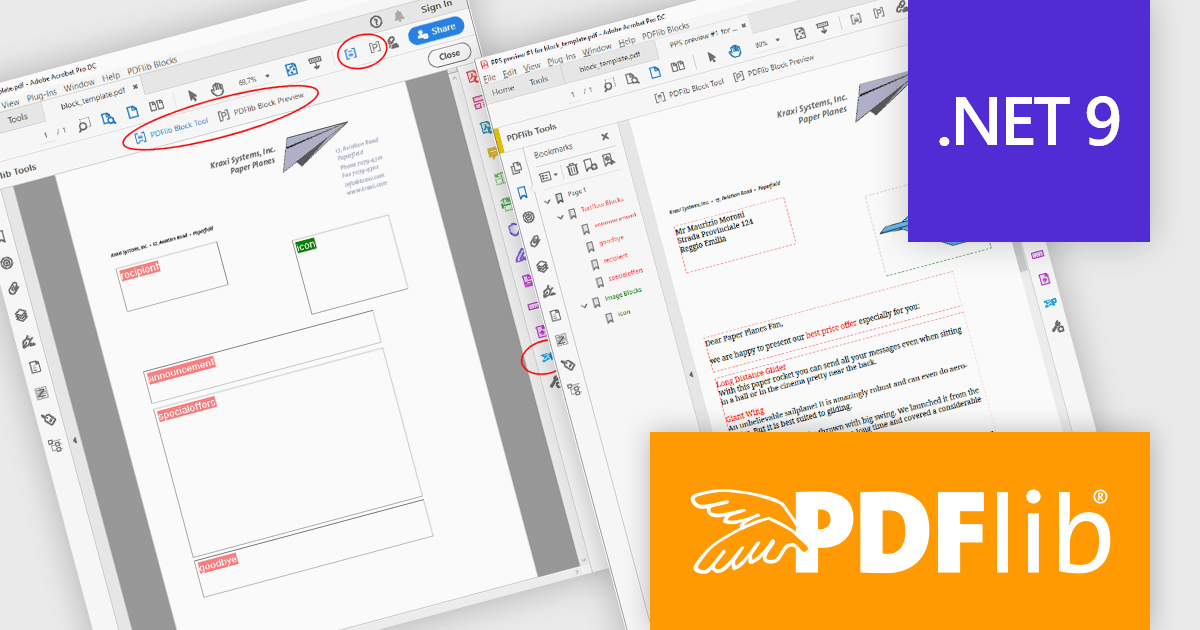
PDFlib is a sophisticated software development library that allows you to dynamically create, alter, and personalize PDF documents within your applications. PDFlib provides a full set of capabilities for optimizing document workflows across web servers, desktop apps, and mobile environments, including the ability to create highly structured PDFs with text, graphics, and interactive components, as well as import existing pages and add overlays.
PDFlib version 10.0.3 introduces support for Microsoft's .NET 9, allowing developers to take advantage of the framework’s latest enhancements for improved performance, security, and development efficiency when generating and manipulating PDFs. This update also expands compatibility with additional programming languages, including support for Ruby 3.x, PHP 8.4, and Perl 5.40 on Windows, enabling greater flexibility across development environments. With these improvements, PDFlib 10.0.3 ensures a seamless integration experience, empowering developers to create high-quality PDF documents with the latest technology stack.
To see a full list of what's new in 10.0.3, see our release notes.
PDFlib is licensed per machine and is available as a perpetual license with or without 1 year of support. Annual support renewals are also available, as well as upgrades from the previous major version. See our PDFlib licensing page for full details.
PDFlib is available to buy in the following products:

1995年のリリース以来、Delphiは高性能なアプリケーション開発を支えるツールとして進化を続けてきました。2025年2月、Delphiは30周年を迎えます。これを記念し、Delphi、C++Builder、RAD Studioの各製品を特別価格でご提供する「Delphi 30周年記念キャンペーン」 を実施いたします。本キャンペーンでは、最新バージョン RAD Studio / Delphi / C++Builder 12 Athens の Professional / Enterprise / Architect 各エディションを、期間限定の特別価格でご購入いただけます。
各製品別のキャンペーン詳細およびご購入は、以下のリンクからご確認いただけます。
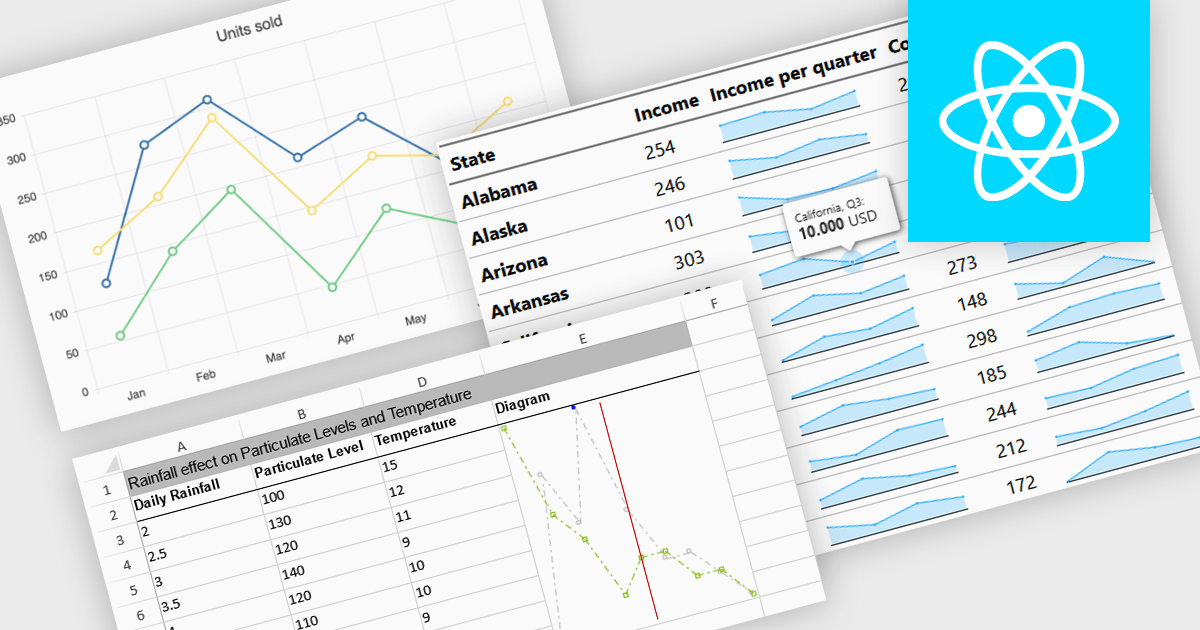
Sparkline charts are compact, data-rich visuals that display trends, patterns, and variations in a minimalistic format. Unlike traditional charts, they save space and seamlessly integrate into tables, dashboards, or reports for quick insights. These charts are particularly useful for identifying trends over time, monitoring real-time changes, and enhancing data readability. Common use cases include financial reports to track stock performance, sales dashboards to visualize revenue fluctuations, and performance monitoring tools to highlight system metrics. With their ability to quickly convey key insights in a visually intuitive manner, sparkline charts are an essential tool for data-driven decision-making.
Several React charts offer sparkline chart support, including:
For an in-depth analysis of features and price, visit our React chart comparison.
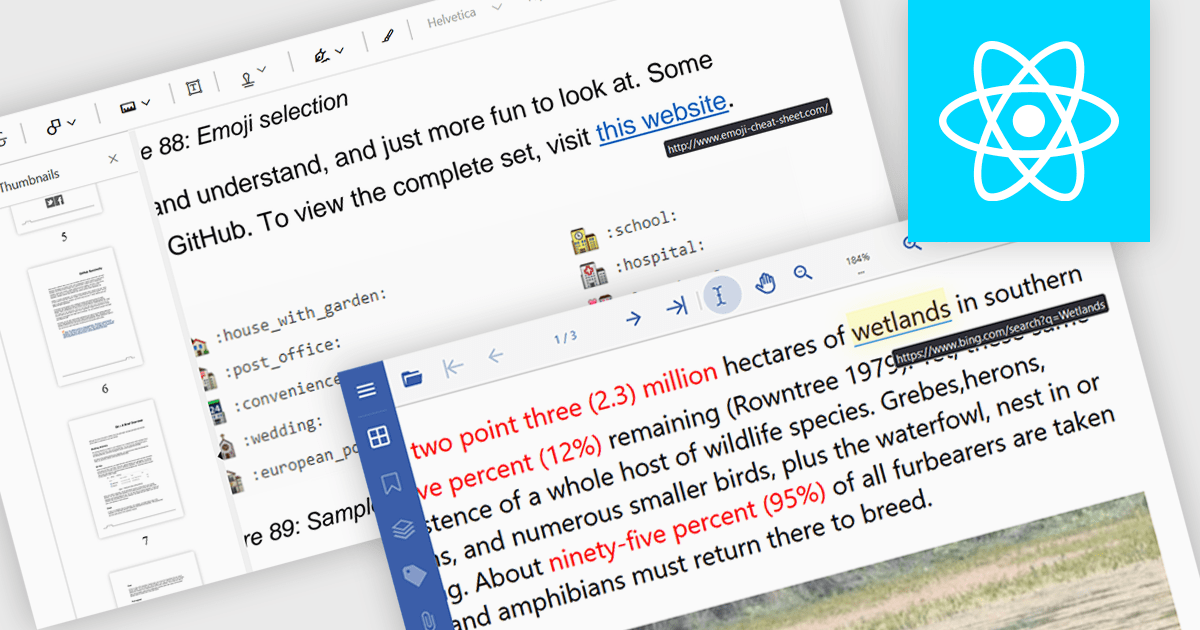
Hyperlink navigation support in a PDF Viewer enables users to seamlessly navigate within and between PDF documents by clicking on embedded hyperlinks. This functionality enhances user experience by facilitating quick access to relevant information, improving document organization and accessibility, and streamlining workflows that involve interacting with multiple linked documents.
Several React PDF viewers support hyperlink navigation including:
For an in-depth analysis of features and price, visit our comparison of React PDF viewers.
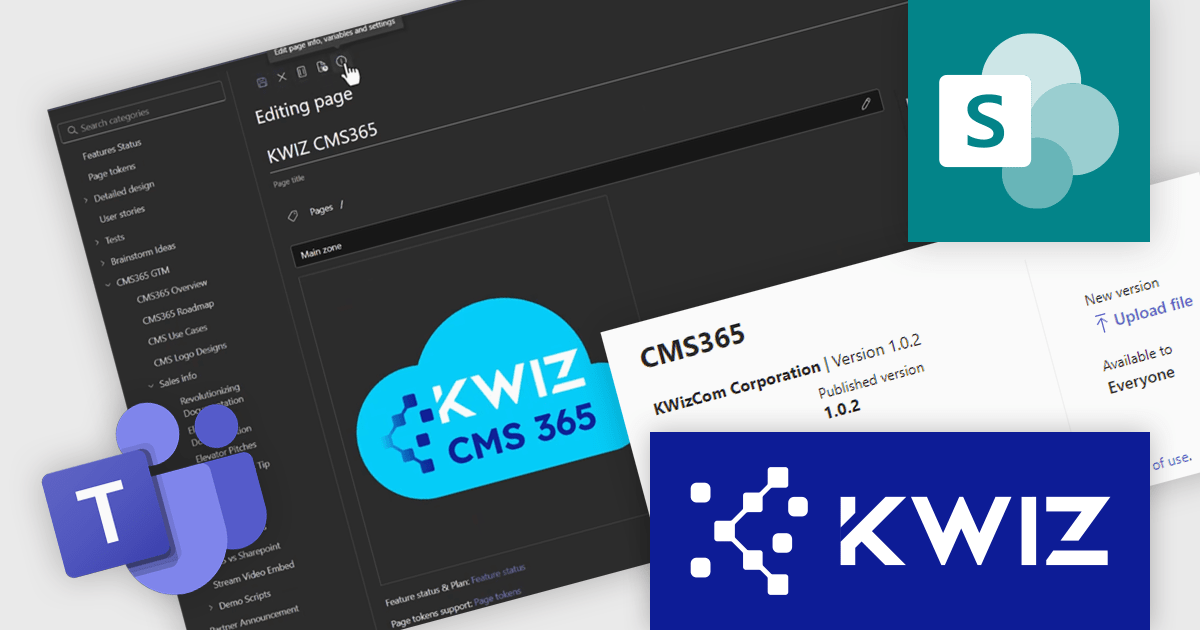
KWIZ CMS365 App is a robust content management system designed to simplify documentation and collaboration challenges. Seamlessly integrating with Microsoft Teams and SharePoint, it offers a user-friendly interface, streamlined workflows, and centralized document storage. Ideal for organizations using SharePoint, CMS365 enhances productivity, supports real-time collaboration, and is perfect for managing knowledge bases, project documentation, and hybrid team workflows.
The KWIZ CMS365 App provides seamless integration with Microsoft Teams, providing software developers with a streamlined environment for managing content directly within their existing collaboration platform. This integration eliminates the need to switch between multiple tools, enabling developers to access, edit, and share project documentation or code-related resources within Teams. By centralizing content workflows, the update enhances productivity, reduces context-switching, and ensures that project-related materials are always accessible and up to date. This feature is particularly valuable for development teams working in hybrid or remote setups, where efficient communication and collaboration are essential.
KWIZ CMS365 App is licensed on an annual basis, requiring each user in your organization to be covered by an Annual Subscription license. Different levels are available to cater for different numbers of users. See our KWIZ CMS365 App licensing page for full details.
For more information, visit our KWIZ CMS365 App product page.
電話: (888) 850 9911
Fax: +1 770 250 6199


