













公式サプライヤー
公式および認定ディストリビューターとして200社以上の開発元から正規ライセンスを直接ご提供いたします。
当社のすべてのブランドをご覧ください。

PDF annotations in PDF Viewer components allow users to interact with and mark up documents directly within an application. This functionality is critical for workflows requiring collaborative review, document editing, or enhanced personalization of PDFs, offering a seamless experience for annotating without requiring external tools. By embedding annotation capabilities, applications can boost productivity and streamline document-centric tasks.
Common features include:
For an in-depth analysis of features and price, visit our React PDF Viewer components comparison.
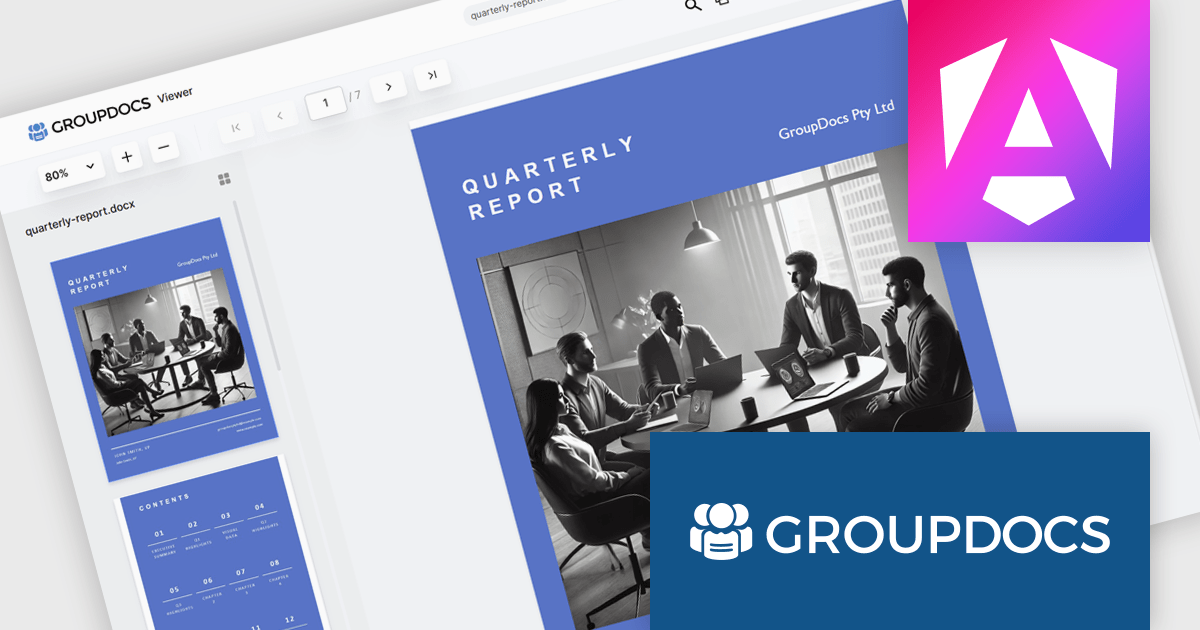
GroupDocs.Viewer for .NET gives developers the ability to create or enhance .NET applications for web and desktop with the ability to view and render documents to PDF, HTML or images, without installing any external software. This document viewer API supports detailed HTML output customization, rendering of complex documents and programming code, conversion to PDF, and secure viewing of password-protected documents with an adjustable caching system. Working across multiple operating systems, platforms, frameworks, and development environments, it facilitates the rendering of such formats as PDF, Word, Excel, PowerPoint, RTF, OpenDocument, Visio, and HTML within document viewing apps.
The GroupDocs.Viewer for .NET 24.12 update introduces a New Angular UI designed to deliver enhanced performance, greater customization flexibility, and compatibility with modern development practices. By modernizing dependencies and optimizing document viewing capabilities, this update streamlines integration into applications and ensures a smoother user experience. Developers can leverage the expanded UI customization options to tailor the viewer to specific project requirements, enabling more precise control over functionality and design. This update provides a robust and efficient solution for building modern, adaptable document viewing applications.
To see a full list of what's new in V24.12, see our release notes.
GroupDocs.Viewer for .NET is offered as Developer Small Business, Developer OEM, Site Small Business, and Site OEM licenses catering to a range of business needs. Licenses are perpetual, and include 1 year of support and maintenance. Subscription renewals are also available. See our GroupDocs.Viewer for .NET licensing page for full details.
GroupDocs.Viewer for .NET is available individually or as part of the following products:
Syncfusion Essential Studio Flutter (available as part of Syncfusion Essential Studio Enterprise) is a powerful UI toolkit that enables you to build beautiful and performant mobile apps for Android and iOS using Flutter. It provides a rich suite of pre-built widgets for common design elements like charts, data grids, calendars, and PDF viewers. These widgets are highly customizable and allow you to quickly implement stunning visuals and advanced functionalities without spending time on repetitive coding.
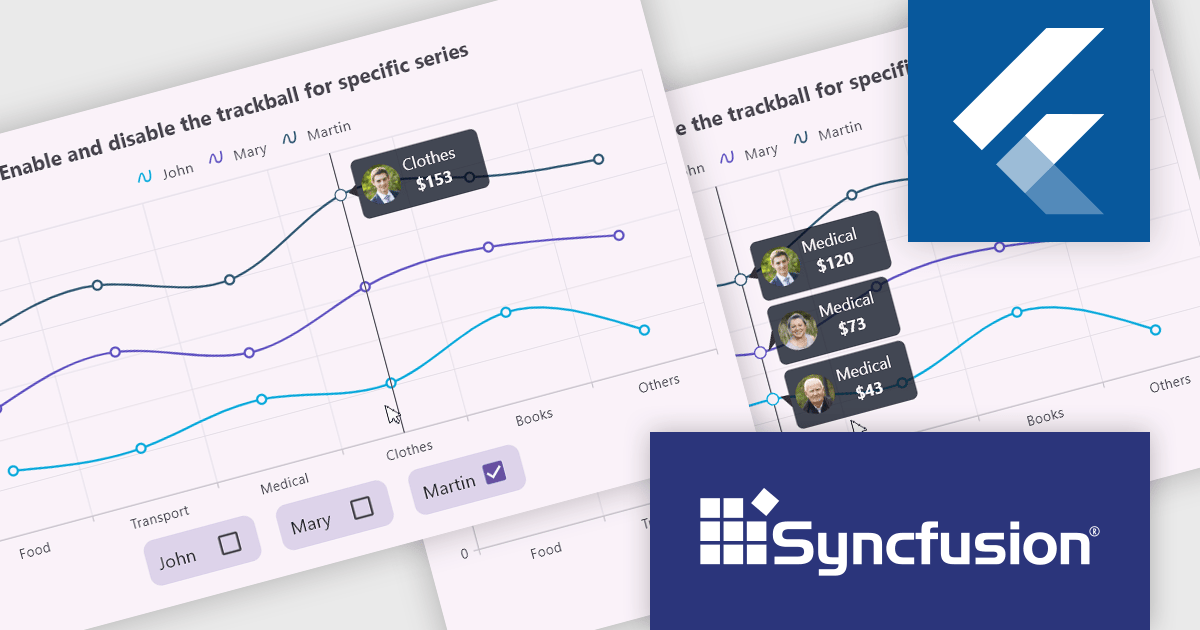
The Syncfusion Essential Studio Flutter 2024 Volume 4 update introduces the ability to activate or deactivate the trackball for individual chart series, offering developers enhanced control over data visualization. This feature allows for precise data tracking by focusing the trackball on specific series, improving the clarity and relevance of user interactions within complex datasets. By enabling developers to customize the trackball behavior, this update supports a more tailored and efficient user experience, making it easier to highlight critical data points while minimizing visual clutter in multi-series charts.
To see a full list of what's new in 2024 Volume 4, see our release notes.
Syncfusion Essential Studio Flutter is available as part of Syncfusion Essential Studio Enterprise which is licensed per developer starting with a Team License of up to five developers. It is available as a 12 Month Timed Subscription License which includes support and maintenance. See our Syncfusion Essential Studio Enterprise licensing page for full details.
Learn more on our Syncfusion Essential Studio Flutter product page.
Telerik UI for ASP.NET Core is a robust library of over 110 UI components designed for modern web applications. It offers high performance, scalability, and extensive customization to meet diverse requirements in data handling, UX, design, and accessibility. Key components like the Grid, Scheduler, Chart, and Editor enable intuitive data visualization and manipulation, making it ideal for applications ranging from interactive dashboards to complex enterprise solutions. With Telerik UI for ASP.NET Core, developers can create feature-rich, professional-grade applications with ease.
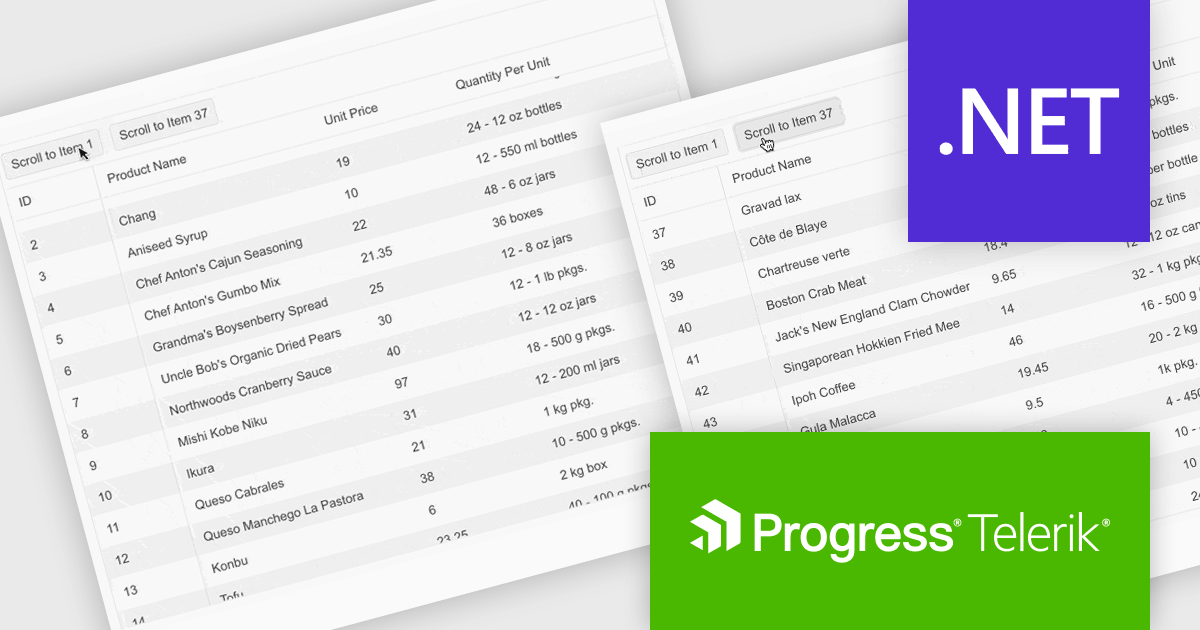
The Telerik UI for ASP.NET Core 2024 Q4 update introduces the "Scroll to Item" method, a powerful feature designed to streamline navigation within data-intensive grids. This method allows developers to programmatically direct users to specific rows based on their unique identifiers, enhancing usability and reducing the need for manual scrolling. It supports both standard and virtual scrolling scenarios, ensuring seamless performance even when the targeted row is not initially loaded by invoking a callback function to handle data retrieval. By simplifying access to critical data points, the "Scroll to Item" method improves the efficiency of user workflows, making it an essential tool for building intuitive, data-driven applications.
To see a full list of what's new in 2024 Q4, see our release notes.
Telerik UI for ASP.NET Core is licensed per user and is available as an annual license with a one year support subscription, which is available in three tiers: Lite, Priority or Ultimate. See our Telerik UI for ASP.NET Core licensing page for full details.
Telerik UI for ASP.NET Core is available individually or as part of the following products:
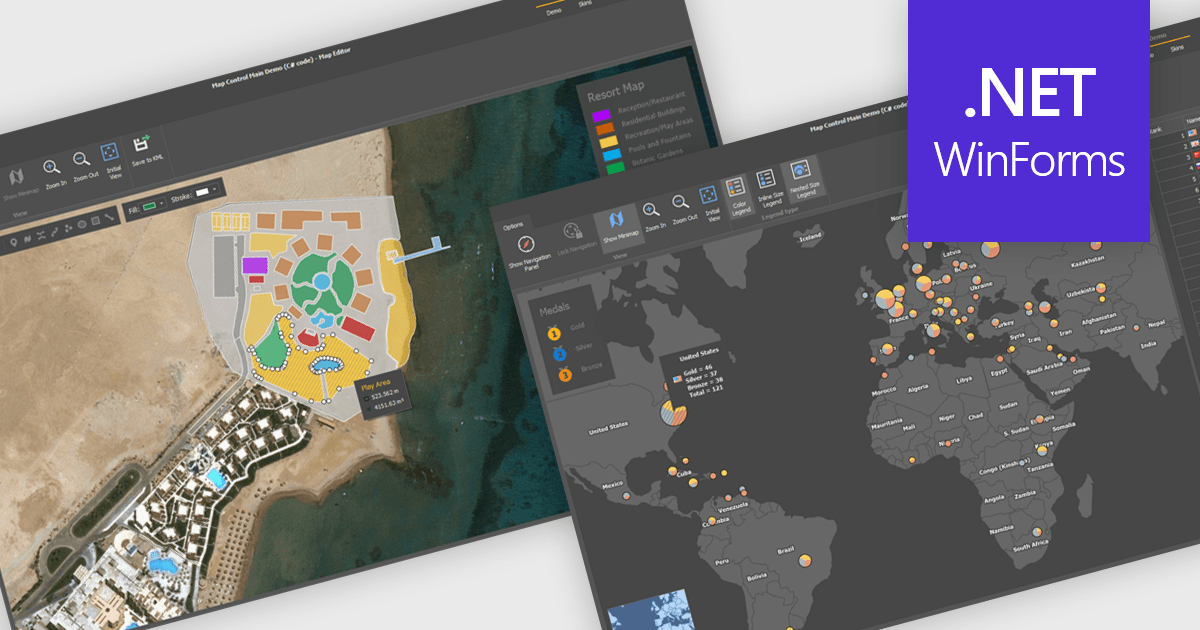
Maps are powerful tools for integrating geographic data and visualizations, enabling users to explore and understand information in a spatial context. With features like zooming, panning, and layering, maps provide an interactive way to analyze data and identify patterns. They support cross-platform compatibility, allowing consistent performance across devices, and can be customized to align with specific branding or design needs.
Several .NET WinForms UI suites offer map components including:
For an in-depth analysis of features and price, visit our comparison of .NET WinForms UI suites.
電話: (888) 850 9911
Fax: +1 770 250 6199


