













公式サプライヤー
公式および認定ディストリビューターとして200社以上の開発元から正規ライセンスを直接ご提供いたします。
当社のすべてのブランドをご覧ください。
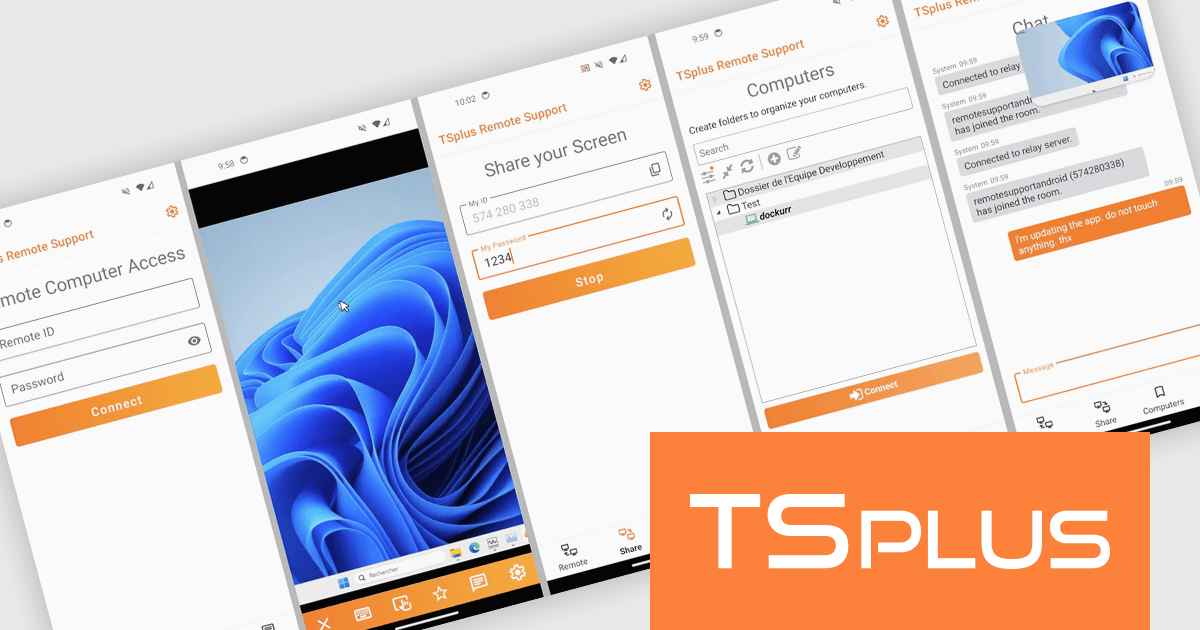
TSplus Remote Support is a secure and cost-effective remote desktop software designed to facilitate efficient remote assistance and troubleshooting. It allows IT teams and support professionals to remotely access and control user desktops, enabling real-time issue resolution without the need for physical presence. Key features include encrypted connections for enhanced security, multi-session support, and a user-friendly interface that simplifies setup and operation. Ideal for businesses of all sizes, it helps reduce downtime, streamline IT support processes, and improve customer satisfaction by providing instant and reliable assistance. Whether addressing technical issues or offering remote training, TSplus Remote Support is a versatile tool for modern IT environments.
The new TSplus Remote Support Android app provides software developers with a streamlined tool for managing remote troubleshooting and support tasks directly from their mobile devices. Designed to enhance efficiency, the app offers secure access to remote systems with features like Full HD screen sharing, keyboard and mouse controls, and real-time communication through integrated chat. Its compatibility with all devices running Android 6.0 or later ensures broad usability, while the standalone design eliminates the need for additional plugins or extensions, simplifying the setup process. This makes it an essential solution for developers seeking reliable and flexible remote support capabilities.
TSplus Remote Support is licensed per concurrent connection. Licenses include a 1 year subscription for updates and support. See our TSplus Remote Support licensing page for further information.
For more information, visit our TSplus Remote Support product page.
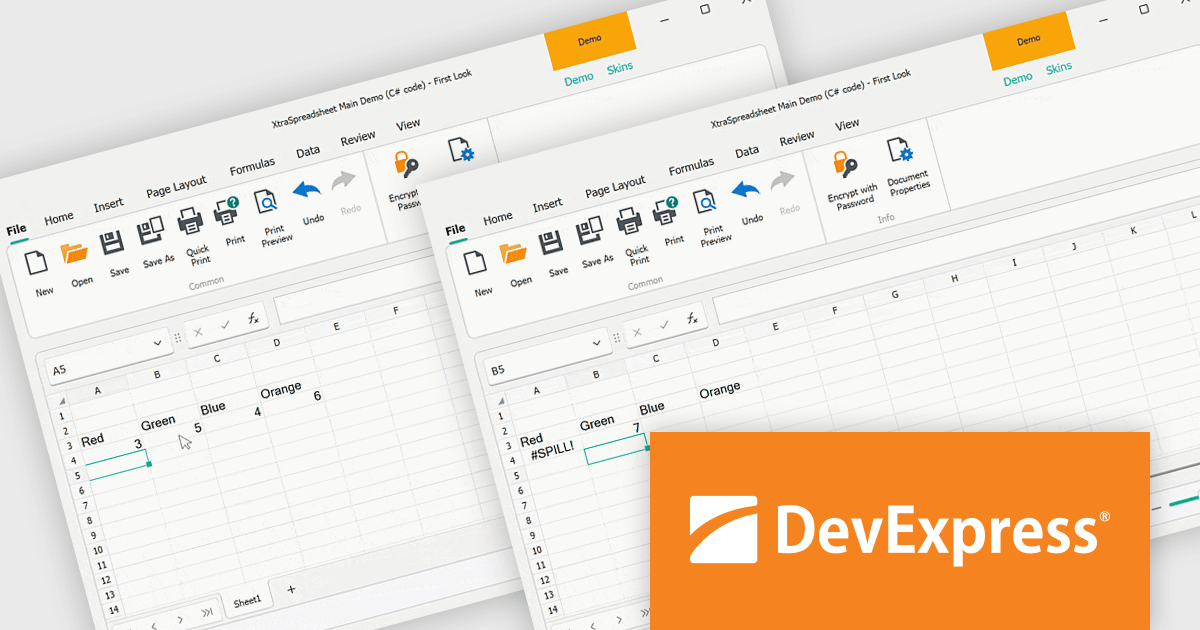
The DevExpress Office File API is a robust library designed to simplify the creation, editing, and processing of popular office document formats, including Word, Excel, PowerPoint, and PDF. It allows developers to integrate advanced document management features into their applications without relying on external software like Microsoft Office. Key features include document generation, data import/export, template customization, and seamless integration with modern platforms. The API supports advanced formatting, encryption, and digital signatures, ensuring secure and professional-grade output. Ideal for enterprise applications, it streamlines workflows for reporting, data analysis, and document automation, saving time and enhancing productivity for developers and end-users alike.
The DevExpress Office File API v24.2 update introduces support for dynamic array formulas, enabling developers to enhance spreadsheet functionality with automated formula calculations that dynamically spill into adjacent cells. This update simplifies data manipulation by allowing efficient recalculations, importing, and exporting of Excel documents with dynamic array formulas. Developers gain precise control through APIs that manage dynamic array formulas programmatically, identify spill ranges, and customize behavior to suit specific application needs. This capability not only streamlines complex data workflows but also ensures seamless compatibility with modern Excel features, offering greater flexibility and efficiency in application development.
To see a full list of what's new in version 24.2, see our release notes.
DevExpress Office File API is licensed per developer and is available as a Perpetual License with a 12 month support and maintenance subscription. See our DevExpress Office File API licensing page for full details.
DevExpress Office File API is available individually or in the following products:

東京・神田錦町の「KANDA SQUARE」でDelphi 30周年の記念イベント「Delphi 30th Developers Day」が開催されます。エンバカデロが主催するライブイベントとしては、2020年以来。Delphi / C++Builder / RAD Studioユーザーの皆さん待望の開発者イベントとなります。今回のイベントは、本社からエグゼクティブが来日するほか、コミュニティの開発者によるセッション、海外の製品担当マネージャとのリモートトークなど、さまざまなコンテンツを用意しています。ぜひ、ご参加ください。
開催概要
Delphi / C++Builder / RAD Studioは以下の製品ページで購入できます:
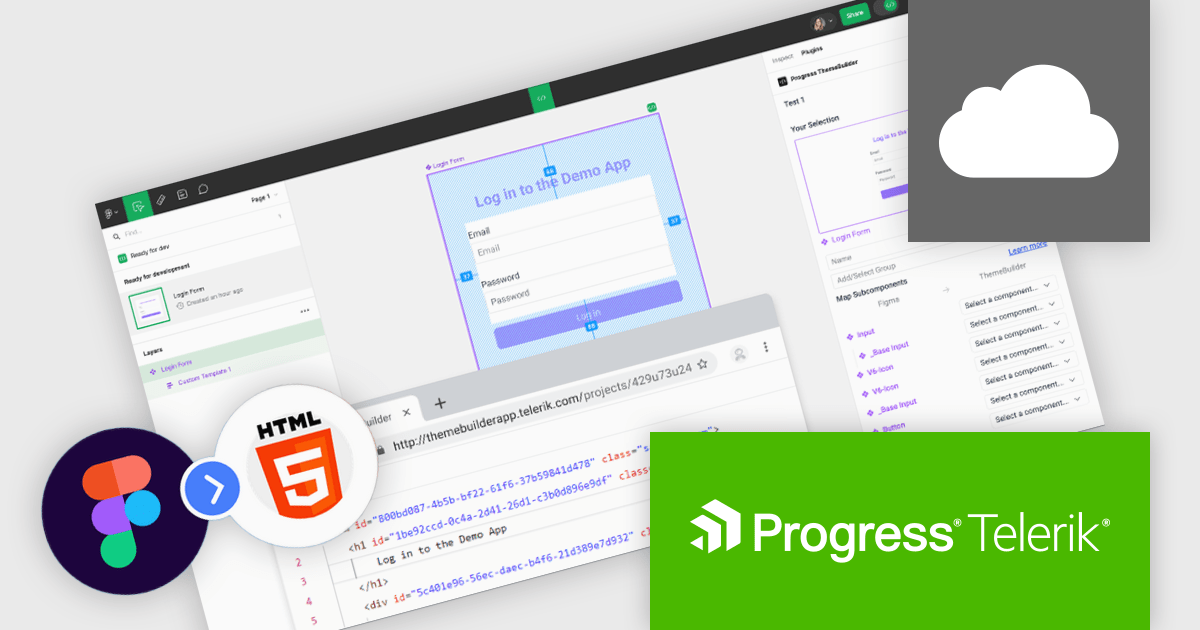
Progress ThemeBuilder by Telerik is a comprehensive visual design tool that accelerates user interface customization for Telerik and Kendo UI web components. ThemeBuilder enables you to style virtually every appearance-related property of the UI components, from top-level elements to the smallest of details, without requiring direct CSS manipulation. It integrates seamlessly with existing development workflows and allows developers to create, modify, and maintain consistent and visually appealing themes across applications. This tool significantly reduces the time and effort required for UI customization and makes it easy to align them with branding and design specifications.
The Progress ThemeBuilder update introduces the new Figma-to-HTML feature, enabling software developers to streamline their design-to-development workflow by generating clean, reusable HTML directly from Figma designs. This feature intelligently recognizes Figma components and maps them to existing code, ensuring consistency and alignment with development standards. By automating the handoff process, it reduces manual coding efforts, minimizes errors, and accelerates project timelines, all while maintaining flexibility to customize the output to meet specific requirements.
To see a full list of what's new in 2024 Q4, see our release notes.
Progress ThemeBuilder is licensed per user and is available as an annual license with a one year support subscription, which is available in three tiers: Lite, Priority or Ultimate. See our Progress ThemeBuilder licensing page for full details.
For more information, see our Progress ThemeBuilder product page.
Effective January 6, 2025, Highcharts has streamlined its licensing model to enhance clarity, simplify compliance, and improve the overall user experience. The updates include unified definitions, revised license grants, and an upgraded ADV+ support offering.
Streamlined Definitions
The terms “SaaS application” and “web application” have been replaced with a unified term: "External Application". This new terminology clarifies the distinction between applications covered under the Internal License and those requiring additional licensing.
Updated License Grants
Public websites, previously covered under the Internal License grant, are now under the SaaS License grant. This ensures consistency across applications for public access.
Video Call Support for ADV+ Subscribers
Users subscribed to the Highcharts Advantage Plus (ADV+) tier now benefit from video call support, providing more robust communication options for troubleshooting and guidance.
For existing customers using the Internal License to deploy on public websites, these updates reclassify such use under the SaaS License grant. The updated Highsoft license terms mean that customers currently using an Internal License for an external Public Web site or for an “External Application” will need to upgrade to a SaaS License to ensure compliance. For more information see our updated Highcharts Core licensing page.
If you have questions about Highcharts licensing, our experts are here to assist. Whether you need guidance on selecting the right license, moving to a new agreement, or ensuring compliance, we’re ready to help via toll-free phone, live chat or email.
電話: (888) 850 9911
Fax: +1 770 250 6199


