













公式サプライヤー
公式および認定ディストリビューターとして200社以上の開発元から正規ライセンスを直接ご提供いたします。
当社のすべてのブランドをご覧ください。
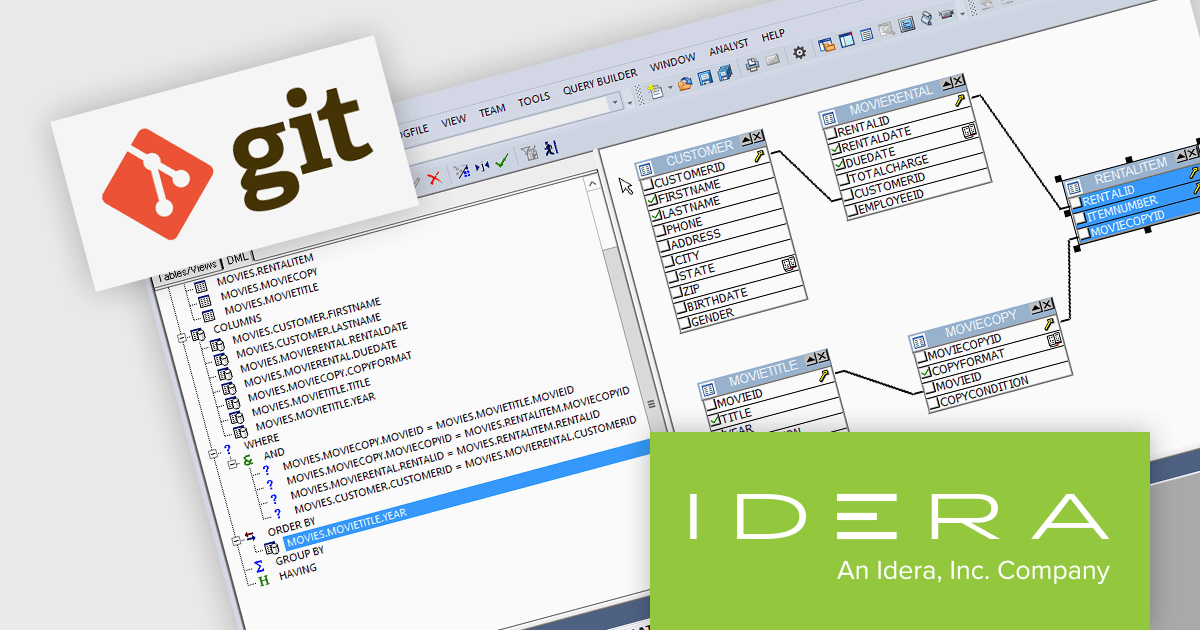
DBArtisan is a comprehensive database administration tool that allows you to manage various relational databases from a single user interface, simplifying administration tasks and improving efficiency. DBArtisan provides built-in performance analytics to proactively identify and troubleshoot performance issues within your databases. This can help DBAs optimize database queries, improve overall database responsiveness, and ensure smooth operation.
The DBArtisan V18.6 release adds full support for Git. This integration enables version control for database schema changes, which means DBAs can track changes made to the database structure over time, revert to previous versions if necessary, and collaborate more effectively on database development. Users can now create and view Git projects without leaving the application.
To see a full list of what's new in 18.6, see our release notes.
DBArtisan is licensed per Workstation, per Network Named User or Concurrent User and is available as a perpetual license with 1 year subscription and support. See our DBArtisan licensing page for full details.
For more information, visit our product pages:
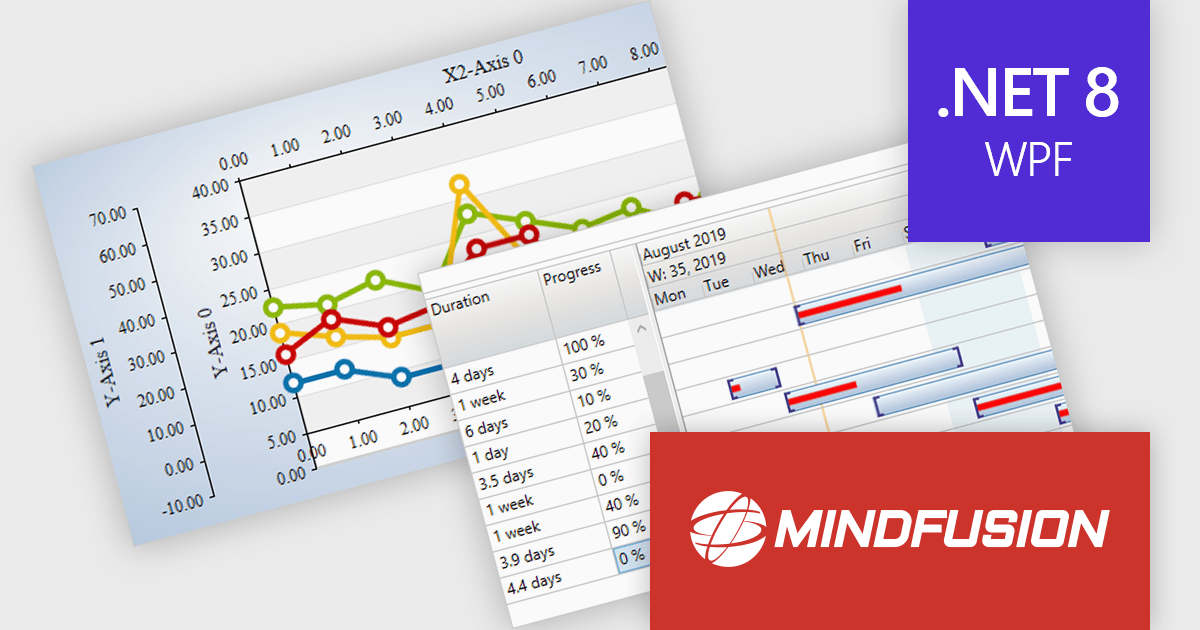
MindFusion.WPF Pack is a collection of UI controls designed to simplify the development of feature-rich WPF applications. It provides components for creating sophisticated diagrams, charts, reports, calendars, and user interfaces, along with tools for scheduling and data visualization. These components are known for their customizability and ease of integration, allowing developers to focus on application logic rather than building these elements from scratch.
The MindFusion.WPF Pack 2024.R1 release empowers developers to build next-generation WPF applications by seamlessly integrating with Microsoft .NET 8.0. This enhanced compatibility unlocks the latest performance optimizations, robust security enhancements, and a wealth of new features within the .NET framework. These advancements empower developers to deliver applications that offer high performance, robust security, and a seamless user experience.
To see a full list of what's new in version 2024.R1, see our release notes.
MindFusion.WPF Pack is licensed per developer and is available as a perpetual license with 1 year subscription and support. See our MindFusion.WPF Pack licensing page for full details.
For more information, visit our MindFusion.WPF Pack product page.
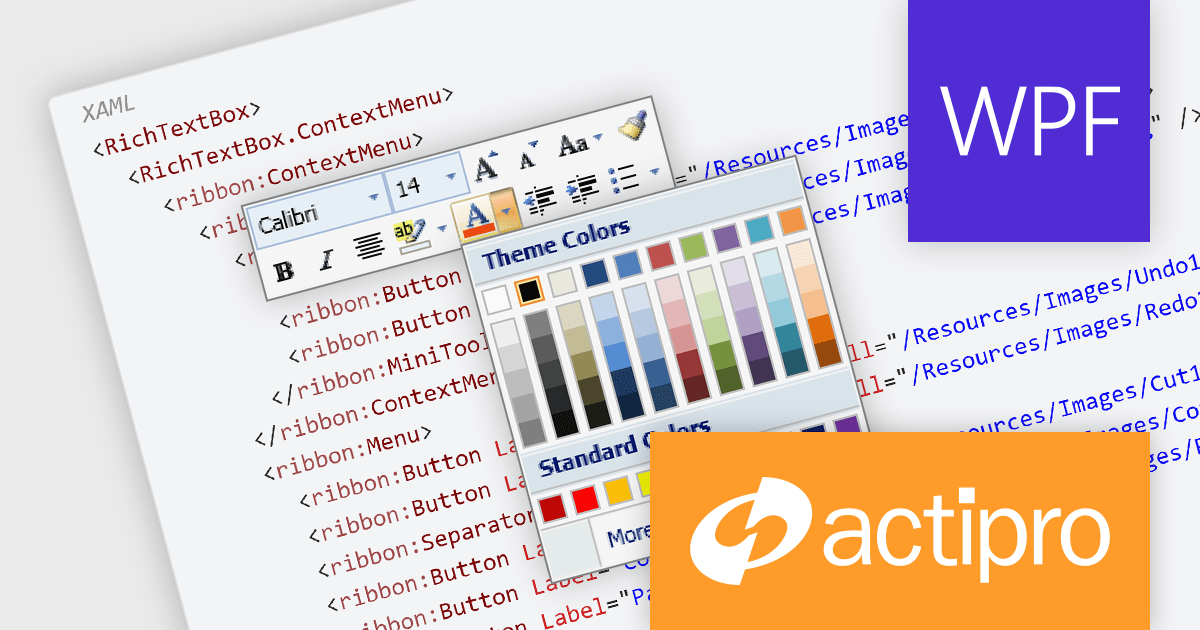
Actipro Bars for WPF is a UI component library that equips developers with the tools to build advanced ribbons, toolbars, and menus within their WPF applications. It offers an "Office-like" ribbon experience with customization options, supports MVVM design patterns, and includes a rich set of controls specifically designed for use within these elements, allowing for a cohesive and user-friendly interface.
The Actipro Bars for WPF V24.1.1 release introduces the MiniToolBar, a new control designed to improve user experience and productivity. This context-sensitive toolbar appears next to highlighted text or alongside context menus, offering quick access to relevant formatting and editing functions. By eliminating the need to navigate through text-based menus or cluttered toolbars, the MiniToolBar streamlines workflows and keeps the workspace clean, allowing users to focus on completing tasks efficiently.
To see a full list of what's new in 24.1.1, see our release notes.
Actipro Bars for WPF is licensed per developer and is available as a Perpetual license with 1 year support and maintenance. See our Actipro Bars for WPF licensing page for full details.
Actipro Bars for WPF is available in the following products:
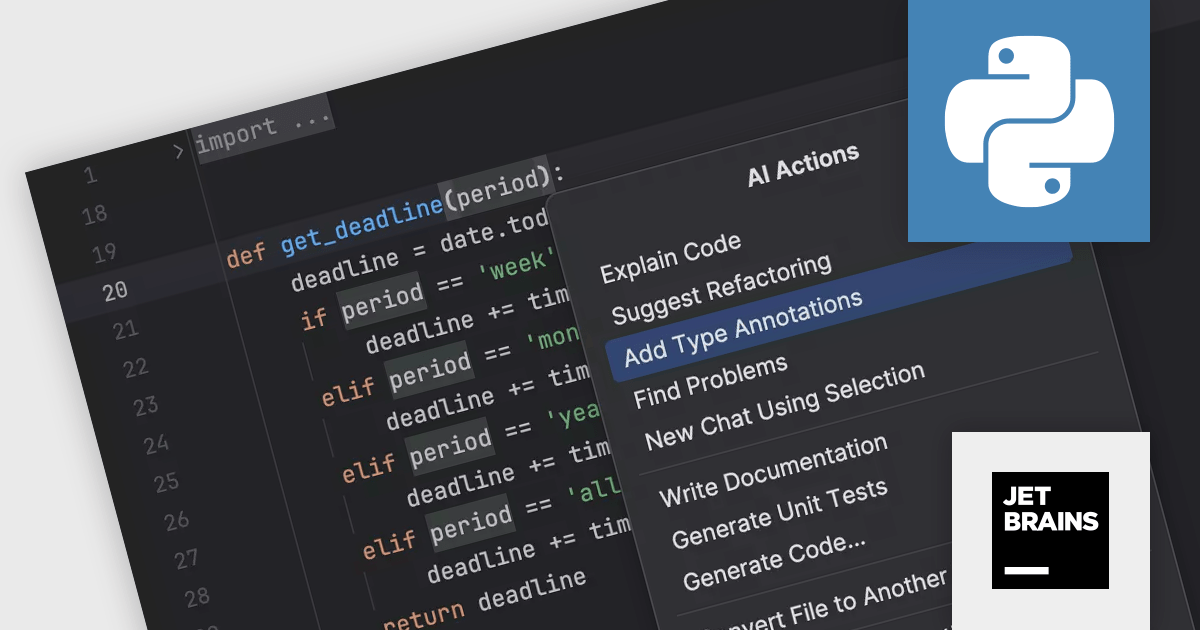
PyCharm by JetBrains is a comprehensive Integrated Development Environment (IDE) specifically designed for Python programming. It offers a range of features to enhance productivity, including code analysis for error detection, a visual debugger for troubleshooting, integrated unit testing for code verification, and support for version control systems to manage code changes. PyCharm also caters to web development using frameworks like Django, making it a powerful tool for both experienced developers and beginners in the Python world.
The PyCharm 2023.3.4 update improves the AI Assistant to help with the tedious task of writing type annotations. It can automatically generate type hints, freeing you to focus on crafting elegant and efficient Python code. This not only saves you time but also improves code readability and maintainability for you and your collaborators.
To see a full list of what's new in version 2023.3.4, see our release notes.
PyCharm is licensed per user, and is available as a commercial annual subscription license. We can supply new subscriptions, subscription renewals (including continuity discounts), lapsed renewals, and additional user licenses. See our PyCharm licensing page for full details.
For more information, visit our PyCharm product page.
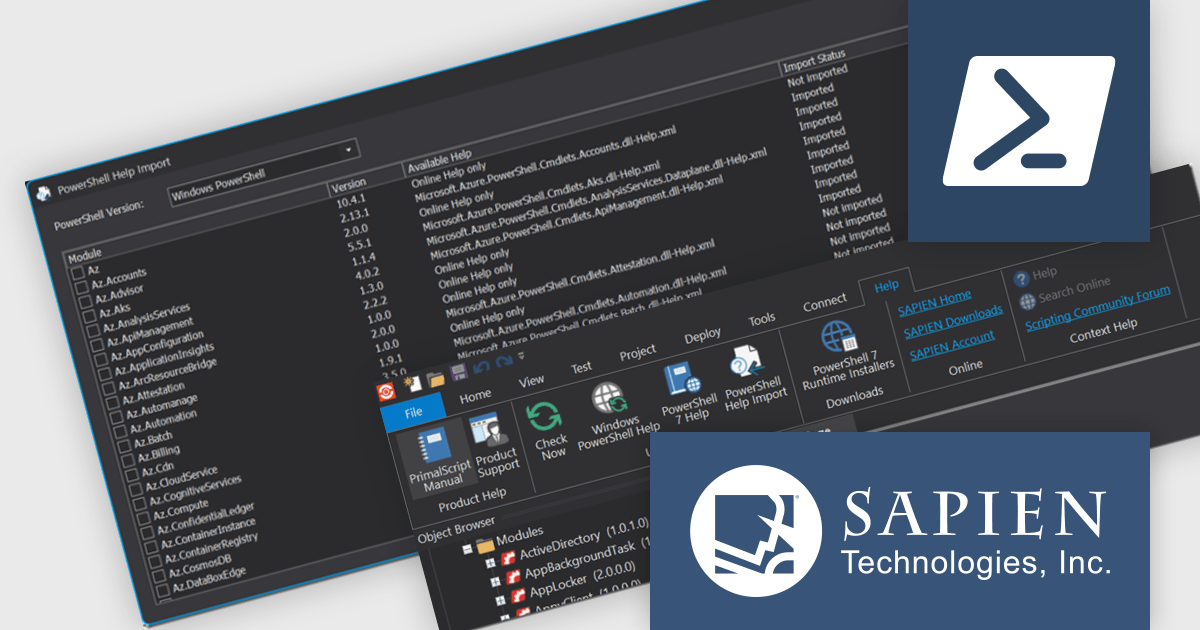
PowerShell Studio by SAPIEN Technologies is an integrated development environment (IDE) specifically designed for working with PowerShell scripts. It offers a robust code editor with features like syntax highlighting and code completion, streamlining script development. It also boasts a visual GUI designer for crafting user interfaces for your scripts without writing extensive code. PowerShell Studio provides functionalities for managing modules, debugging scripts, and integrating with version control systems, all within a single environment.
Version 2024 (5.8.238) adds a new PowerShell Help Import Tool that streamlines managing help files for installed modules. It provides an overview of available modules, their online/offline help status, and lets you import help files for specific modules or use preset options. This is particularly helpful when working offline, as you can import help files beforehand and access them even without internet access.
To see a full list of what's new in version 2024 (5.8.238), see our release notes.
PowerShell Studio is licensed per user and includes 1 year of product updates and support. Annual Premium Support is available and provides 1 Year of access to SAPIEN Technologies direct technical support ticketing system and a guaranteed response within 24 hours. The premium support package must be purchased at the same time as the initial software purchase, subscription renewal, or upgrade, and can be renewed on an annual basis. See our PowerShell Studio licensing page for full details.
PowerShell Studio is available to buy in:
電話: (888) 850 9911
Fax: +1 770 250 6199


