













公式サプライヤー
公式および認定ディストリビューターとして200社以上の開発元から正規ライセンスを直接ご提供いたします。
当社のすべてのブランドをご覧ください。

Syncfusion Essential Studio .NET MAUI, available as part of Syncfusion Essential Studio Enterprise, empowers developers with a comprehensive suite of native UI controls, data visualization tools, and performance optimizations for building modern, cross-platform mobile and desktop applications. This professional-grade toolkit leverages the power of C# and XAML, enabling rapid development of stunning and responsive experiences across diverse platforms.
The Syncfusion Essential Studio .NET MAUI 2023 Volume 4 (24.1.41) release adds a new Date Time Picker component. This lets users effortlessly select dates, times, or both, and boasts impressive features like different picker modes (inline, popup, and relative), extensive date and time formatting options, minimum and maximum date restrictions, and granular customization of headers, columns, footers, and selection views. This versatile tool helps you build intuitive and visually appealing UIs for capturing date and time data with ease.
To see a full list of what's new in version 2023 Volume 4 (24.1.41), see our release notes.
Syncfusion Essential Studio .NET MAUI is available as part of Syncfusion Essential Studio Enterprise which is licensed per developer starting with a Team License of up to five developers. It is available as a 12 Month Timed Subscription License which includes support and maintenance. See our Syncfusion Essential Studio Enterprise licensing page for full details.
For more information, visit our Syncfusion Essential Studio .NET MAUI product page.
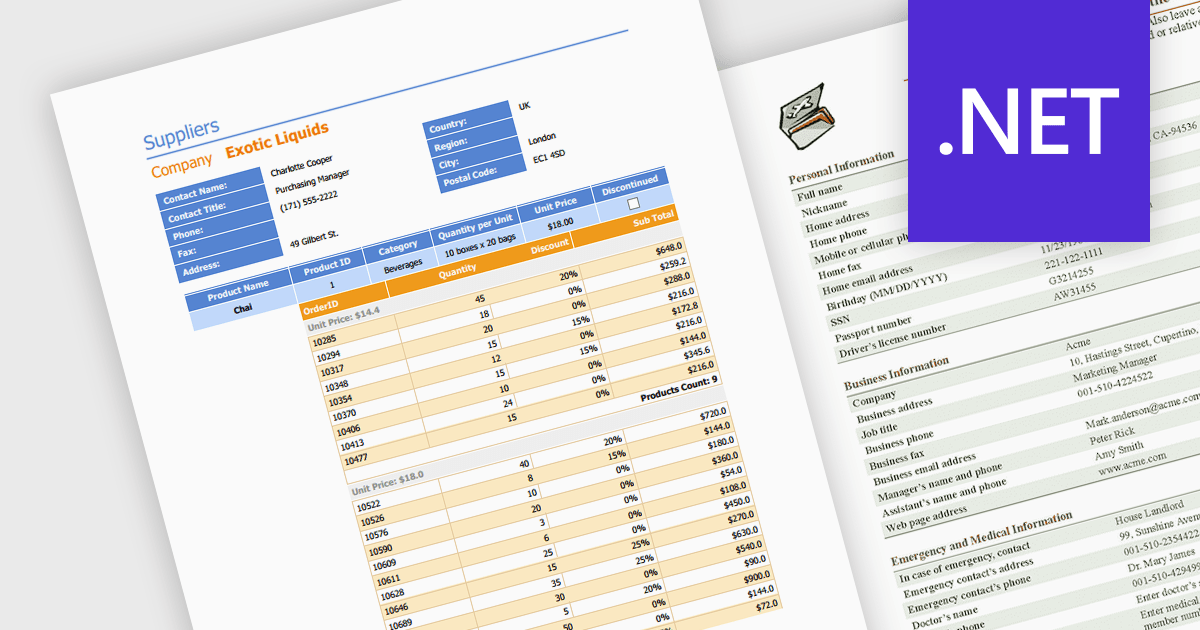
Editing PDFs programmatically allows developers to transcend manual manipulation and embrace code-driven control. By leveraging dedicated libraries and C#, applications can now extract data, update content, and dynamically generate complex documents, all without user intervention. This unlocks profound efficiency gains, automates repetitive tasks, and empowers developers to integrate sophisticated document automation directly into their .NET workflows.
Several .NET components support programmatic editing of PDFs including:
For an in-depth analysis of features and price, visit our .NET PDF Components comparison.
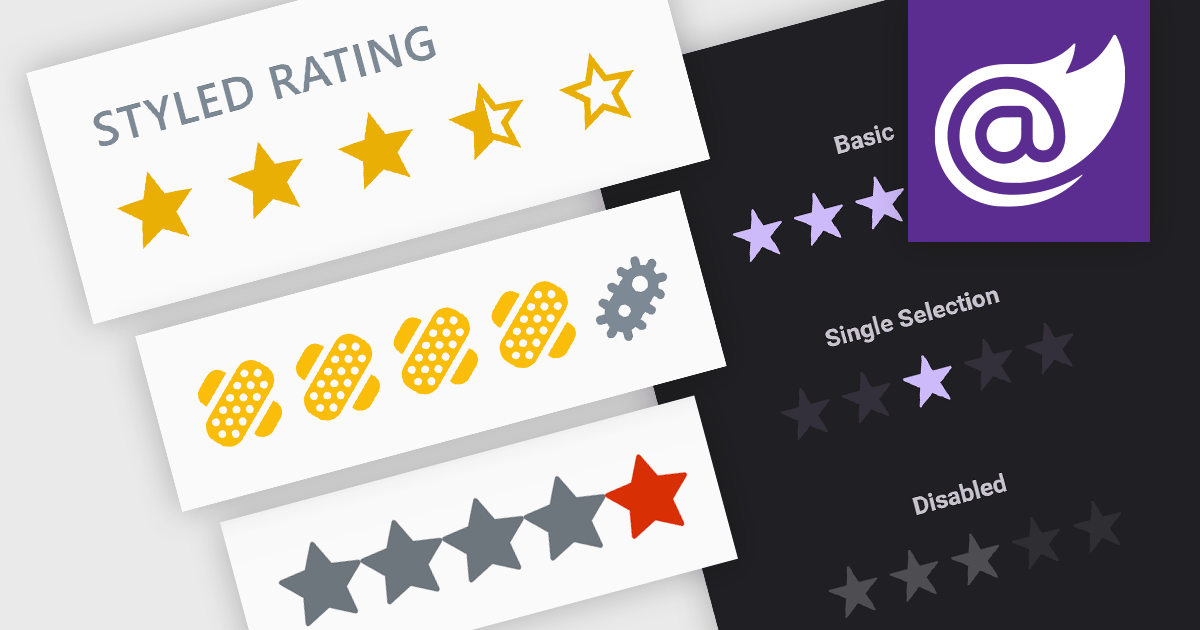
Rating controls are interactive tools used to measure user satisfaction with content, services, or specific features. They allow users to visually convey their opinions through scales, stars, or other predefined metrics. These systems often display average ratings alongside individual selections, providing valuable insights for improvement and personalized user experiences. Rating controls serve as a bridge between users and creators, fostering dialogue and informing data-driven decisions.
Several Blazor data editor collections provide rating controls including:
For an in-depth analysis of features and price, visit our Blazor Data Editors comparison.
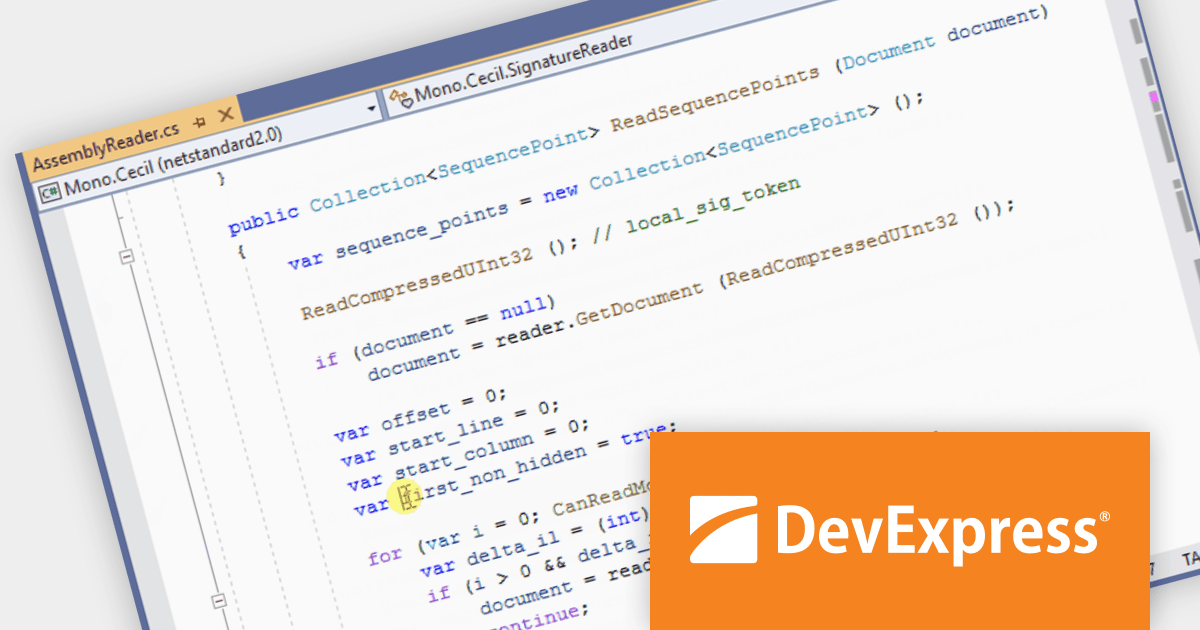
CodeRush Ultimate is a Visual Studio extension designed to improve developer productivity and creativity. It empowers you to generate sophisticated code, automate tedious tasks, and navigate your codebase effortlessly, all while boosting code quality and readability. By eliminating repetitive coding and providing intelligent assistance, CodeRush Ultimate frees you to focus on the big picture, helping you deliver more features faster and with higher quality.
The CodeRush Ultimate 23.2 release adds new quick navigation providers to help navigate complex code. These features pinpoint crucial locations within your codebase: Calls track method invocations, Reads locate variable/property references, Exports highlight MEF contract declarations, and Imports provide instant jumps to type definitions. Get deeper insight, save time, and navigate your code with unparalleled ease.
To see a full list of what's new in version CodeRush Ultimate 23.2, see our release notes.
CodeRush Ultimate is licensed per developer and is available as a Perpetual License with a 12 month support and maintenance subscription. See our CodeRush Ultimate licensing page for full details.
CodeRush Ultimate is available to buy in the following products:
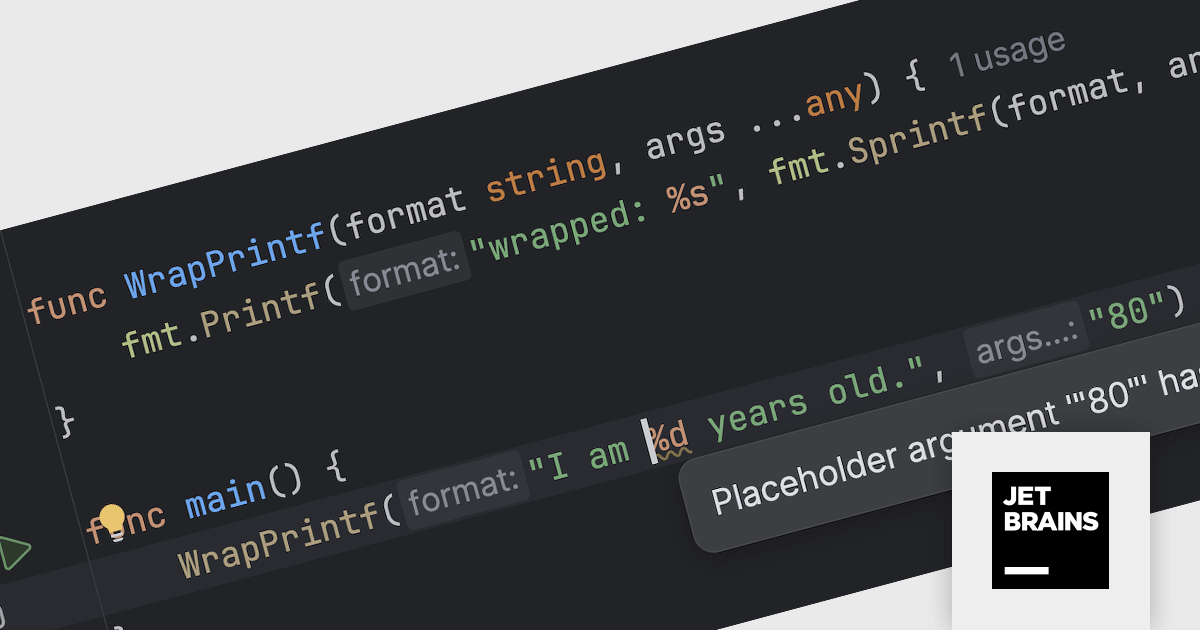
JetBrains GoLand is a dedicated integrated development environment (IDE) designed for Go programmers. It offers comprehensive features like intelligent code completion, advanced debugging tools, built-in testing frameworks, and code navigation aids for both individual and collaborative development. GoLand's focus on efficiency and productivity, along with its seamless integration with other JetBrains tools, makes it a powerful choice for professional Golang development.
The GoLand 2023.3 update empowers developers with code insight for custom printf-like functions, extending the same robust features previously available only for standard functions. This means you can enjoy placeholder highlighting, error detection, code folding, and other valuable tools for your user-defined functions, streamlining development and enhancing code clarity.
To see a full list of what's new in version 2023.3, see our release notes.
GoLand is licensed per user, and is available as a commercial annual subscription license. We can supply new subscriptions, subscription renewals (including continuity discounts), lapsed renewals, and additional user licenses. See our GoLand licensing page for full details.
For more information, visit our GoLand product page.
電話: (888) 850 9911
Fax: +1 770 250 6199


