













公式サプライヤー
公式および認定ディストリビューターとして200社以上の開発元から正規ライセンスを直接ご提供いたします。
当社のすべてのブランドをご覧ください。
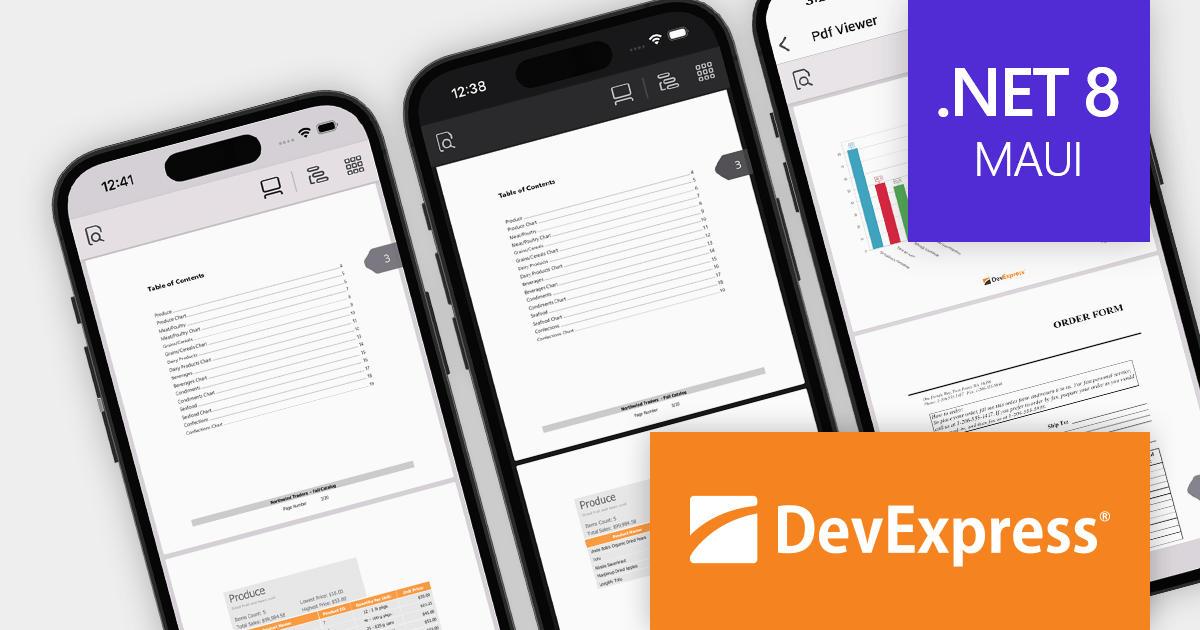
DevExpress .NET MAUI is a collection of high-performance UI components specifically designed to build native cross-platform apps for iOS and Android using the .NET MAUI framework. From advanced data grids and charts to intuitive data editors and smooth PDF viewing, it empowers developers to quickly and easily craft feature-rich mobile experiences.
Version 23.2 adds a high-performance PDF Viewer control that allows you to display PDFs from diverse sources, navigate with ease through bookmarks and page layouts, search for text, zoom in for detail, and benefit from comprehensive documentation. This powerful control unlocks a robust and user-friendly way to integrate PDF functionality into your mobile applications. The .NET MAUI PDF Viewer requires an active DevExpress Universal Subscription.
To see a full list of what's new in version 23.2, see our release notes.
DevExpress .NET MAUI is included as part of DevExpress Universal which is licensed per developer and is available as a Perpetual License with a 12 month support and maintenance subscription. See our DevExpress Universal licensing page for full details.
For more information, visit our DevExpress .NET MAUI product page.
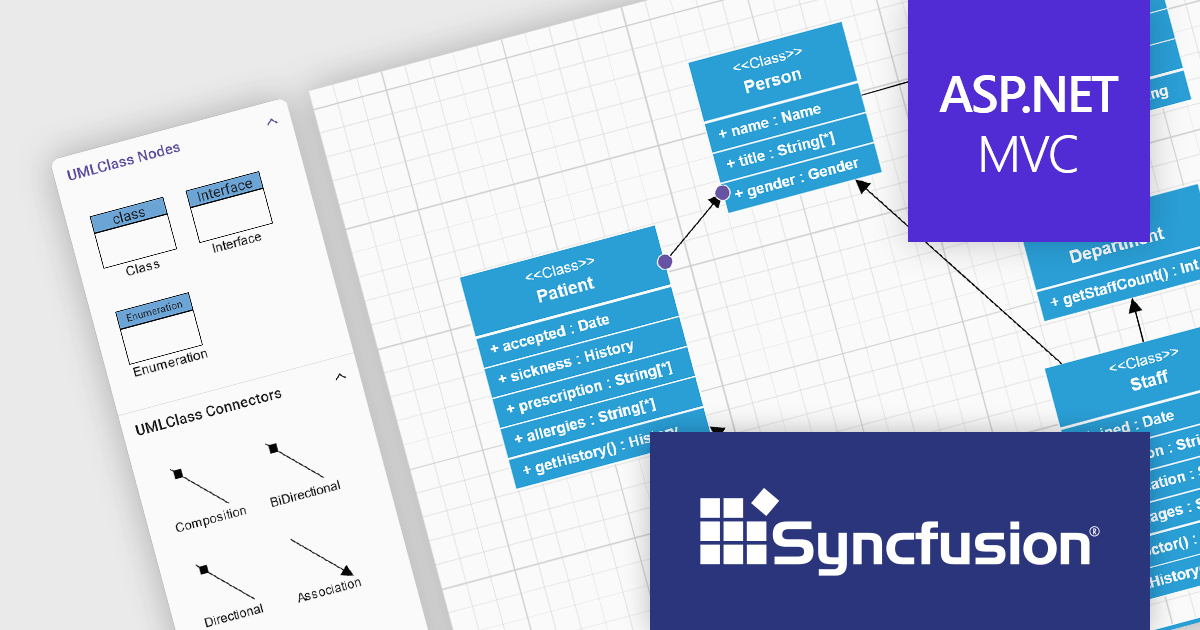
Syncfusion Essential Studio ASP.NET MVC, available as part of Syncfusion Essential Studio Enterprise, is a comprehensive suite of web UI controls that empowers developers to craft rich, interactive ASP.NET MVC applications. Backed by the lightweight and modular Essential JS 2 library, it offers over 80 components ranging from data grids and charts to schedulers and pivot grids, while ensuring a seamless integration with the MVC framework for an efficient development experience.
The Syncfusion Essential Studio ASP.NET MVC 2023 Volume 4 (24.1.41) release now allows you to add UML class shapes to the symbol palette, making it easy to drag-and-drop shapes onto the canvas to create UML class diagrams. This allows you to streamline your workflow by minimizing context switching and potential inconsistencies.
To see a full list of what's new in version 2023 Volume 4 (24.1.41), see our release notes.
Syncfusion Essential Studio ASP.NET MVC is available as part of Syncfusion Essential Studio Enterprise which is licensed per developer starting with a Team License of up to five developers. It is available as a 12 Month Timed Subscription License which includes support and maintenance. See our Syncfusion Essential Studio Enterprise licensing page for full details.
For more information, visit our Syncfusion Essential Studio ASP.NET MVC product page.

SOCKS is a versatile internet protocol that acts as a link between your device and the rest of the internet. It acts as a trustworthy tunnel that routes all network traffic through an intermediary server, avoiding firewalls, geo-restrictions, and worries about anonymity. SOCKS provides a strong, protocol-agnostic approach to navigate the Internet's hidden corners, whether streaming torrents, gaming, scraping data, or enhancing security. SOCKS may route your traffic through encrypted tunnels and intermediary servers, concealing your IP address and circumventing geographical restrictions. It does not tamper with data and acts as a pure tunnel for your traffic, which is critical for sensitive applications.
Several Communication and Messaging .NET components support SOCKS, including:
For an in-depth analysis of features and price, visit our comparison of .NET Communication and Messaging Components.
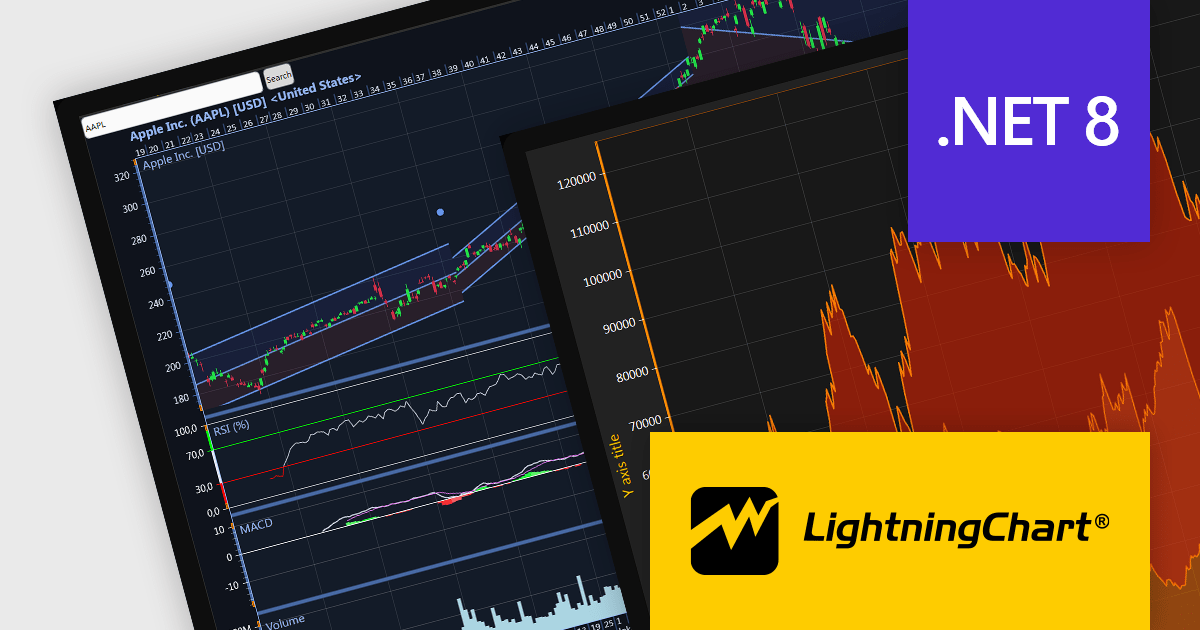
LightningChart .NET is a 2D and 3D data visualization SDK empowering developers with high-performance and flexibility. Boasting over 100 chart types, advanced technical indicators, and real-time rendering capabilities, it handles demanding scientific, financial, and engineering challenges, while its rich API and comprehensive support equip developers to craft informative and interactive dashboards.
The LightningChart .NET v10.5.1.1 release adds support for .NET 8, allowing developers to integrate advanced charts and graphs into their data visualization applications in the latest release of Microsoft's widely popular .NET ecosystem.
To see a full list of what's new in LightningChart .NET, see our release notes.
LightningChart .NET is licensed per developer and is available as a subscription, perpetual, floating, or site license with options for 1 or 2 years of support and upgrades. See our LightningChart .NET licensing page for full details.
For more information, see our LightningChart .NET product page.
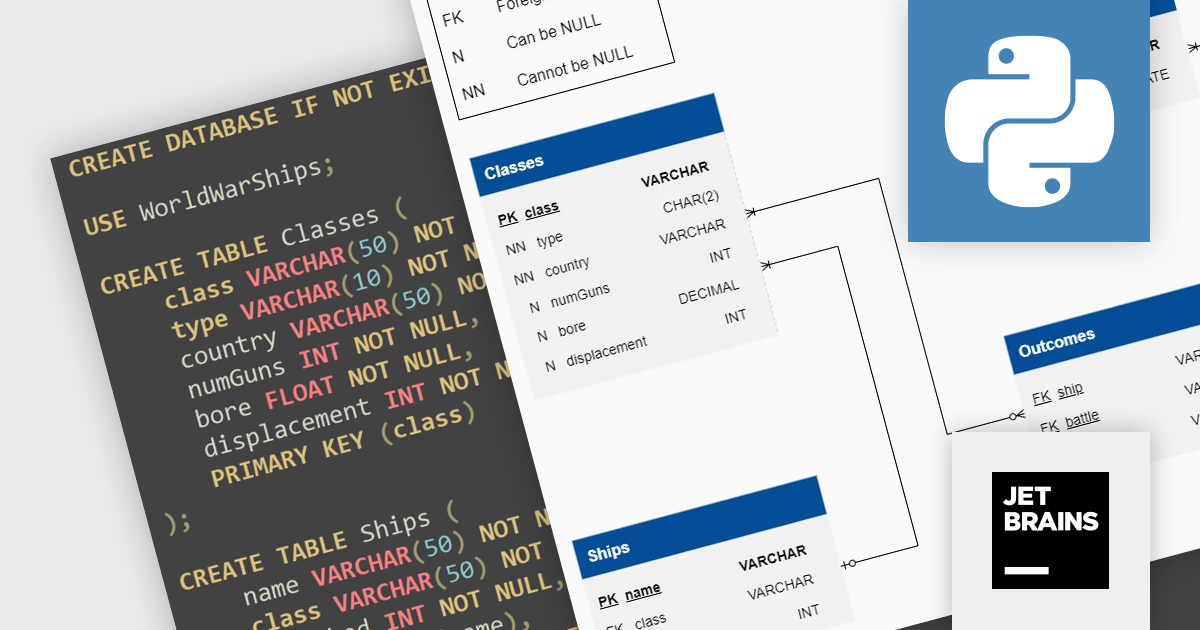
JetBrains Academy is an online educational platform designed to help developers advance their programming skills. It provides a holistic approach to learning in which users study the theory and immediately put it into practice by building working applications. The project-based learning environment is integrated with JetBrains IDEs, and allows developers to learn Java, Python, and other programming languages with ease.
The December 2023 release adds a new Python SQL project, which helps users acquire the fundamental skills needed to create and design simple SQL apps. Equip yourself with essential SQL competencies through this interactive project exploring World War II's naval landscape. Delve into a rich battleship database, mastering fundamental queries and cultivating strategic data retrieval approaches, all while navigating the complexities of historical battles. A high-level, general-purpose language, Python's elegant syntax and extensive libraries solidify its position as a robust workhorse for web development, data science, and automation tasks, comfortably occupying a versatile middle ground in the diverse landscape of software development.
To see a full list of what's new, see our release notes.
JetBrains Academy is licensed per user as a commercial annual subscription. See our JetBrains Academy for Organizations licensing page for full details.
For more information, visit our JetBrains Academy for Organizations product page.
電話: (888) 850 9911
Fax: +1 770 250 6199


