













公式サプライヤー
公式および認定ディストリビューターとして200社以上の開発元から正規ライセンスを直接ご提供いたします。
当社のすべてのブランドをご覧ください。

Charting support within a reporting component refers to the functionality that enables data visualization through charts and graphs. This integration offers several advantages for developers. By leveraging built-in charting capabilities, developers can streamline the reporting process, reducing the need for manual chart creation and improving report clarity and interactivity for end users. This not only saves development time but also fosters a more intuitive user experience for data exploration and analysis.
Several Vue.js reporting components support charts including:
For an in-depth analysis of features and price, visit our Vue.js Reporting Components comparison.
Aspose.Slides for Node.js via .NET empowers Node.js developers to work with presentations directly within their applications. This server-side JavaScript API eliminates the dependency on Microsoft PowerPoint or additional software. Developers can leverage Aspose.Slides for Node.js via .NET to create new presentations from scratch, modify existing ones, and convert them between various formats.
With Aspose.Slides for Node.js via .NET, your Node.js applications can generate presentations dynamically based on data, automate report creation with rich formatting, and integrate seamlessly with document management systems. This makes it a valuable tool for applications that require a robust and versatile solution for presentation manipulation.
Aspose.Slides for Node.js via .NET is offered as Developer Small Business, Developer OEM, Site Small Business, and Site OEM licenses catering to a range of business needs. Licenses are perpetual, and include 1 year of support and maintenance. Subscription renewals are also available. See our Aspose.Slides for Node.js via .NET licensing page for full details.
Aspose.Slides for Node.js via .NET is available in the following products:
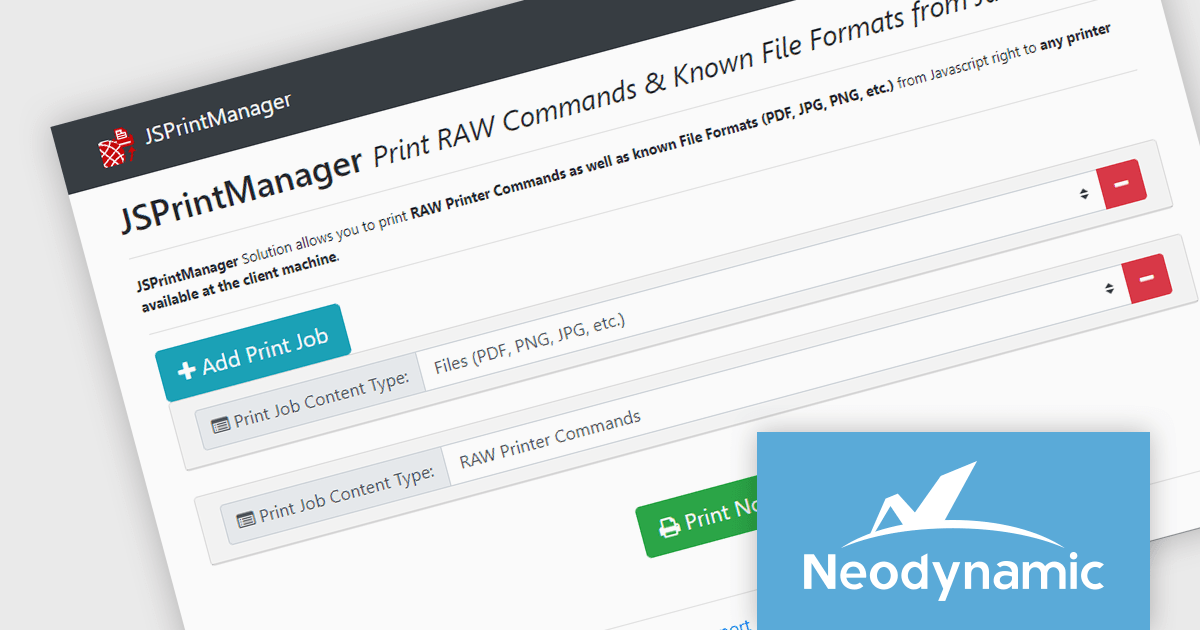
Neodynamic offers two JSPrintManager solutions for client-side printing and scanning in web applications. JSPrintManager for Any Web Platform allows you to integrate printing functionality into any website built with technologies like ASP.NET, PHP, or Blazor using pure JavaScript. Neodynamic also offers JSPrintManager for Blazor which enables you to seamlessly add printing capabilities to your Blazor server or WebAssembly projects with C# code. Both solutions empower you to print various data formats directly from the browser without requiring user interaction with print dialogs.
The Neodynamic JSPrintManager 7.0 releases add a new JS printerDeleteAllJobs function to delete all print jobs in a given printer queue. This enhances control over print queues directly from web applications, allowing developers to manage print jobs efficiently, particularly for scenarios where users might accidentally send multiple files or need to clear the queue before a critical print.
To see a full list of what's new in 7.0, see our release notes for JSPrintManager for Any Web Platform and JSPrintManager for Blazor.
Neodynamic JSPrintManager is licensed per Web App and Web server and is available as a Perpetual license which includes 1 year of free updates and priority support. See our Neodynamic JSPrintManager for Any Web Platform licensing page and Neodynamic JSPrintManager for Blazor licensing page for full details.
Learn more on our Neodynamic JSPrintManager for Any Web Platform and Neodynamic JSPrintManager for Blazor product pages.
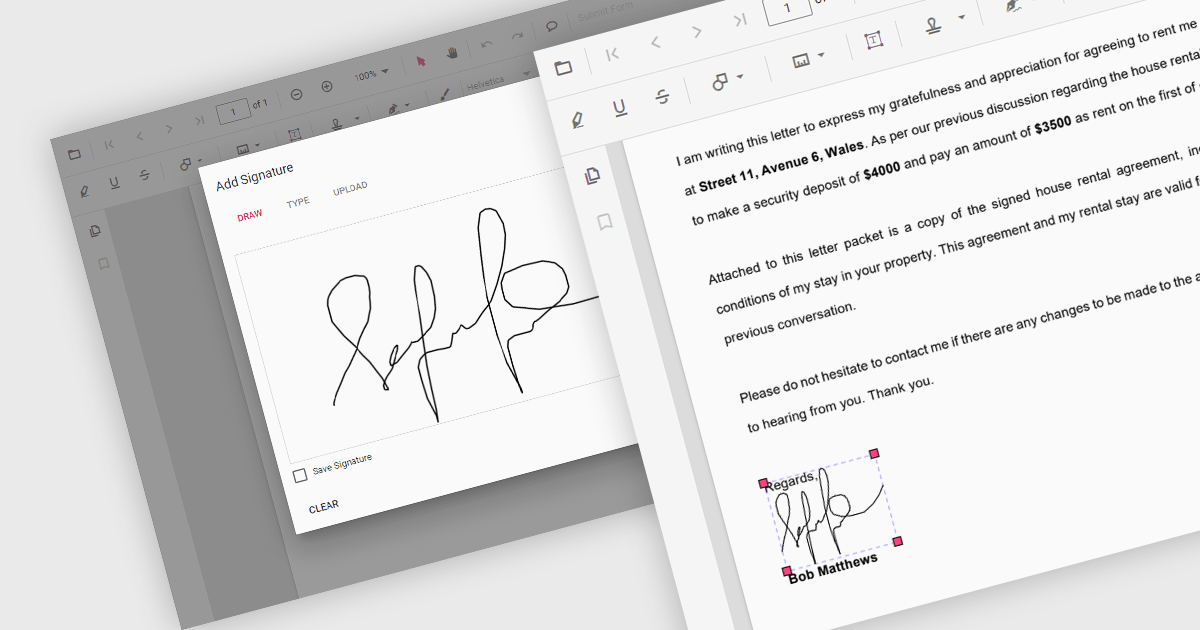
Handwritten signature support in React PDF viewers allows users to add their personal signatures directly onto PDF documents within applications built using the React framework. This functionality enhances document security, as it enables the verification of document authenticity and signer identity. It supports a seamless user experience, integrating easily with other digital processes, and adhering to legal standards that recognize electronic signatures, thus facilitating compliance with regulatory requirements.
Several React PDF Viewer components support handwritten signatures, including:
For an in-depth analysis of features and price, visit our comparison of React PDF Viewer components.
Syncfusion Essential Studio JavaScript, available as part of Syncfusion Essential Studio Enterprise, is a comprehensive UI library offering over 80 high-performance, lightweight, and responsive components to transform your web apps. Built from scratch with TypeScript, it boasts modularity and touch-friendliness, letting you pick and choose specific features while ensuring smooth mobile interaction. With rich themes, global accessibility features, and extensive documentation, it powers everything from basic buttons to interactive charts and data grids, simplifying front-end development across JavaScript, Angular, React, and Vue.
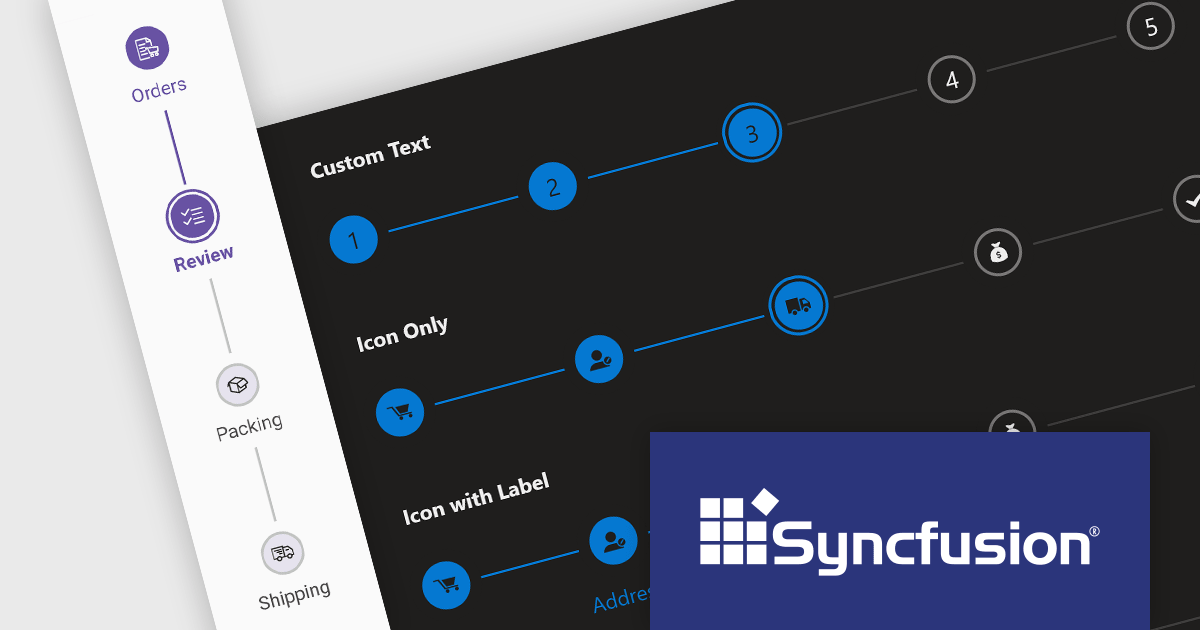
The Syncfusion Essential Studio JavaScript 2024 Volume 1 (25.1.35) release introduces the production-ready Stepper component which simplifies the creation of wizards and walkthroughs within your web applications. It provides a user-friendly interface to guide users through a step-by-step process, enhancing the overall user experience. The component offers a variety of step types, orientations, and customization options to perfectly suit your specific requirements.
To see a full list of what's new in version 2024 Volume 1 (25.1.35), see our release notes.
Syncfusion Essential Studio JavaScript is available as part of Syncfusion Essential Studio Enterprise which is licensed per developer starting with a Team License of up to five developers. It is available as a 12 Month Timed Subscription License which includes support and maintenance. See our Syncfusion Essential Studio Enterprise licensing page for full details.
For more information, visit our Syncfusion Essential Studio JavaScript product page.
電話: (888) 850 9911
Fax: +1 770 250 6199


