













公式サプライヤー
公式および認定ディストリビューターとして200社以上の開発元から正規ライセンスを直接ご提供いたします。
当社のすべてのブランドをご覧ください。
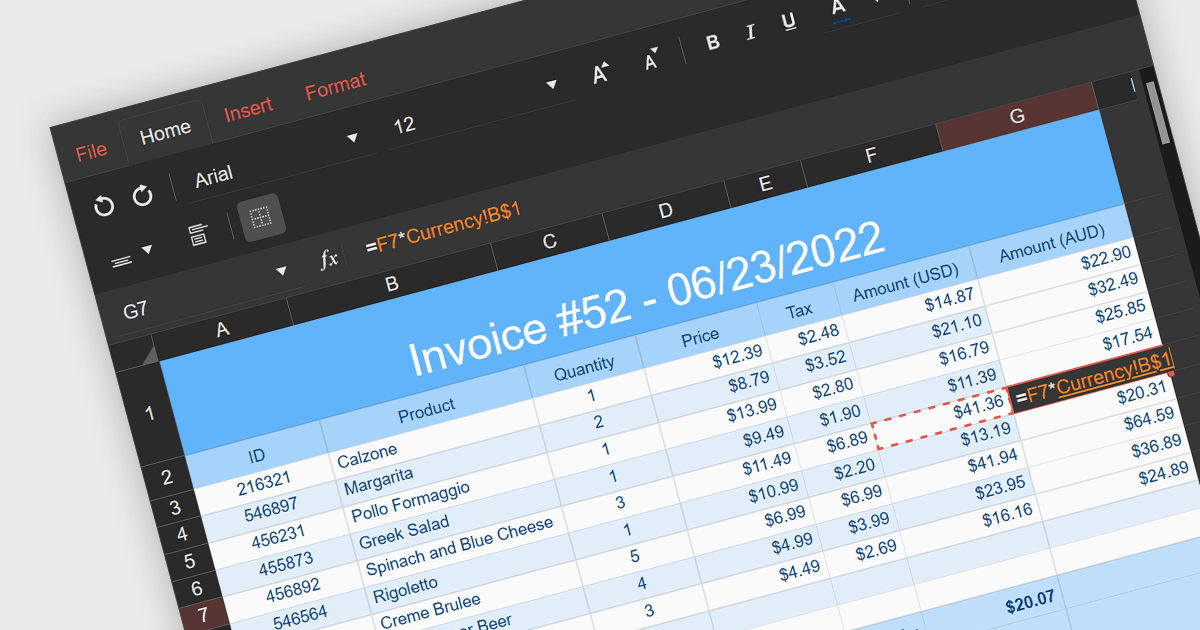
Cross-worksheet calculations involve using formulas within spreadsheet applications to reference and manipulate data across multiple worksheets within the same workbook. This allows you to consolidate and analyze information from various sections of your spreadsheet without consolidating it into a single worksheet. The ability to carry out such calculations simplifies complex operations enhances the efficiency and effectiveness of data organization and analysis.
Several React spreadsheet components support cross-worksheet calculations, including:
For an in-depth analysis of features and price, visit our comparison of React spreadsheet components.
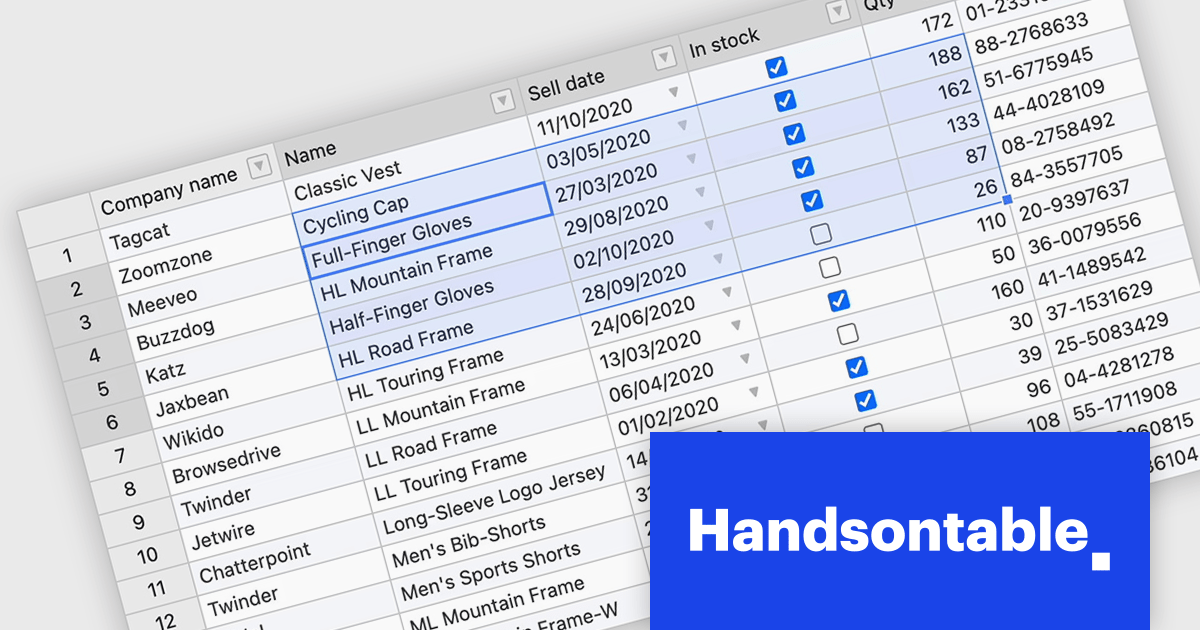
Handsontable is a JavaScript library designed to help developers build interactive data grids into their web applications. Offering a familiar spreadsheet-like interface, it allows users to edit, sort, and filter data with ease. Highly customizable and compatible with popular frameworks like React and Angular, Handsontable empowers developers to build robust data manipulation features into their web applications.
Handsontable 14.3 adds a new feature to streamline navigation within pre-selected cells. Power users and those accustomed to Tab navigation can now leverage arrow keys or the mouse for selection, then efficiently move between the chosen cells using Tab/Shift+Tab for horizontal movement and Enter/Shift+Enter for vertical movement. Editing remains intuitive, as typing any character initiates editing even within dropdown or date cells.
To see a full list of what's new in version 14.3.0, see our release notes.
Handsontable is licensed per developer and is available as an Annual or Perpetual license with 1 year support and maintenance. See our Handsontable licensing page for full details.
For more information, visit our Handsontable product page.
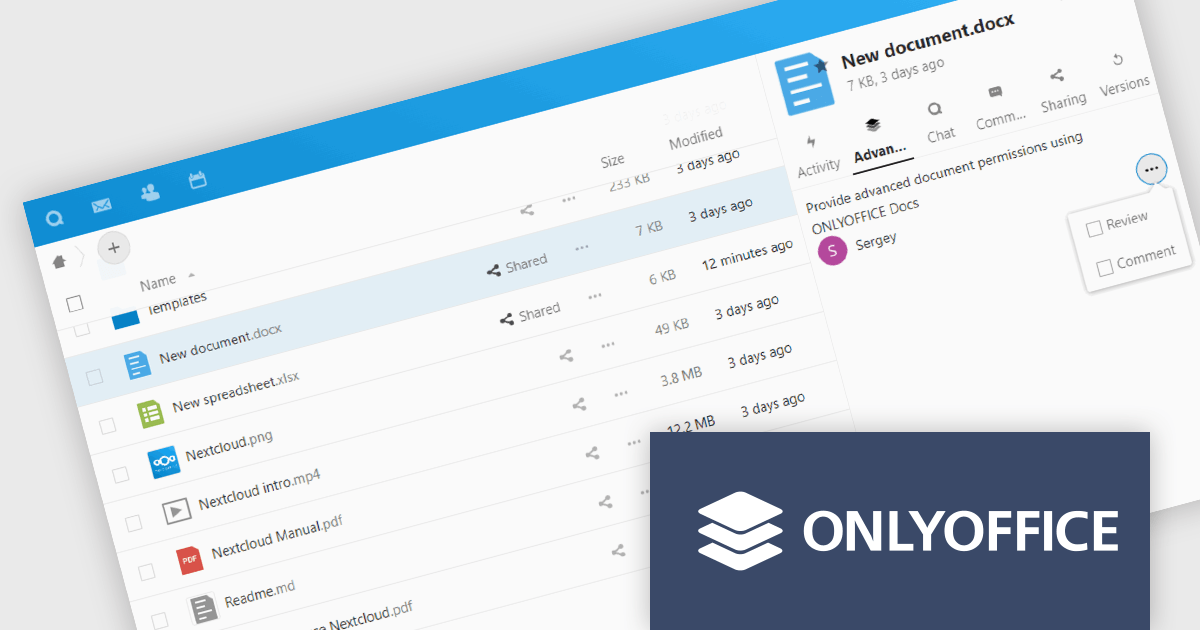
ONLYOFFICE Docs Enterprise Edition with Nextcloud Connector combines an online document editor with a seamless integration for Nextcloud, which is a open-source, on-premises content collaboration platform. This allows teams to create, view, edit, and collaborate on spreadsheets, presentations, and text files online, directly within Nextcloud, boosting efficiency and eliminating the need for file switching.
The ONLYOFFICE Nextcloud Connector v9.1 release (available as part of ONLYOFFICE Docs Enterprise Edition with Nextcloud Connector v8.0.1) brings enhanced security and granular control for developers working with public document sharing and Nextcloud Talk. Advanced access permissions for reviewing, commenting and custom filtering are now available for files with public access and for files created within the Nextcloud Talk app. These permissions ensure that external collaborators can contribute without compromising document integrity or security. It also promotes a more structured and controlled environment for real-time collaboration, ensuring that contributions are tracked and managed effectively according to the roles defined by the document owner.
To see a full list of what's new in ONLYOFFICE Docs Enterprise Edition v8.0.1 with Nextcloud Connector v9.1, see our release notes.
ONLYOFFICE Docs Enterprise Edition with Nextcloud Connector is licensed per server and is available as an annual license with 1 year of support and updates, or as a perpetual license with 3 years of support and updates. See our ONLYOFFICE Nextcloud connector licensing page for full details.
For more information, see our ONLYOFFICE Nextcloud connector product page.
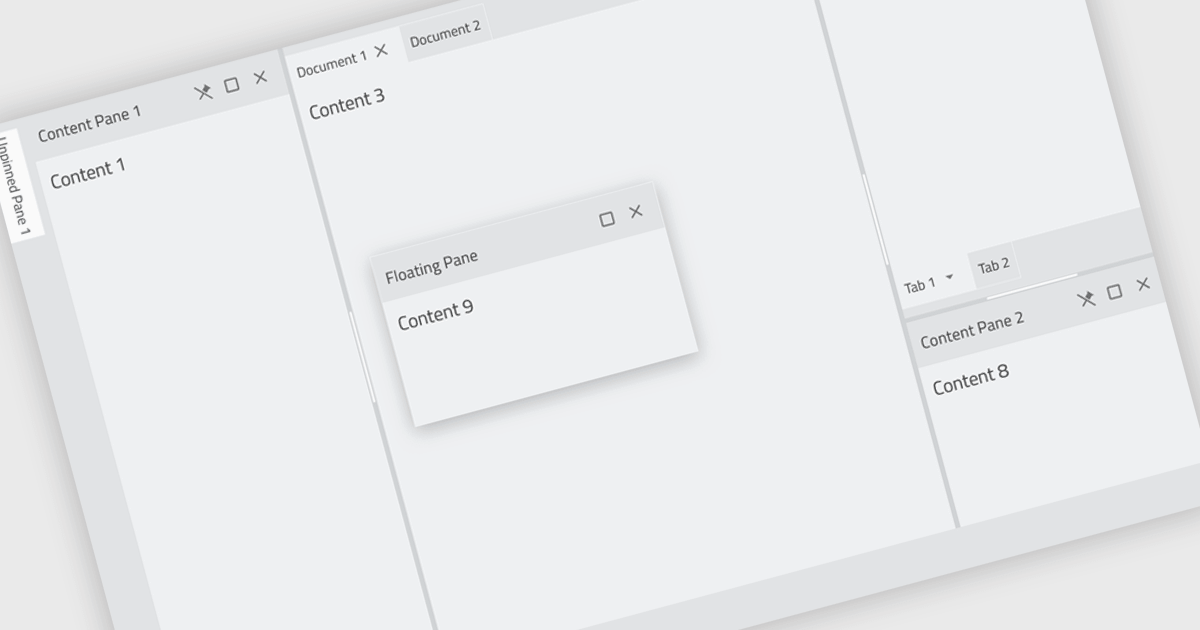
Docking controls are a user interface element that allows users to organize and customize the layout of an application's windows. These controls typically function by enabling users to drag-and-drop windows or panes to different positions on the screen, or to attach them to the edges of the main application window. This functionality provides several benefits, including increased efficiency by allowing users to arrange windows in a way that suits their workflow, improved organization by keeping relevant windows grouped together, and better screen real estate utilization by enabling users to resize and position windows for optimal viewing.
Several React UI suites feature a docking component including:
For an in-depth analysis of features and price, visit our React UI Suites comparison.
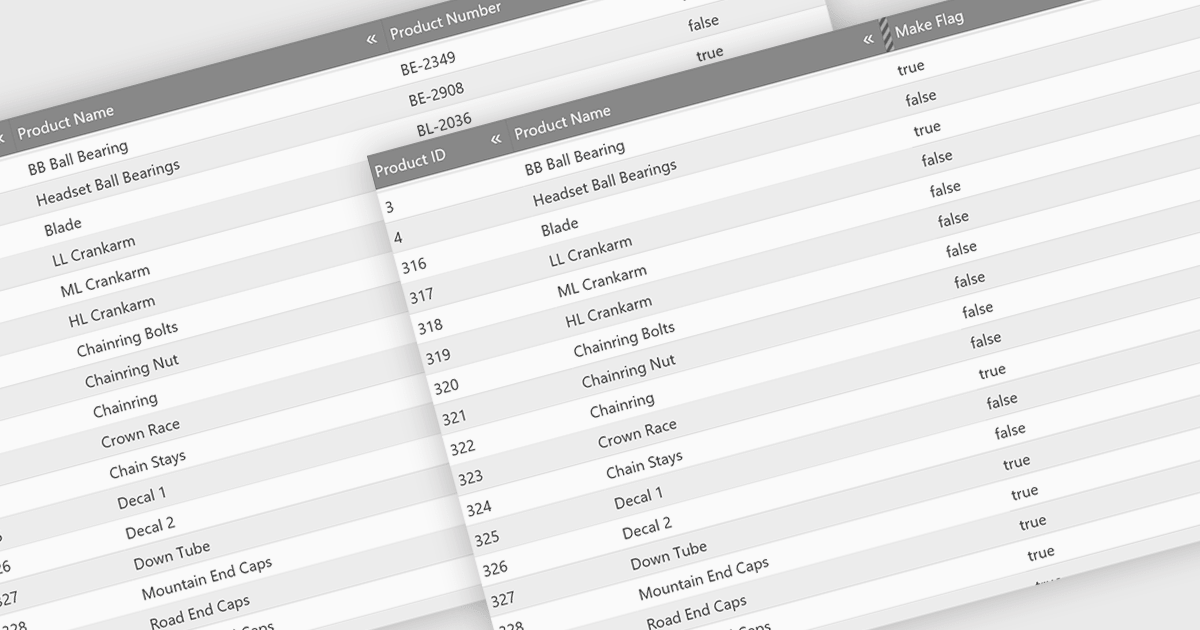
Hiding columns in a grid allows for a more focused data display by selectively removing irrelevant or less important information from the user's view. This functionality improves data clarity, particularly for grids with a large number of columns. By hiding specific columns, users can concentrate on the most important data points, reducing clutter and improving overall user experience.
Several jQuery Grid controls offer the ability to hide columns including:
For an in-depth analysis of features and price, visit our jQuery Grid controls comparison.
電話: (888) 850 9911
Fax: +1 770 250 6199


