













公式サプライヤー
公式および認定ディストリビューターとして200社以上の開発元から正規ライセンスを直接ご提供いたします。
当社のすべてのブランドをご覧ください。
ComponentSource and AlterNET Software have built a long standing partnership focused on making advanced .NET development tools more accessible to developers worldwide. AlterNET Software provides UI controls and frameworks for code editing, scripting, and UI design, enabling developers to extend applications with custom functionality across WinForms, WPF, and other .NET platforms.
A key part of this collaboration is their product AlterNET Studio, which brings together code editing, scripting, debugging, and UI design features into a single toolkit that developers can embed directly into their applications.
Through this partnership, ComponentSource expands its range of specialized developer tools, helping it stand out beyond standard UI libraries while supporting global distribution, licensing, and access to AlterNET Software products.
Learn more about AlterNET Software.
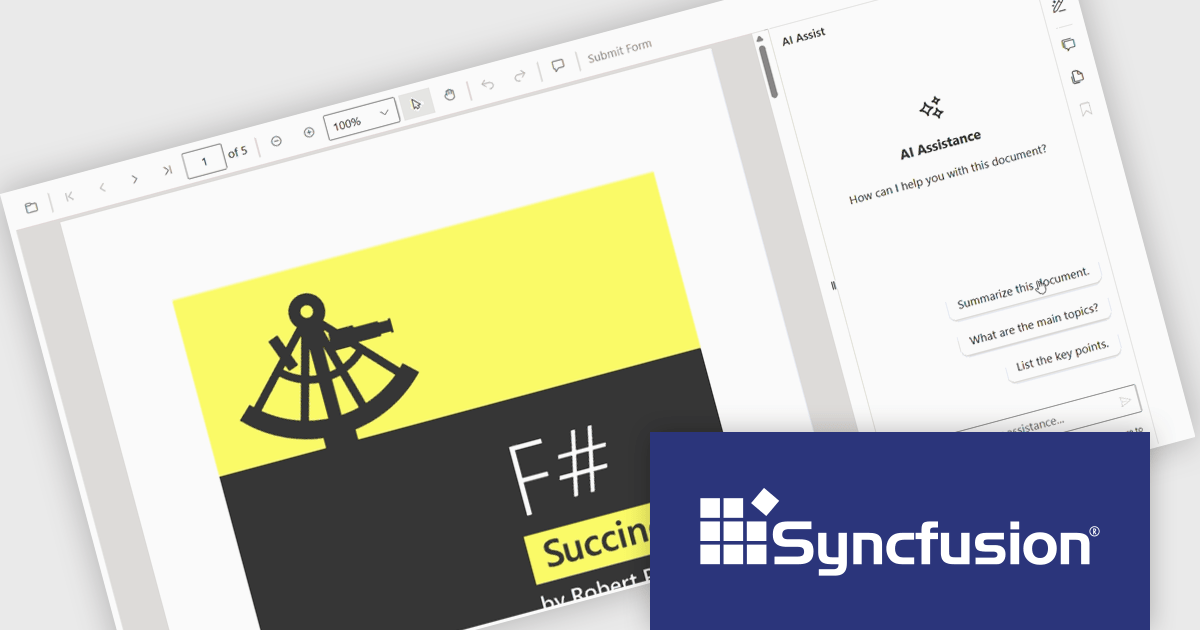
The Syncfusion Essential Studio PDF Viewer SDK is a high performance solution that enables developers to integrate advanced PDF viewing capabilities into web, desktop, and mobile applications. It supports features such as document navigation, annotations, form filling, digital signatures, and collaborative review, allowing users to interact with PDF content efficiently. Designed for reliability and smooth rendering of complex documents, it provides a consistent experience across platforms.
The Syncfusion Essential Studio PDF Viewer SDK 2026 Volume 1 update introduces a document summarizer that enhances how developers deliver efficient document interaction by integrating AI-generated summaries and contextual question-answering directly within PDF viewing applications. This feature enables end users to quickly extract key information and insights from large or complex documents, reducing time spent navigating content and improving overall productivity.
To see a full list of what's new in Syncfusion Essential Studio PDF Viewer SDK 2026 Volume 1, see our release notes.
Syncfusion Essential Studio PDF Viewer SDK is licensed per developer on a one year timed subscription basis, with runtime royalty free redistribution included when the subscription is current, and includes one year of unlimited technical support and updates. See our Syncfusion Essential Studio Spreadsheet Editor SDK licensing page for full details.
Learn more on our Syncfusion Essential Studio PDF Viewer SDK product page.
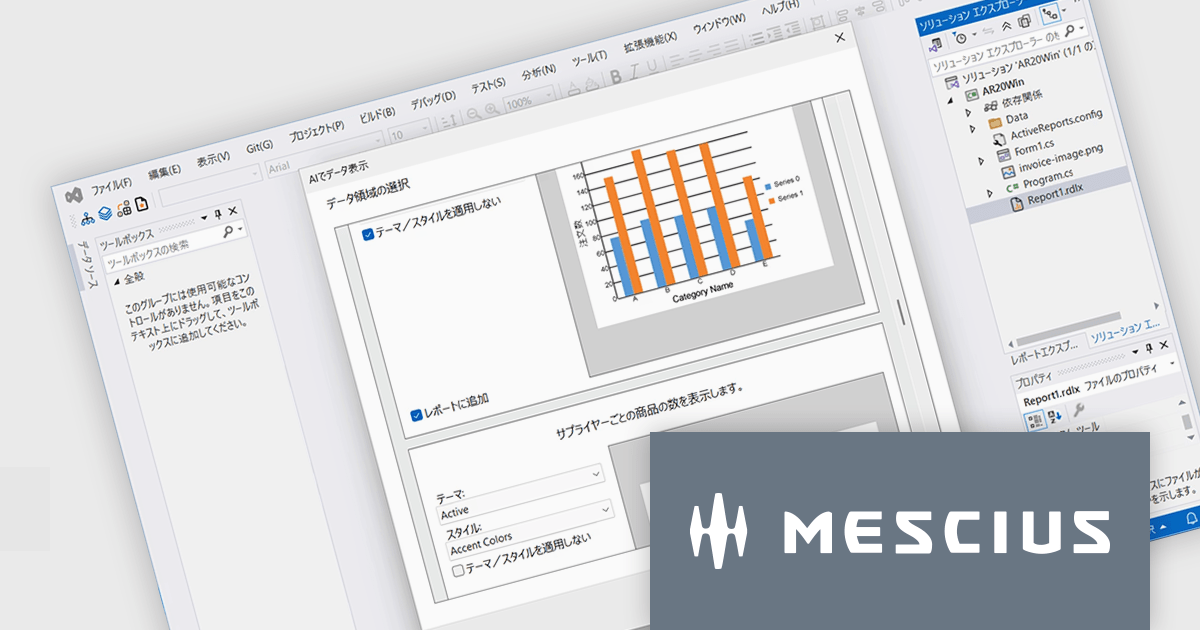
ActiveReports for .NETは、Visual Studio上で帳票アプリケーションを開発できる.NET開発コンポーネントです。Windowsフォーム、WPF、ASP.NET、ASP.NET Core、Blazorの5つのプラットフォームをサポートし、レイアウトや書式といった外観デザインの設定から、データ接続、印刷およびPDFへの出力設定まで、帳票開発に必要なあらゆる機能を備えています。
ActiveReports for .NET 20.0Jでは、AIを活用した帳票開発支援機能が強化され、設計工程の効率化が大きく進みました。主な特徴の一つは、帳票画像をもとにレイアウトを自動生成する機能です。画像を解析し、テキストや罫線、各種コントロールを適切に配置することで、従来手作業で行っていた設計の初期工程を短縮できます。さらに、AIがデータ構造を理解し、レポート作成時の設定を提案する機能も追加されました。なお、最新の.NET 10およびVisual Studio 2026にも対応しており、最新の開発環境で帳票アプリケーションを構築できるようになりました。
20.0Jでの新機能一覧は、リリースノートを参考ください。
本製品のライセンスは、開発者ごとに付与されるユーザーライセンスで、対象開発者は最大3台のマシンにインストール可能です。本製品の機能を組み込んで開発したクライアントサイドアプリケーションはランタイムライセンスは不要です。ただし、サーバーサイドアプリケーションを運用環境へ配布の際には”コアサーバーライセンス”が必要です。なお、年間保守サービスが付属しており、無償バージョンアップや日本語によるE-mail技術サポートを無制限に受けることができます。詳細は、ActiveReports for .NETのライセンスページをご参照ください。
ActiveReports for .NETの製品詳細及び販売情報は、下記の各エディション別の専用ページをご参考ください。
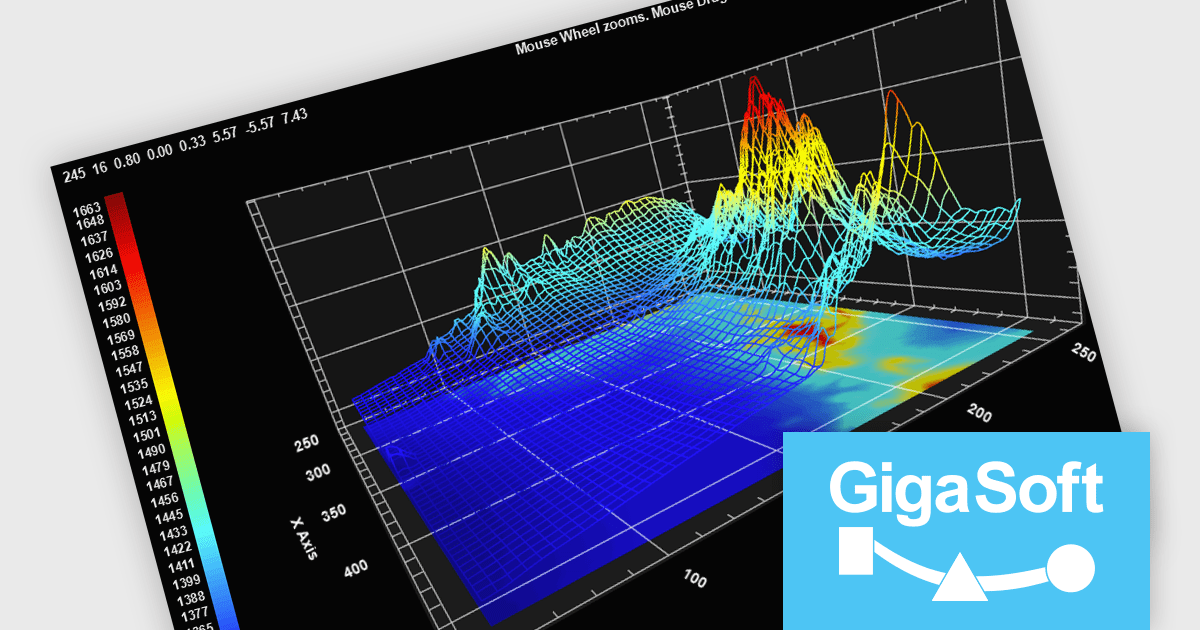
Gigasoft ProEssentials is a robust charting library for Windows development, providing a wide array of 2D and 3D chart types. The product offers a versatile suite of components, such as Graph, Scientific Graph, and 3D Scientific Graph, enabling the creation of sophisticated visualizations. It's extensive support for various platforms and development environments, including WPF, WinForm, and integration with popular IDEs like Visual Studio, enhances flexibility and empowers developers to efficiently visualize data within their applications.
Gigasoft ProEssentials enables developers to work more efficiently with its charting components by giving AI assistants direct, real-time access to validated API data, allowing them to generate accurate chart configurations, suggest correct property usage, and troubleshoot issues based on the actual capabilities of the library. By dynamically querying structured data rather than relying on static documentation, the feature ensures that responses reflect the current state of the API, reducing the likelihood of invalid property paths or unsupported configurations. This leads to more reliable code generation, faster resolution of integration challenges, and greater confidence when implementing or modifying charts within production applications across different environments.
Gigasoft ProEssentials is licensed per developer and is available as a perpetual license with free technical support and maintenance for the life of the version. See our Gigasoft ProEssentials licensing page for full details.
For more information, visit our Gigasoft ProEssentials product page.
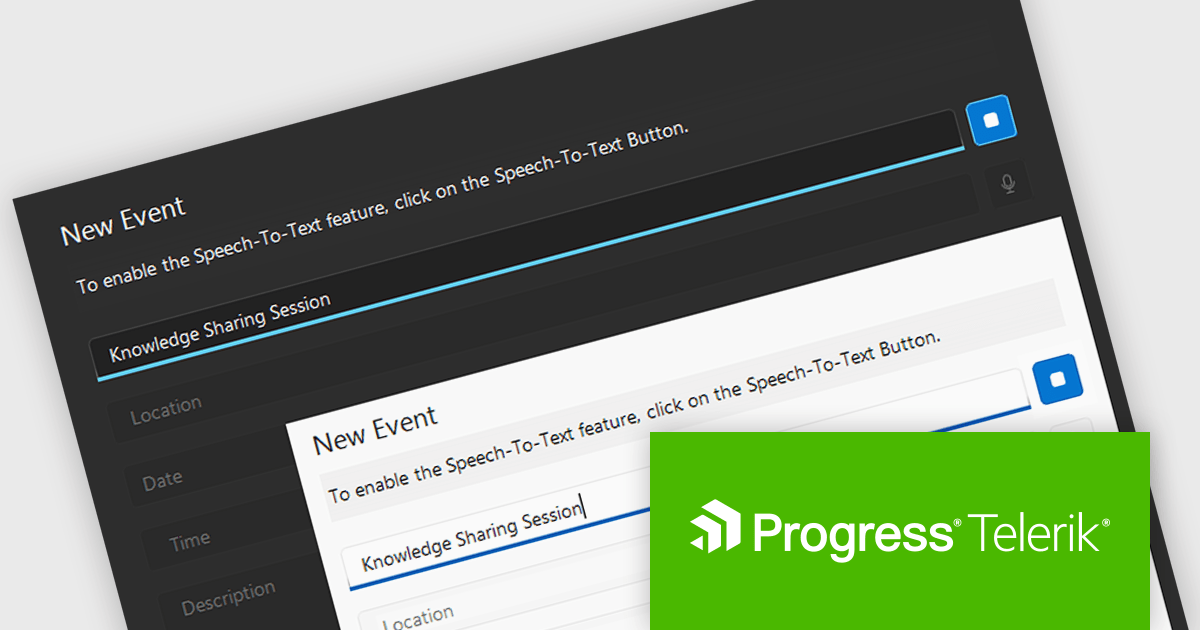
Telerik UI for WPF and Telerik UI for WinForms are UI libraries for building Windows desktop applications. Telerik UI for WinForms includes more than 160 controls and a structured architecture with Composite UI Application Block (CAB) support, making it suitable for enterprise and data-heavy internal applications. Telerik UI for WPF is designed specifically for Windows Presentation Foundation (WPF) and provides a wide range of customizable, high-performance controls for complex line-of-business software. Together, the libraries provide ready-made components that help teams build and maintain desktop applications more efficiently.
The Telerik 2026 Q1 update for WPF and WinForms introduces a 'Speech to Text' button that enables developers to add voice input with real time transcription directly into their applications. This feature allows users to enter text faster through hands free interaction while providing immediate visual feedback on recognized speech as it is captured. Developers can customize the control’s appearance to match application themes and branding, choose between continuous or single recognition modes depending on the scenario, and integrate custom speech recognition services or libraries, making it easier to implement accessible, flexible, and efficient voice enabled data entry experiences.
To see a full list of what's new for each product in 2026 Q1, see our Telerik UI for WPF and Telerik UI for WinForms release notes.
Both Telerik UI for WPF and Telerik UI for WinForms are licensed per developer and have two licensing models: an annual Subscription License and a Perpetual License. The Subscription license provides access to the latest product updates, technical support, and exclusive benefits for a flat annual fee, and must be renewed to continue using the software. The Perpetual license is a one-time purchase granting access to the current released version and includes a one-year subscription for product updates and technical support. After this initial period, users can choose to renew the subscription element to continue receiving updates and support; otherwise, they may continue using the installed version available during their active subscription term but will forgo future updates and support. See our Telerik UI for WPF licensing page and Telerik UI for WinForms licensing page for full details.
Telerik UI for WPF and Telerik UI for WinForms are available individually or as part of the following products:
電話: (888) 850 9911
Fax: +1 770 250 6199


