













公式サプライヤー
公式および認定ディストリビューターとして200社以上の開発元から正規ライセンスを直接ご提供いたします。
当社のすべてのブランドをご覧ください。
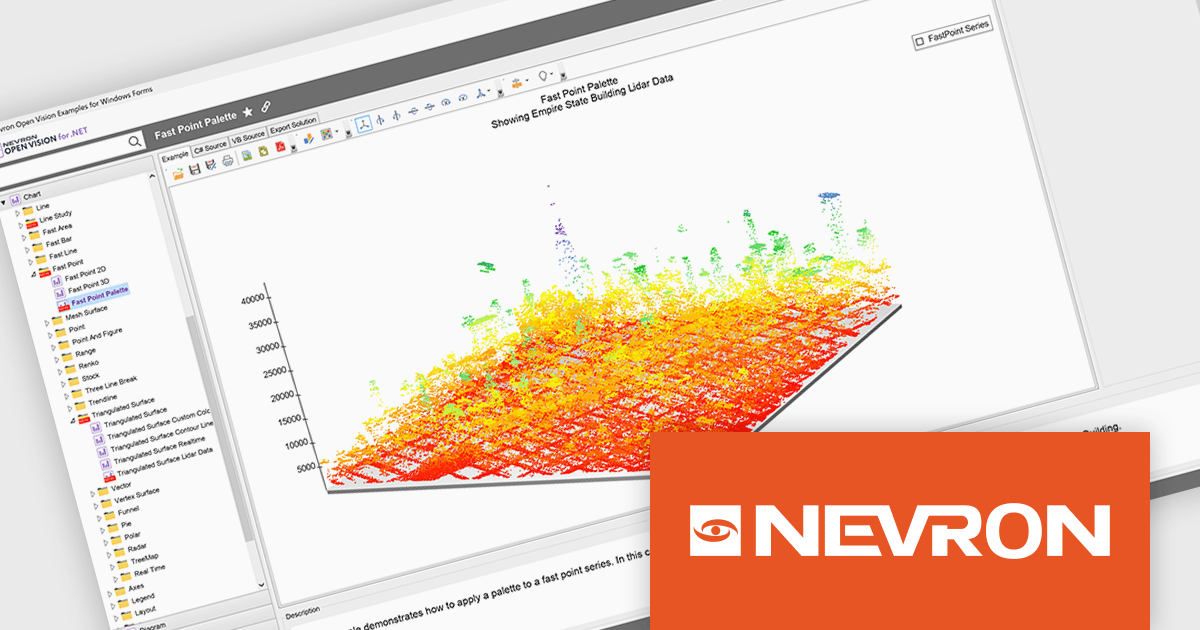
NOV Chart for .NET by Nevron is a comprehensive .NET charting component suite designed for cross-platform application development. It offers an array of 2D and 3D chart types, along with smart data labeling, an advanced chart axes model, numerous interactivity features and GPU-accelerated real-time rendering based on OpenGL. This library allows developers to seamlessly integrate rich, dynamic and interactive business, scientific, financial and presentation data visualizations into their .NET applications for more effective communication.
The NOV Chart for .NET 2026.1 update introduces a new Palette Fill Mode for Fast Area, Fast Bar, Fast Line, and Fast Point Series, giving developers greater control over how colors are applied across high performance charts. This enhancement makes it easier to create visually consistent and professionally styled data visualizations while reducing the effort required to maintain a unified appearance across multiple chart types. The added flexibility helps developers produce clearer dashboards, reporting interfaces, and analytics applications that better align with application branding and design requirements.
To see a full list of what's new in 2026.1, see our release notes.
NOV Chart for .NET is licensed per developer and is available as a perpetual license with 1 year support and maintenance. See our NOV Chart for .NET licensing page for full details.
NOV Chart for .NET is available in the following products:
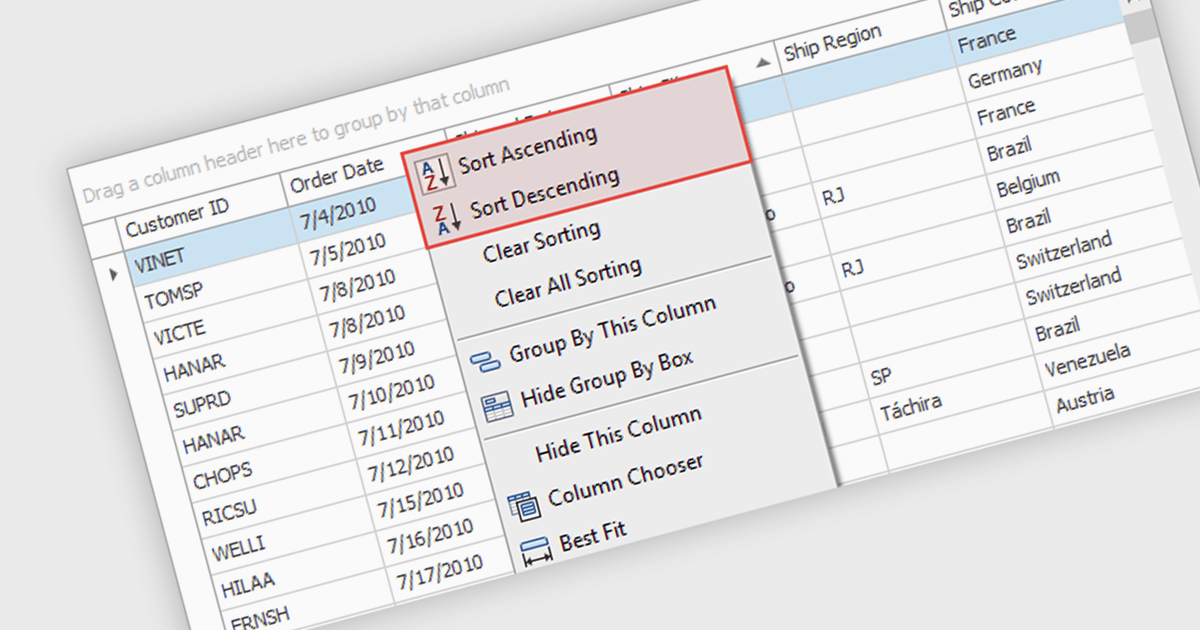
Sorting (local) is a feature in .NET WinForms Grid controls that orders the data currently loaded into the grid on the client, without requesting a new sorted result from a database or remote data source. It enables users to quickly sort rows by one or more columns using the data already available in memory, providing immediate visual feedback and a responsive user experience. For developers, local sorting can reduce unnecessary network requests, improve the perceived performance of data exploration, and simplify interactive scenarios where users need to reorganize and compare displayed data without affecting the underlying data source.
Several .NET WinForms Grid controls offer Sorting (Local) including:
For an in-depth analysis of features and price, visit our comparison of .NET WinForms Grid controls.
ActiveReports for .NETは、Visual Studio上で帳票アプリケーションを開発できる.NET開発コンポーネントです。Windowsフォーム、WPF、ASP.NET、ASP.NET Core、Blazorの5つのプラットフォームをサポートし、レイアウトや書式といった外観デザインの設定から、データ接続、印刷およびPDFへの出力設定まで、帳票開発に必要なあらゆる機能を備えています。
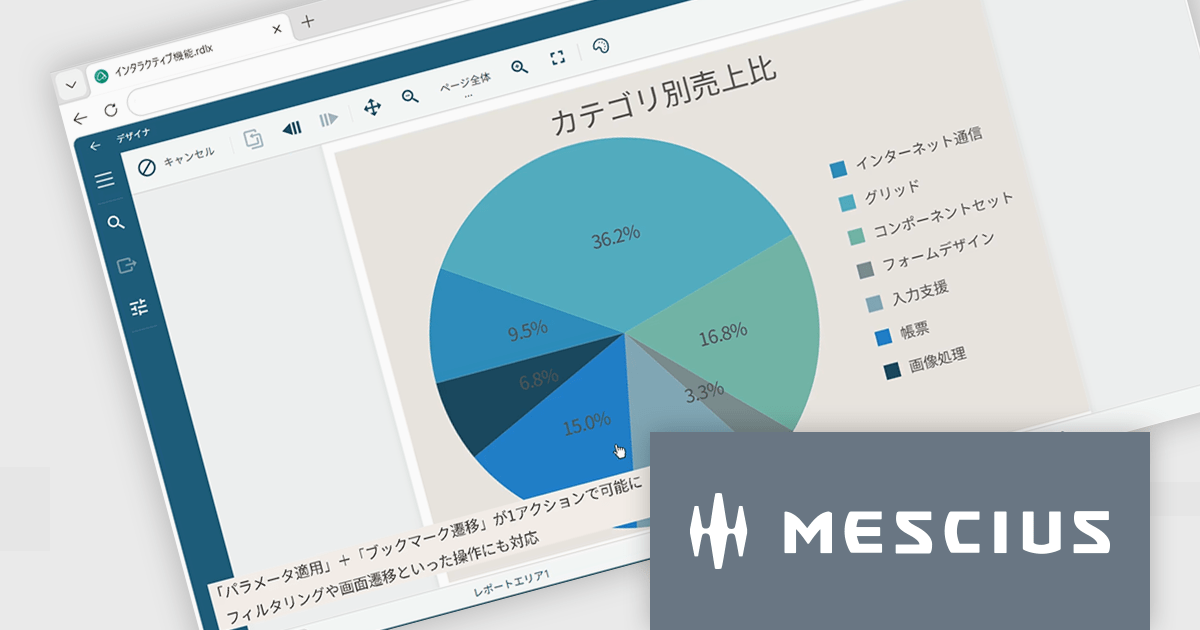
ActiveReports for .NET 20.0J SP1では、ページレポート、RDLレポート、ダッシュボードで利用できるAIレポートウィザードが強化されました。従来の対応モデルに加え、新たにGoogle GeminiとOllamaを利用できるようになり、クラウド型AIだけでなく、ローカル環境で動作する言語モデルも選択可能になりました。これにより、セキュリティ要件や社内ポリシーに合わせた柔軟な運用が可能です。
また、AIが生成するレイアウトの精度も向上しました。日付フィールドの書式設定、テーブル列構成の最適化、グループヘッダやフッタ、改ページ設定の改善により、生成後の調整作業を軽減できます。データセットからテーブルやチャートの構成案を効率よく作成できるため、帳票開発の初期設計をスムーズに進められます。
20.0J SP1での新機能一覧は、リリースノートを参考ください。
本製品のライセンスは、開発者ごとに付与されるユーザーライセンスで、対象開発者は最大3台のマシンにインストール可能です。本製品の機能を組み込んで開発したクライアントサイドアプリケーションはランタイムライセンスは不要です。ただし、サーバーサイドアプリケーションを運用環境へ配布の際には”コアサーバーライセンス”が必要です。なお、年間保守サービスが付属しており、無償バージョンアップや日本語によるE-mail技術サポートを無制限に受けることができます。詳細は、ActiveReports for .NETのライセンスページをご参照ください。
ActiveReports for .NETの製品詳細及び販売情報は、下記の各エディション別の専用ページをご参考ください。
Rebex Total Pack is a comprehensive suite of .NET libraries that enables developers to add secure networking, file transfer, email, compression, encryption, and remote access capabilities to their applications through a single package. It includes components for protocols such as SFTP, SCP, FTP, FTPS, HTTP, HTTPS, WebSocket, SMTP, IMAP, POP3, SSH, and Telnet, along with support for Microsoft Graph, Exchange Web Services (EWS), ZIP compression, TLS (Transport Layer Security), and cryptographic functions. Designed for modern .NET and .NET Framework applications, the suite provides a consistent API, extensive documentation, and sample code, making it well suited to enterprise software that requires reliable, secure communication across a range of protocols.
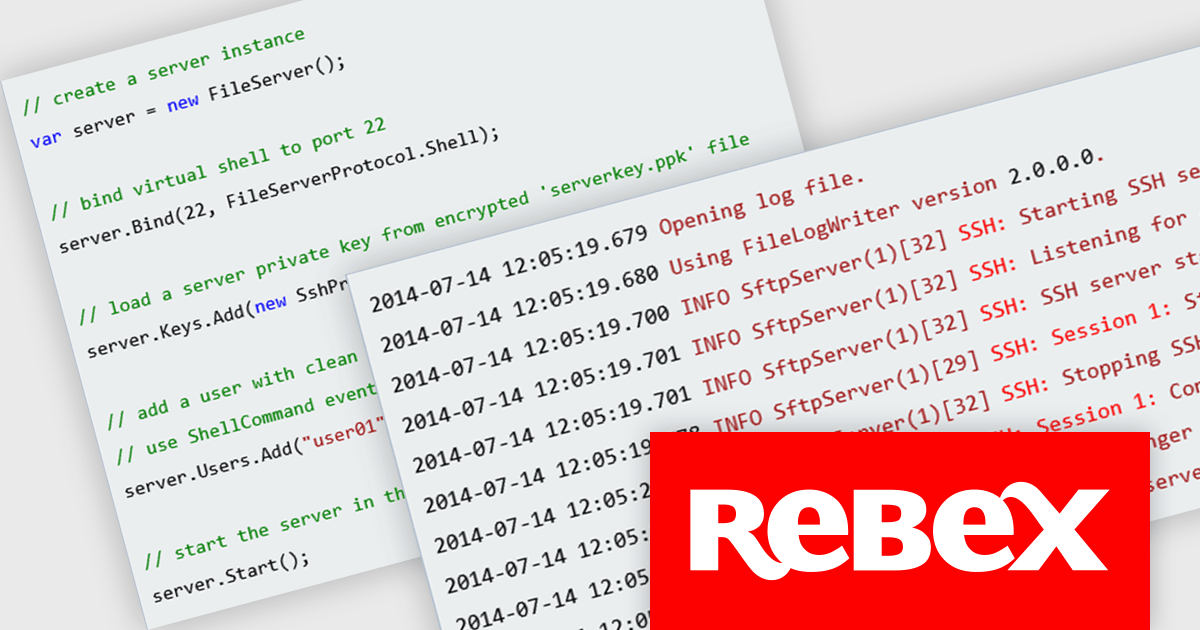
The Rebex File Server (included in Rebex Total Pack) now features a fully asynchronous SSH and SFTP server core, replacing the previous synchronous implementation with an architecture designed to make more efficient use of system resources. By reducing the number of threads required to handle client connections, the update improves scalability and enables applications to support higher levels of concurrent activity while maintaining responsive, reliable performance.
To see a full list of what's new in version Rebex Total Pack 8.0.9673, see our release notes.
Rebex Total Pack is licensed per developer and is available as a Perpetual License with a 1 Year Support Contract which includes priority support and all software updates. See our Rebex Total Pack licensing page for full details.
Learn more on our Rebex Total Pack product page.
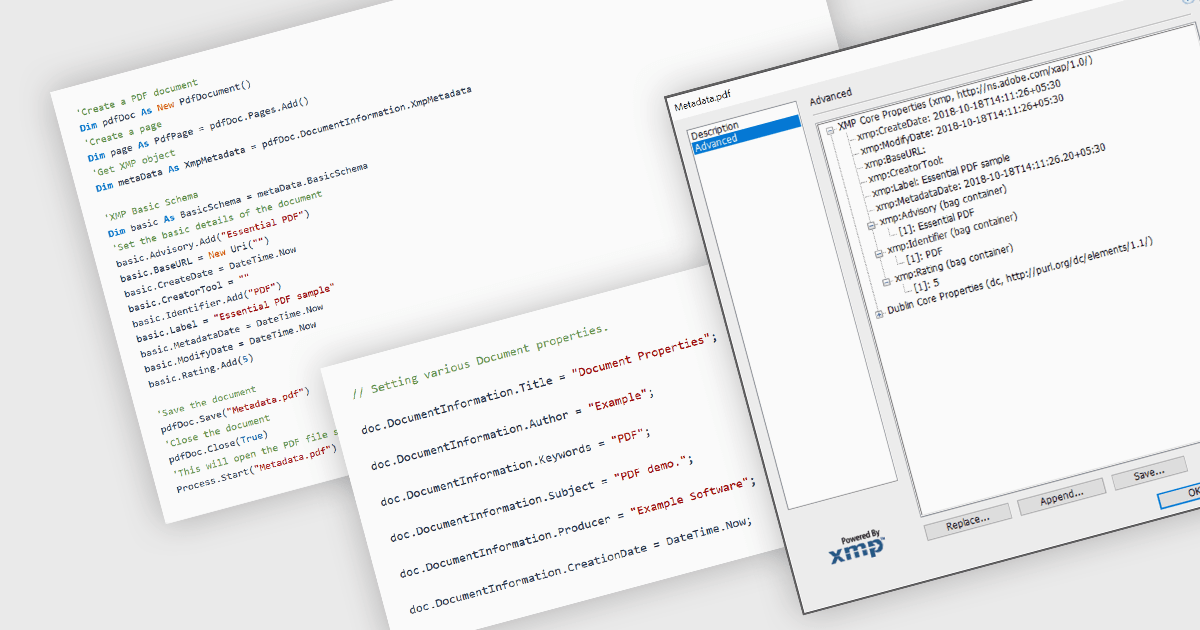
Managing the metadata of PDF documents involves viewing and maintaining information embedded within a PDF file, including standard document properties such as the title, author, subject, keywords, and creation date, as well as custom metadata. Maintaining accurate metadata helps improve document organization, supports search and indexing, simplifies document management, and assists with compliance and record-keeping by ensuring descriptive information remains consistent throughout a document's life cycle.
Several WinForms PDF components allow you to manage metadata, including:
For an in-depth analysis of features and price, visit our comparison of WinForms PDF components.
電話: (888) 850 9911
Fax: +1 770 250 6199


