













公式サプライヤー
公式および認定ディストリビューターとして200社以上の開発元から正規ライセンスを直接ご提供いたします。
当社のすべてのブランドをご覧ください。
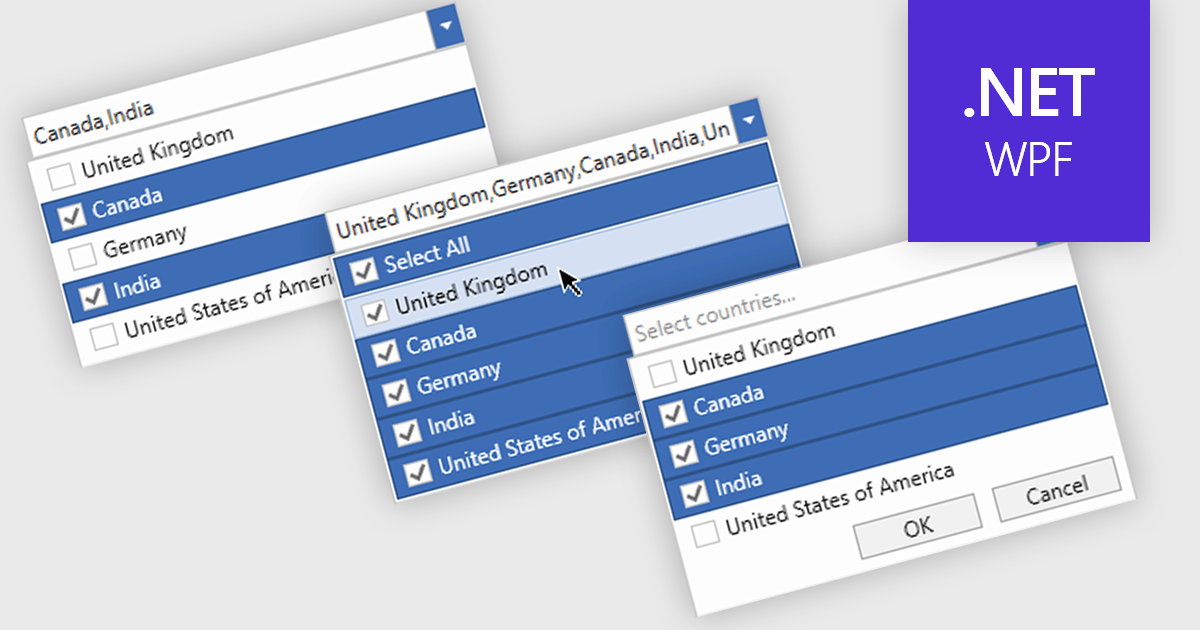
Checked combobox controls are data editor user interface elements that allow users to select multiple options from a dropdown list while visually indicating their choices through checkboxes. These controls provide developers with a convenient way to implement multi-select functionality within their applications, enhancing the user experience by offering intuitive selection methods. By integrating checked combobox controls, developers can streamline data entry processes, improve usability, and increase productivity within their software applications, ultimately leading to more efficient and user-friendly interfaces.
Many .NET WPF Data Editor collections contain checked combobox components including:
For an in-depth analysis of features and price, visit our comparison of .NET WPF Data Editors.
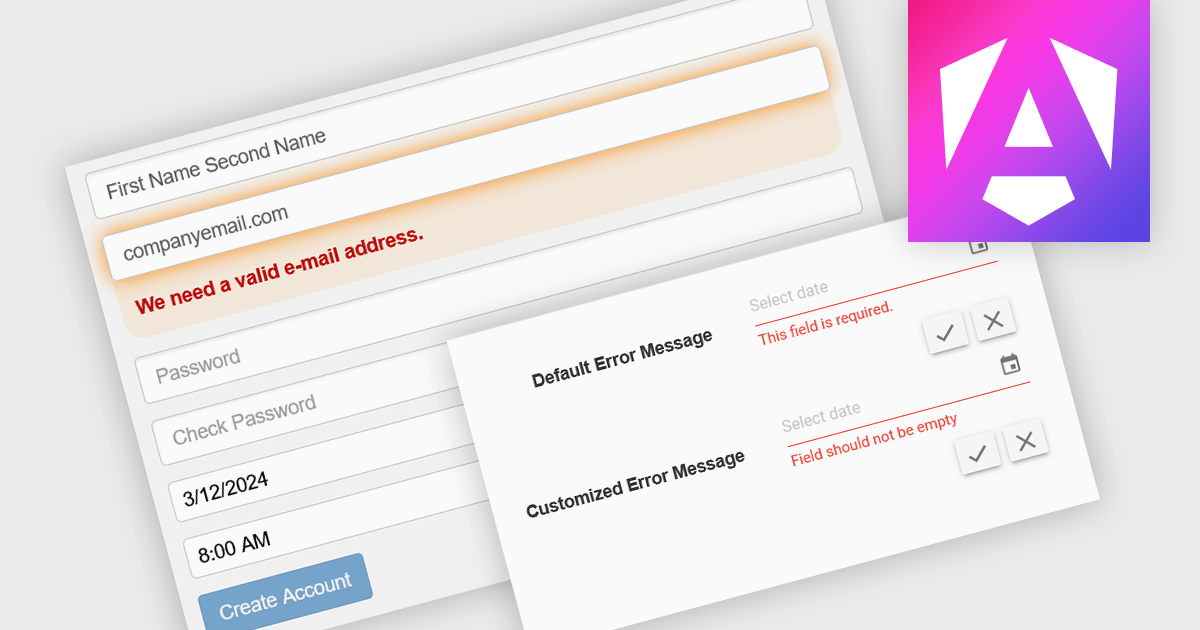
Data validation is a process built into data editors that ensures the accuracy and integrity of information being entered. It achieves this by applying various checks on the data, ranging from data type verification to ensuring values fall within a specific range or adhere to predefined formats. By implementing data validation, software developers can significantly reduce the risk of errors during data entry, leading to cleaner, more reliable datasets for downstream analysis and reporting.
Several Angular Data Editor controls offer data validation including:
For an in-depth analysis of features and price, visit our Blazor data editors comparison.

A range trackbar component, also known as a range slider, expands upon the standard trackbar by allowing users to select a range of values within a predefined minimum and maximum, instead of just a single point. This is achieved through two independent sliders or markers that define the lower and upper bounds of the chosen range. Range trackbars are commonly used in applications requiring filter selection, price range specification, or any scenario where choosing a continuous segment within a broader spectrum is necessary.
Several Blazor Data Editor controls offer range trackbars including:
For an in-depth analysis of features and price, visit our Blazor data editors comparison.
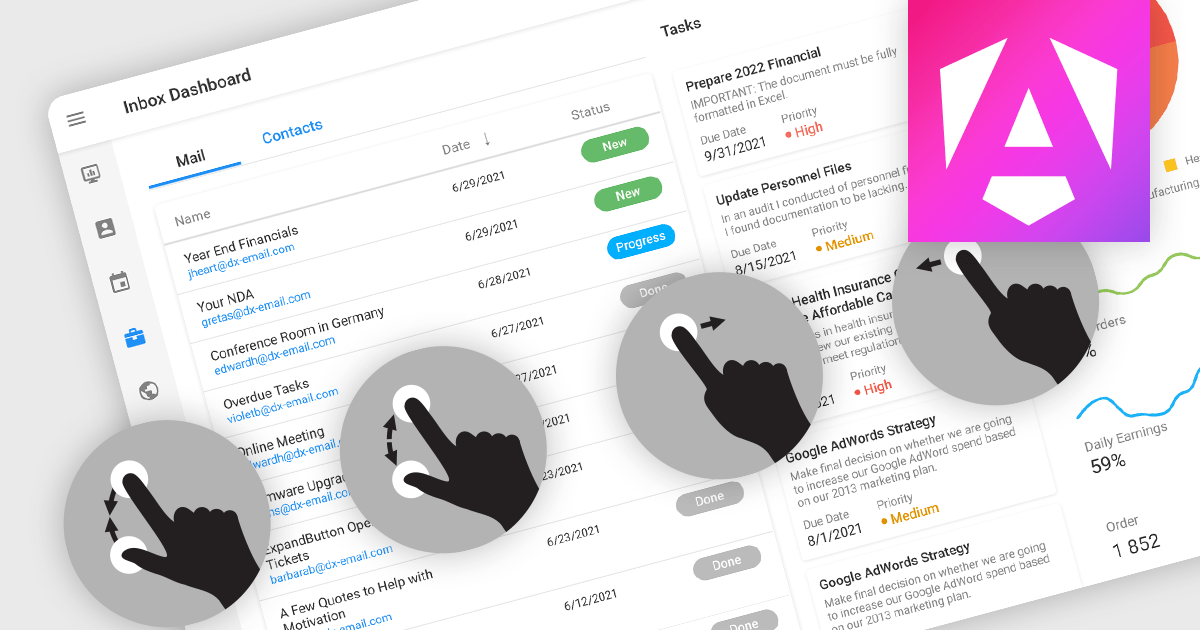
Touch support in a data editor refers to the capability of the software to recognize and respond to touch-based interactions on touchscreen devices. This feature enables users to manipulate and navigate data using gestures such as tapping, swiping, and pinching. Incorporating touch support into data editors enhances the user experience by providing a more intuitive and interactive interface on phones, tablets, and touchscreen monitors.
Many Angular Data Editor collections contain touch support including:
For an in-depth analysis of features and price, visit our comparison of Angular Data Editors.
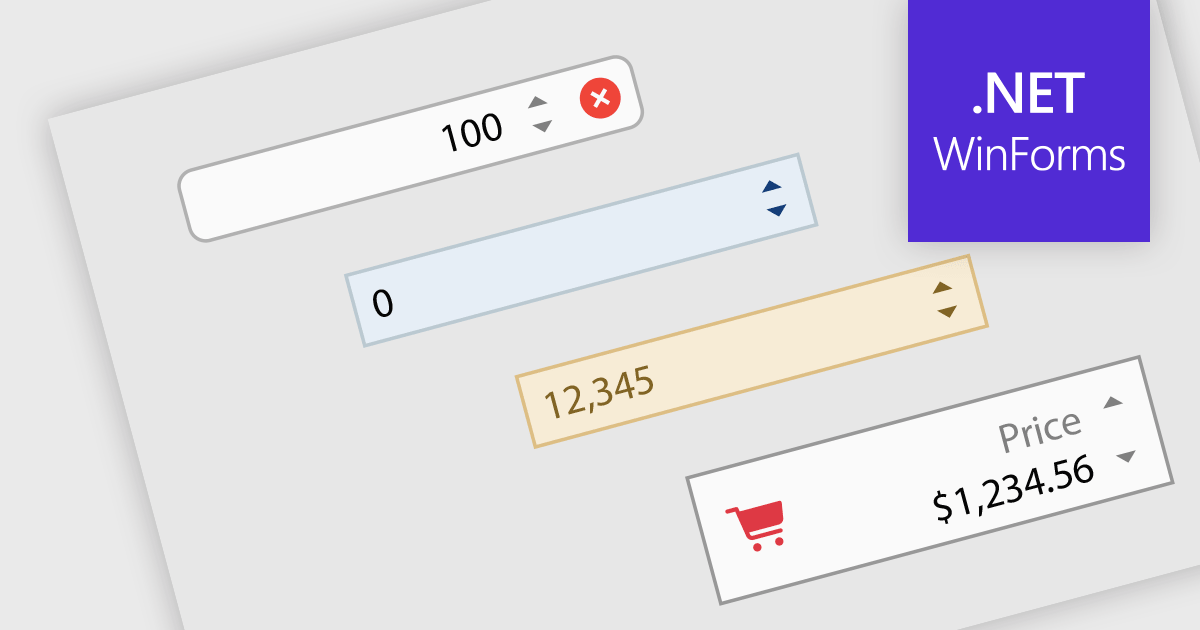
Numeric Spin data editor controls are intended for the efficient and precise input of numerical values. By combining an edit box with up/down spin buttons, users may either type to input directly or utilize the spin buttons to increase or decrease the value. This method promotes faster and less error-prone data entry than manual typing, particularly for large quantities or recurrent value revisions. Many spin editors include built-in validation, range limitations, data type selection, and formatting choices, which further improve data accuracy.
Many .NET WinForms data editor collections contain numeric spin components including:
For an in-depth analysis of features and price, visit our comparison of WinForms data editors.
電話: (888) 850 9911
Fax: +1 770 250 6199


