













公式サプライヤー
公式および認定ディストリビューターとして200社以上の開発元から正規ライセンスを直接ご提供いたします。
当社のすべてのブランドをご覧ください。

Syncfusion Essential Studio for Blazor (available as part of Syncfusion Essential Studio Enterprise) is a comprehensive UI component library designed to accelerate the development of high-performance, modern web applications using the Blazor framework. It boasts over 85+ responsive, lightweight, and modular components spanning various categories like data visualization, data editing, document processing, and interactive UI elements. This rich repertoire empowers developers to rapidly build user-friendly, feature-rich web interfaces, all with the advantage of seamless integration with both server-side and client-side Blazor applications.
Version 2023 Volume 4 (24.1.41) introduces the production-ready Blazor Image Editor component which allows you to crop, rotate, flip, zoom, and apply filters to your images. You can also add annotations like text, freehand drawings, shapes, and even other images. The Image Editor is designed for ease of use, with a drag-and-drop interface and a customizable toolbar that lets you tailor the editing experience to your specific needs. Additionally, it supports exporting images in various formats, including PNG, JPEG, and SVG, ensuring compatibility with your chosen workflow. The Blazor Image Editor is a valuable asset for any developer looking to add rich image editing capabilities to their Blazor applications.
To see a full list of what's new in version 2023 Volume 4 (24.1.41), see our release notes.
Syncfusion Essential Studio Blazor is available as part of Syncfusion Essential Studio Enterprise which is licensed per developer starting with a Team License of up to five developers. It is available as a 12 Month Timed Subscription License which includes support and maintenance. See our Syncfusion Essential Studio Enterprise licensing page for full details.
For more information, visit our Syncfusion Essential Studio Blazor product page.

A color picker is a graphical tool that allows users to select colors from a palette or by adjusting different color parameters. Color pickers are commonly found in graphics software, web development tools, and design applications. They are used to ensure accurate and visually appealing color choices in various creative and technical projects. Color pickers provide an intuitive way to select precise colors, commonly by using sliders for RGB values or hex codes.
Several Vue.js data editor collections provide color pickers including:
For an in-depth analysis of features and price, visit our Vue Data Editors comparison.
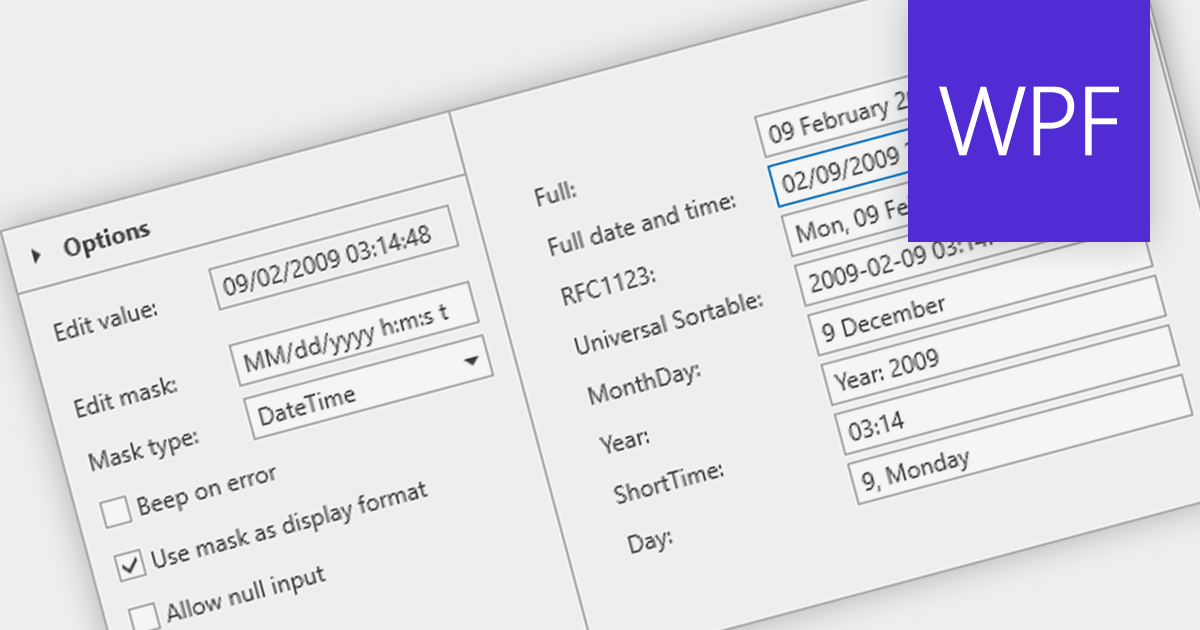
A masked text box is a data editor that requires the user to input data in a specific format. This control is particularly useful in forms where consistency and accuracy of data are critical, such as phone numbers or social security numbers. The mask ensures that the input conforms to a predefined pattern, reducing errors and streamlining data entry processes.
Several WPF data editor components provide masked input text boxes including:
For an in-depth analysis of features and price, visit our WPF Data Editors comparison.
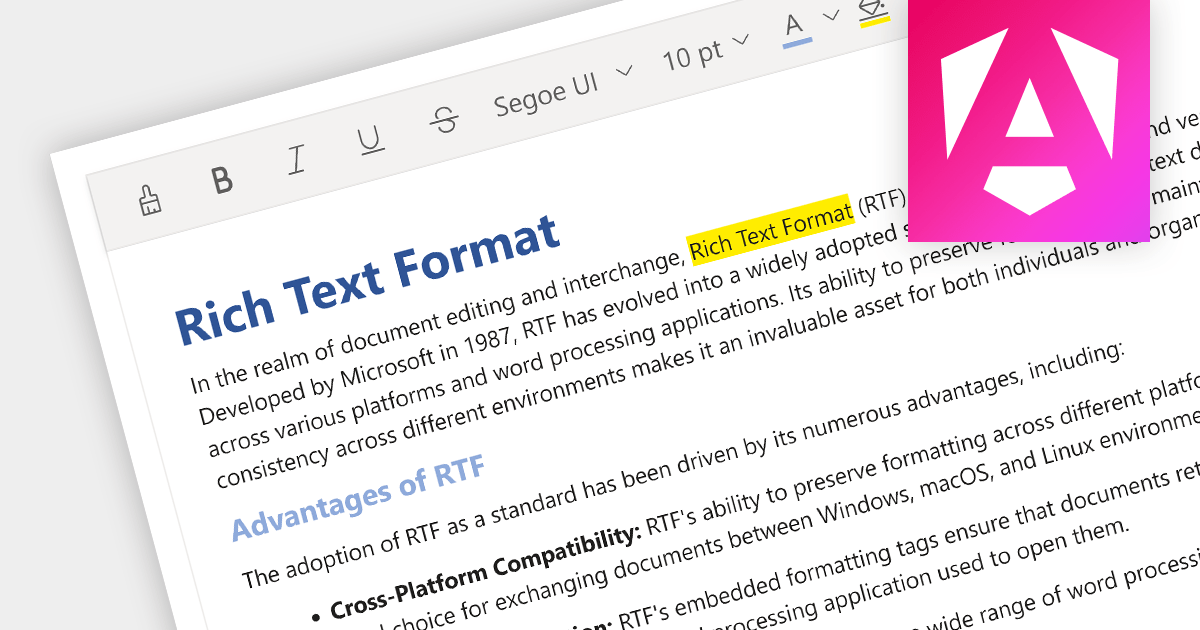
Rich Text Format (RTF) editors allow users to create and edit text with a variety of formatting options, such as font styles, colors, headings, lists, and images. Often used in web and desktop applications, such editors provide a WYSIWYG (what you see is what you get) interface, so users can see how their text will look as they format it. This allows formatted editing without the complexity of HTML markup or the need for separate word processing software.
Several Angular data editor collections provide RTF editing capabilities including:
For an in-depth analysis of features and price, visit our comparison of Angular Data Editor components.
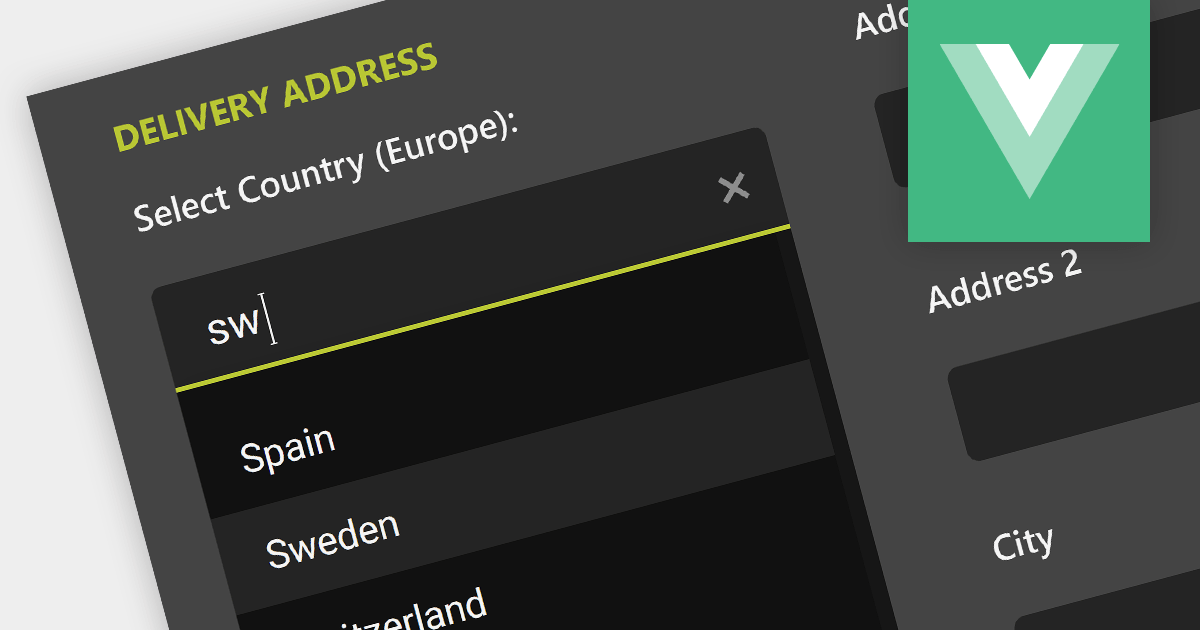
Autocompletion provides suggestions to users while they type, based on previously entered or predefined values. This enhances the user experience and reduces typing efforts, leading to improved user satisfaction and data quality.
Here are some examples of Vue.js data editor controls that support autocompletion in text boxes:
Alternatively, many data editor components are available as part of larger component suites:
For an in-depth analysis of features and price, visit our comparison of Vue.js data editors.
電話: (888) 850 9911
Fax: +1 770 250 6199


