













公式サプライヤー
公式および認定ディストリビューターとして200社以上の開発元から正規ライセンスを直接ご提供いたします。
当社のすべてのブランドをご覧ください。

An AutoComplete cell type in a grid control facilitates efficient data entry by providing predictive suggestions as users type, drawing from a predefined data source to minimize errors and enhance user experience. This functionality, often implemented via lookup editors, custom cell editors, or event handling, streamlines data input by displaying a dropdown list of matching values, allowing for quick selection and reducing typing effort, ultimately contributing to faster and more accurate data management within the application.
Several .NET WinForms grid controls enable the AutoComplete cell type including:
For an in-depth analysis of features and price, visit our WinForms grid controls comparison.
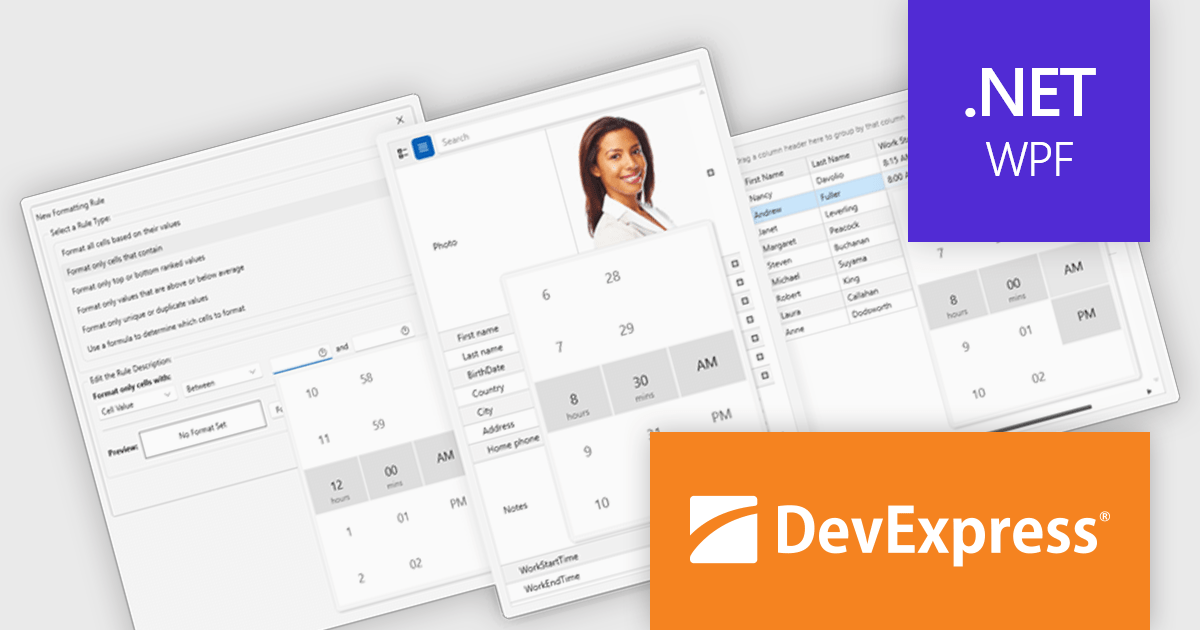
DevExpress WPF is a powerful suite of controls that enhances your WPF development toolkit. It offers data grids, ribbon menus, rich text editors, spreadsheets, charts, and more – all with beautiful themes and touch-friendly interfaces. DevExpress WPF empowers you to build professional-looking, responsive applications that meet modern user expectations, saving you time and effort while adding polish and functionality.
The DevExpress WPF v24.2 update enhances data handling in Grid, TreeList, and Property Grid by introducing automatic support for DateOnly and TimeOnly properties. This improvement ensures that the appropriate data editors are automatically assigned to cells, filters, and conditional formatting dialogs without requiring manual configuration. By streamlining the editing experience, the update provides a more intuitive approach to working with date and time values while reducing development effort. Users can now rely on built-in editor selection, improving efficiency and ensuring a seamless user experience across their applications.
To see a full list of what's new in version 24.2, see our release notes.
DevExpress WPF is licensed per developer and is available as a Perpetual License with a 12 month support and maintenance subscription. We can supply new subscriptions, subscription renewals, and additional licenses. See our DevExpress WPF licensing page for full details.
DevExpress WPF is available to buy in the following products:
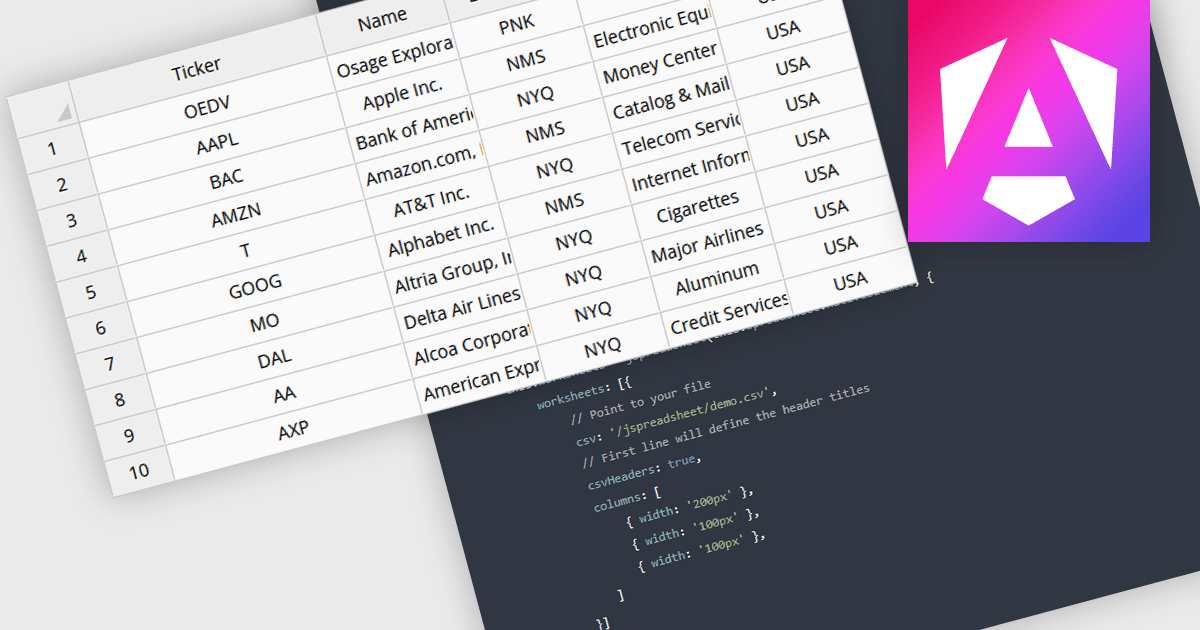
Grid controls with CSV/TSV data source support enable developers to seamlessly import, parse, and display structured tabular data from comma-separated or tab-separated files. This functionality simplifies data integration by eliminating the need for complex preprocessing, allowing users to work with large datasets efficiently. It enhances usability by providing built-in parsing mechanisms, automatic column detection, and flexible data binding, ensuring smooth interoperability with various data formats. By reducing manual effort and improving performance, this feature streamlines data-driven application development, making it easier to present, edit, and manipulate structured information within web-based interfaces.
Several Angular grid controls offer using CSV/TSV as a data source including:
For an in-depth analysis of features and price, visit our comparison of Angular grid controls.
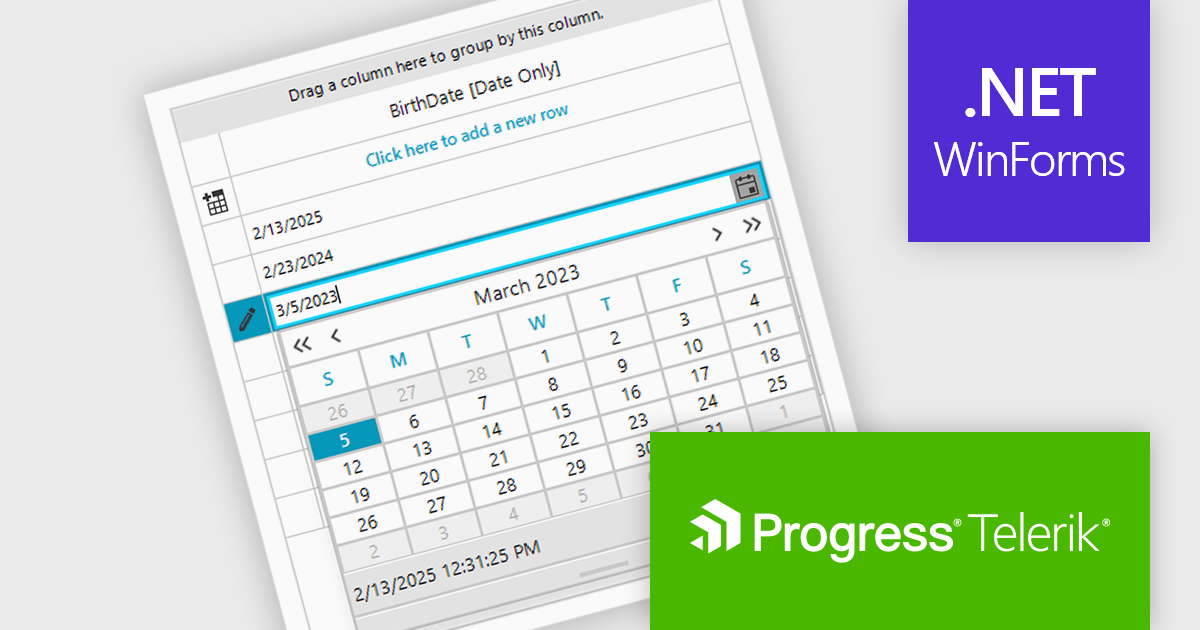
Telerik UI for WinForms is a comprehensive UI library offering over 160 versatile controls designed to streamline the development of modern, data-rich desktop applications. With features like built-in High DPI support, extensive customization options, and components ranging from grids and charts to schedulers and rich text boxes, it empowers developers to craft visually appealing and feature-packed Windows Forms applications.
The Telerik UI for WinForms 2025 Q1 update introduces dedicated support for .NET DateOnly column types in RadDataGrid. This update enhances the precision of date handling by allowing developers to bind, format, and edit date values without dealing with unnecessary time components. As a result, applications benefit from improved data accuracy, reducing potential errors in time-sensitive operations. This streamlined approach leads to greater reliability and offers developers a more efficient way to handle date data in their applications.
To see a full list of what's new in 2025 Q1 (2025.1.211), see our release notes.
Telerik UI for WinForms is licensed per developer and has two licensing models: an annual Subscription License and a Perpetual License. The Subscription license provides access to the latest product updates, technical support, and exclusive benefits for a flat annual fee, and must be renewed to continue using the software. The Perpetual license is a one-time purchase granting access to the current released version and includes a one-year subscription for product updates and technical support. After this initial period, users can choose to renew the subscription element to continue receiving updates and support; otherwise, they may continue using the installed version available during their active subscription term but will forgo future updates and support. See our Telerik UI for WinForms licensing page for full details.
Telerik UI for WinForms is available individually or as part of the following products:
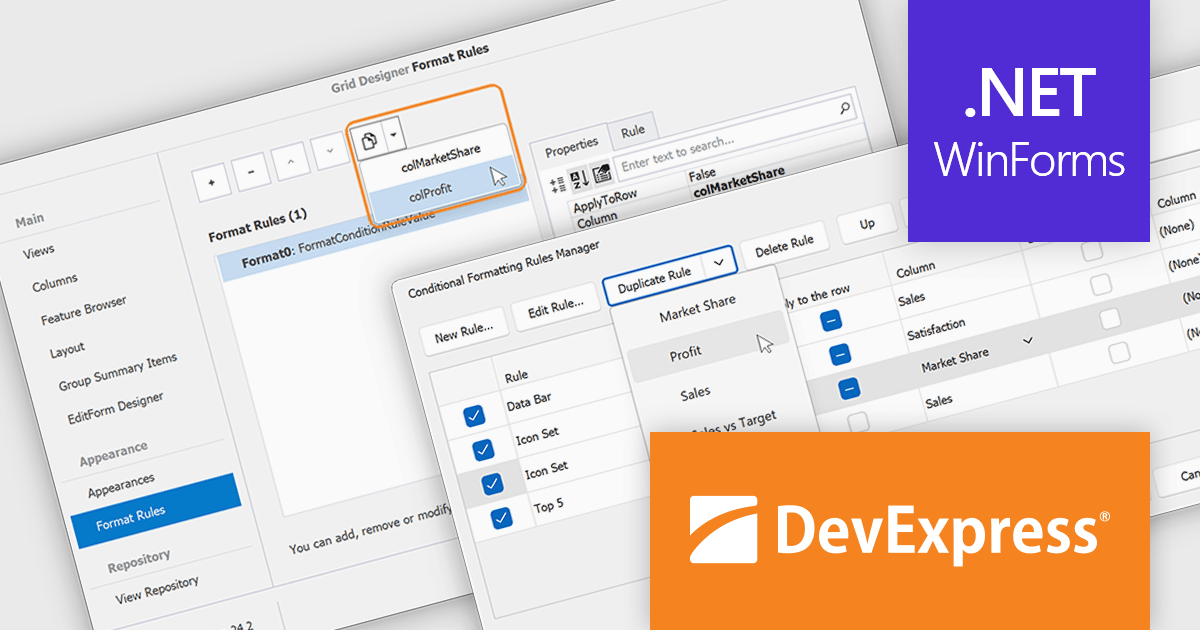
DevExpress WinForms is a comprehensive suite of 190+ UI controls and development tools designed for building high-performance desktop applications. It offers a broad array of customizable controls, from data grids and ribbon interfaces to advanced charts, maps, and diagramming components. This empowers developers to rapidly create functionally rich applications, while adhering to accessibility guidelines and touch-enabled technology for modern Windows environments.
The DevExpress WinForms v24.2 update introduces a rule duplication feature for conditional formatting, enabling developers to efficiently reuse and modify existing rules without manual recreation. This enhancement streamlines both design-time and runtime workflows, allowing quick adjustments to formatting logic across Data Grid, PivotGrid, TreeList, and Vertical Grid. By simplifying rule management within the Visual Studio Designer and at runtime, this update improves productivity, ensures consistency across UI elements, and reduces the effort required to maintain complex formatting configurations.
To see a full list of what's new in version 24.2, see our release notes.
DevExpress WinForms is licensed per developer and is available as a Perpetual License with a 12 month support and maintenance subscription. See our DevExpress WinForms licensing page for full details.
DevExpress WinForms is available individually or in the following products:
電話: (888) 850 9911
Fax: +1 770 250 6199


