













公式サプライヤー
公式および認定ディストリビューターとして200社以上の開発元から正規ライセンスを直接ご提供いたします。
当社のすべてのブランドをご覧ください。
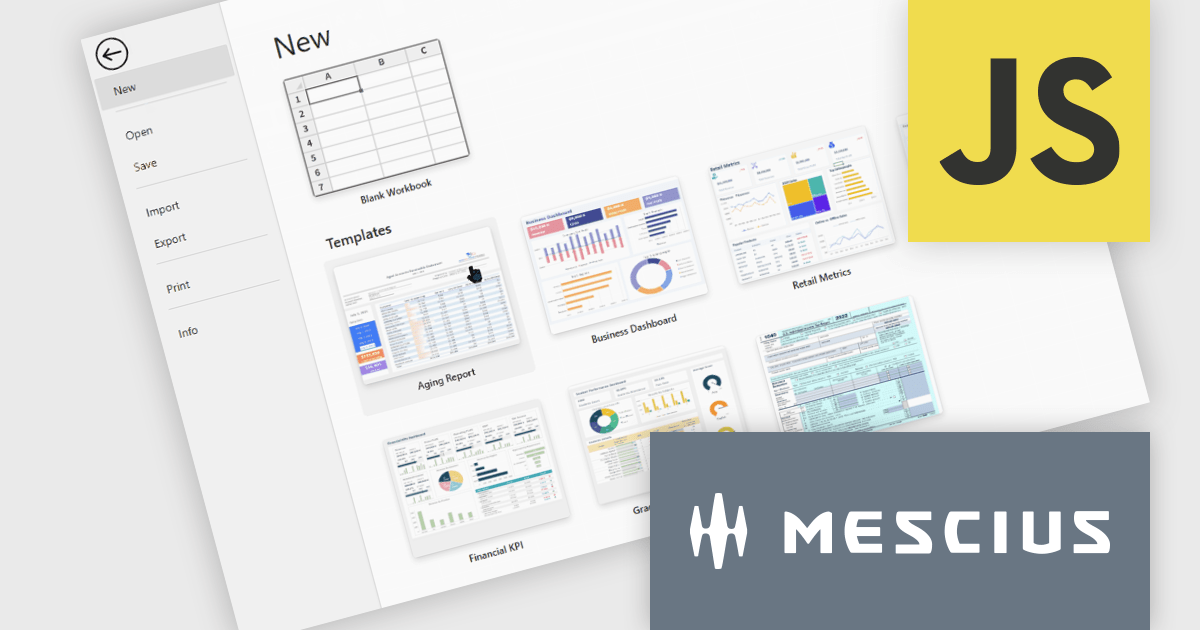
SpreadJS is a JavaScript spreadsheet and data visualization component built to deliver Excel-compatible functionality within web applications. It provides a flexible, high-performance interface for displaying and manipulating tabular data, supporting advanced features such as formulas, pivot tables, charts, conditional formatting, and data binding. SpreadJS integrates smoothly with popular frameworks like React, Angular, and Vue, and includes robust import and export capabilities for Microsoft Excel files. It is commonly used in enterprise applications where users need a responsive, interactive spreadsheet experience directly in the browser.
The SpreadJS 19.1.0 update enhances the designer with a new templatesConfig option, allowing developers to define template configurations for new workbooks. By loading templates from remote sources or preloaded data, applications can apply consistent styles and formats during initialization or reset operations, helping teams standardize workbook creation and simplify spreadsheet setup.
To see a full list of what's new in 19.1.0, see our release notes.
SpreadJS is licensed per developer and includes 1 Year Maintenance (major and minor version releases and unlimited support phone calls). SpreadJS requires an Annual or Perpetual Deployment License. The optional Add-ons are available at an additional cost, and require a SpreadJS license. See our SpreadJS licensing page for full details.
For more information, visit our SpreadJS product page.
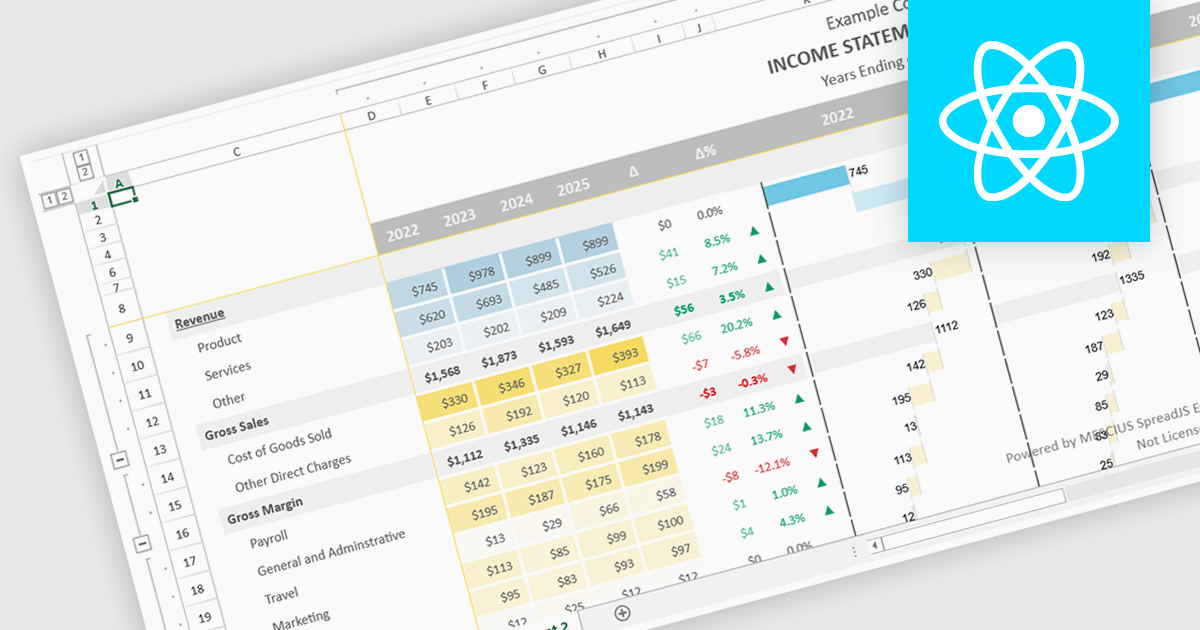
Conditional formatting support in a React spreadsheet component allows developers to apply dynamic visual styling to cells based on defined rules, values, formulas where supported, or predefined conditions, such as highlighting trends, thresholds, errors, or status changes as data changes. This capability improves data readability and usability by helping users identify important information quickly without manual analysis, while also enabling more interactive and responsive data-driven applications. For software developers, it provides a familiar spreadsheet experience within React applications, reduces the need for custom rendering logic, and supports the creation of dashboards, financial tools, reporting systems, and enterprise data management interfaces with clearer visual context.
Several React spreadsheet controls support conditional formatting including:
For an in-depth analysis of features and price, visit our React spreadsheet controls comparison.

ComponentSource and Pinexl have built a strong partnership over the past two years, focused on delivering Microsoft Excel productivity tools to developers and business users worldwide. Pinexl’s solutions are designed to simplify complex data tasks, combining intuitive interfaces with advanced functionality to help users analyze, visualize, and manage data more efficiently.
Their Excel add-ins, including AI-powered and business intelligence focused tools, enable users to automate formula creation, generate and refine code, and transform raw spreadsheet data into clear insights and professional dashboards directly within Excel.
Through this collaboration, ComponentSource expands its offering with modern, high quality Excel based tools that stand out for their usability and professional design. The partnership also ensures that Pinexl’s products reach a global audience through ComponentSource’s established distribution network, helping customers access reliable tools wherever they are.
Learn more about Pinexl.
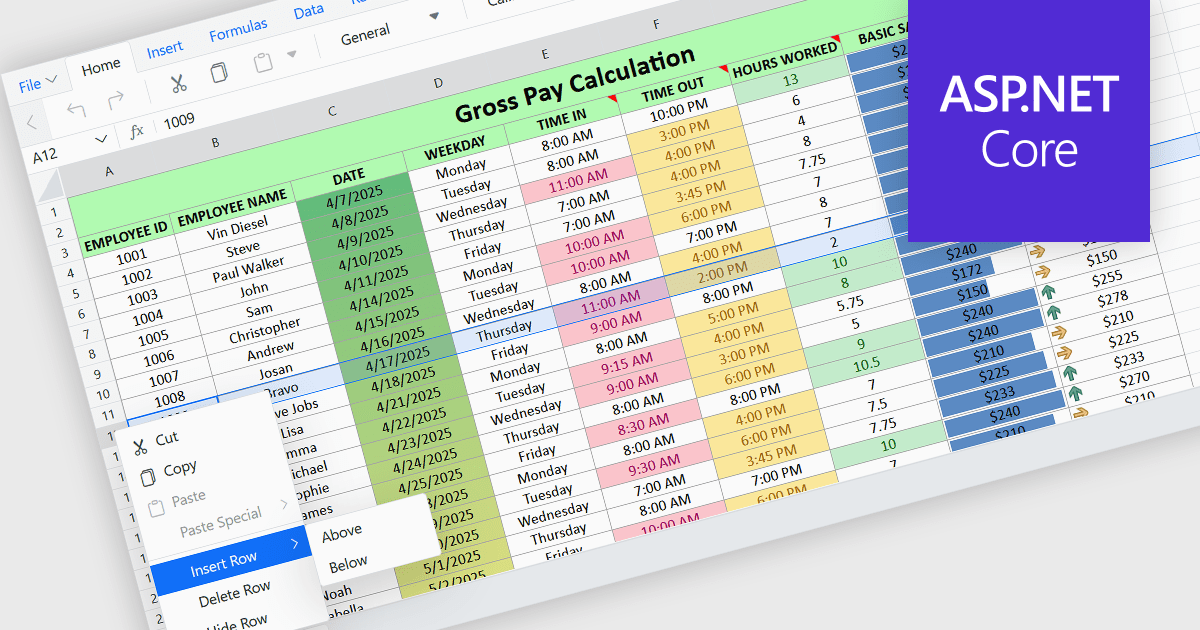
Inserting rows in spreadsheet components enables users to expand and reorganize data dynamically within a worksheet. It supports common data management tasks such as adding new records, adjusting layouts, and maintaining structured datasets without disrupting existing content. By integrating row insertion directly through APIs, applications can offer a familiar and efficient spreadsheet experience for users working with tabular data.
Several ASP.NET Core spreadsheet controls offer support for inserting rows including:
For an in-depth analysis of features and price, visit our ASP.NET Core spreadsheet controls comparison.
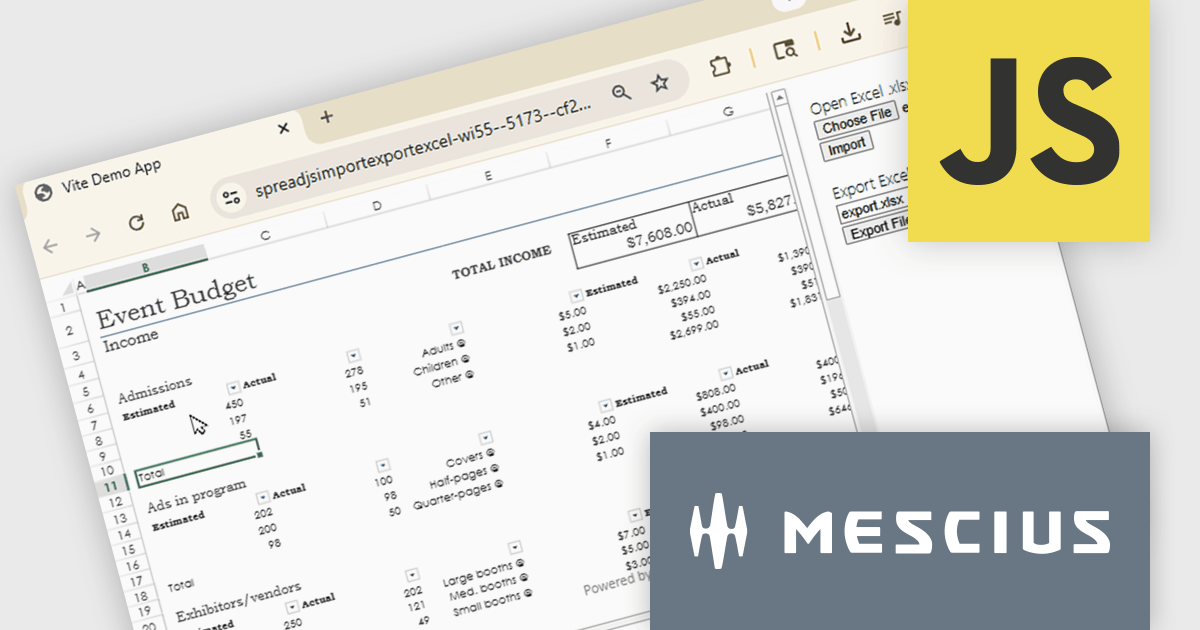
SpreadJS is a complete enterprise JavaScript spreadsheet solution used to create financial reports and dashboards, budgeting and forecasting models, scientific, engineering, healthcare, education, science lab notebooks, and other similar JavaScript business applications. Leverage the high-speed calculation engine with over 500 Excel built-in functions in 19 languages, to deliver true Excel-like spreadsheet experiences with zero dependencies on Excel.
In this online tutorial from MESCIUS, you will learn the critical steps allowing you to import/export XLSX files using JavaScript. Steps include:
Detailed sample code is included to help you along the way.
View the tutorial now and get started working with spreadsheet files in your JavaScript applications.
SpreadJS is licensed per developer and includes 1 Year Maintenance (major and minor version releases and unlimited support phone calls). SpreadJS requires an Annual or Perpetual Deployment License. The optional Add-ons are available at an additional cost, and require a SpreadJS license. See our SpreadJS licensing page for full details.
For more information, visit our SpreadJS product page.
電話: (888) 850 9911
Fax: +1 770 250 6199


