













公式サプライヤー
公式および認定ディストリビューターとして200社以上の開発元から正規ライセンスを直接ご提供いたします。
当社のすべてのブランドをご覧ください。
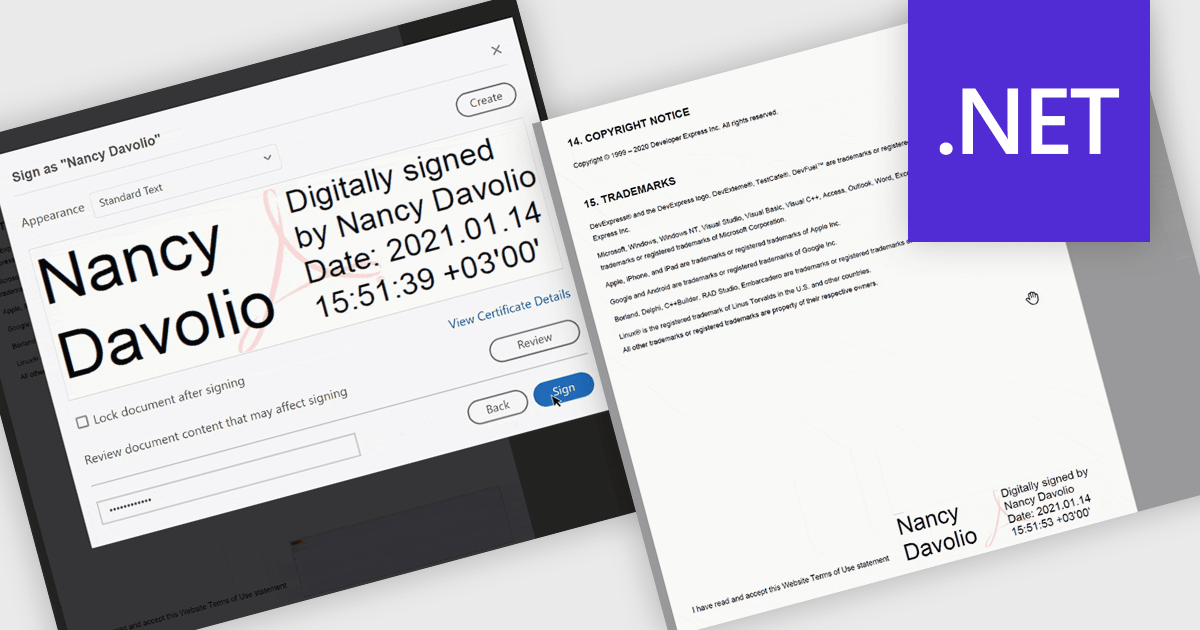
PDF visual signatures allow you to embed a clear, on-page representation of a digital signature directly into your exported reports, combining the security of a certified digital signature with the clarity of a visibly signed document. This feature instantly communicates authenticity and approval, helping recipients quickly verify who signed the report without navigating hidden metadata. It enhances professionalism with styled signature blocks that can include names, titles, dates, or branding elements, reinforcing trust and consistency across all distributed documents. Common use cases include signed invoices, compliance reports, approval forms, contracts, certificates, and any document that requires both a secure digital signature and a visually identifiable sign-off for clarity and reassurance.
Several .NET Reporting controls offer PDF visual signature support including:
For an in-depth analysis of features and price, visit our .NET Reporting controls comparison.
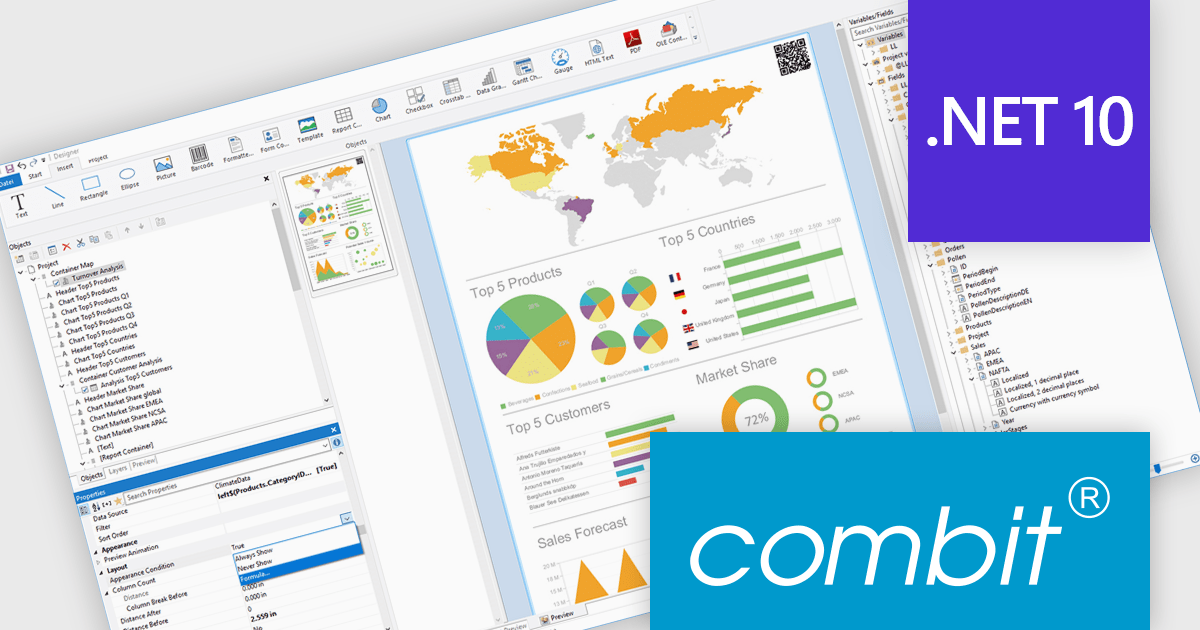
List & Label by combit is a software development toolkit that helps developers to integrate comprehensive reporting functionalities into their desktop, web, and cloud applications. It offers features such as data binding, complex data visualization, and a user-friendly report designer, along with printing, exporting, and previewing capabilities. List & Label operates independently of programming languages and data sources, providing developers with the flexibility to design and deliver informative reports within their development environment.
combit adds .NET 10 support to ensure developers can adopt the newest framework without compatibility concerns, allowing existing reporting logic, data integrations, and application code to run reliably on a modern, secure, and high-performance platform. This update helps teams optimize their upgrade path, maintain a consistent technology stack, and build applications that remain maintainable and future-ready as the .NET ecosystem evolves.
List & Label is licensed per developer and is available as a Perpetual License with a 12 month support and maintenance subscription. See our List & Label licensing page for full details.
List & Label is available in the following products:
ActiveReports.NET from MESCIUS, is a comprehensive reporting solution for developers building applications in .NET. It helps you to design and deliver visually appealing reports through user-friendly designers and a wide range of controls. ActiveReports simplifies report creation and distribution with a versatile API, rich data source connectivity, and support for multiple export formats. This translates to increased developer productivity and improved end-user experience with powerful reporting functionalities within your .NET applications.
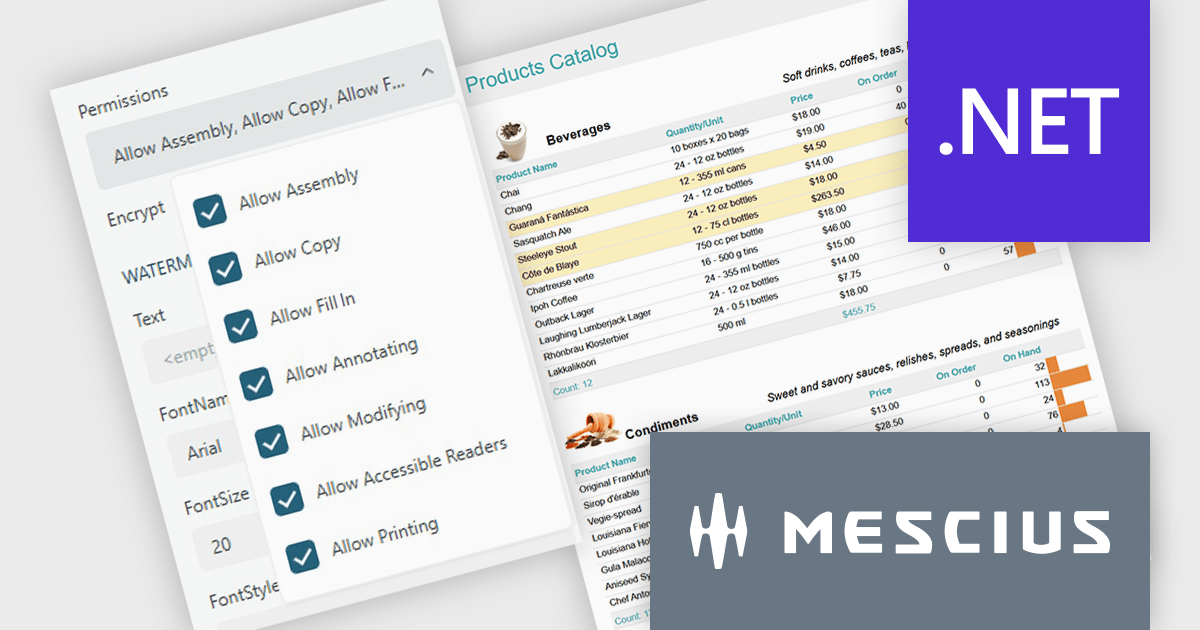
The ActiveReports.NET v19.2 update introduces configurable permissions for PDFs exported from Web Viewers, allowing developers to apply precise controls over how end users interact with generated documents. By enabling encryption and selecting permissions such as copying, printing, annotating, modifying, filling forms, and accessing content through assistive readers, developers can enforce security, compliance, and workflow requirements directly within the export process. This update optimizes permission management across the JS Viewer, Blazor Viewer, and ASP.NET WebViewer, providing a consistent and efficient way to govern document behavior without additional code or external tooling.
To see a full list of what's new in v19.2, see our release notes.
ActiveReports.NET is licensed per developer and is available with or without a 12 month support and maintenance subscription. See our ActiveReports.NET licensing page for full details.
Learn more on our ActiveReports.NET product page.
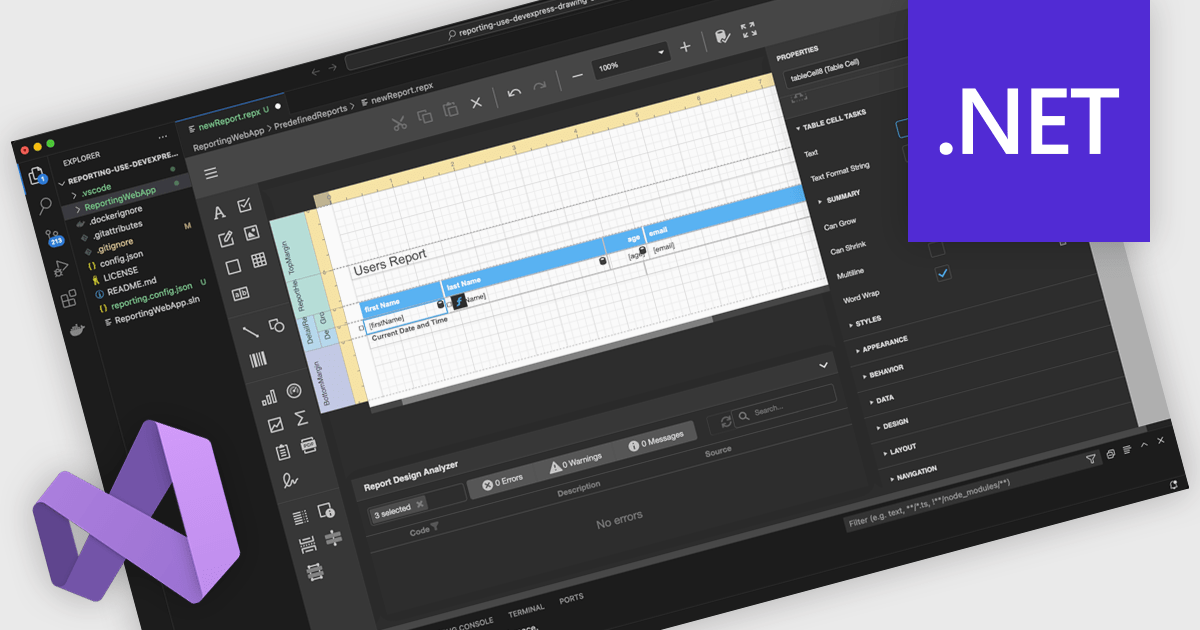
A Visual Studio integrated report designer lets developers create and edit report layouts directly inside the Visual Studio IDE, instead of using a separate reporting tool. Report definitions live alongside application code, data models, and resources, improving integration, maintenance, and use of source control and CI/CD. Developers work in a familiar environment with drag-and-drop layout design, property grids, and IntelliSense-backed expressions, plus the option to add custom logic in C# or VB. Typical use cases include interactive sales dashboards, operational reports, and audits where teams must quickly iterate, bind live data, and preview results.
Several .NET reporting controls offer Visual Studio integrated designers, including:
For an in-depth analysis of features and price, visit our .NET reporting controls comparison.
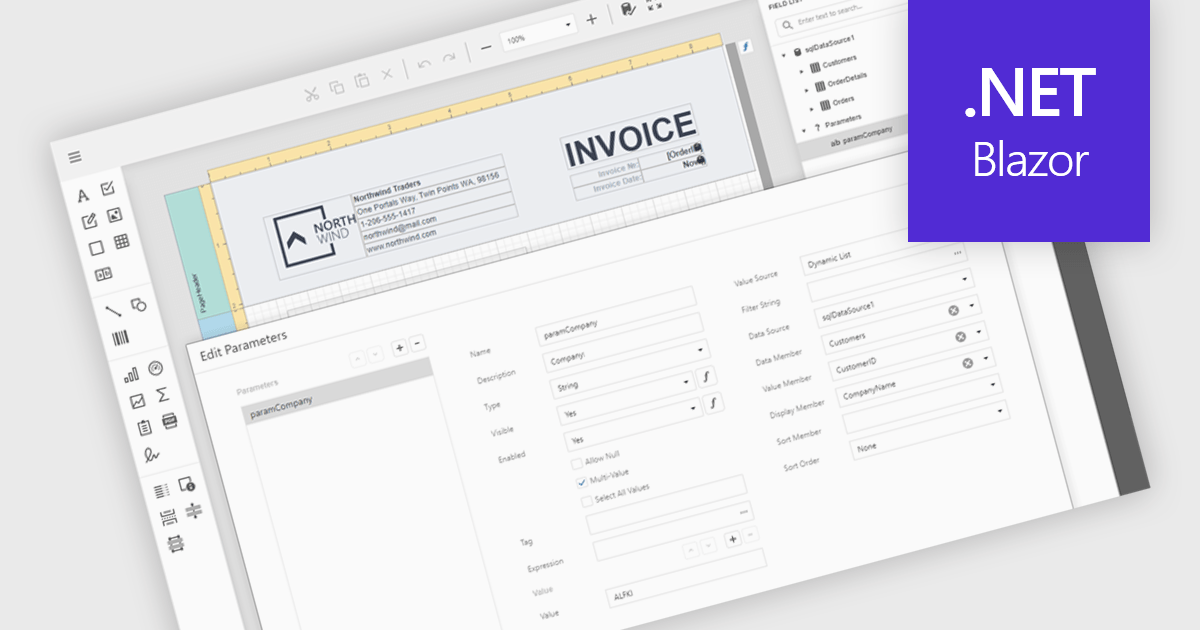
Data filtering and grouping in reporting help users organize and analyze information more efficiently by showing only the data that matters most. Filtering refines report results based on specific criteria such as date, category, or value, while grouping arranges related data into clear sections for easier comparison. Together, they improve clarity, speed up analysis, and reveal meaningful patterns. For example, a sales manager can view current quarter transactions grouped by region, or a finance team can review expenses filtered by department for more accurate insights.
Several .NET Blazor reporting controls offer data filtering and grouping including:
For an in-depth analysis of features and price, visit our comparison of .NET Blazor Reporting Controls.
電話: (888) 850 9911
Fax: +1 770 250 6199


